




Tasks are currently in beta. We'd love to hear your feedback! Share your suggestions and observations on our feedback board.
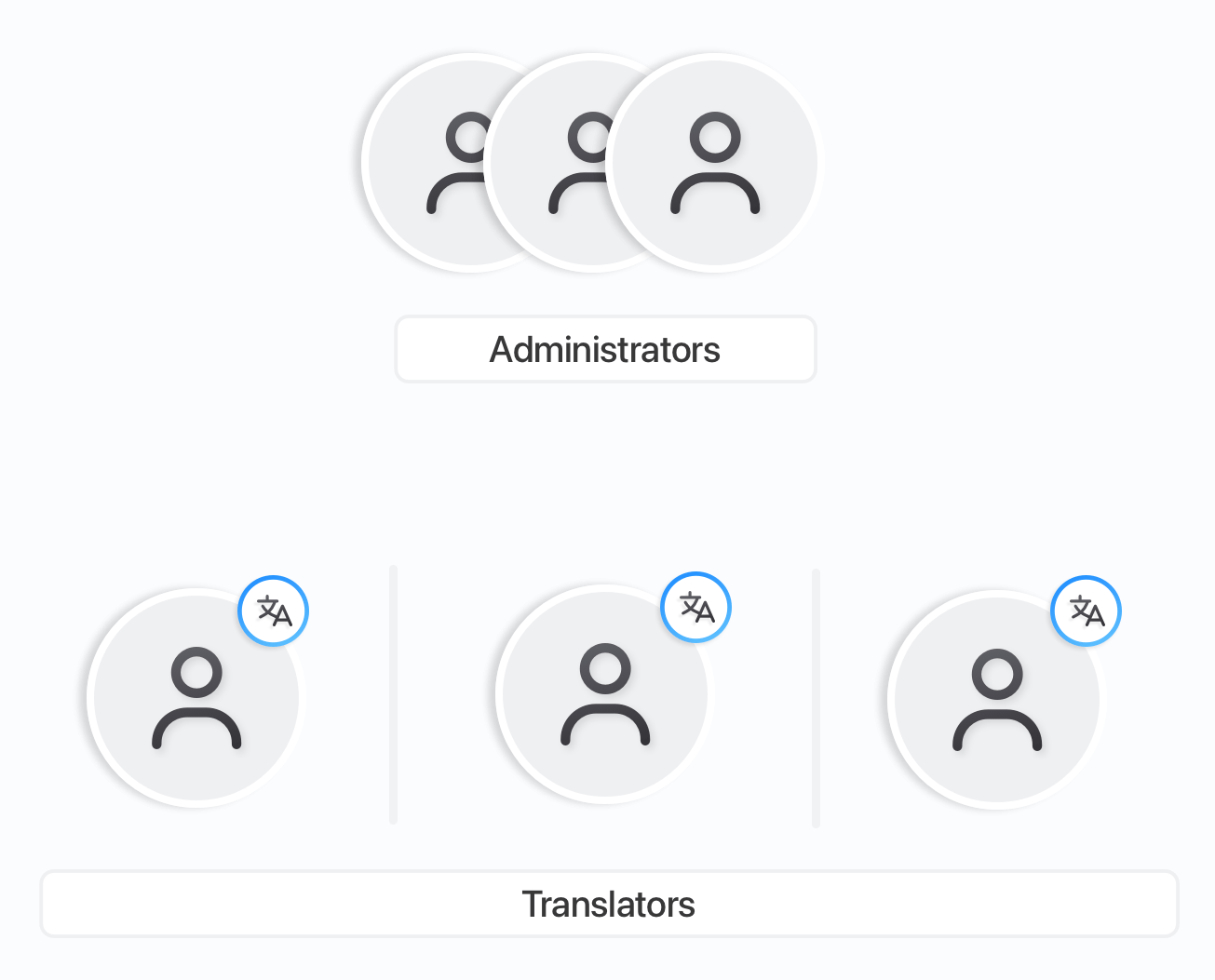
Tasks are a great way to coordinate work between team members. You can use them to assign translation-related activities to translators, or translators can use them to communicate with developers, for example, to request additional context for selected translation keys.
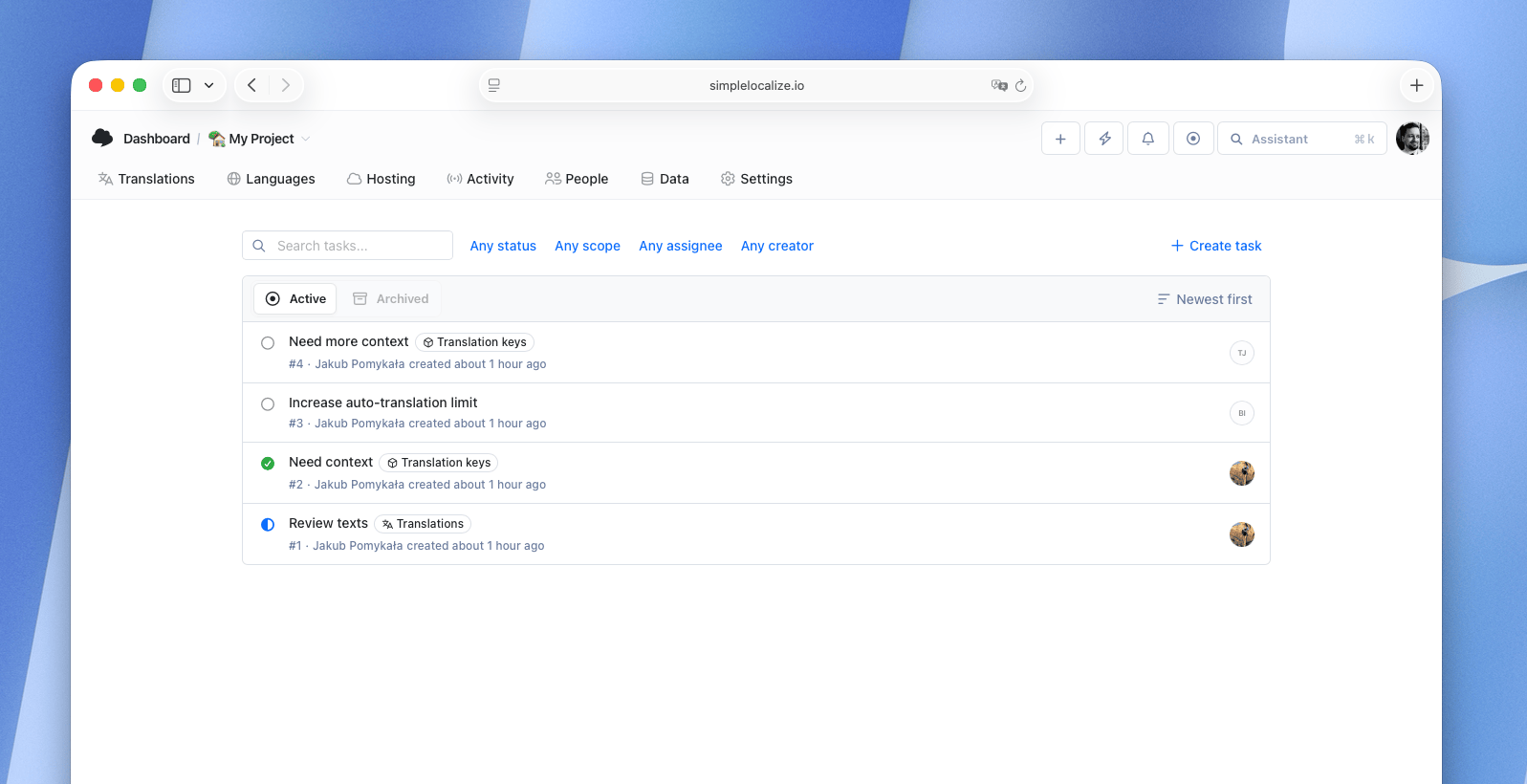
Enabling tasks
Tasks can be enabled or disabled in Project Settings. Only project owners and administrators can change this setting. When disabled, the Tasks tab and all task-related features are hidden from all project members.
Creating tasks
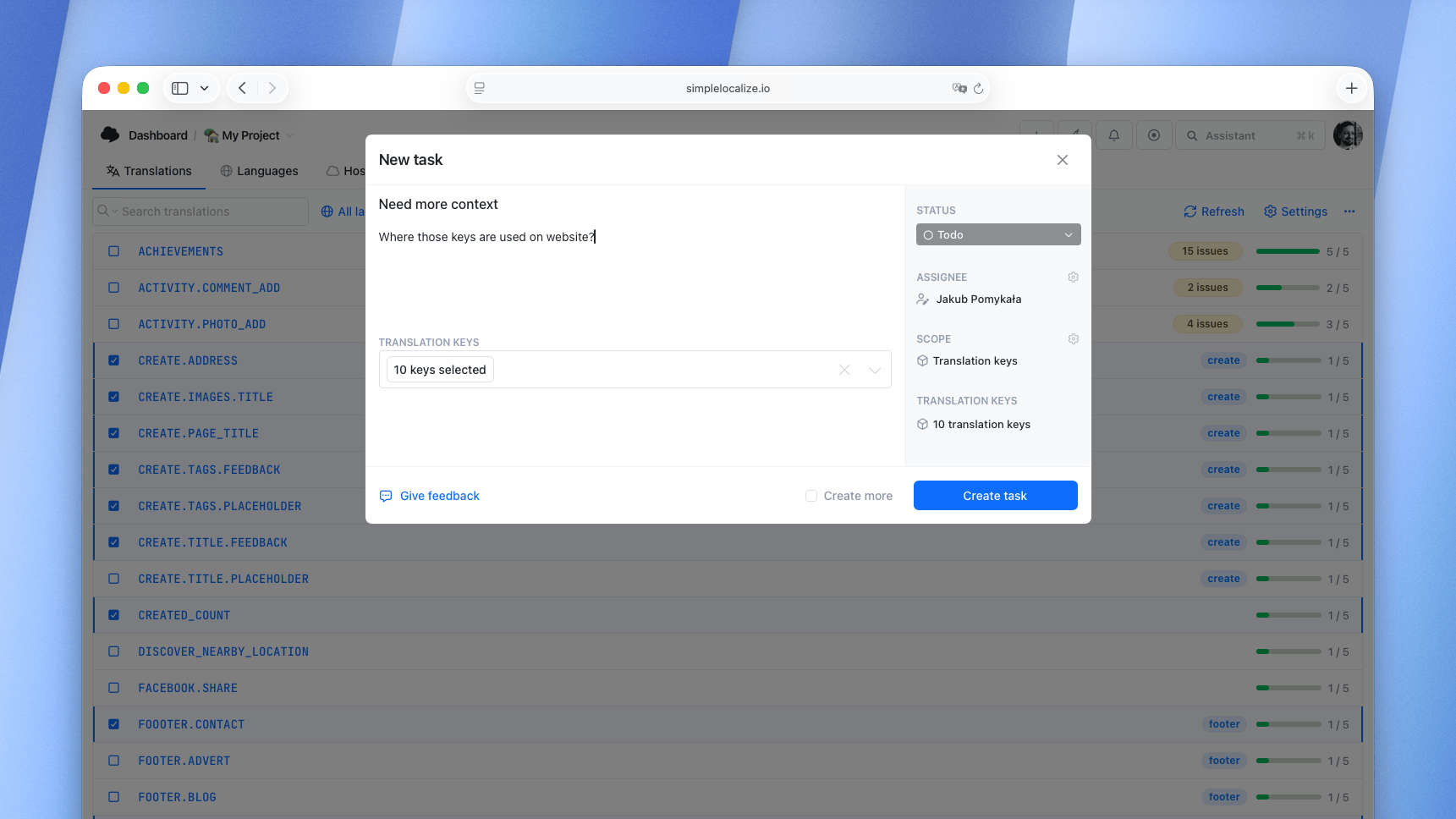
Every project member can create tasks, including translators. Each task consists of a title, an optional description, a status, an optional assignee, and a scope.
Task scope
Every task can have a scope that defines the context in which the task should be completed. The scope makes it easy to narrow down and understand what the task is about.
There are three types of scope:
Project
A general-purpose task that applies to the whole project. Use it for broad requests like "Review all translations before release" or "Update glossary terms".
Translation keys
A task scoped to specific translation keys. Use it when the task is related to particular keys, for example: "Add context for these keys" or "Review naming conventions for these keys".
Translations
A task scoped to specific translation keys and languages. This is the most specific scope, use it when work needs to be done on particular translations, for example: "Review French translations for these keys" or "Fix pluralization for German".
Task statuses
Each task has a status that indicates its current state:
- Todo - task is created and waiting to be started.
- In Progress - task is currently being worked on.
- On Hold - task is paused or blocked.
- Done - task is completed.
- Closed - task is closed without completion.
Assignee
Tasks can be assigned to any project member. The assignee can see their tasks in the My Tasks panel for quick access.
Comments
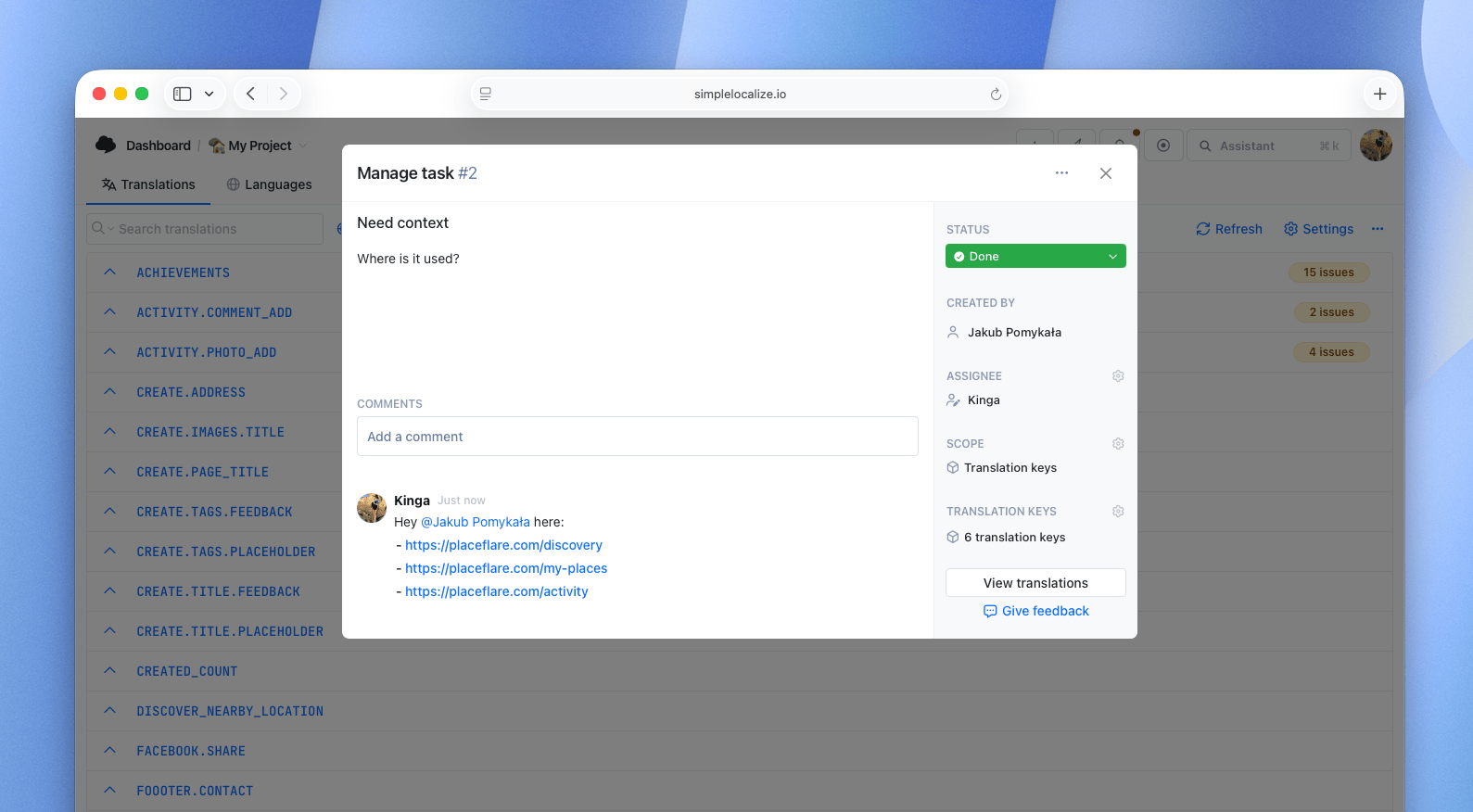
Team members can leave comments on tasks to discuss details, ask questions, or provide updates. Comments support @mentions to notify other team members.
Notifications
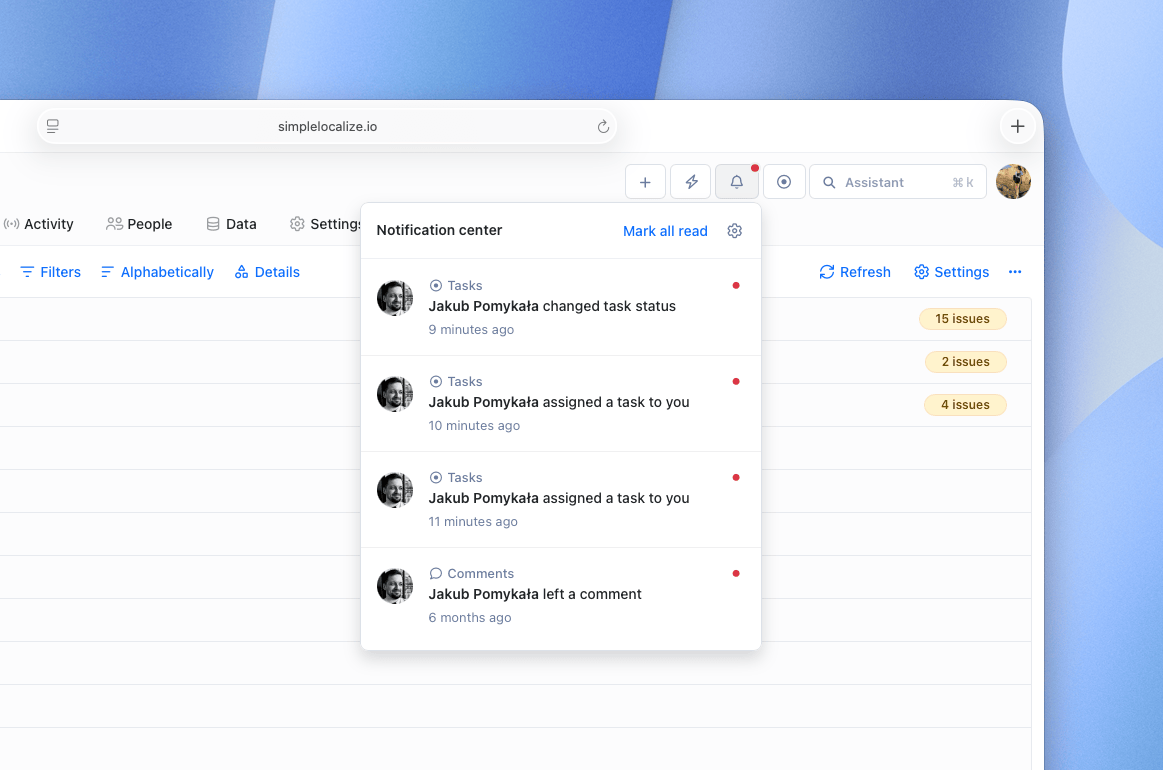
When you are mentioned in a comment or assigned to a task, you will receive a notification. This helps you stay up-to-date with the tasks that require your attention.
Archiving tasks
Completed or no longer relevant tasks can be archived. Archived tasks are hidden from the default task list but can still be viewed using the "Archived" filter. Archived tasks can be restored at any time.
Permissions
- Project administrators - can create, edit, assign, archive, and manage all tasks.
- Translators - can create tasks and change the status of tasks assigned to them. However, translators cannot assign tasks to other translators and cannot mention other translators in comments.