Community Translation Platform
Enable collaborative translation and crowdsourced localization for your app. Let your users suggest, vote, and improve translations directly. No subscription required. Zero configuration. Easy setup.
Community-led localization
Public Suggestions enables translation crowdsourcing directly from your user base.
Collect user-generated translations, let contributors vote on the best options, and ship higher-quality localizations.
Collaborative translation at scale
Open your localization process to the people who know your product best: your users. Public Suggestions turns your community into contributors who help translate and refine your app in every language.
Unlimited contributors
Share your project with unlimited contributors without worrying about additional costs or limitations. There is no limit to the number of people who can suggest translations. Contributors don't take seats in your plan which is perfect for open-source localization tools and large communities.
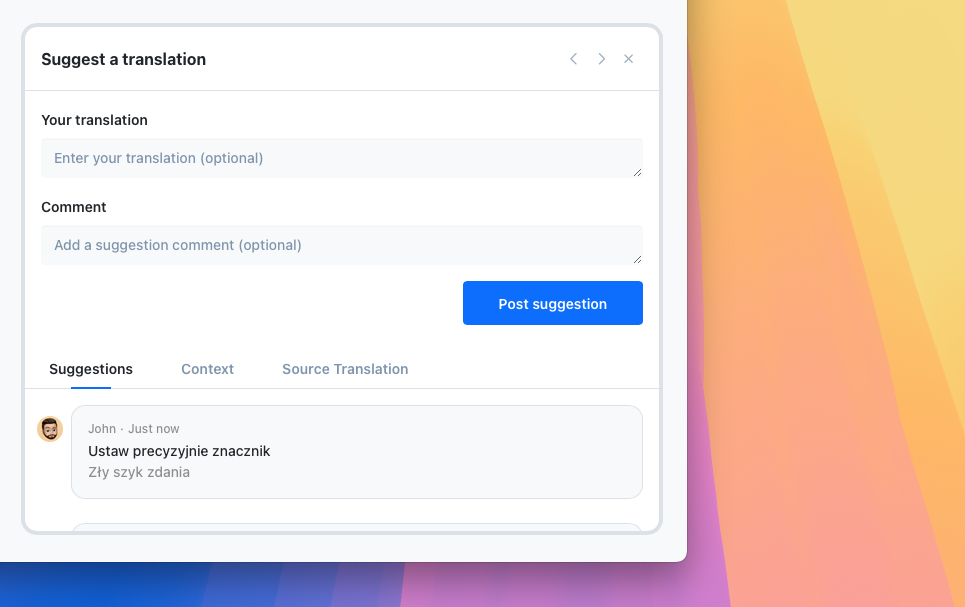
Community voting on suggestions
Let your community vote on the best translation for every string. When multiple users agree on a suggestion, you can approve it with confidence, even without being a native speaker. Voting reduces your review workload and surfaces the highest-quality translations automatically.
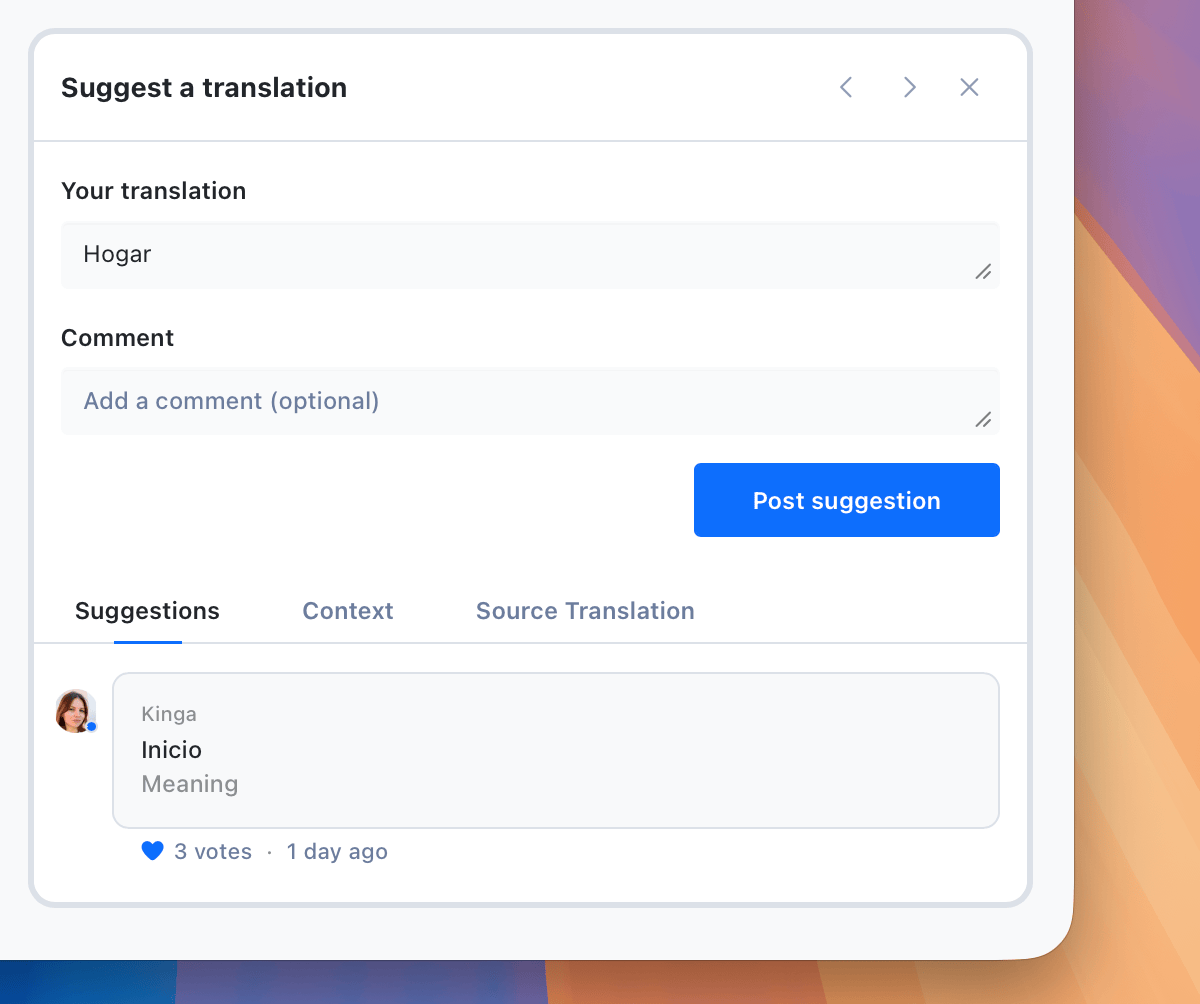
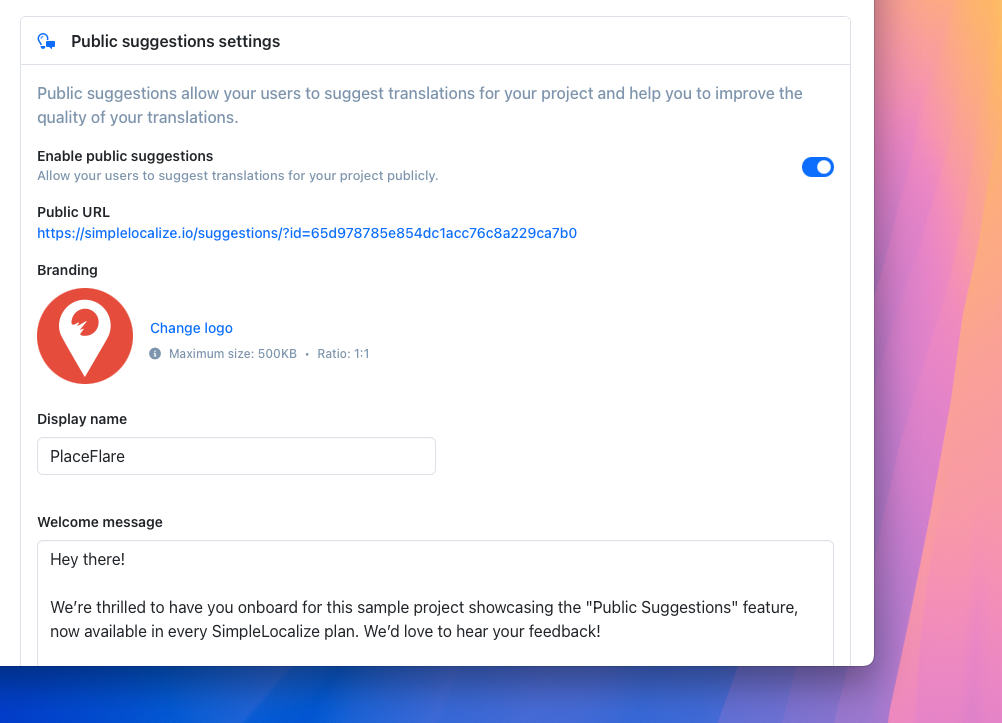
Zero configuration
No setup needed. Enable collaborative translation for any project in SimpleLocalize with just a few clicks. Post a link to your suggestions page and start gathering user-generated translations immediately.
Who is it for?
Public Suggestions works for any team that wants to localize an app for free with help from their community
SaaS Startups
Scale to new markets fast without hiring translators upfront. Your early adopters in each region become your first localization team.
Open-Source Projects
The perfect bridge for non-technical contributors who want to help with community-led localization but aren't comfortable with GitHub or JSON files.
Mobile Apps
Get authentic local slang, context, and phrasing from real users in every market. Native speakers deliver translations that feel natural, not machine-generated.
Traditional translation vs. crowdsourced localization
See how a community translation platform compares to hiring professional translators
| Traditional Translation | Public Suggestions | |
|---|---|---|
| Cost | $0.05-0.20 per word | Free (community-driven) |
| Speed | Days to weeks per language | Continuous, real-time |
| Community engagement | None | High (users feel ownership) |
| Quality control | Relies on translator expertise | Peer voting + team review |
| Scalability | Linear cost per language | Scales with user base |
Quick Start
Follow these steps to enable Public Suggestions for your project and start gathering translations from your users
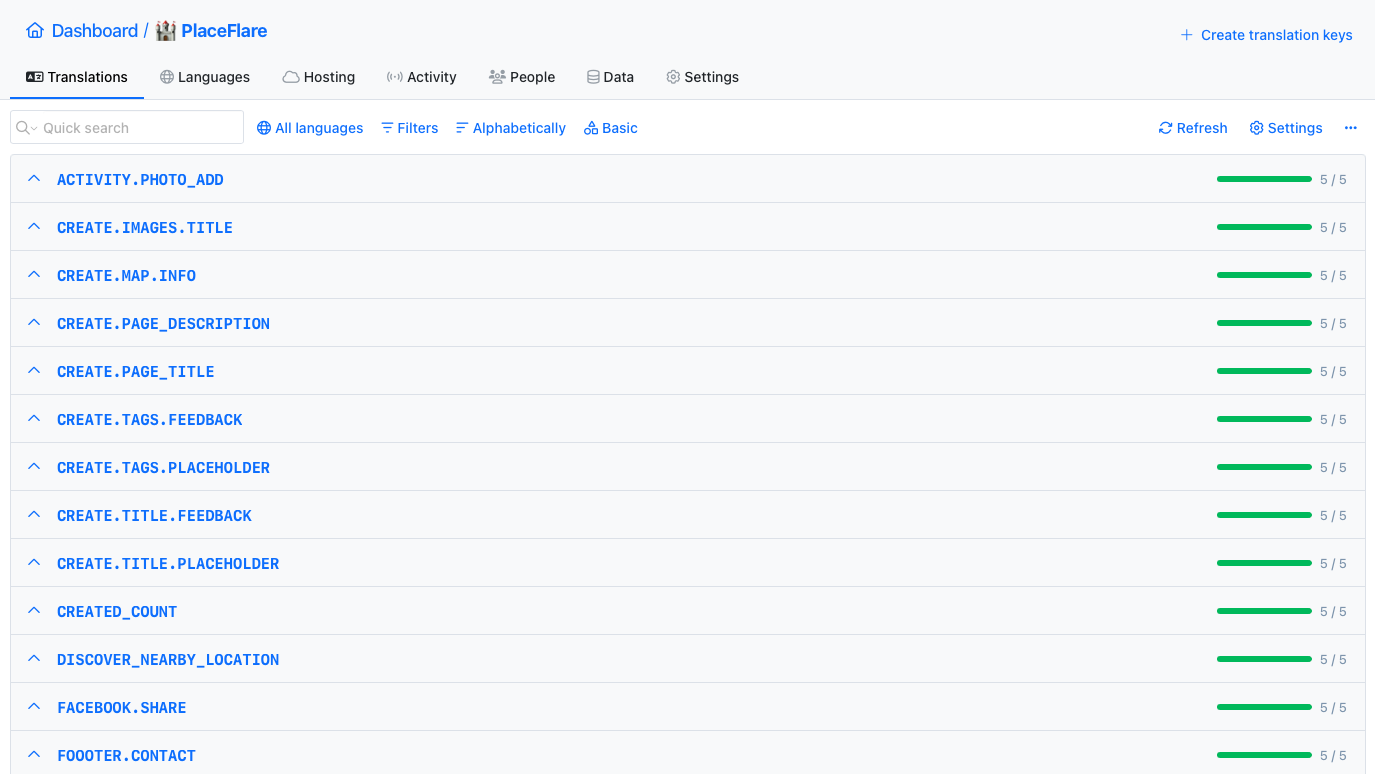
Upload localization files
1Create a new SimpleLocalize project or use an existing one. Make sure you have uploaded your localization files with source translations, and you added a few languages to your project.
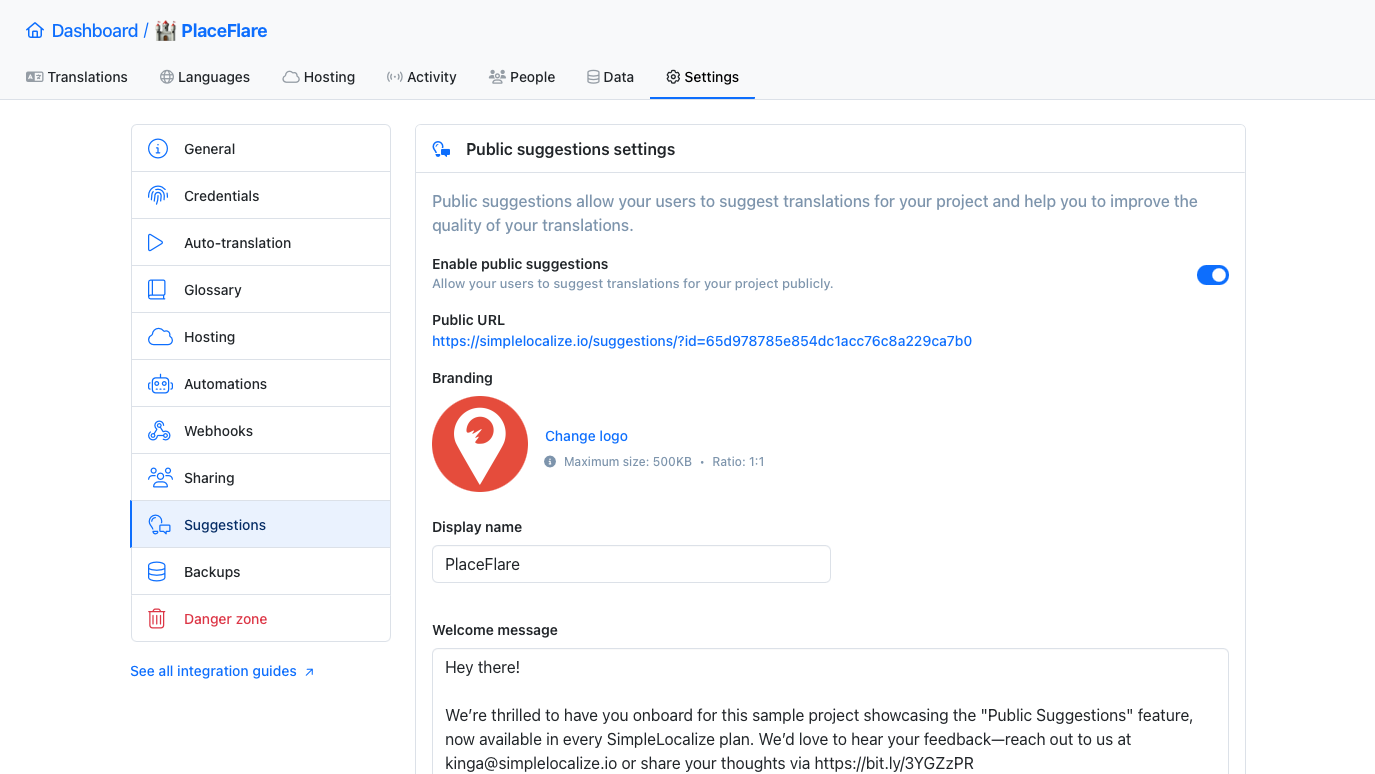
Enable suggestions
2Turn on public suggestions in the project settings. You can add a welcome message for your users, upload your logo, and choose which languages you want to enable suggestions for.
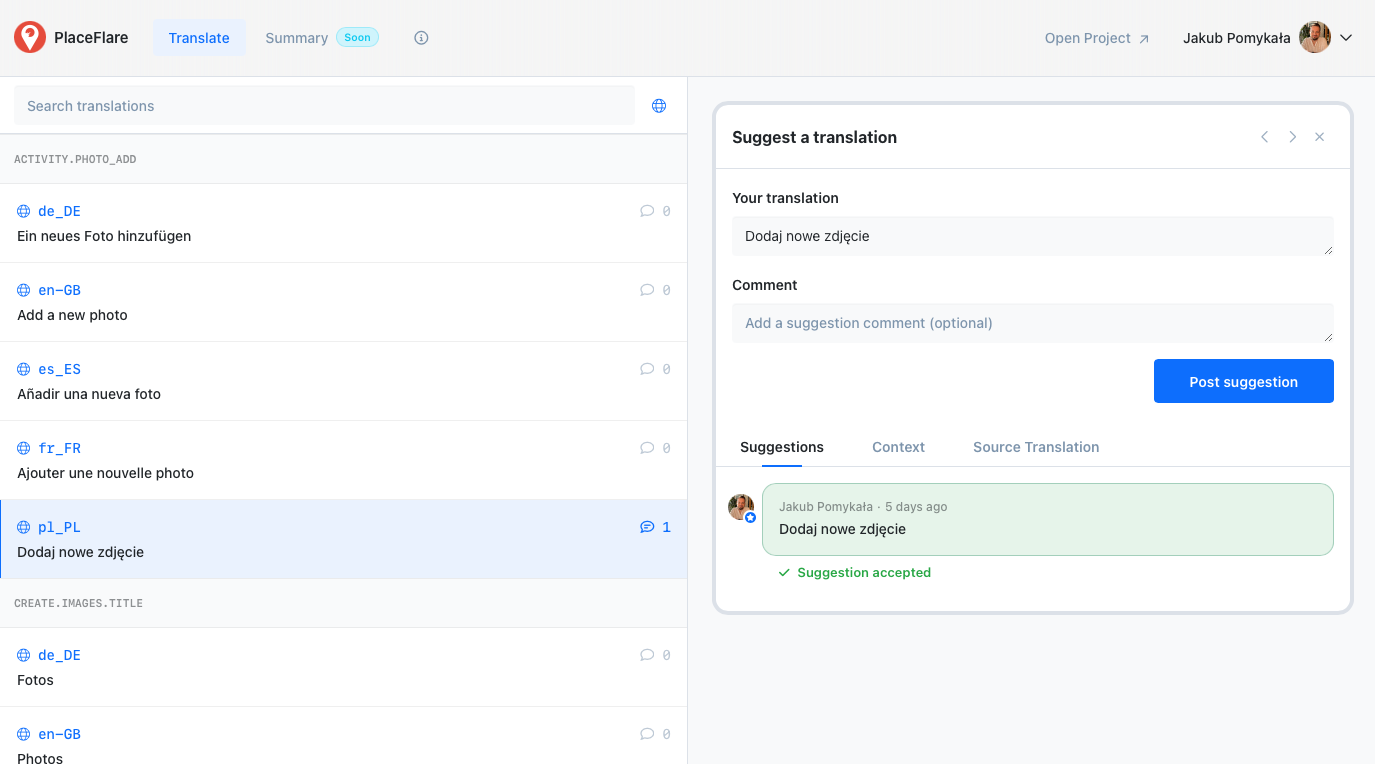
Add link to your website or app
3Publish a link to your suggestions page hosted by SimpleLocalize. You can put it in your website footer or add a button in your application where it's easy to find for your users.
Why SimpleLocalize?
Most tools are overkill.
SimpleLocalize is fast, simple, and works out of the box.
Fast and customizable
SimpleLocalize is easy to get started with and focuses on the features that you and your team need the most. You can customize the editor to your needs choosing from a variety of options.
Flat pricing
No hidden costs! SimpleLocalize offers a simple and affordable plans for you and your projects. Within easy integration options and intuitive translation editor, it creates a wonderful selection.
Team members included
Every paid plan comes with a number of users you can add to your project. You don't need to worry about number of users as the price does not increase with every user.
Auto-translation included
Every paid plan comes with auto-translation characters that you receive every month. You can also use bring your own API keys and use them with SimpleLocalize in any plan (even free!).
Tools for Developers
SimpleLocalize gives developers the tools they need to automate and integrate localization into any workflow, such as CLI tool, VS Code extension, IntelliJ plugin, Figma integration, and more.
Personal support
From “how do I get started” to “I need XYZ” requests, when you need that extra helping hand, we’re here for you. We are here to make sure you get the most out of SimpleLocalize.

Get started with SimpleLocalize
- All-in-one localization platform
- Web-based translation editor for your team
- Auto-translation, QA-checks, AI and more
- See how easily you can start localizing your product.
- Powerful API, hosting, integrations and developer tools
- Unmatched customer support
"The product
and support
are fantastic."
"The support is
blazing fast,
thank you Jakub!"
"Interface that
makes any dev
feel at home!"
"Excellent app,
saves my time
and money"
Related articles
Read more about auto-translation and translation management
Best free translation tools for developers (APIs, TMS & open source)
Discover the best free translation tools developers can actually use — from translation APIs and open-source tools to lightweight TMS platforms like SimpleLocalize.
Tips for effective auto-translation in software localization
Check out our tips for effective auto-translation in software localization using SimpleLocalize. Learn how to set up your project for best auto-translation results.
AI-Powered localization workflows for software translation
Use AI-powered workflows to speed up software localization, integrate with CI/CD pipelines, and ensure translations are accurate, consistent, and release-ready.
List of AI and machine translation providers
Compare leading AI and machine translation providers like DeepL, Google Translate, OpenAI, and others. See how to choose the best one for your localization needs.
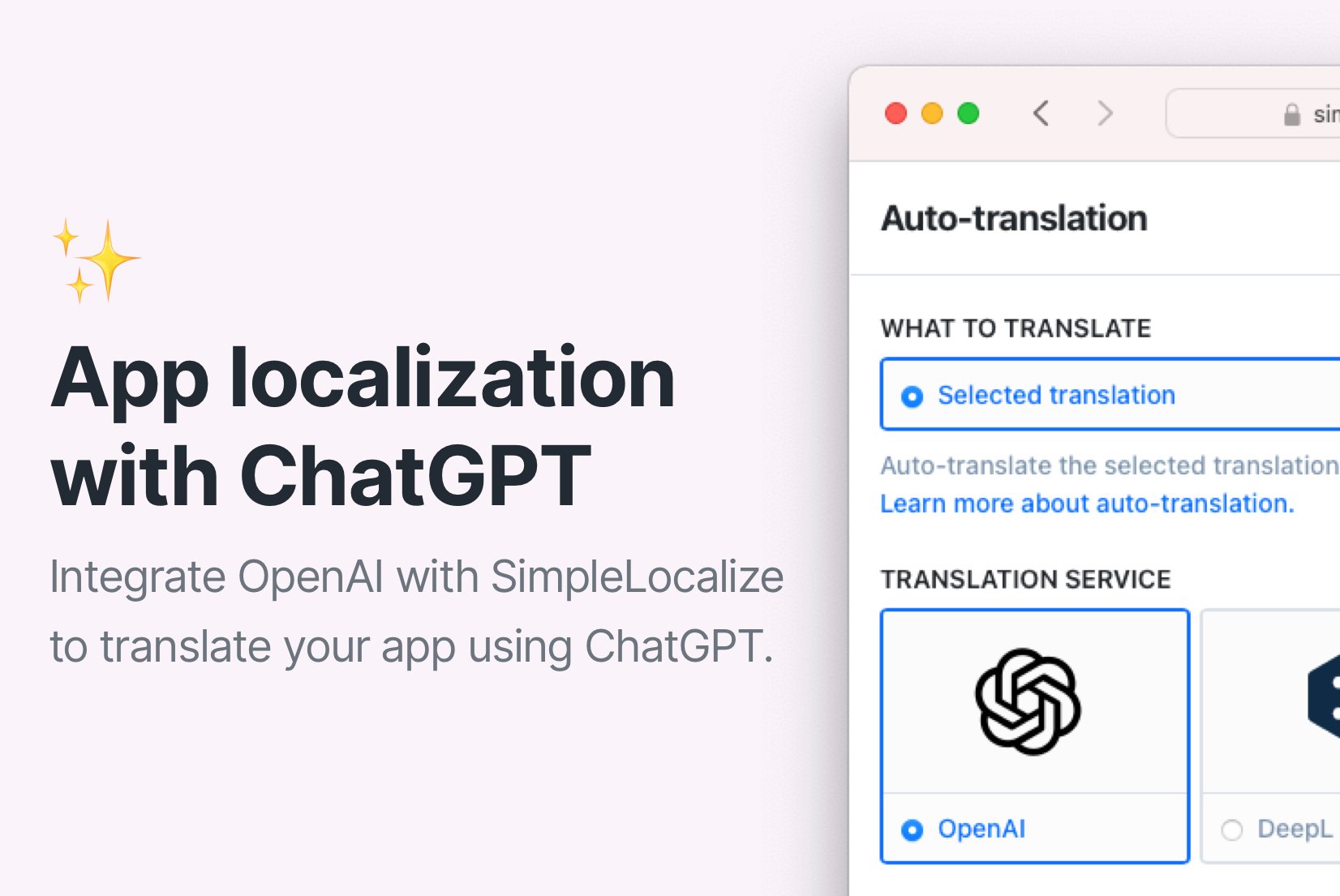
Simple AI-powered app localization with ChatGPT
Auto-translate your app with ChatGPT and SimpleLocalize to automate the localization process. A step by step guide on how to integrate ChatGPT with SimpleLocalize.
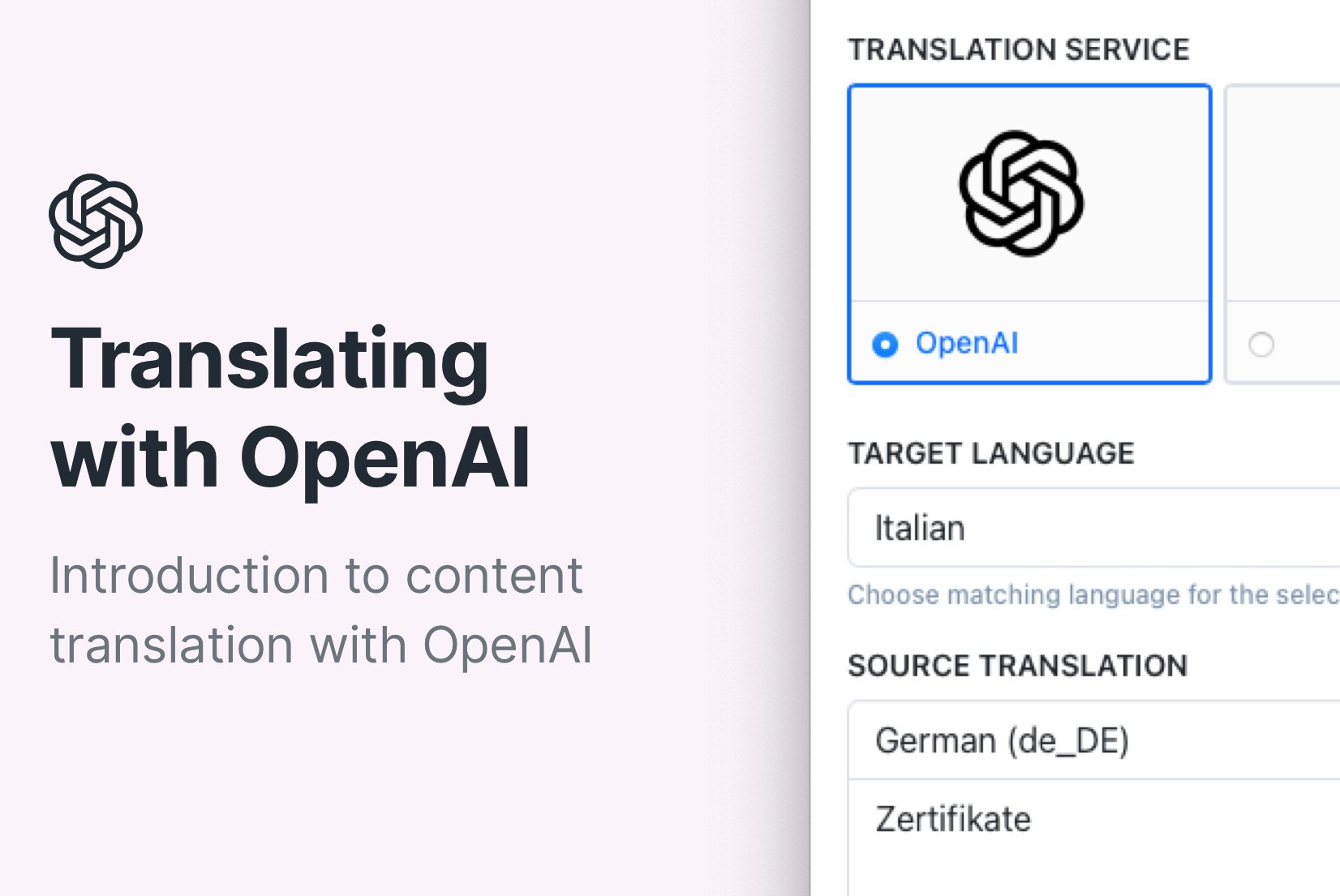
How to translate a website or app using OpenAI?
Learn how to translate your website or app with OpenAI and SimpleLocalize. Explore benefits, limitations, and step-by-step integration setup for smooth translations.
Frequently asked questions
Is Public Suggestions suitable for open-source projects?
Absolutely. It's the perfect bridge for non-technical contributors who want to help with localization but aren't comfortable with GitHub or JSON files. Share a link to your suggestion page and let anyone in your community propose translations without needing to understand your codebase.
Can I moderate suggestions before they go live?
Yes. No suggestion is added to your production build until a project manager reviews and approves it in the Translation Editor. You have full control over what gets published.
How does community voting work?
When multiple users submit suggestions for the same string, community members can vote on their preferred option. The most popular translations rise to the top, helping your team approve with confidence, even without being a native speaker of the target language.
Is there a limit on the number of contributors?
No. You can invite unlimited contributors to suggest translations. They don't consume seats in your plan, so there are no additional costs regardless of community size.
How do I localize an app for free using Public Suggestions?
Create a free SimpleLocalize account, upload your source translation files, enable Public Suggestions in your project settings, and share the link with your users. Your community can start submitting user-generated translations immediately, no paid translator required.
Can I use Public Suggestions alongside AI auto-translation?
Yes. A common workflow is to auto-translate your project first to get a baseline, then enable Public Suggestions so your community can review and improve the machine-generated translations with native-speaker context and phrasing.
What is a community translation platform?
A community translation platform enables collaborative translation by letting your users suggest, vote on, and refine translations for your application. SimpleLocalize's Public Suggestions feature turns your user base into a distributed localization team. You can enable it for any project — when activated, users see a suggestion form where they can propose translations for any string. Your team reviews and approves suggestions in the translation editor before publishing.
How does translation crowdsourcing work?
SimpleLocalize hosts a publicly available suggestion page for your project. Users submit translation suggestions and vote on existing ones. Once submitted, suggestions appear in your translation editor where any team member with the right permissions can review, approve, or reject them. This crowdsourced localization approach combines the scale of community input with the quality control of professional review.
Open-source localization tools for community-driven projects
If you are working on an open-source project used by non-technical users, Public Suggestions lets your community contribute translations without creating pull requests or editing JSON files. It's the easiest way to keep your project localized and up-to-date with help from the people who actually use it. Combined with AI auto-translation, you can bootstrap new languages instantly and let native speakers polish the results.
Collaborative translation for SaaS and mobile apps
SimpleLocalize is a translation management system with built-in support for collaborative translation workflows. Public Suggestions is available on all plans, including the free Community plan. Start by auto-translating your project, then invite users to review and suggest improvements — building a community around your product while shipping higher-quality localizations in every market.