Localization platform
for developers
CLI, REST API, CI/CD integrations, and 30+ file formats.
Ship multilingual software without leaving your workflow.
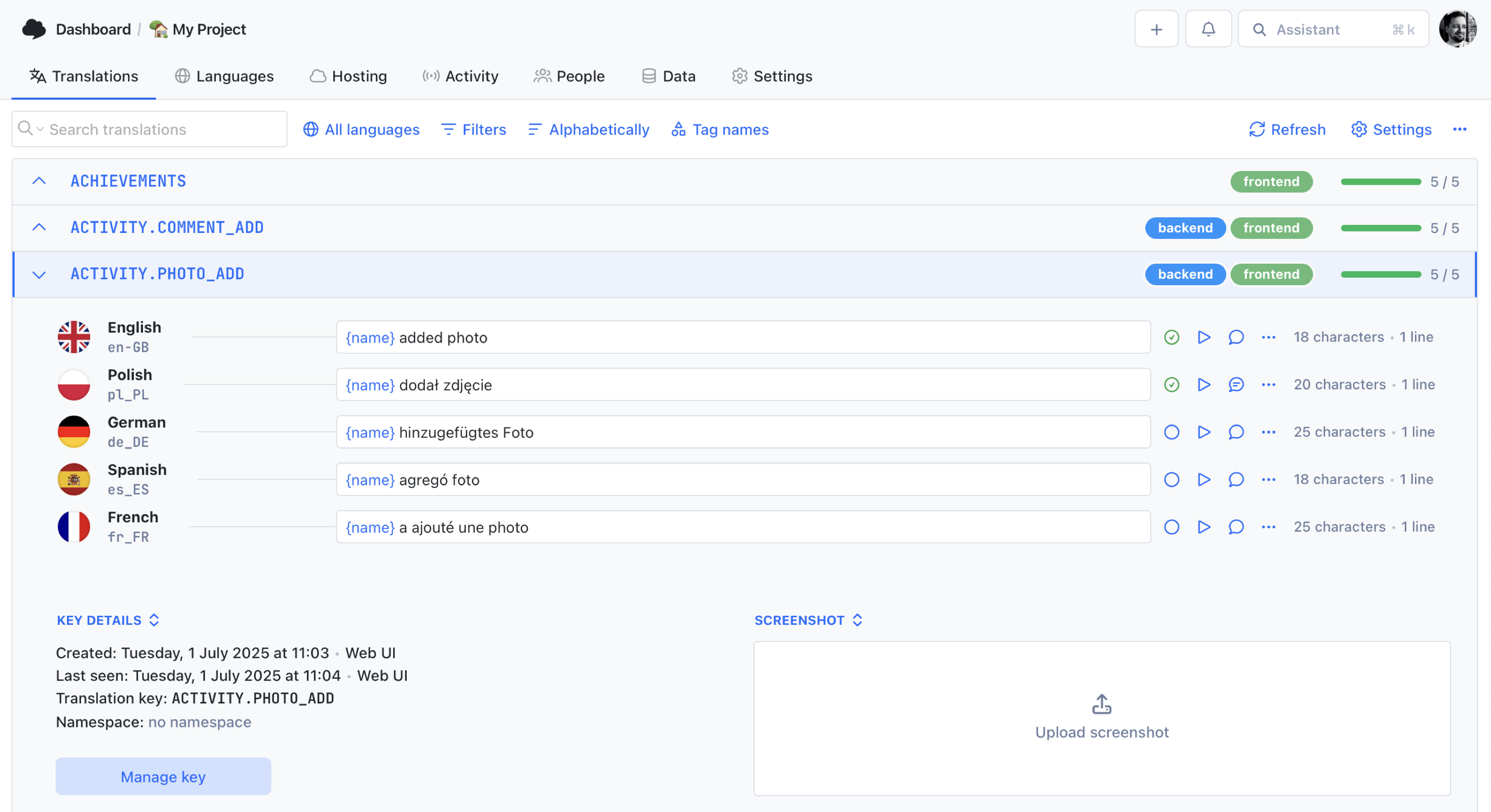
We power your product localization
From first commit to global launch














Why developers choose SimpleLocalize
Localization tools shouldn't fight your workflow. SimpleLocalize is built for engineers who want to manage translations the same way they manage code: with a CLI, a REST API, Git integrations, and automation that fits into every CI/CD pipeline.
Extract keys from your codebase, auto-translate with DeepL or OpenAI, review in an online editor, and ship via CDN or file download, all from a single platform.

Developer-first features
Everything you need to integrate localization into your development workflow, from code to production.
CLI sneak peek
See it in action
Three commands. That's all it takes to push, translate, and pull translations for any stack.
Works with JSON, YAML, XLIFF, ARB, Android XML, iOS Strings, and 30+ formats. Get started with the CLI.
How it works
From codebase to production in 3 steps
A developer-first workflow that keeps translations in sync with every release.
Extract & upload
Use the SimpleLocalize CLI to extract translation keys from your codebase and upload them to your project. Supports 30+ file formats out of the box.
Translate & review
Auto-translate with DeepL, Google Translate, or OpenAI. Review and refine in the online translation editor with your team.
Ship & deliver
Download translated files or publish via CDN. Integrate with CI/CD to automate the entire flow, every commit, every deploy.
For a step-by-step walkthrough, see the getting started guide.
Localize your stack
framework-specific guides
SimpleLocalize works with every major framework. Pick your stack and follow a dedicated integration guide.
React localization
Integrate with react-i18next or FormatJS. Manage JSON translation files and deliver them via CDN or bundled builds.
Next.js with next-translate
Manage next-translate translations with SimpleLocalize. Upload, auto-translate, and download JSON files for your Next.js app.
Multi-language JSON
Upload multi-language JSON files, edit translations online, and export back. Perfect for custom i18n setups.

More formats & tools
SimpleLocalize supports 30+ file formats and adapts to your stack.
Translation hosting
Fix a typo without
a redeploy
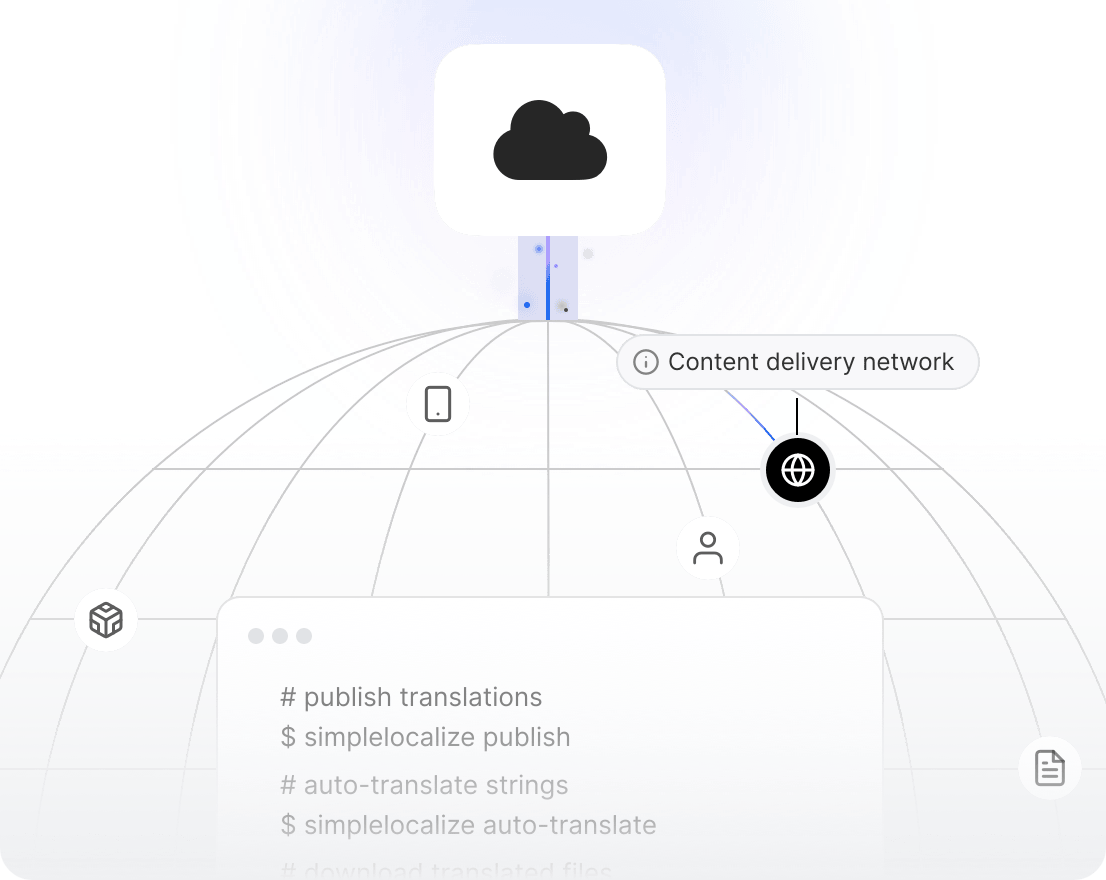
The biggest localization headache often isn't translating. It's deploying. With Translation Hosting, your app fetches translations from a global CDN at runtime. Update a string in SimpleLocalize and it's live in seconds. No build, no merge, no waiting.
Sub-50ms delivery
Translations served from edge locations closest to your users.
Instant updates
Change a translation and it's live immediately. No CI/CD wait.
Multiple environments
Separate staging and production. Roll back to any previous version.
Over-the-air on mobile
Android, iOS and macOS apps read the same CDN at runtime, so a fix ships without an App Store or Play release.
Developer tools
Works with your favourite tools and plays nice with your current i18n stack.
Browse integrations



































Why SimpleLocalize
Built for the way developers ship
Developer-first tooling meets product-team simplicity.

Start localizing your software today
- All-in-one localization platform
- Web-based translation editor for your team
- Auto-translation, QA-checks, AI and more
- See how easily you can start localizing your product.
- Powerful API, hosting, integrations and developer tools
- Unmatched customer support
"The product
and support
are fantastic."
"The support is
blazing fast,
thank you Jakub!"
"Interface that
makes any dev
feel at home!"
"Excellent app,
saves my time
and money"
Resources for developers
Guides, best practices, and tutorials for developer-focused localization workflows.
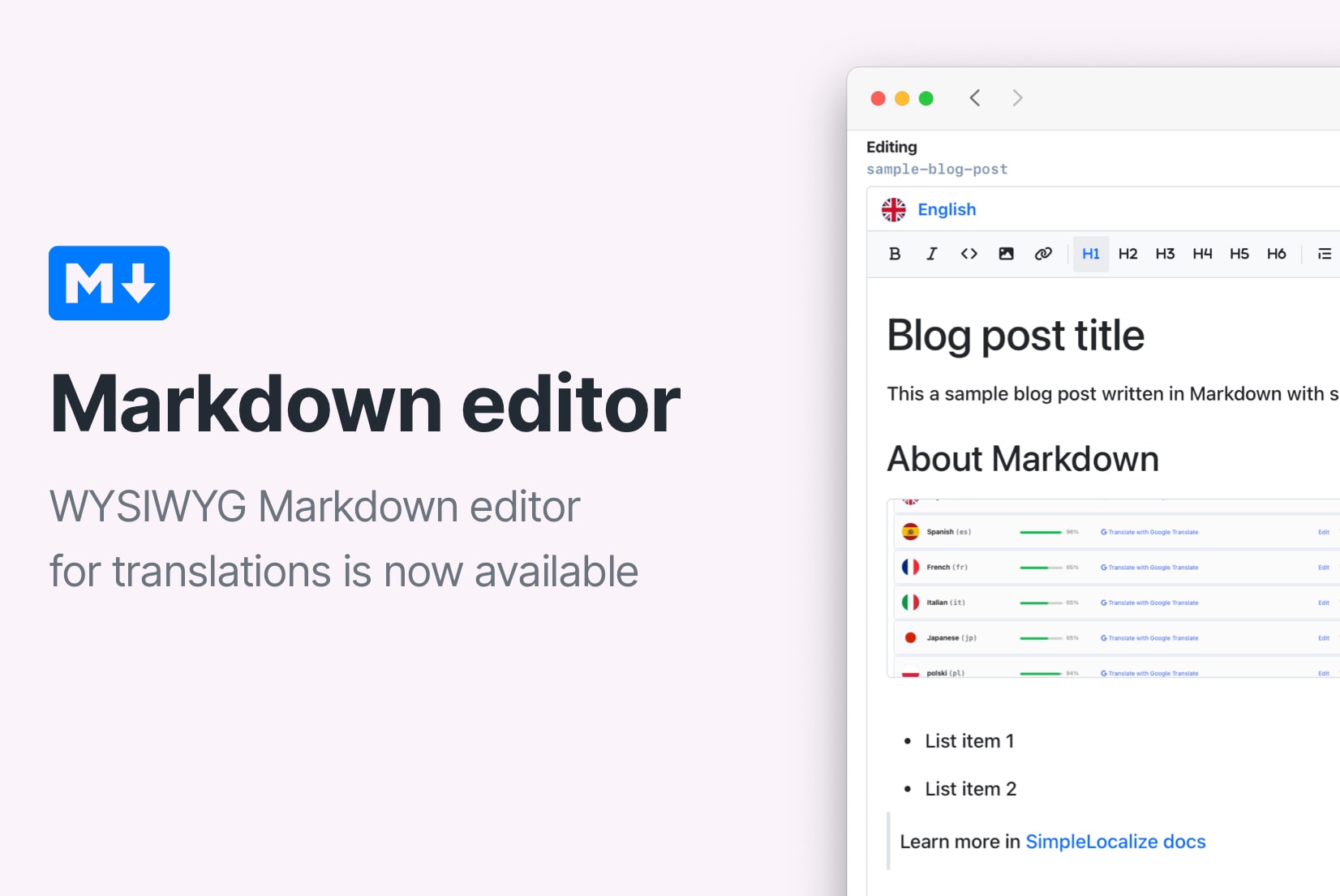
How to use Markdown in Android and iOS translations
Learn how to show bold, italic, and other Markdown styling from translations in Android and iOS apps. iOS supports Markdown natively, and on Android you can convert it to HTML or use a library.
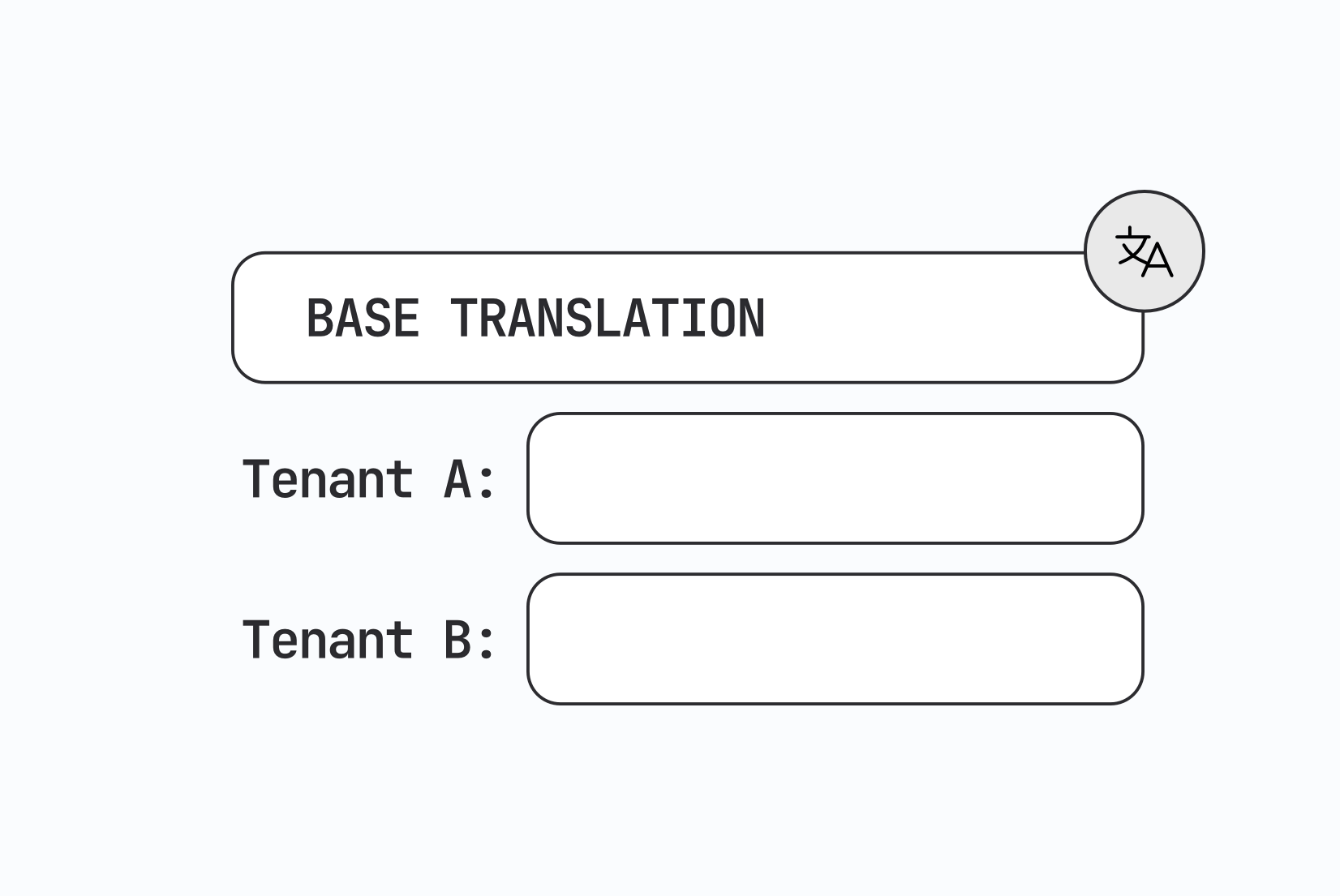
Designing multi-tenant localization systems
How to design multi-tenant localization: data models for tenant-specific translations, fallback order, CDN delivery, caching, permissions, and a working setup with customer contexts in SimpleLocalize.

Vue.js i18n: The complete guide to localizing Vue and Nuxt apps
Learn how to internationalize and localize Vue 3 and Nuxt apps with vue-i18n. Covers setup, translation files, pluralization, locale detection, lazy loading, CI/CD integration, and SimpleLocalize workflows.
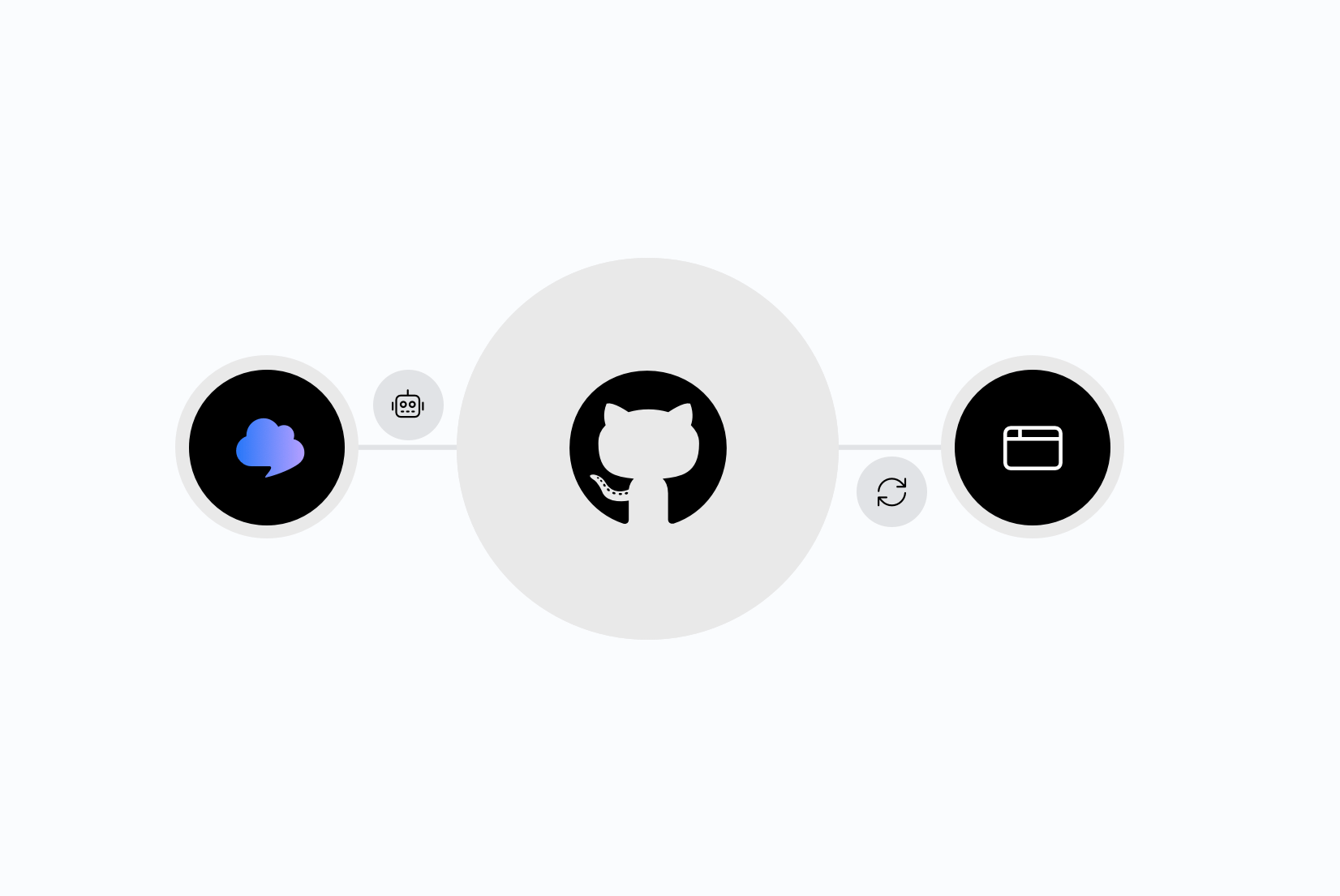
Integrating AI translation into your CI/CD pipeline
Stop treating translation as a manual step before release. Learn how to trigger AI translations automatically on every GitHub push, using SimpleLocalize CLI or the GitHub App.
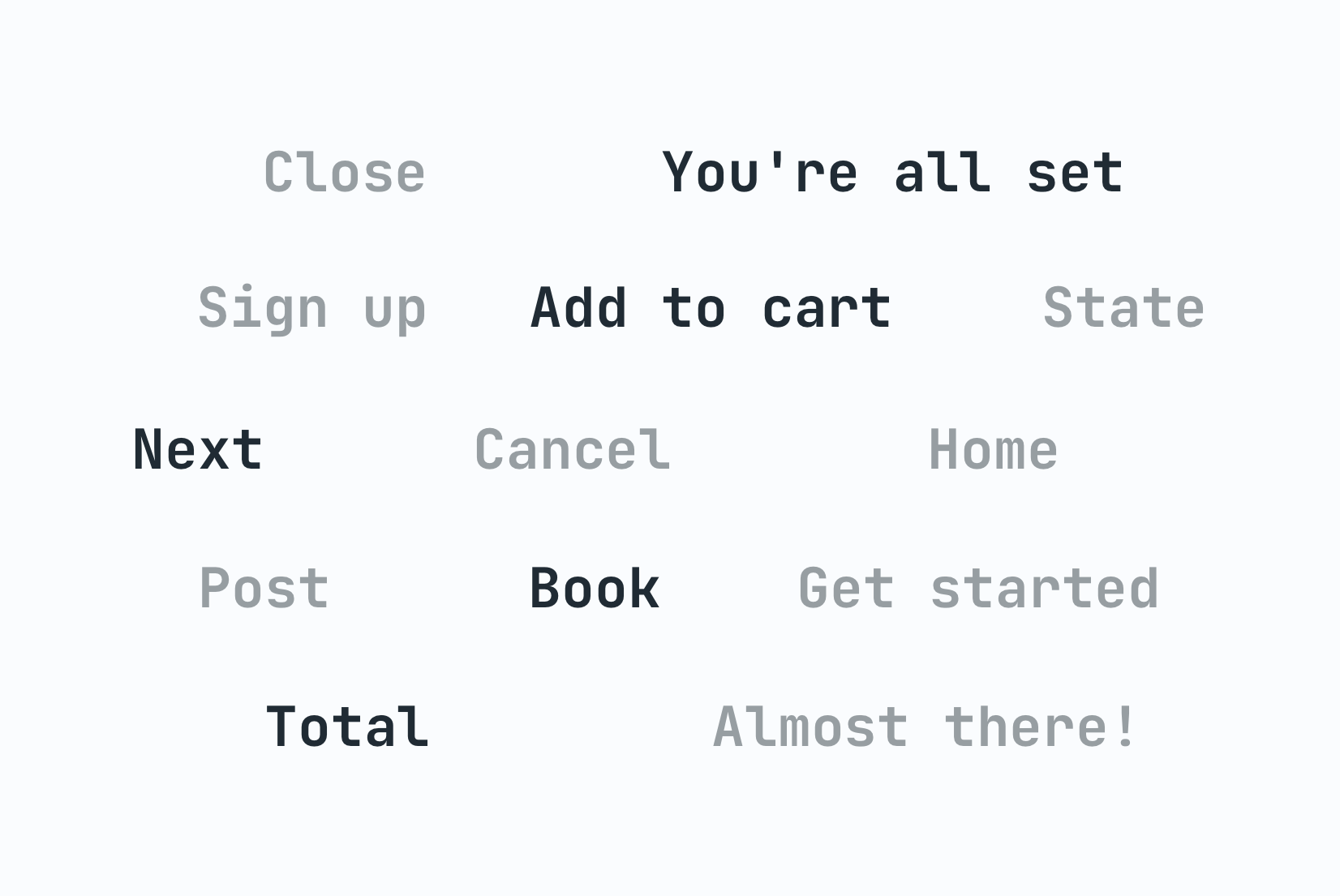
Why machine translation breaks UI strings (and how to fix it)
Machine translation often breaks UI strings through missing context, character limits, and grammar rules other languages don't follow. Here's why, and how to fix it.
The role of context in AI translation: Why it matters and how to use it
Why context is the single biggest factor in AI translation quality, and how to structure project context, key descriptions, and glossaries for accurate results.
Frequently asked questions
How does SimpleLocalize integrate with my CI/CD pipeline?
SimpleLocalize provides a CLI tool that plugs into any CI/CD runner: GitHub Actions, GitLab CI, Bitbucket Pipelines, Jenkins, or custom scripts. On every commit you can push new translation keys upstream, auto-translate them, and pull approved translations back into your repository. You can also configure webhooks to trigger external jobs whenever translations are published, giving you full control over the delivery pipeline.
What translation file formats does SimpleLocalize support?
SimpleLocalize supports over 30 translation file formats including JSON, nested JSON, multi-language JSON, YAML, XLIFF 1.2 & 2.0, Android XML, iOS Strings & Stringsdict, ARB (Flutter), Properties (Java), PHP, PO/POT, CSV, and Excel. You upload in one format and download in another. No conversion scripts needed. See the full list in the file formats documentation.
How does translation hosting work?
Translation Hosting is a built-in CDN that serves your translations globally with sub-50ms latency. After you publish translations in SimpleLocalize, your app fetches them at runtime via a lightweight HTTP request. No redeployment required. This is ideal for web and mobile apps that need instant content updates. You can configure multiple environments (e.g. staging and production) and roll back to previous versions at any time.
Can I use my own API keys for machine translation?
Yes. SimpleLocalize lets you bring your own API keys for DeepL, Google Translate, and OpenAI. This gives you full control over translation costs, usage quotas, and data privacy. You configure the keys in your project settings, and all auto-translation requests go directly through your accounts. See auto-translation for setup details.
What i18n frameworks does SimpleLocalize work with?
SimpleLocalize works with every major i18n framework and library. On the web side it supports react-i18next, FormatJS / React Intl, next-translate, next-intl, vue-i18n, Angular i18n and ngx-translate. For mobile it covers Flutter (ARB), Android XML, and iOS Strings. Any framework that uses standard translation files (JSON, YAML, XLIFF, Properties, etc.) works out of the box.
What is continuous localization and how do I set it up?
Continuous localization is the practice of translating software in parallel with development, rather than as a separate phase. New or changed strings are detected automatically, translated (often via machine translation first), reviewed, and published, all as part of your CI/CD pipeline. To set it up with SimpleLocalize, install the CLI, add upload and download commands to your build scripts, and optionally enable automations to auto-translate and auto-publish new keys. The result is a fully automated pipeline where every release ships fully localized.