





In this article, you will learn how to manage Shopify store translations using SimpleLocalize. This integration allows you to easily translate your Shopify store content, including product descriptions, collections, blogs, and more.
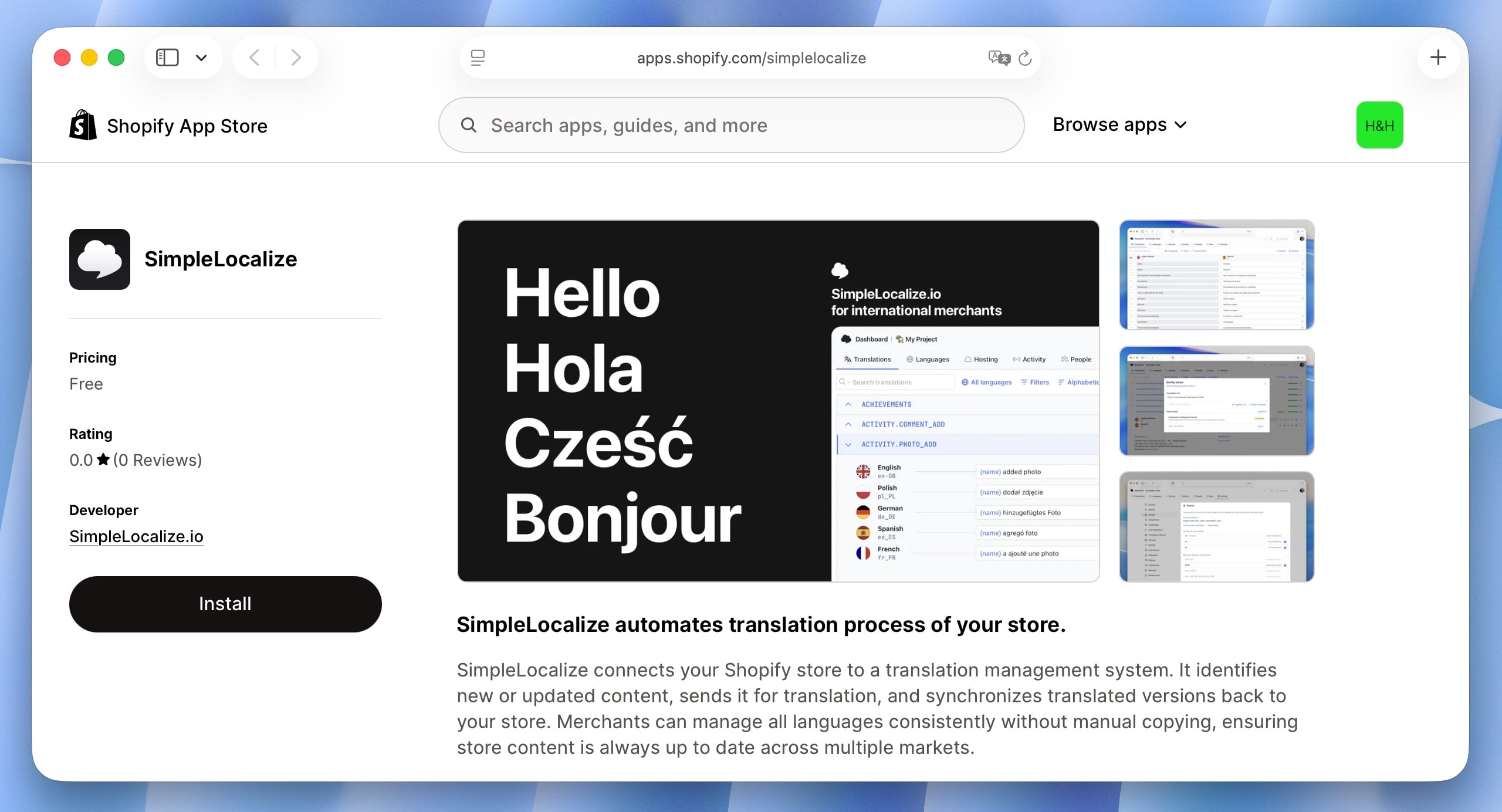
Features
The SimpleLocalize Shopify app provides the following features:
- Get translations: Fetch translations from your Shopify store to SimpleLocalize, allowing you to manage and edit them in one place.
- Update translations: Automatically update translations in your Shopify store when you make changes in SimpleLocalize.
- Translation management: Manage translations for various Shopify resources, including products, collections, blogs, and more. Choose which resources to synchronize.
Installation
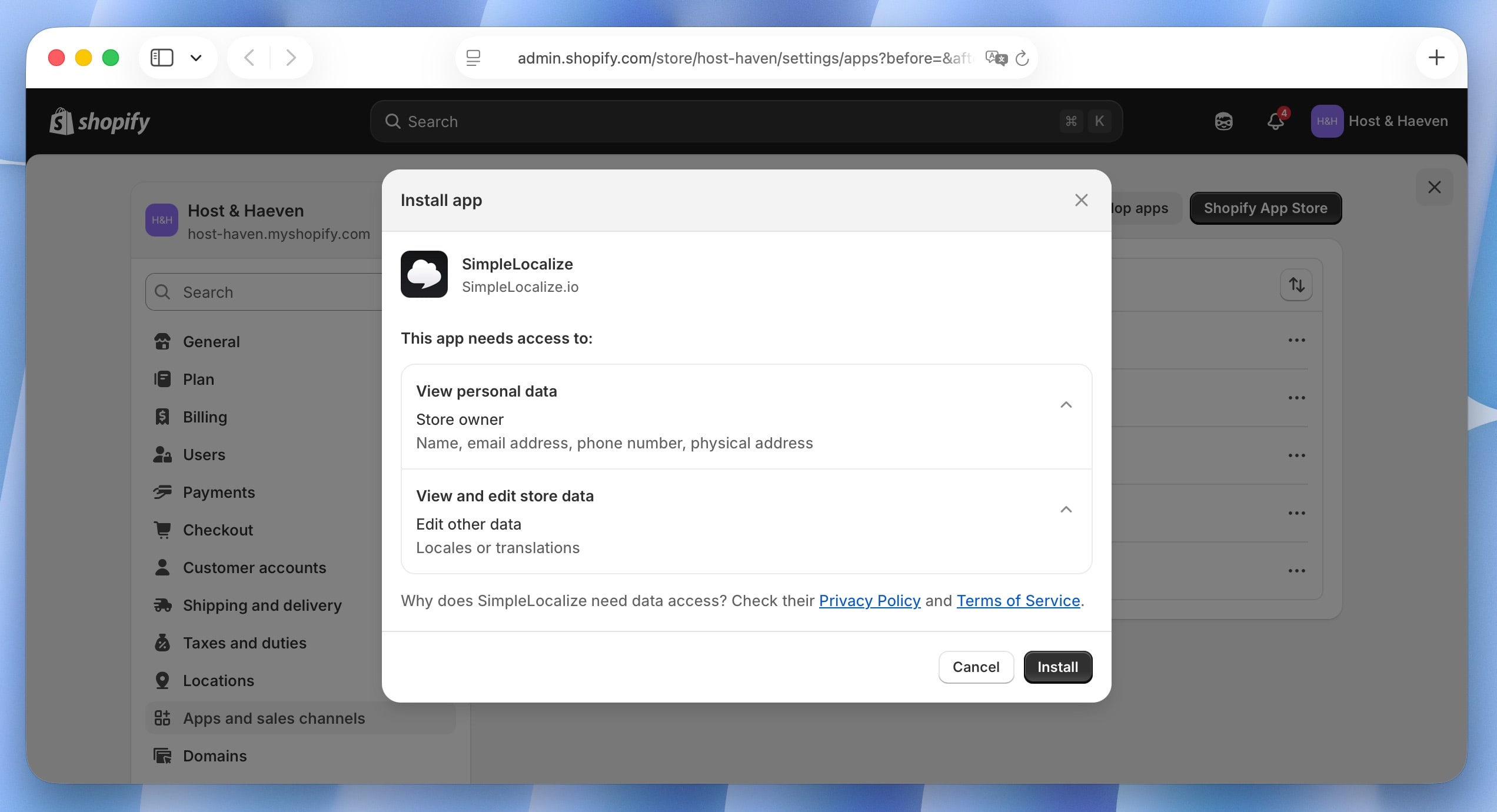
- Open the SimpleLocalize app page on Shopify and click "Install".
- Confirm the installation and grant the necessary permissions.
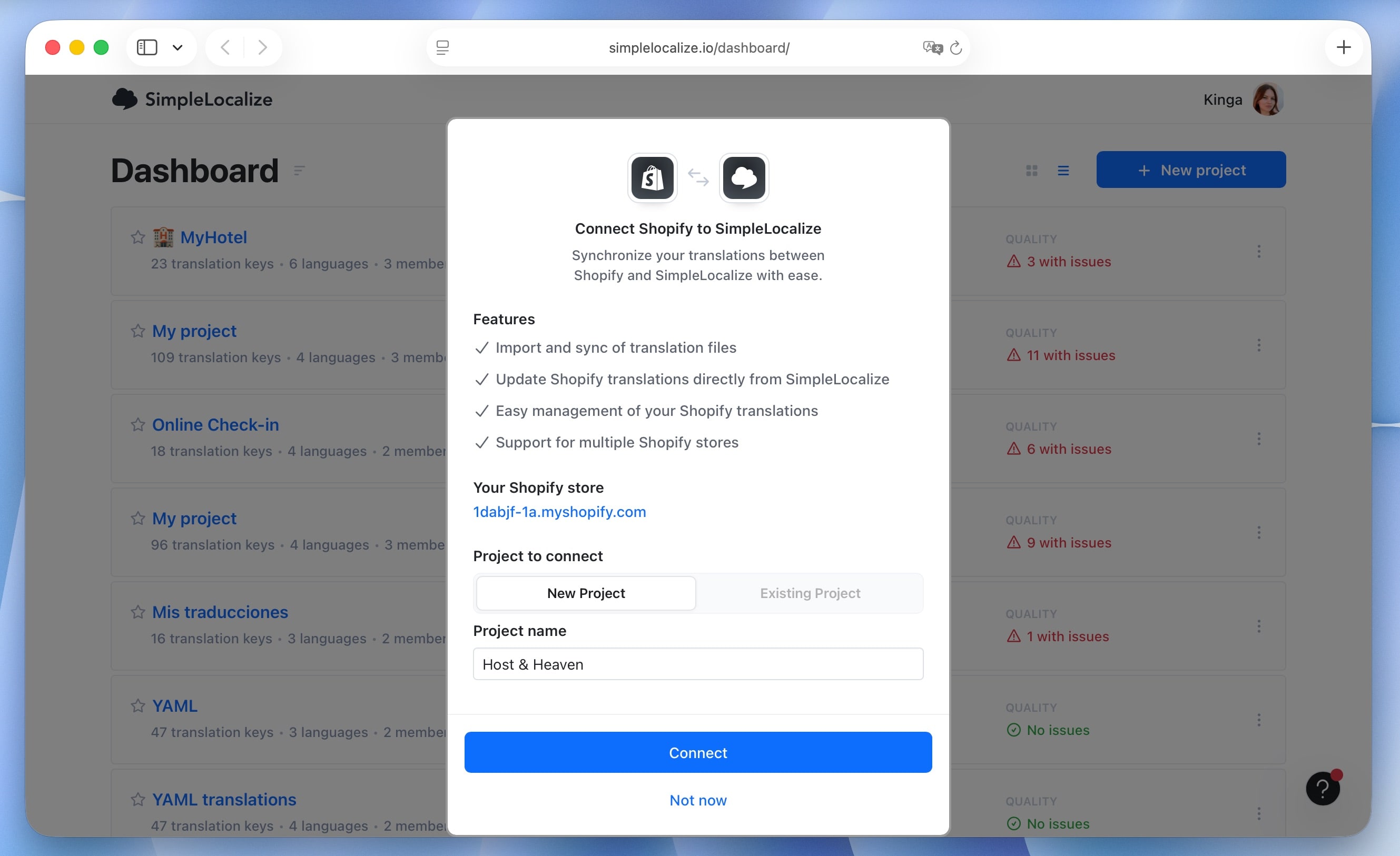
- You will be redirected to the SimpleLocalize dashboard. Connect your Shopify store to new or existing SimpleLocalize project.
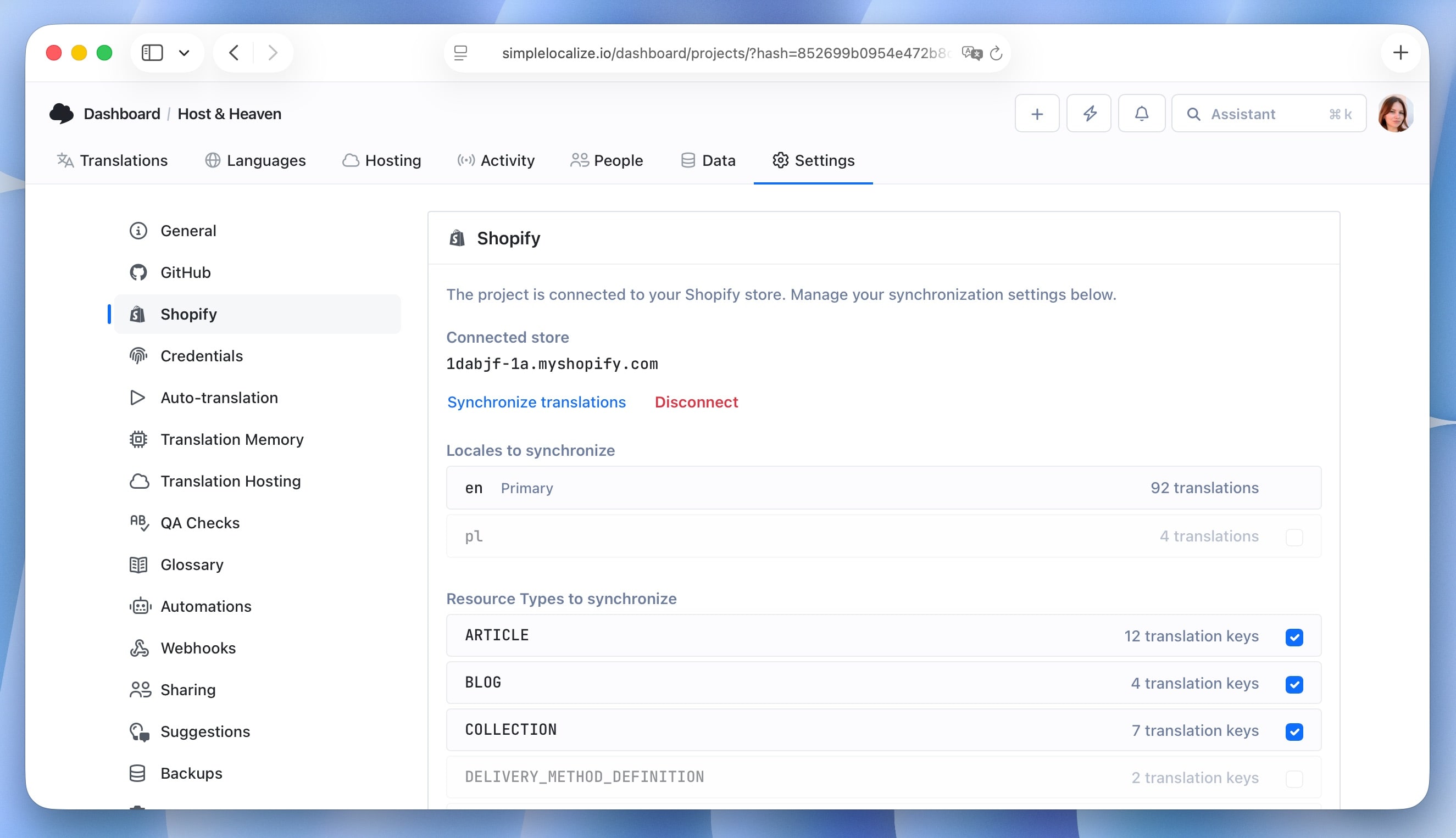
- Configure resources you want to synchronize.
- Click on "Synchronize translations" to fetch existing translations from your Shopify store and start managing them in SimpleLocalize.
Synchronization
Once the integration is set up, you can synchronize translations between SimpleLocalize and your Shopify store. To fetch translations from Shopify to SimpleLocalize, click on the "Synchronize translations" button in Shopify app settings or "Import from Shopify" in SimpleLocalize quick actions.
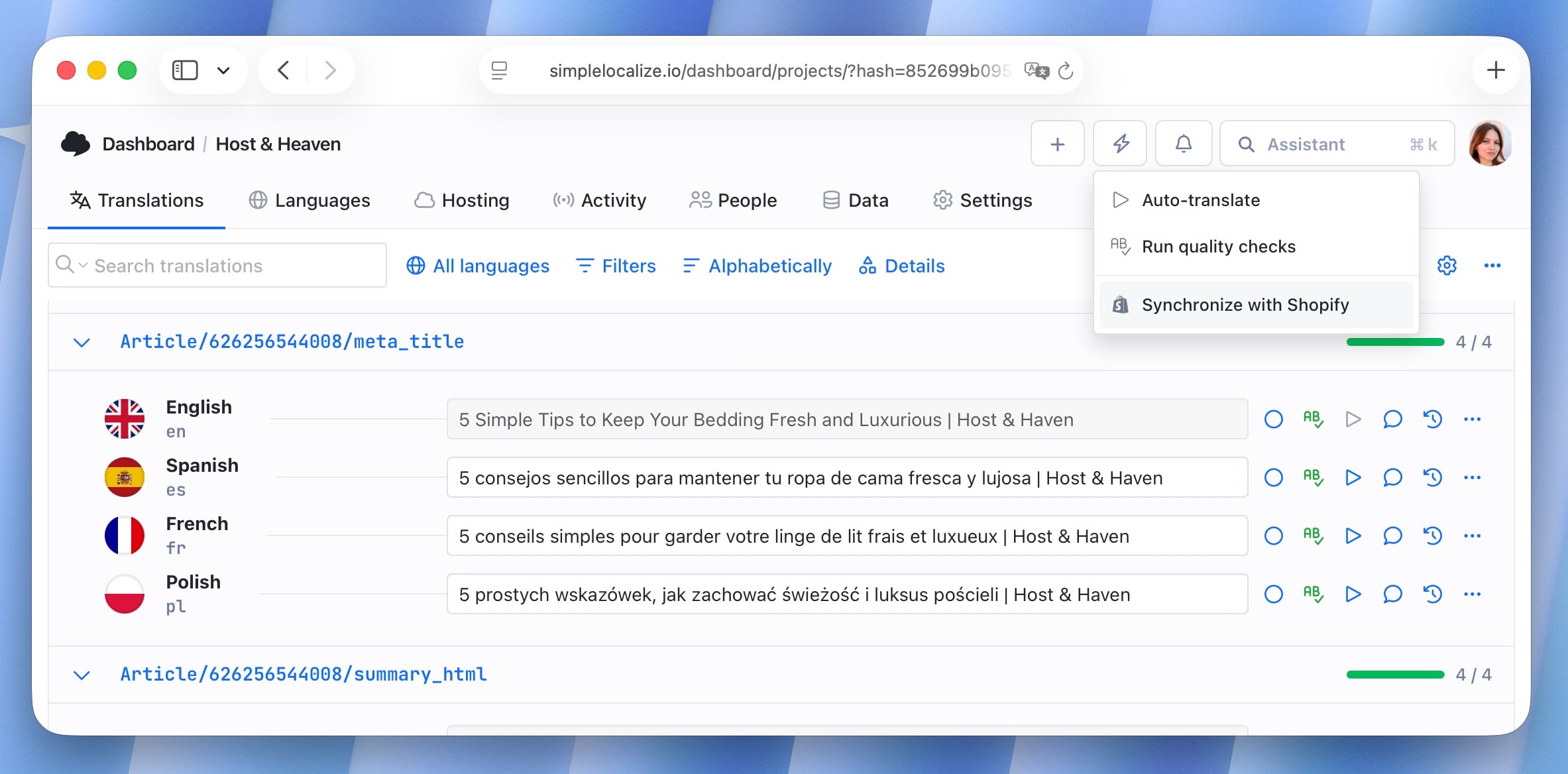
- Any changes made in SimpleLocalize will be automatically pushed to your Shopify store during synchronization.
- Add new languages in Shopify. They will be automatically created in SimpleLocalize during the next synchronization.
- Depending on the quantity of data, synchronization may take a few minutes.
- You can use both SimpleLocalize app and Shopify's Translate & Adapt feature simultaneously.
- You can split resources between multiple SimpleLocalize projects if needed (use option to copy project settings during project creation).
Shopify act as source of truth for your translations. Every import will override existing translations in SimpleLocalize and delete those that are missing in Shopify for the synchronized resources.
Limitations
- Source language (default language) can only be managed directly in Shopify. Translations for source language will be disabled in SimpleLocalize's editor.
- Shops on Shopify are limited to a maximum of 20 languages.
- Note that older Shopify themes may not fully support multiple languages. Ensure your theme is compatible for the best experience.