





In this article, you will learn how to manage Webflow site translations using SimpleLocalize. This integration allows you to easily translate your Webflow site content, including pages, collections.
Install SimpleLocalize from Webflow Marketplace
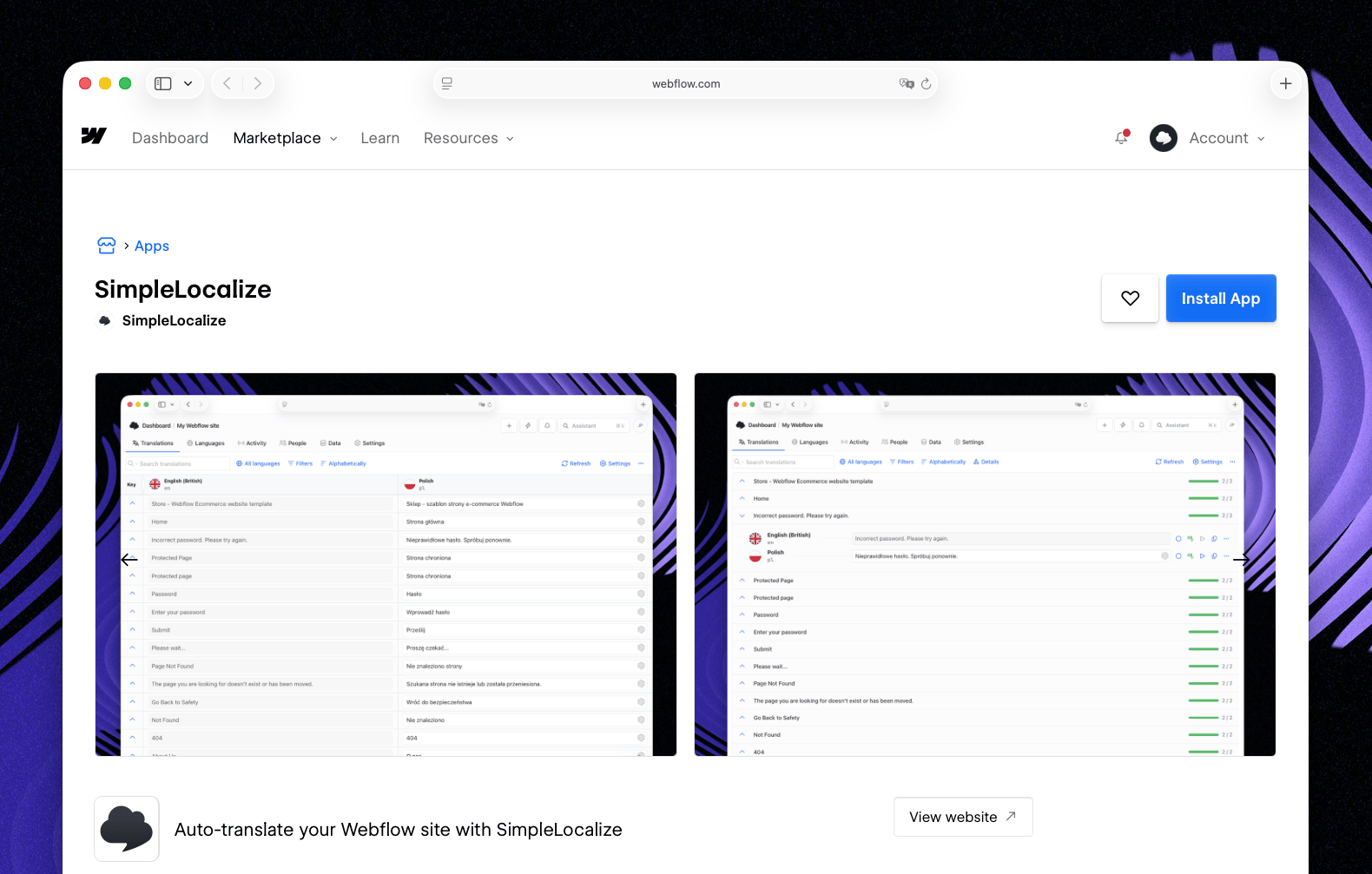
Features
The Webflow integration provides the following features:
- Get translations: Fetch translations from your Webflow site to SimpleLocalize, allowing you to manage and edit them in one place.
- Update translations: Automatically update translations in your Webflow site when you make changes in SimpleLocalize.
- Translation management: Manage translations for various Webflow resources, including pages, CMS collections (like blogs posts), and components.
- Choose resources: Select which resources you want to synchronize between Webflow and SimpleLocalize, you can split them between multiple SimpleLocalize projects if needed.
Installation
- Open the SimpleLocalize app in Webflow Marketplace and click "Install App".
- Confirm the installation and grant the necessary permissions.
- You will be redirected to the SimpleLocalize dashboard. Connect your Webflow site to new or existing SimpleLocalize project.
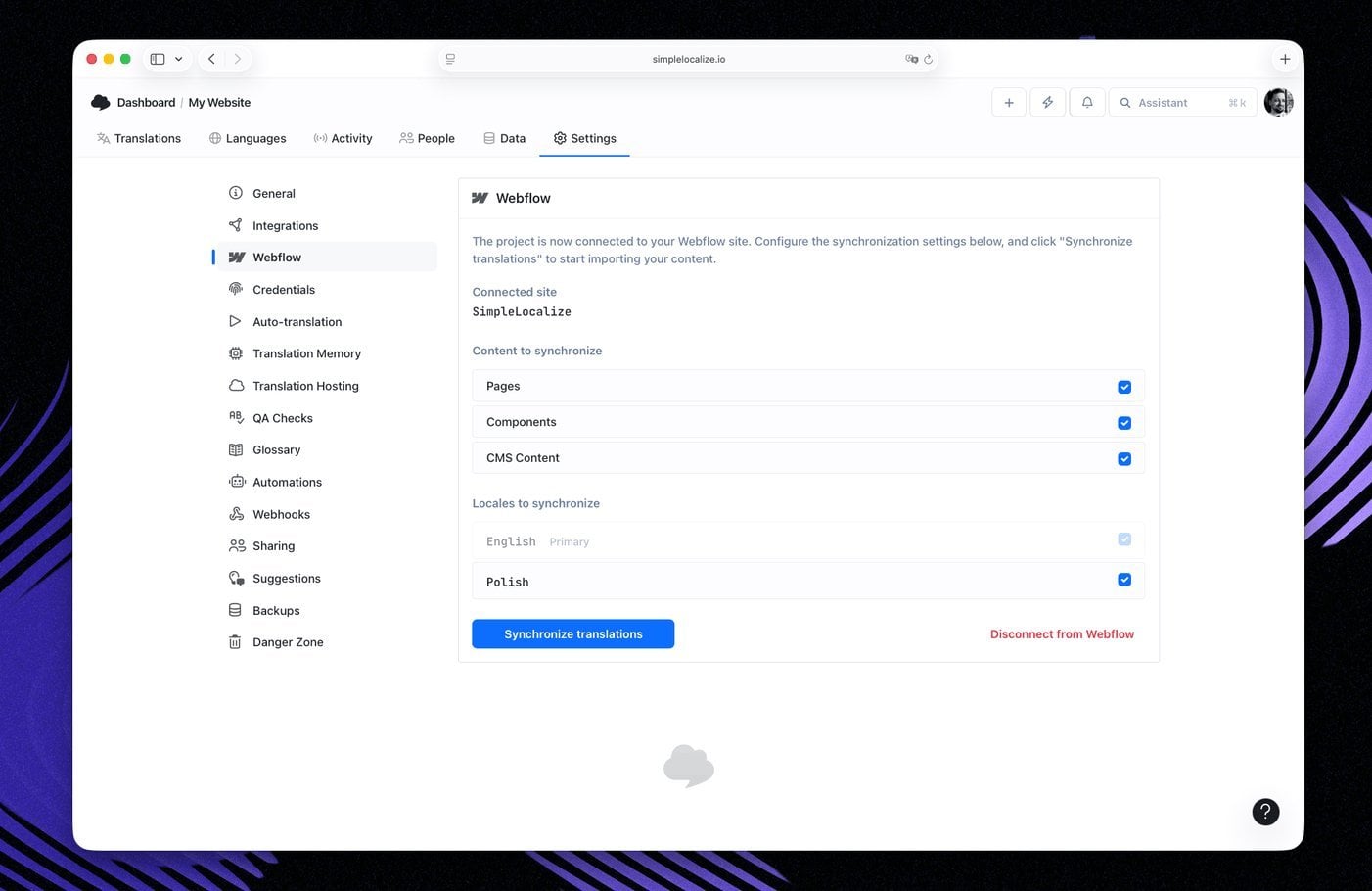
- Configure resources you want to synchronize.
- Click on "Synchronize translations" to fetch existing translations from your Webflow site and start managing them in SimpleLocalize.
Synchronization
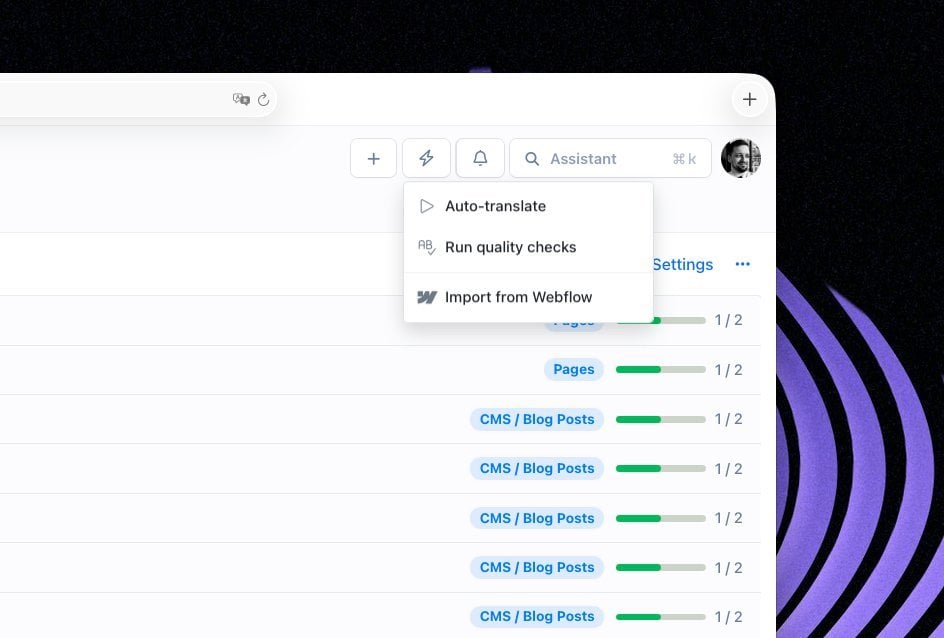
Once the integration is set up, you can synchronize translations between SimpleLocalize and your Webflow site. To fetch translations from Webflow to SimpleLocalize, click on the "Synchronize translations" button in Webflow settings or "Import from Webflow" in SimpleLocalize quick actions.
- Any changes made in SimpleLocalize will be automatically pushed to your Webflow site without any additional action required.
- Add new languages in Webflow. They will be automatically created in SimpleLocalize when you run synchronization next time.
- Depending on the quantity of data, synchronization may take a few minutes.
- You can use both SimpleLocalize app and Webflow multilingual features together.
- You can split resources between multiple SimpleLocalize projects if needed (use option to copy project settings during project creation).
Webflow act as source of truth for your translations. Every import will override existing translations in SimpleLocalize and delete those that are missing in Webflow for the synchronized resources.
Limitations
- Source language (default language) can only be managed directly in Webflow. Translations for source language will be disabled in SimpleLocalize's editor.
- Webflow CMS collections have specific structures, so ensure that your SimpleLocalize project is configured to match your Webflow CMS setup for accurate synchronization.
- Some custom code snippets may not be fully supported for translation through this integration.
- Languages must be pre-configured in Webflow before they can be synchronized with SimpleLocalize.
- There is no support for updating slugs or URLs through this integration; these must be managed directly in Webflow.