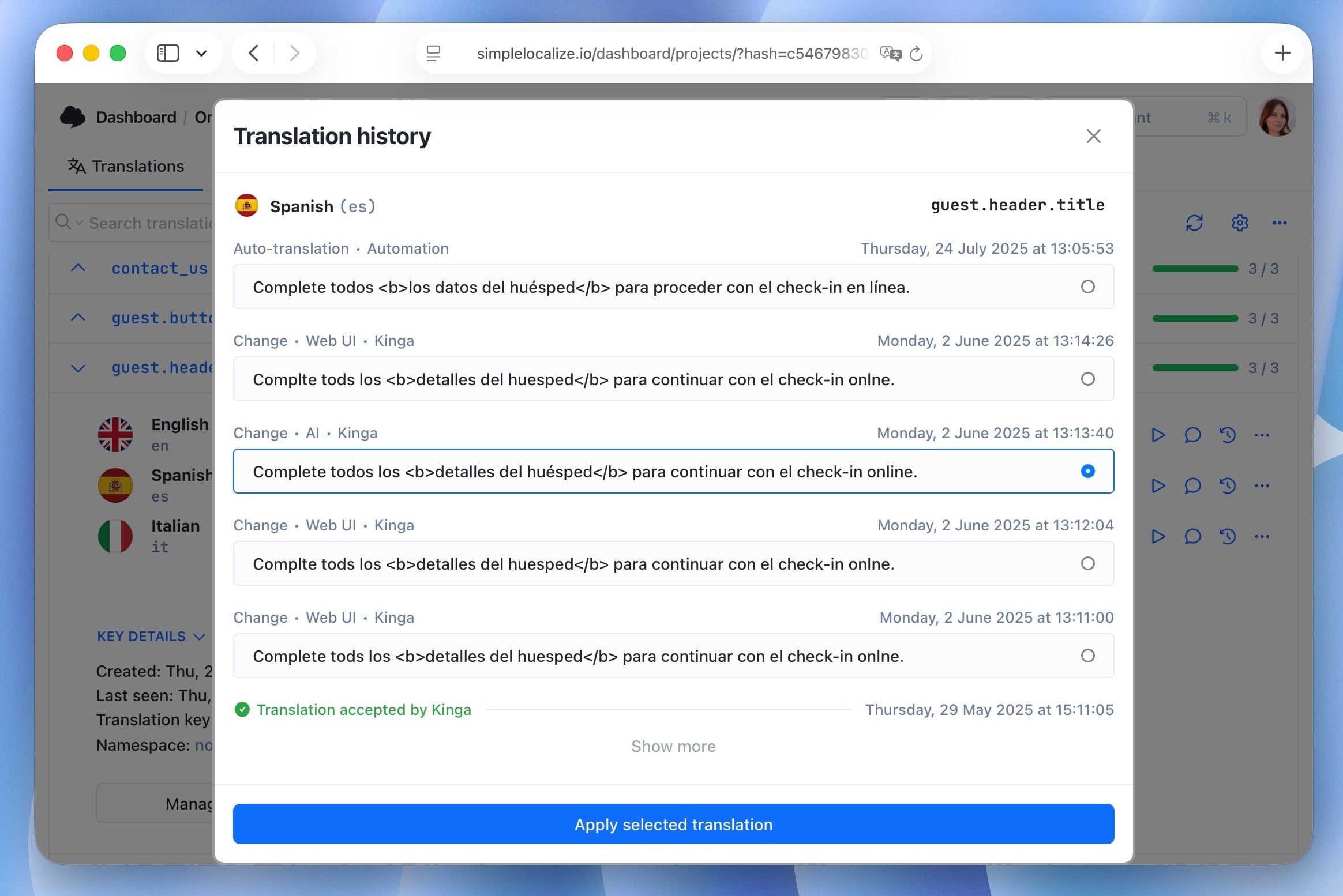





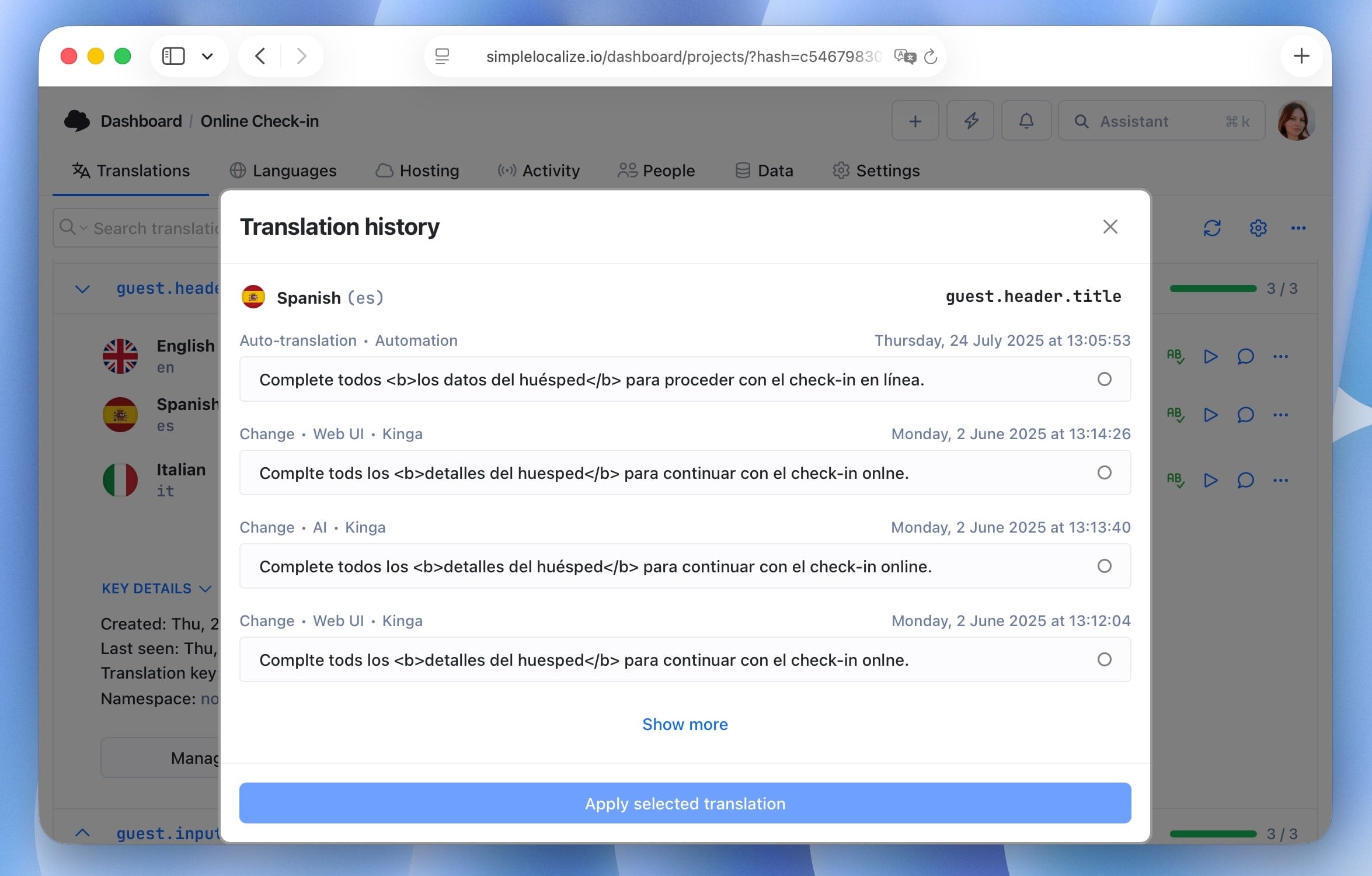
Translation history allows you to track changes made to your translations over time. It provides a detailed log of all modifications, including who made the changes and when they were made, and a possibility to revert to previous versions if needed.
Access translation history
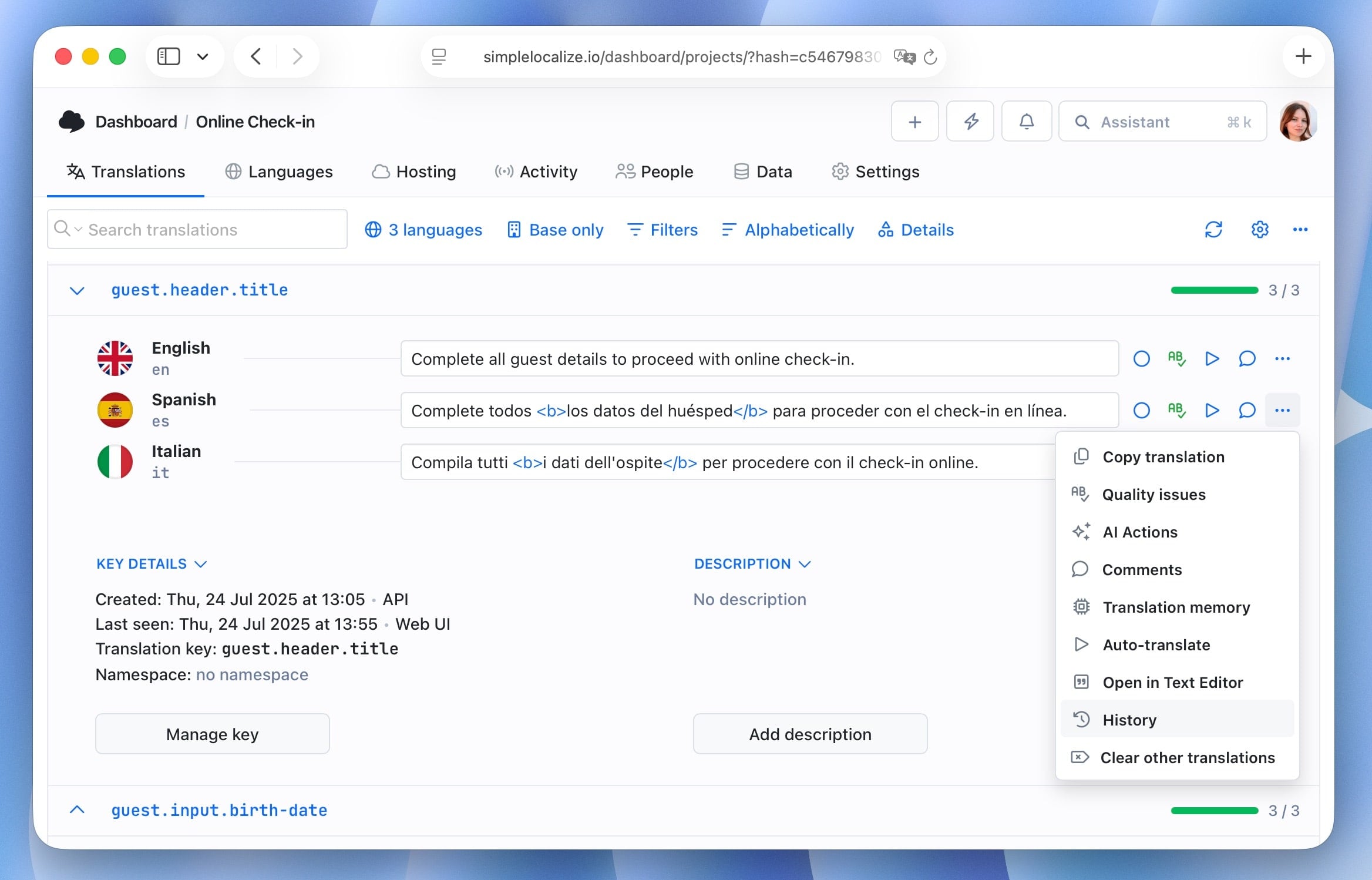
You can access the translation history from Quick Actions menu in the translation editor. Pin the Translation history option to your Quick Actions for easier access.

Or right click on the More (three dots) button next to a translation and select Translation history.
Revert to previous version
Select the desired version from the history list and click the Apply selected translation button to revert to that version.