Translate
Localizable.strings
Upload your .strings files, translate values while keeping format specifiers intact, and export back into the exact .lproj structure Xcode expects.
/* Login screen */
"login.title" = "Sign In";
"login.button" = "Log In";
"home.welcome" = "Welcome, %@!";
Why teams use Localizable.strings
for translations
Each line pairs a key and a value with an equals sign, and every language gets its own file inside a language-specific .lproj folder, like en.lproj/Localizable.strings next to es.lproj/Localizable.strings. Xcode and the runtime pick the right folder automatically based on the user's language.
Placeholders follow printf-style specifiers: %@ for strings, %d for integers, and positional forms like %1$@ for reordering arguments across languages.
/* Login screen */
"login.title" = "Iniciar Sesión";
"login.button" = "Iniciar Sesión";
"home.welcome" = "¡Bienvenido, %@!";titleLabel.text = NSLocalizedString(
"app.title",
comment: "Application title"
)
let itemsText = String.localizedStringWithFormat(
NSLocalizedString("cart.items", comment: "Item count"),
itemCount
)Setting up Localizable.strings in Xcode
In Xcode, add a new Strings file named Localizable, then localize it for each language you support under Project Settings → Info → Localizations. Xcode creates the matching .lproj folders automatically.
In code, load a value with the NSLocalizedString function, passing the key and an optional comment for translators. For strings with placeholders, use String.localizedStringWithFormat to insert dynamic values safely.
Beyond key and value
What SimpleLocalize keeps from your .strings files
One file per language
Each language sits in its own .lproj folder, matching what Xcode already expects on export.
Format specifiers protected
%@, %d and positional specifiers like %1$@ stay intact through auto-translation.
Universal placeholders
Convert %@, %d and %1$@ into a platform-independent {%s} / {%i} format for cross-platform export.
Pairs with .stringsdict
Plural and device-variant keys managed in .stringsdict line up with the same key here.
End-to-end workflow
Translate a Localizable.strings file end to end
Upload your English .strings file, run auto-translation across every language, and download one file per .lproj folder.
simplelocalize upload \
  --apiKey PROJECT_API_KEY \
  --uploadFormat localizable-strings \
  --uploadPath ./en.lproj/Localizable.strings
Upload your source .strings file
1en.lproj/Localizable.strings to SimpleLocalize with the CLI. Block comments and key structure import as-is.Key: home.welcome
Source: Welcome, %@!
Translated (es): ¡Bienvenido, %@!
Key: order.summary
Source: %1$@ ordered %2$d items for $%3$.2f
Positional args reorder freely per languagePlaceholders stay put during review
2%@, %d and positional specifiers like %1$@ are highlighted in the editor, so a translator can move an argument without breaking the format string."login.title" = "Iniciar Sesión";
"login.button" = "Iniciar Sesión";Auto-translate every language
3simplelocalize download \
--apiKey PROJECT_API_KEY \
--downloadFormat localizable-strings \
--downloadPath ./{lang}.lproj/Localizable.stringsDownload into every .lproj folder
4{lang}.lproj/Localizable.strings, or add UNIVERSAL_PLACEHOLDERS to convert specifiers back from the platform-independent format on the way out.Migrating to Localizable.xcstrings
Apple's newer String Catalog format stores every language in one JSON-like file instead of separate .lproj files. Existing .strings files continue to work, and Xcode can migrate them to a String Catalog automatically whenever you are ready to move.
Both formats are supported on SimpleLocalize, so you can upload either one, or migrate at your own pace and switch which one you export.
{
  "strings": {
    "login.title": {
      "localizations": {
        "en": { "stringUnit": { "value": "Sign In" } }
      }
    }
  }
}
Single file vs. many
One .xcstrings file replaces a separate .strings file per language.
Built-in pluralization
Native plural forms, no separate .stringsdict file required.
Device variants
Built-in support for device-specific translations, not possible in plain .strings.
Richer metadata
Extraction state and translation state travel with the file, not just the key and value.
For developers
A localization platform,
that keeps every platform in sync
SimpleLocalize gives your team a real editor and workflow around Localizable.strings, not just an import and export step.
Cross-platform placeholders
Convert native iOS placeholders into a platform-independent format, so the same string exports correctly to Android too.
Stays paired with .stringsdict
Plural and device-variant keys managed in .stringsdict line up with the same key here, edited as one string.
AI auto-translation
Translate new and changed strings with DeepL, Google Translate, OpenAI, Claude or Gemini.
CLI and REST API
Upload and download Localizable.strings files from the CLI, or automate the same logic through the REST API.

Best practices
Keeping Localizable.strings maintainable
Use descriptive keys
Clear, hierarchical keys that describe context and purpose age better than raw source text as a key.
Add meaningful comments
Pass a real comment to NSLocalizedString so translators get context, not just a bare string.
Use genstrings
Xcode's genstrings command-line tool extracts NSLocalizedString calls from your source automatically.
Test unsupported languages
Provide fallback text and verify your UI still works when a translation is missing.
Every Apple platform
Where Localizable.strings is used
Works with both Swift and Objective-C, across every Apple platform.

iOS

macOS

Swift

SwiftUI

Objective-C

Xcode
More conversions
Convert Localizable.strings to other formats
Free online converter, no account required. Upload a .strings file and download it in the format you need.

Start translating Localizable.strings files
- Format specifiers protected during auto-translation
- Universal Placeholders for cross-platform exports
- Auto-translation with DeepL, Google, OpenAI, Claude and Gemini
"The product
and support
are fantastic."
"The support is
blazing fast,
thank you Jakub!"
"Interface that
makes any dev
feel at home!"
"Excellent app,
saves my time
and money"
Resources
See the latest news from our blog, including product updates, tutorials, and more.
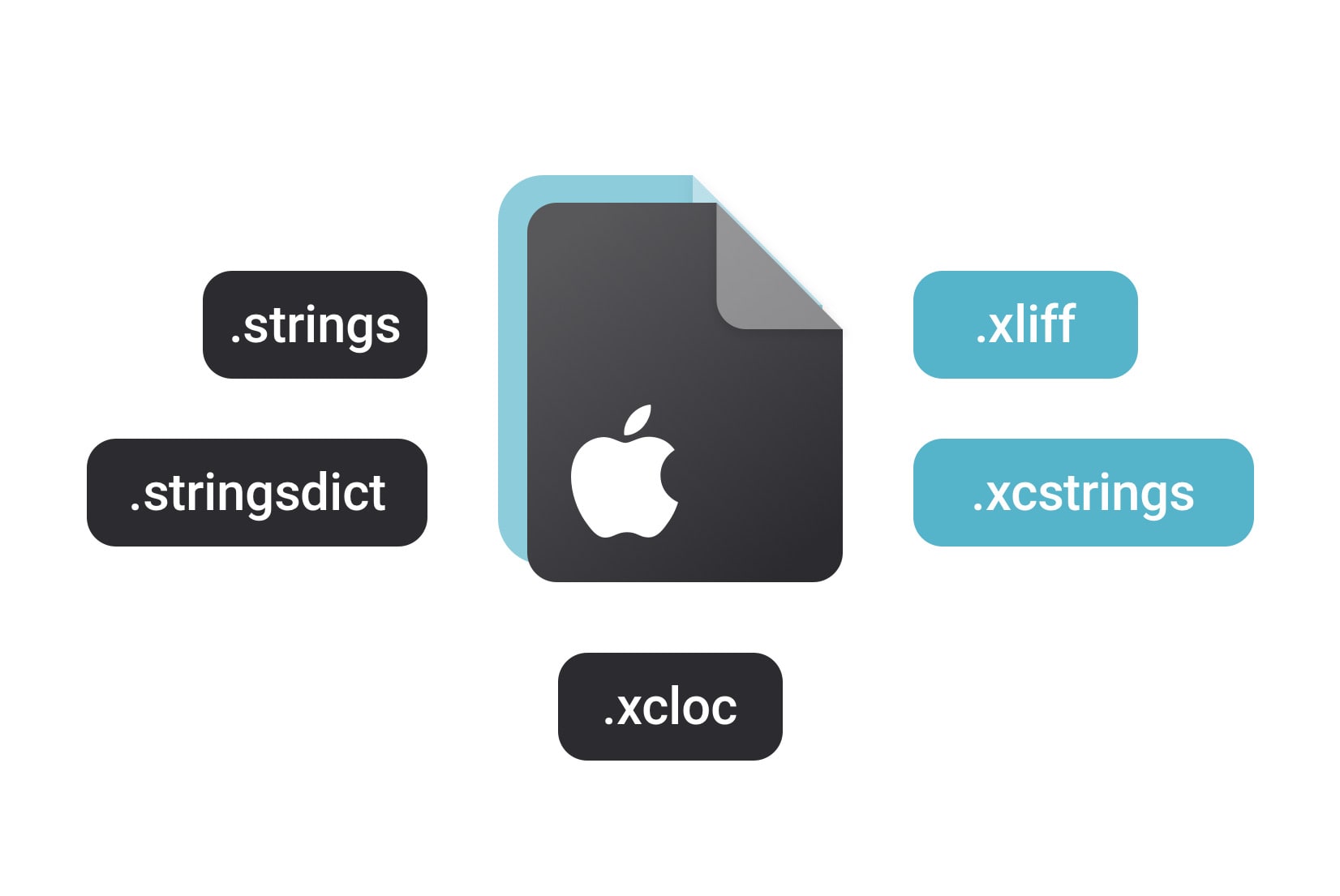
iOS localization 2026: Guide to .strings, .xcstrings & String Catalogs
Master iOS localization in 2026. Compare .strings, .xcstrings, and .xliff formats, learn how to migrate to Xcode String Catalogs, and automate your translation workflow with SimpleLocalize.
Frequently asked questions about Localizable.strings
Is Localizable.strings deprecated?
It has been replaced by Apple's newer .xcstrings String Catalog format for new projects, but remains fully supported for existing UIKit and SwiftUI projects that haven't migrated.
Does this handle plurals too?
No, Localizable.strings holds simple key-value text only. Plural rules and device variants belong in a paired Localizable.stringsdict file.
Are placeholders like %@ preserved during translation?
Yes. Native iOS placeholders are protected during auto-translation, or can be converted to a platform-independent format with Universal Placeholders.
What does Universal Placeholders actually convert?
Native specifiers like %@, %d, %lld and positional forms like %1$@ convert to a curly-brace format such as {%s} or {%1$i}, which then converts back to the correct native format for whichever platform you export to.