App localization
for iOS, Android & Web
Scale your app to global markets without the deployment friction. Manage strings for React Native, Flutter, Swift, and Kotlin in one place, and use our CDN to push translation fixes instantly, no App Store approval required.
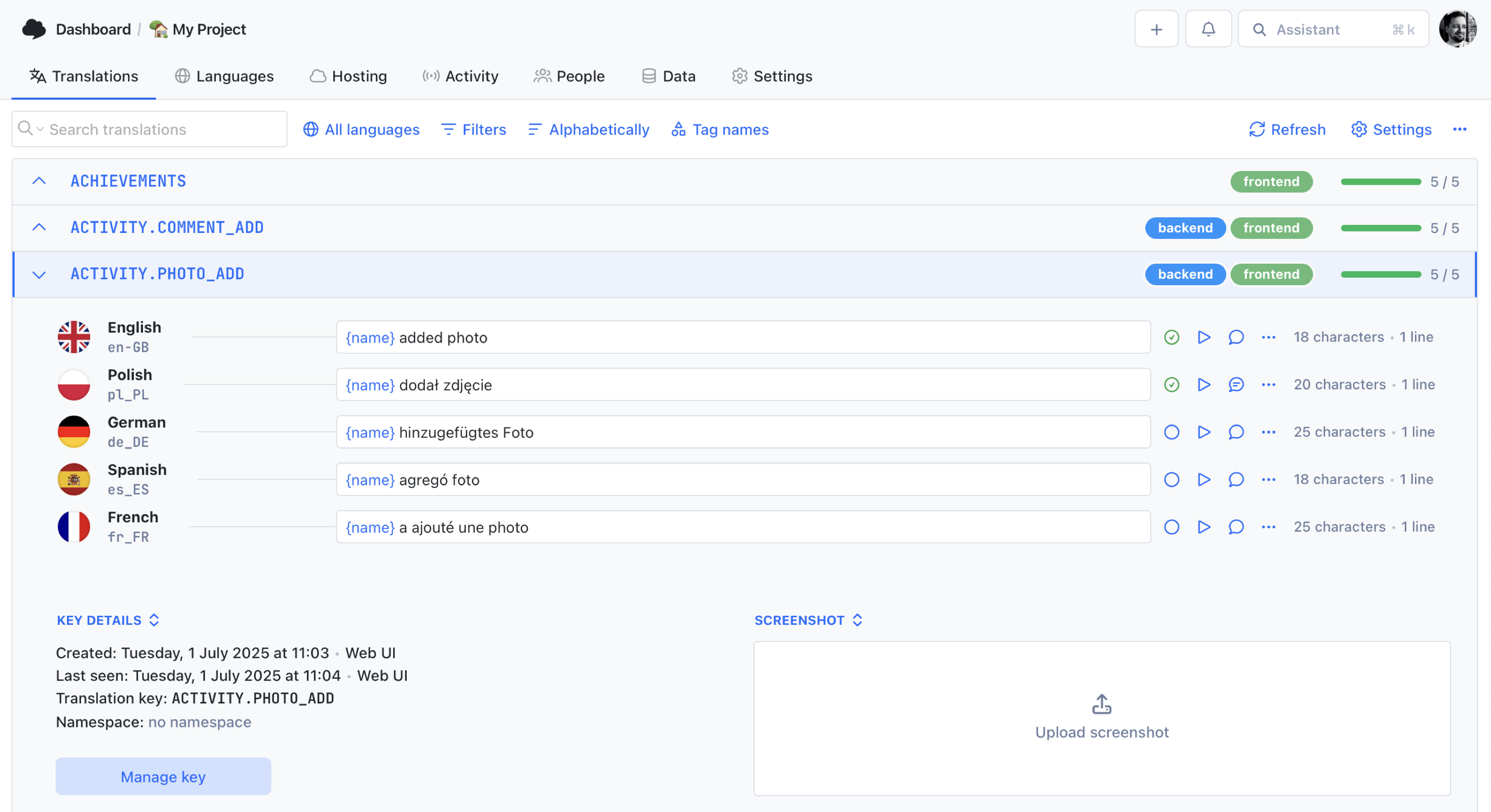
We power your product localization
From first commit to global launch














Why localize your app?
Only 17% of the world speaks English, yet most apps launch as English-only. Localizing your mobile or web application unlocks access to billions of users who engage, convert, and retain at significantly higher rates when the experience speaks their language.
App localization adapts your entire user interface, notification copy, app store listing, and in-app content for every target market. Start with the benefits of translating your app, then follow our localization strategy guide to plan your rollout.

The impact of app localization
Localizing your app is one of the fastest ways to grow downloads, improve retention, and stand out in crowded app stores.
Higher App Store rankings
Stop leaving organic traffic on the table. Localizing your metadata and keywords allows you to rank for thousands of regional search terms, often doubling organic reach in non-English markets within weeks.
Better retention & engagement
Users stay longer in apps that feel native. Localized onboarding, in-app messaging, and push notifications reduce drop-off and drive repeat sessions.
Unlock global markets
Reach users in 190+ countries without building separate apps. A single codebase with localized strings scales faster and cheaper than region-specific builds.
Increase conversion rates
Localized in-app purchases, subscription flows, and CTAs convert at much higher rates. Users trust and buy from apps that speak their language.
Built for modern app teams
SimpleLocalize handles the unique challenges of mobile and web app localization, from complex linguistic rules to screenshot-based context for translators.
Built for OTA support
Update your app without
the App Store wait
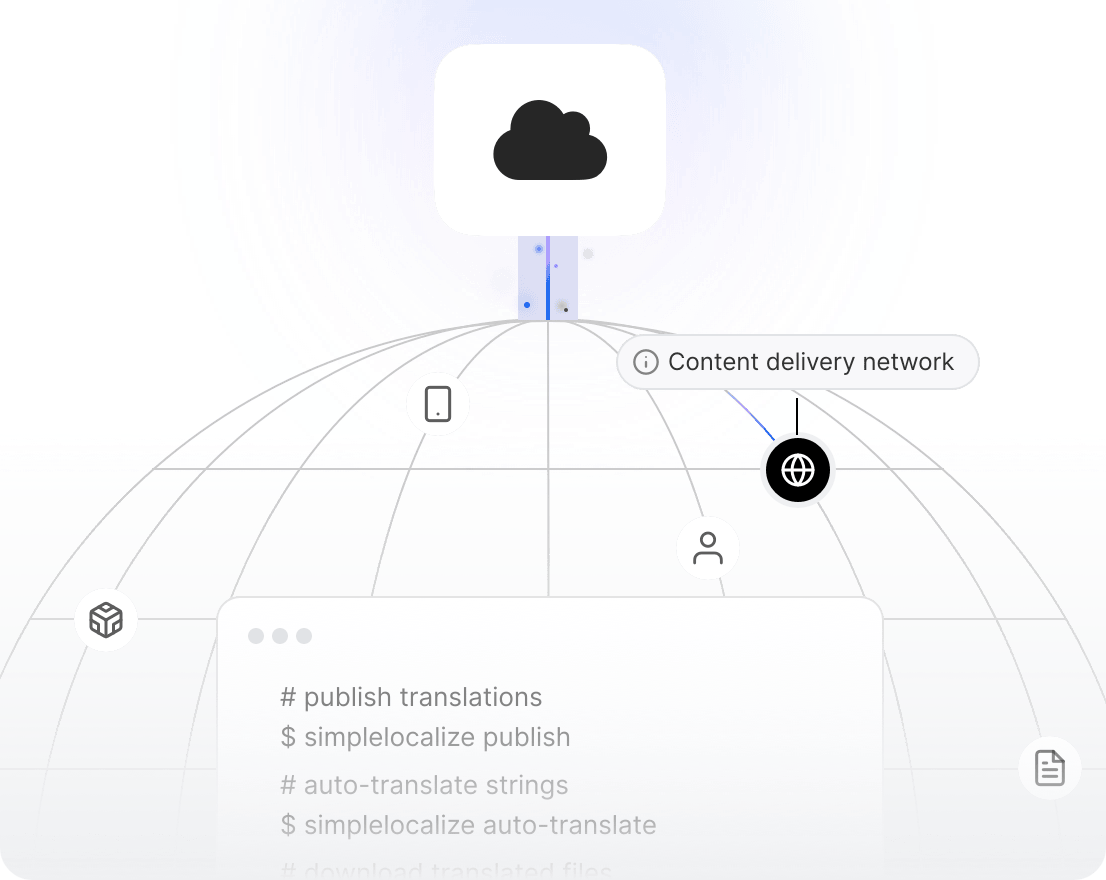
Stop waiting 24-48 hours for Apple or Google to approve a typo fix. SimpleLocalize's Translation Hosting allows you to fetch the latest strings directly from our global CDN — reducing your reliance on app store release cycles. JSON-based frameworks like React Native and Expo can use CDN-backed translation delivery today.
Dynamic hosting
Serve the latest JSON, ARB, or XML files directly to your app via our global CDN. No rebuild or redeployment required.
Instant fixes for React Native & web apps
Apps that load translations from JSON can fetch updates from the CDN right now: correct a translation in the editor and see it live instantly.
Coming soon: Native mobile SDKs
Dedicated iOS and Android SDKs for seamless, zero-config OTA translation updates in native apps are on the way.
How it works
From single-language app to 50+ locales
Follow this proven workflow to take your app from a single language to global availability on every app store.
Internationalize your app
Externalize all user-facing strings using your framework's i18n library: react-i18next for React Native, ARB files for Flutter, Localizable.strings for iOS, or XML resources for Android.
Import strings to SimpleLocalize
Upload your translation files via CLI, CI/CD, or the web dashboard. SimpleLocalize auto-detects your file format and organizes keys by namespace.
Translate & review
Auto-translate with DeepL, Google Translate, or OpenAI. Then collaborate with translators in the online editor to review context, fix nuances, and approve final copy.
Deliver via CDN or file export
Publish translations to the CDN for instant over-the-air delivery, or download updated files and bundle them with your next app release.
For a step-by-step walkthrough, see the getting started guide.
Ready to localize your app for global markets?
Start a free project and translate your first strings in minutes.
Start for free
Works with every mobile & web framework
Plug SimpleLocalize into your existing mobile stack.
Native file formats, no conversion steps.
Flutter & Dart (ARB)
intl_messages.arb, translate in the editor, and download updated ARB files for every locale. Works seamlessly with flutter_localizations and the intl package.
React Native & Expo
iOS: Swift & Objective-C
.lproj folder in sync with your translation pipeline.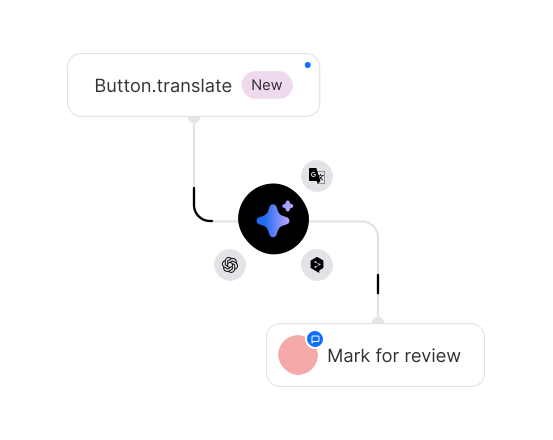
Android — Kotlin & Java
strings.xml, translate, and download locale-specific files for every values-* directory. Full support for Android plural resources and string arrays.And 20+ more integrations
Beyond mobile, SimpleLocalize supports every major web framework: Next.js, Angular, Vue, Nuxt, Gatsby, and more. See the full integration list.
































Why SimpleLocalize
Built for the way you ship apps
Developer-first tooling meets product-team simplicity, designed for fast-moving mobile and web teams.

Start localizing your app today
- Support for iOS, Android & Flutter
- App Store Metadata (ASO) management
- CDN delivery for instant updates
- AI-powered translations built in
- Transparent, flat pricing
"The product
and support
are fantastic."
"The support is
blazing fast,
thank you Jakub!"
"Interface that
makes any dev
feel at home!"
"Excellent app,
saves my time
and money"
Learn more about app localization
Guides, tutorials, and best practices for localizing mobile and web applications.
The complete technical guide to Internationalization (i18n) & Software localization
Everything developers need to know about internationalization (i18n) and software localization. Architecture patterns, file formats, frameworks, RTL, CI/CD, testing, and multi-tenant localization for SaaS teams.
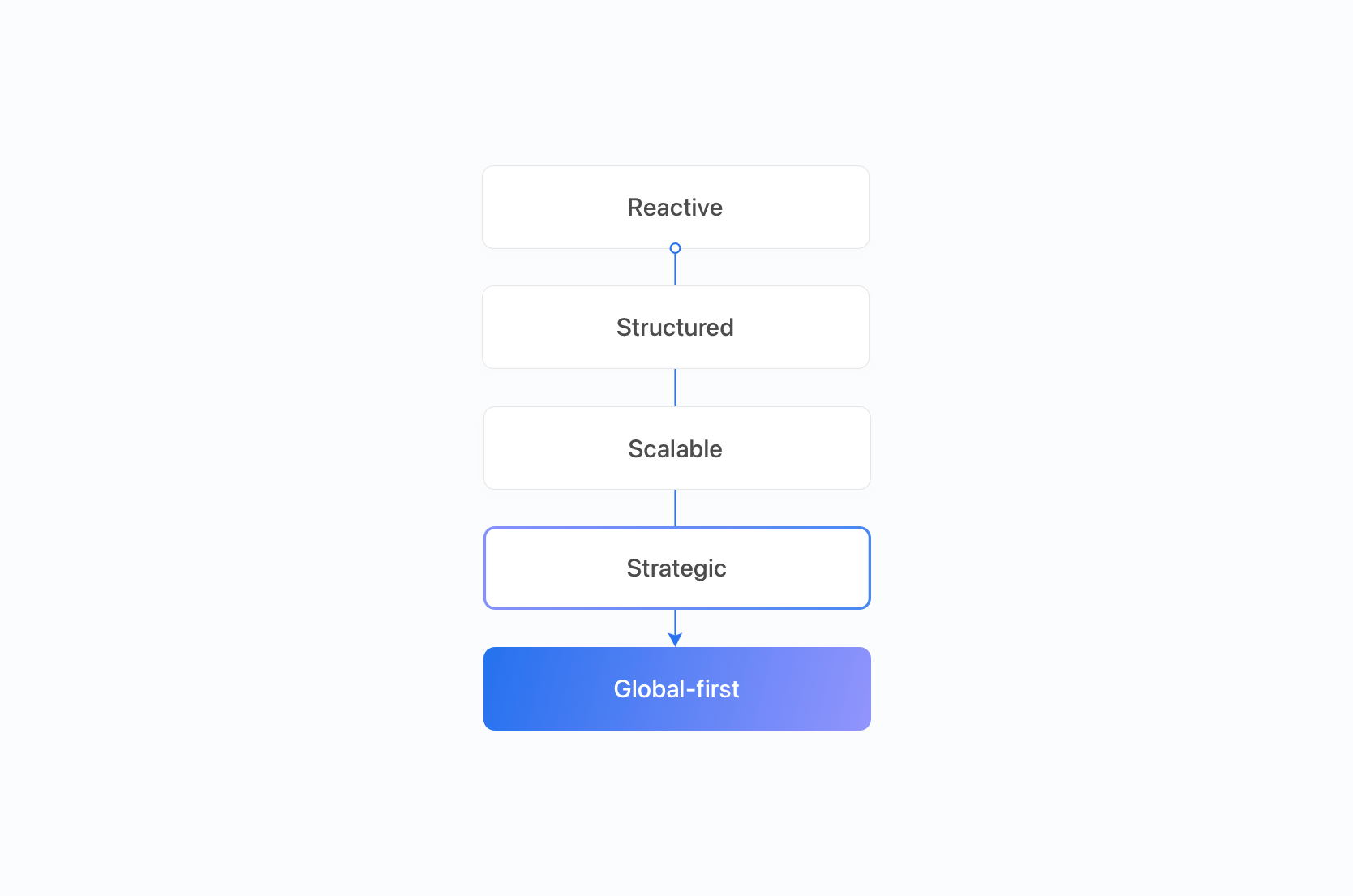
Localization maturity model: 5 stages of scalable global growth for SaaS
Discover the 5 stages of the localization maturity model for SaaS. Learn how workflows, budgets, tooling and QA evolve from reactive translation to global-first strategy.
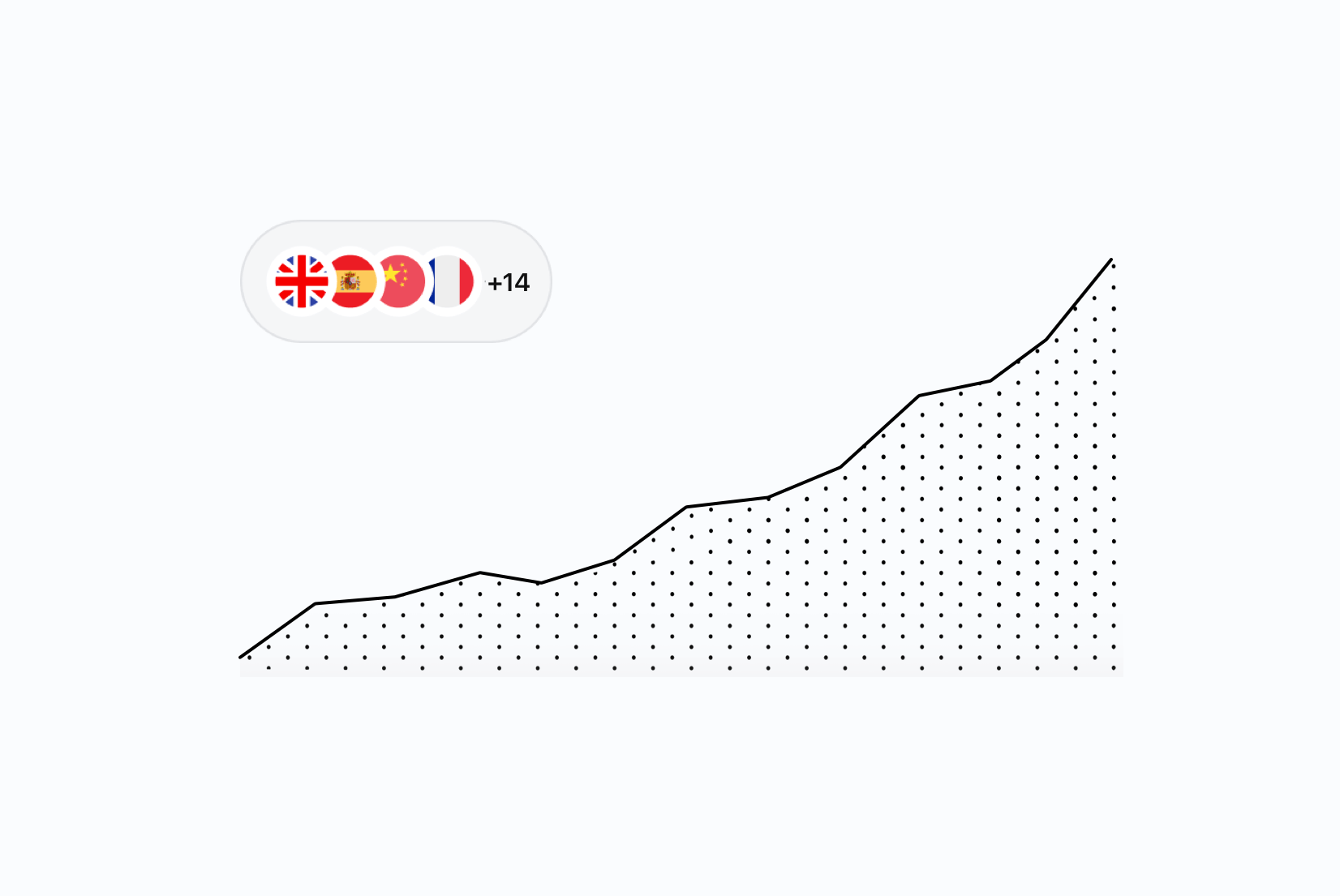
Localization strategy for global SaaS growth: Scaling beyond basic translation
Learn how to scale localization for global SaaS growth. Prioritize markets, automate workflows, enforce governance, and measure localization ROI effectively.
Localization vs Internationalization vs Translation: Key differences for SaaS teams
What's the difference between localization, internationalization (i18n), and translation? Practical SaaS examples for product and engineering teams.
SaaS localization readiness checklist: Is your product ready to go global?
Ensure your product is ready for global expansion. Use our Localization Readiness Checklist to evaluate your team, tech, content, and processes before translating.
Localization strategy for SaaS: The complete guide for product & dev teams
Learn how to build a scalable localization strategy for SaaS and software teams. Workflows, i18n, metrics, pitfalls, and real examples.
App localization vs. internationalization
Internationalization (i18n) is the engineering work that makes your app capable of supporting multiple languages — externalizing strings into resource files, handling plural forms, formatting dates and currencies per locale, and designing layouts that accommodate variable-length text. It is a one-time foundational investment in your codebase.
App localization (l10n) is the ongoing process of adapting your application for each target market. It includes translating UI strings, localizing push notifications, adapting app store listings (ASO), adjusting imagery and iconography for cultural fit, and ensuring the full user experience feels native. Localization builds on top of internationalization, and it continues with every release.
In practice, i18n and l10n work hand-in-hand. A well-internationalized app makes localization fast and repeatable. Tools like SimpleLocalize bridge the gap — you upload your i18n resource files, translate them in the online editor, and deliver updates via CDN or file export, keeping both processes seamless.
What is mobile app localization?
Mobile app localization is the process of adapting an iOS or Android application for users in different languages and regions. It covers the entire user experience: in-app UI strings, onboarding flows, push notifications, in-app purchase descriptions, error messages, and app store metadata (title, subtitle, description, keywords, and screenshots).
Unlike web localization, mobile l10n must account for platform-specific file formats (Localizable.strings for iOS, strings.xml for Android, .arb for Flutter), strict character limits on smaller screens, and the friction of app store review cycles for every update. This is why CDN-backed translation delivery is so valuable — it lets you update translations without submitting a new binary.
App Store Optimization (ASO) and localization
App Store Optimization (ASO) is the process of improving your app's visibility in app store search results. Localization is one of the most powerful — and often overlooked — ASO levers. By localizing your app title, subtitle, keywords, and description for each market, you multiply the search terms your app ranks for across dozens of storefronts.
Apple's App Store supports 40 languages, and Google Play over 75. Apps that localize their metadata see significantly higher organic impressions and download conversion rates in non-English markets. Combine ASO localization with translated in-app content for maximum impact — users who download a localized listing expect a localized experience inside the app as well.
How to manage translations for React Native apps
React Native apps typically use react-i18next or FormatJS (react-intl) to load translations at runtime from JSON files. The localization workflow looks like this:
- Externalize strings — wrap every user-facing string in a
t()function and organize keys into JSON translation files per locale. - Upload to SimpleLocalize — use the CLI to push your base-language JSON file. New keys are detected automatically.
- Translate & review — auto-translate with DeepL or OpenAI, then refine in the online editor with your team.
- Deliver translations — download updated JSON files for bundling, or fetch them from the CDN at app startup for instant updates.
This workflow keeps translations in sync with your codebase and eliminates manual copy-paste between spreadsheets and source files. Read our continuous localization guide for the full CI/CD setup.
Frequently asked questions
What is app localization?
App localization is the process of adapting a mobile or web application for users in different languages and regions. It includes translating user interface strings, push notifications, in-app purchases, onboarding flows, and app store metadata. Localization goes beyond translation — it also adapts date and number formats, currencies, images, and layout for each target market.
What is the difference between app localization and translation?
Translation converts text from one language to another. App localization adapts the entire user experience for a target audience — including UI layout, plural forms, cultural references, images, and app store listings. A properly localized app feels native in every market, not just translated.
What file formats does SimpleLocalize support for mobile apps?
SimpleLocalize supports 30+ translation file formats including iOS Localizable.strings, Stringsdict, Xcode String Catalogs, Android XML string resources, Flutter ARB, JSON (react-i18next, FormatJS), YAML, XLIFF, Properties, and many more. Files are auto-detected on upload, so there's no manual format configuration needed.
Can I update app translations without an app store release?
Yes. SimpleLocalize's Translation Hosting delivers translations via a global CDN. Your app fetches the latest translation files at startup or on demand, so you can fix typos, update marketing copy, or add new languages without submitting a new build to the App Store or Google Play.
JSON-based frameworks like React Native and Expo can use CDN-backed translation delivery today: just point your i18n loader at the hosted JSON endpoint. For native iOS (Swift) and Android (Kotlin) apps, dedicated SDKs with zero-config OTA support are coming soon.
How does app localization help with App Store Optimization (ASO)?
Localizing your app store metadata — title, subtitle, keywords, and description — helps your app rank in local search results across Apple and Google storefronts. Apps with localized listings see significantly higher organic impressions and better download conversion rates in non-English markets. Combined with localized in-app content, ASO localization is one of the highest-ROI growth strategies for mobile apps.
Which mobile frameworks are supported?
SimpleLocalize works with all major mobile frameworks including React Native (react-i18next, FormatJS), Flutter (ARB files), iOS native (Swift, Objective-C with Localizable.strings), Android native (Kotlin, Java with strings.xml), and cross-platform tools like Expo. It also supports every major web framework — React, Angular, Vue, Next.js, and more.
How do I get started with app localization?
Start by internationalizing your app: externalize all user-facing strings into translation files (JSON, ARB, Strings, XML, etc.). Then create a free SimpleLocalize project, upload your base-language file, auto-translate into your target languages, review the results, and publish via CDN or file download. The entire process takes minutes to set up. See our getting started guide for a step-by-step walkthrough.