Localization budget planning: A practical guide for SaaS teams

A team planning to launch in Spanish, German, and Japanese gets a translation quote, multiplies it by three, and takes that number to finance as the localization budget. Three months later, the actual spend also includes a TMS subscription, a week of engineering time to fix RTL-adjacent formatting bugs, a native review pass for Japanese, and a growing backlog of new keys that need translation every sprint.
Translation is only one line item. A full localization budget also has to cover tooling, engineering setup, review and QA, and ongoing maintenance. This guide walks through each one, gives you a way to estimate it before you commit to a language, and shows how the numbers change as you scale.
This sits inside the broader framework from our localization strategy guide, which covers market prioritization, ownership, workflow design, and the strategic questions that shape whether localization is worth doing in the first place.
What a localization budget covers
Before assigning numbers, list what you're paying for. Most teams underestimate the list because only the first line item is visible from the outside.
- Translation cost: per word, per key, or per token, depending on whether you use human translators, machine translation, or AI models.
- Tooling and TMS subscription: the platform that stores keys, gives an option to manage translations, and connects to your CI/CD pipeline.
- Engineering setup: internationalizing the codebase, building CI/CD integration, and handling formatting, pluralization, and RTL support if needed.
- Review and QA: native speaker review, linguistic QA checks, and functional testing of the localized product.
- Ongoing maintenance: translating new keys every sprint, keeping regional variants current, and re-reviewing content after major UI changes.
Engineering setup is usually a one-time cost per market segment (for example, adding RTL support once covers Arabic, Hebrew, and Persian together). Translation and review are recurring costs that scale with your release cadence and the number of languages you support.
Estimating translation costs
Translation cost depends on three variables: volume, method, and language pair. Get a rough number for each before building a full budget.
Volume. Count your source strings, not your source words. A typical SaaS product ships somewhere between 500 keys (a lean MVP) and 5,000+ keys (a mature product with settings, billing, onboarding, and email templates). Multiply your key count by the average word count per key (usually 4 to 8 words) to get total word volume.
Method. Human translation, machine translation, and AI translation have different cost profiles:
| Method | Typical cost | Best for |
|---|---|---|
| Professional human translation | $0.08-$0.20 per word | Marketing copy, legal content, high-visibility UI |
| DeepL / Google Translate (MT) | $0.01-$0.03 per word | Bulk UI strings, internal tools, fast baseline |
| AI translation (LLM via API) | Token-based, roughly $0.005-$0.02 per word depending on model | Context-sensitive strings, tone-heavy copy, mixed batches |
For a detailed breakdown of AI provider pricing with per-key estimates, see our AI translation cost comparison.
Language pair. Translating into languages with fewer available translators (Icelandic, Welsh) usually costs more than high-demand pairs (Spanish, French, German). Get quotes for your actual target languages before finalizing a budget; averages hide this variance.
Tip: Use MT or AI translation for the first pass on every string, then route only customer-facing and high-visibility content to human review. This cuts translation spend by 60–80% compared to full human translation, without leaving raw machine output in production.
Building a per-language cost model
Instead of one lump sum, break the budget down per language. This makes it clear which languages are expensive to maintain and helps you decide where to invest in review versus where MT alone is acceptable.
| Cost item | Example: Spanish (es) | Example: Japanese (ja) |
|---|---|---|
| Initial translation (2,000 keys, AI + review) | $400-$600 | $600-$900 |
| Native review pass | $150-$250 | $250-$400 |
| Ongoing translation (new keys, per sprint) | $20-$40 | $30-$60 |
| QA and functional testing | $100-$150 | $150-$250 (script-related issues add cost) |
Japanese, Arabic, and other languages with different scripts, RTL layout, or complex pluralization rules typically run 30–50% higher than Western European languages, mostly in review and QA time rather than raw translation cost. Budget for that difference up front instead of discovering it after launch.
If you haven't decided which languages to prioritize yet, our guide on planning your first 5 languages covers selection criteria before you start pricing anything out.
Tooling costs
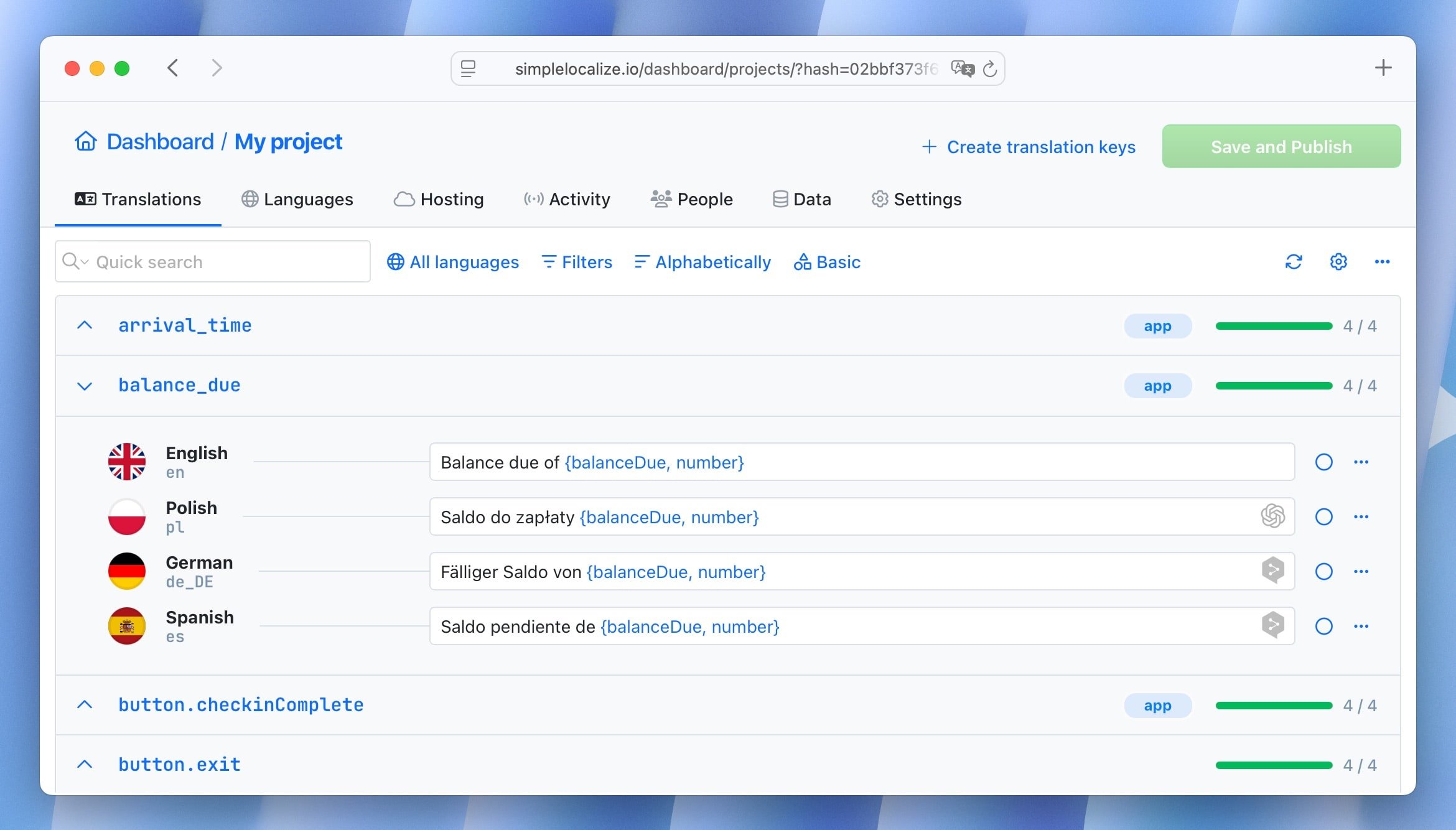
TMS pricing models vary in ways that make simple monthly-fee comparisons misleading. Some platforms charge per word, some per language, some per translation key, and some cap the number of API calls or CI/CD integrations you can run.
Before comparing vendors, model your cost at your projected scale, not your current one. A tool that looks cheap at 500 keys and 3 languages can become the most expensive option once you reach 5,000 keys and 12 languages, if pricing scales with volume rather than staying flat.
We cover this in more depth, including real examples of hidden cost growth, in why your TMS doesn't have to cost a fortune.
Engineering time
Engineering setup is a real line item, even though no invoice arrives for it. Estimate it in engineer-days, then convert to cost using your internal rate.
Rough ranges for a mid-sized SaaS product:
- Extracting hardcoded strings into translation keys: 3-10 engineer-days, depending on codebase size
- CI/CD integration (CLI setup, pipeline steps, automated key sync): 1-3 engineer-days
- RTL support (if targeting Arabic or Hebrew): 5-15 engineer-days, mostly CSS and layout fixes
- Locale-aware formatting for dates, numbers, and currencies: 1-2 engineer-days if using
IntlAPIs correctly from the start
Codebases that were not built with i18n in mind cost significantly more here. If your product has years of hardcoded strings, read why retrofitting i18n is expensive before setting an engineering budget; the number can be several times higher than teams expect.
Budgeting for maintenance
The biggest budgeting blind spot is treating localization like a launch task with a finish line. In reality, the work keeps accumulating long after the first release.
Plan for:
- Per-sprint translation: new keys added during regular development need translation on the same cadence as your releases, not in a quarterly batch.
- Re-review after redesigns: a UI redesign or copy overhaul touches translated strings across every language, not just the source language.
- Regional variant upkeep: if you maintain
pt-BRandpt-PTseparately, ores-MXandes-ES, budget for keeping both current, not just the base locale. - QA regression: visual and functional QA should run per release, per language, at least for your highest-traffic markets.
Tip: Budget 15-25% of your initial localization cost per language, per year, for ongoing maintenance. This number goes down as your process matures and more of it is automated through CI/CD.
Common budgeting mistakes
Here are some common mistakes that lead to under-budgeting:
- Pricing translation only, ignoring review and QA. A quote for translation alone is not a localization budget.
- Using averages instead of per-language quotes. Language pairs vary too much in cost to plan around a single blended rate.
- Forgetting maintenance entirely. A budget that ends at launch guarantees a surprise renewal conversation next quarter.
- Comparing TMS tools on sticker price alone. Model cost at your projected scale, not your current one.
- Skipping engineering time. Setup work is real cost even without a vendor invoice attached to it.
For a broader list of early-stage mistakes that compound into budget problems later, see 11 common localization mistakes and localization anti-patterns.
Putting it together: a simple budget template
For a first pass, structure your budget across four quarters instead of one lump sum:
- Q1: Engineering setup, i18n architecture, TMS onboarding, initial translation for 2–3 launch languages.
- Q2: Native review pass, QA regression testing, fixes to layout issues surfaced by translated content.
- Q3: Ongoing per-sprint translation, first data on cost per language versus actual usage or revenue by market.
- Q4: Reassess language priorities using real usage data, plan expansion budget for the next year based on what Q1–Q3 actually cost, not the original estimate.
This structure also gives you the data you need to calculate actual localization ROI once real numbers replace estimates. Budgeting and ROI measurement work best as a pair: one tells you what to spend, the other tells you whether it worked.
Conclusion
A localization budget that only prices translation will be wrong by the second quarter. Build it around all five cost centers: translation, tooling, engineering, review, and maintenance, price languages individually rather than as an average, and plan for the ongoing cost, not just the launch cost. Once you have a full year of real numbers, revisit the plan and replace estimates with actuals.