How to manage product translations on Shopify (Step-by-step guide)

Selling internationally on Shopify takes more time than just setting up multiple languages. Product titles, descriptions, variants, and SEO fields all need accurate translations that stay updated as your catalog grows. Managing this directly in Shopify can become difficult over time, especially for stores with many products or frequent changes.
This guide explains how to manage Shopify product translations using SimpleLocalize, how the integration works, and how to build a reliable workflow that scales with your store.
Why product translations are important for Shopify stores
Product pages play a major role in both conversions and search visibility. When customers can read product information in their own language, they are more likely to trust your store and complete a purchase. Translated product content also helps your store appear in local search results, bringing organic traffic from different regions. Product translation is often the first step of a broader localization strategy, which we cover in more detail in our e-commerce localization guide.
Shopify provides native multi-language support, but it is mainly designed for basic editing. As your store grows, you may need better visibility, collaboration, and control over translations. SimpleLocalize acts as a central place where all product translations can be managed, reviewed, and synced back to Shopify.

How the SimpleLocalize Shopify integration works
The SimpleLocalize integration connects your Shopify store with a translation project, allowing you to sync product content and manage translations outside of the Shopify admin.
Install and connect SimpleLocalize
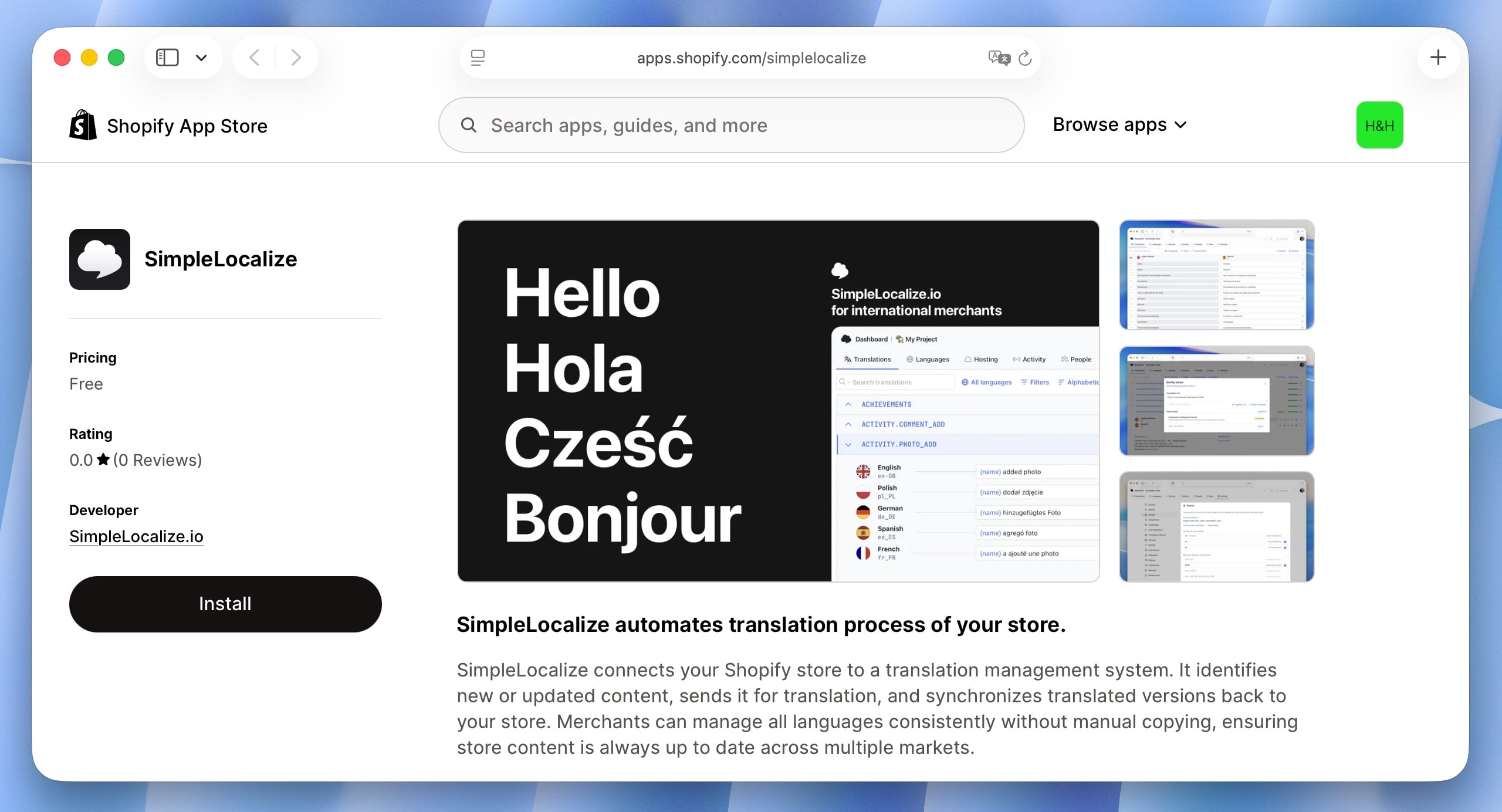
Start by installing the SimpleLocalize app from the Shopify App Store. After installation, connect your store to an existing or new SimpleLocalize project. During setup, the app requests access needed to read and update translation data.
Once connected, SimpleLocalize can communicate directly with Shopify, keeping your translated content aligned across systems.
Select product content to translate
After connection, you can choose which Shopify resources should be synchronized. For product translations, this usually includes:
- Product titles
- Product descriptions
- Variant names and options
The selected content is imported into SimpleLocalize and prepared for translation.
You can choose Collections and Products from resource types in the SimpleLocalize Shopify app settings.
Translate products in SimpleLocalize
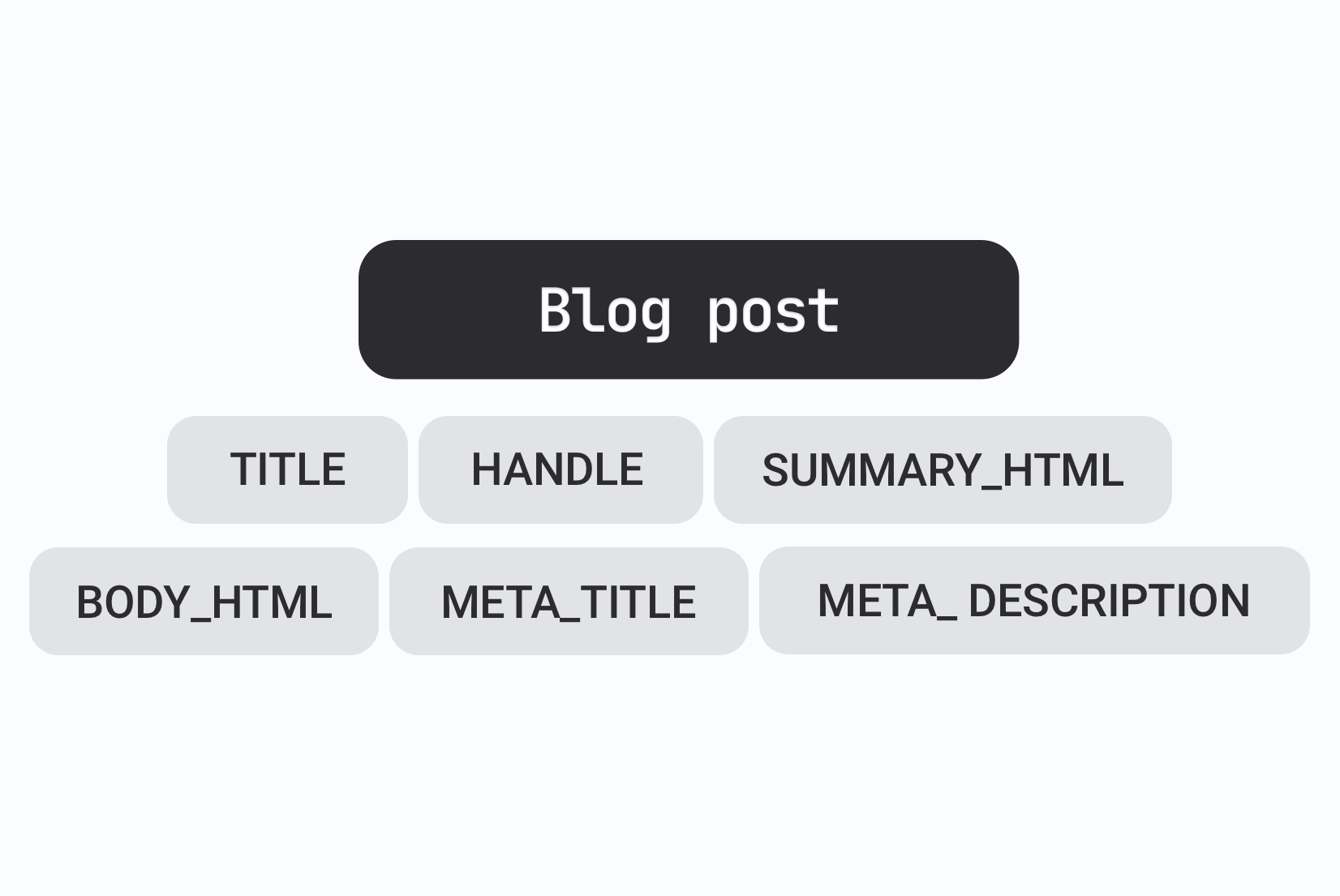
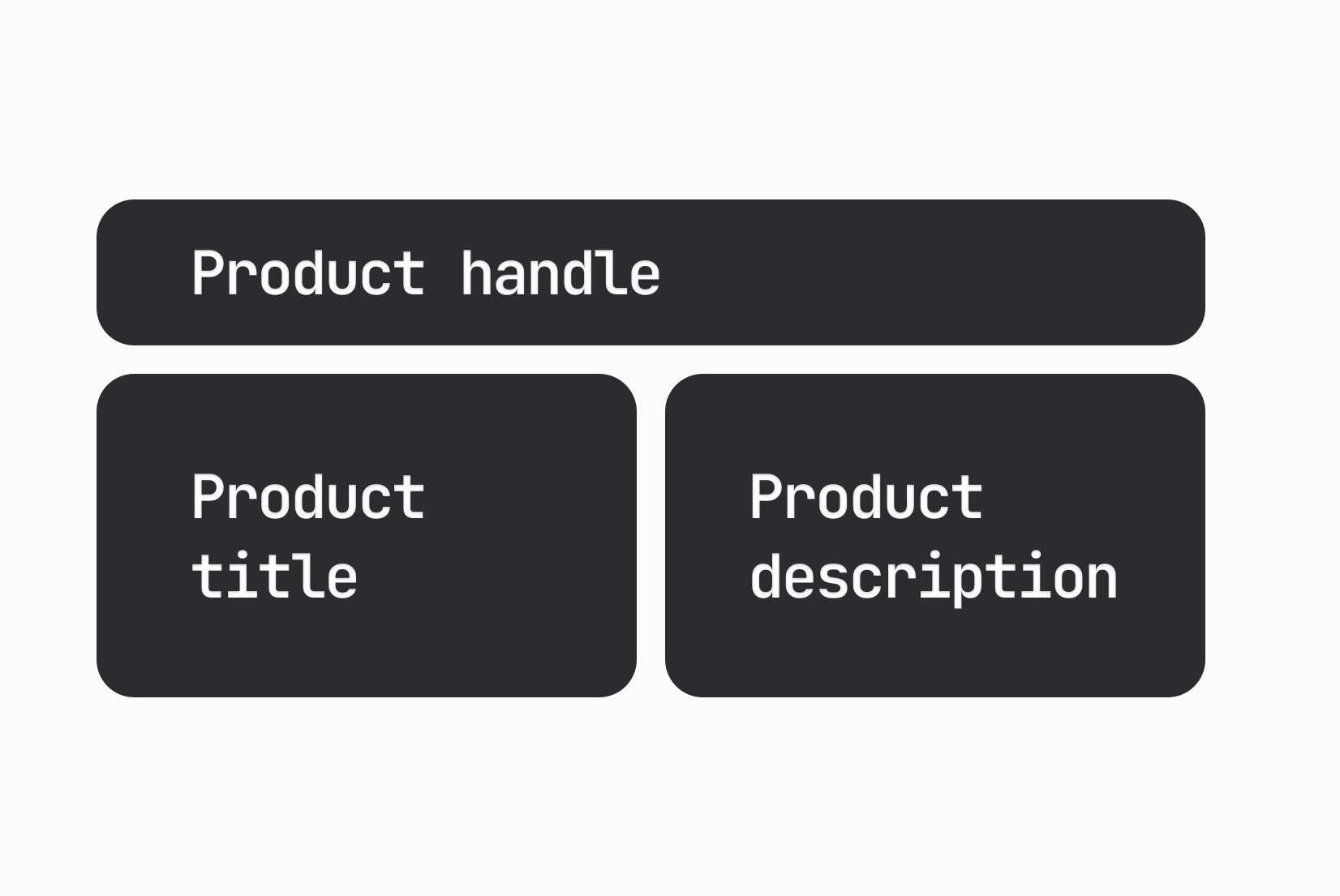
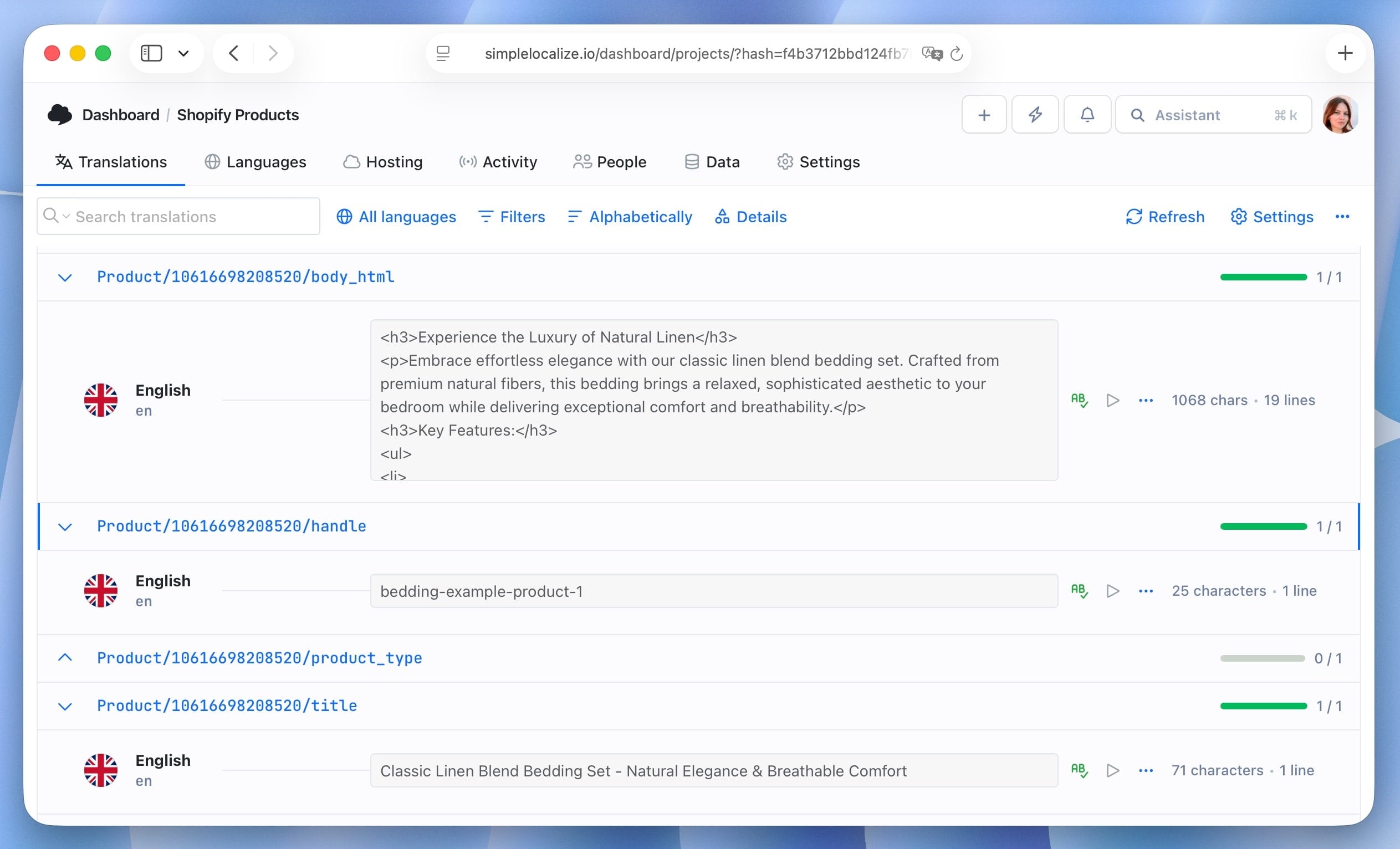
Inside SimpleLocalize, product content is organized into translation keys. Each key corresponds to a specific field in Shopify, such as a product title or description.
Translators can work directly within SimpleLocalize's interface, which supports features like:
This workflow is easier to manage than editing each product and language separately inside Shopify.
Sync translations back to Shopify
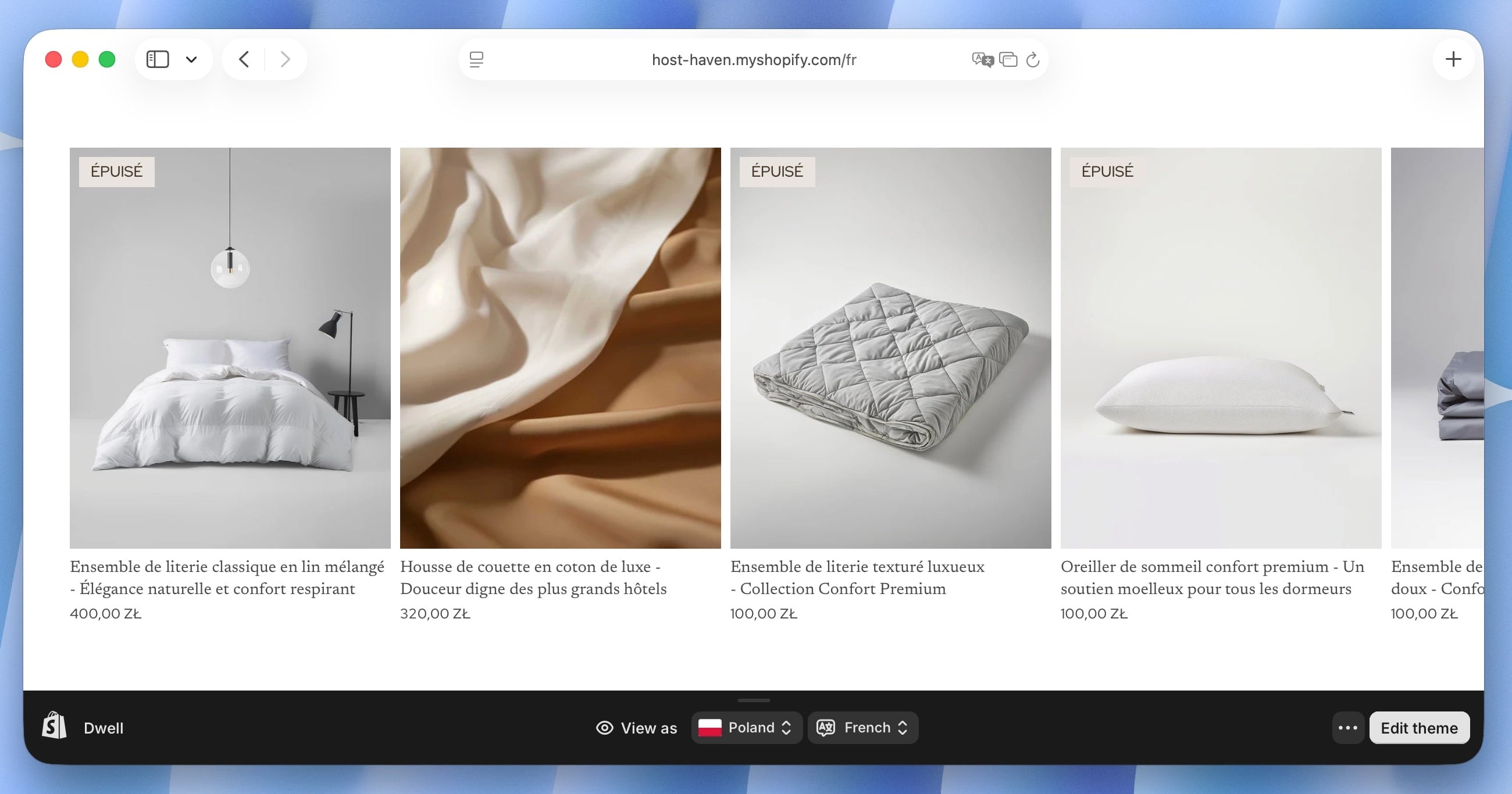
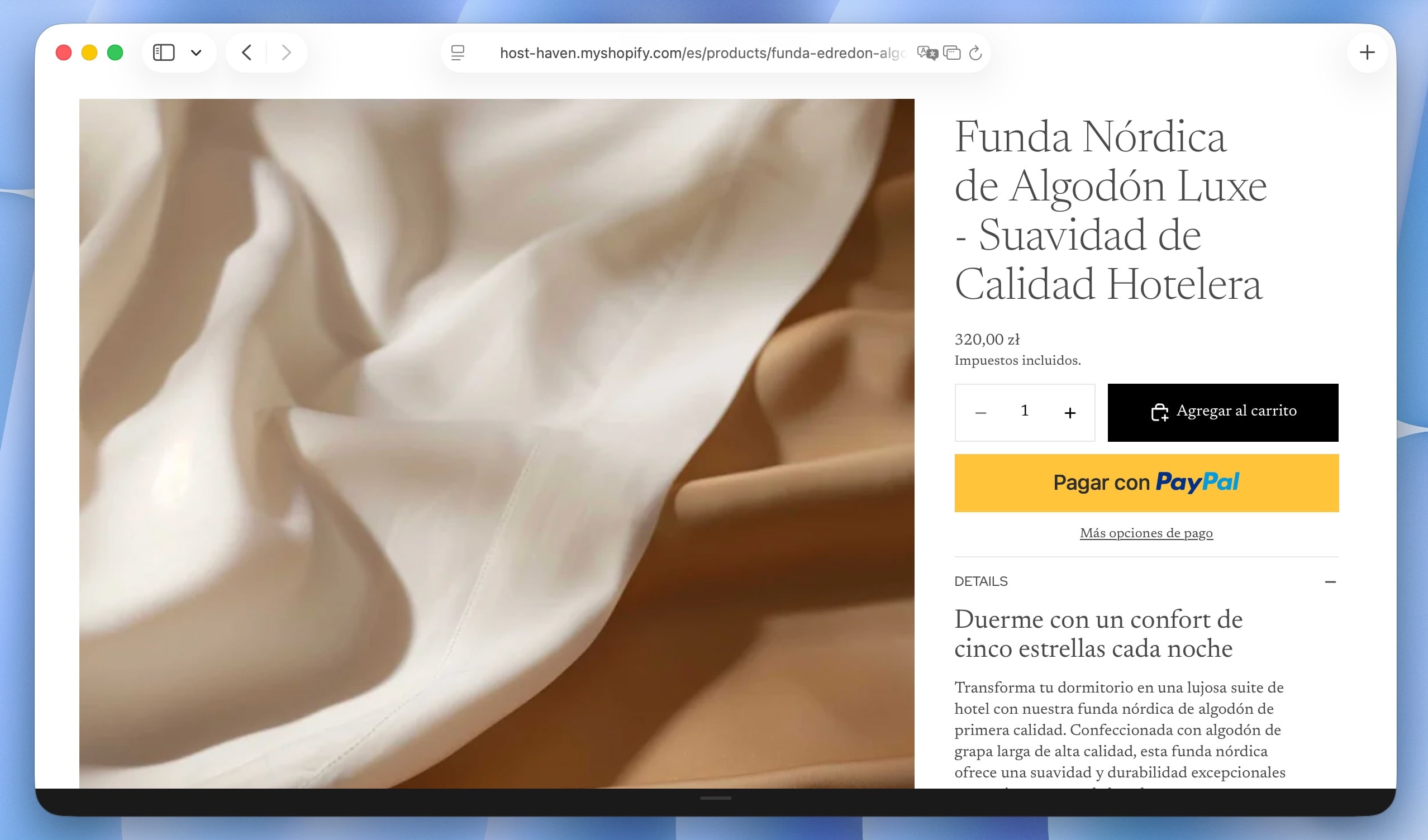
Updated content is automatically synced back to Shopify, replacing the original product fields with translated versions. Thanks to that, your store always displays the latest translations without manual copy-pasting.
When new products are added or existing ones are updated in Shopify, just trigger a sync in SimpleLocalize to pull the latest content for translation.
Best practices for managing Shopify product translations
Getting started with product translations can feel overwhelming. Here are some tips to help you build an efficient workflow:
-
Prioritize high-value products
Begin with products that generate the most traffic or sales. Translating these first helps you see results faster while keeping translation costs under control.
-
Maintain a regular sync schedule
Product content changes often. New variants, updated descriptions, or pricing adjustments can create inconsistencies if translations are not updated regularly. Sync content frequently to ensure translations stay current.
-
Automate where possible
Use SimpleLocalize's automation features to streamline repetitive tasks. For example, set up automatic machine translation for new content, then have human translators review and refine it.
-
Use consistent terminology
Consistency is important for brand clarity. Use the same terms for product features, materials, and options across all languages. SimpleLocalize helps maintain consistency by keeping translations centralized and reusable.
-
Leverage SEO best practices
Optimize translated product titles and descriptions for local search terms. Research keywords in each target language to improve visibility and attract organic traffic.
Common mistakes to avoid
-
Editing translations in multiple places
Editing translations directly in Shopify and in SimpleLocalize at the same time can cause conflicts. Choose SimpleLocalize as the main place for managing translations and use Shopify only for the default language.
-
Forgetting product variants
Variants often contain important information such as size, color, or material. Leaving them untranslated can confuse customers and reduce conversion rates.
-
Not updating translations after product changes
If the source content changes, translations should be reviewed and updated. Outdated translations can lead to incorrect product information and customer complaints.
-
Ignoring cultural differences
Translation is not just about language. Consider cultural nuances, local preferences, and buying behaviors when translating product content to ensure it resonates with the target audience.
Important things to know before you start
- The default language of your Shopify store remains managed in Shopify and is not editable in SimpleLocalize.
- Shopify supports up to 20 languages per store.
- Some older themes may require updates to fully support multiple languages.
Understanding these limits helps you plan your localization strategy more effectively.
FAQ
How do I translate Shopify products into multiple languages? You can translate Shopify products by syncing product content into SimpleLocalize, adding the required languages, and managing translations in one place. Once translations are ready, you sync them back to Shopify.
Can I update translations when products change? Yes, whenever you update product information in Shopify, you can trigger a sync in SimpleLocalize to pull the latest content for translation.
Is SimpleLocalize suitable for large Shopify stores? Yes. SimpleLocalize is designed to handle large catalogs and multiple languages, making it suitable for growing and international Shopify stores. In case you need more translation keys during the free trial, contact our support.
Conclusion
Managing product translations on Shopify becomes much easier when translations are centralized and organized. By using SimpleLocalize, you gain better control over translated product content, reduce manual work, and keep your store consistent across languages.
With a clear workflow for syncing, translating, and updating product content, you can confidently expand your Shopify store into new markets while maintaining quality and accuracy.