Translation vs localization: Key differences, examples, and when to use each

Translation vs localization: what's the difference?
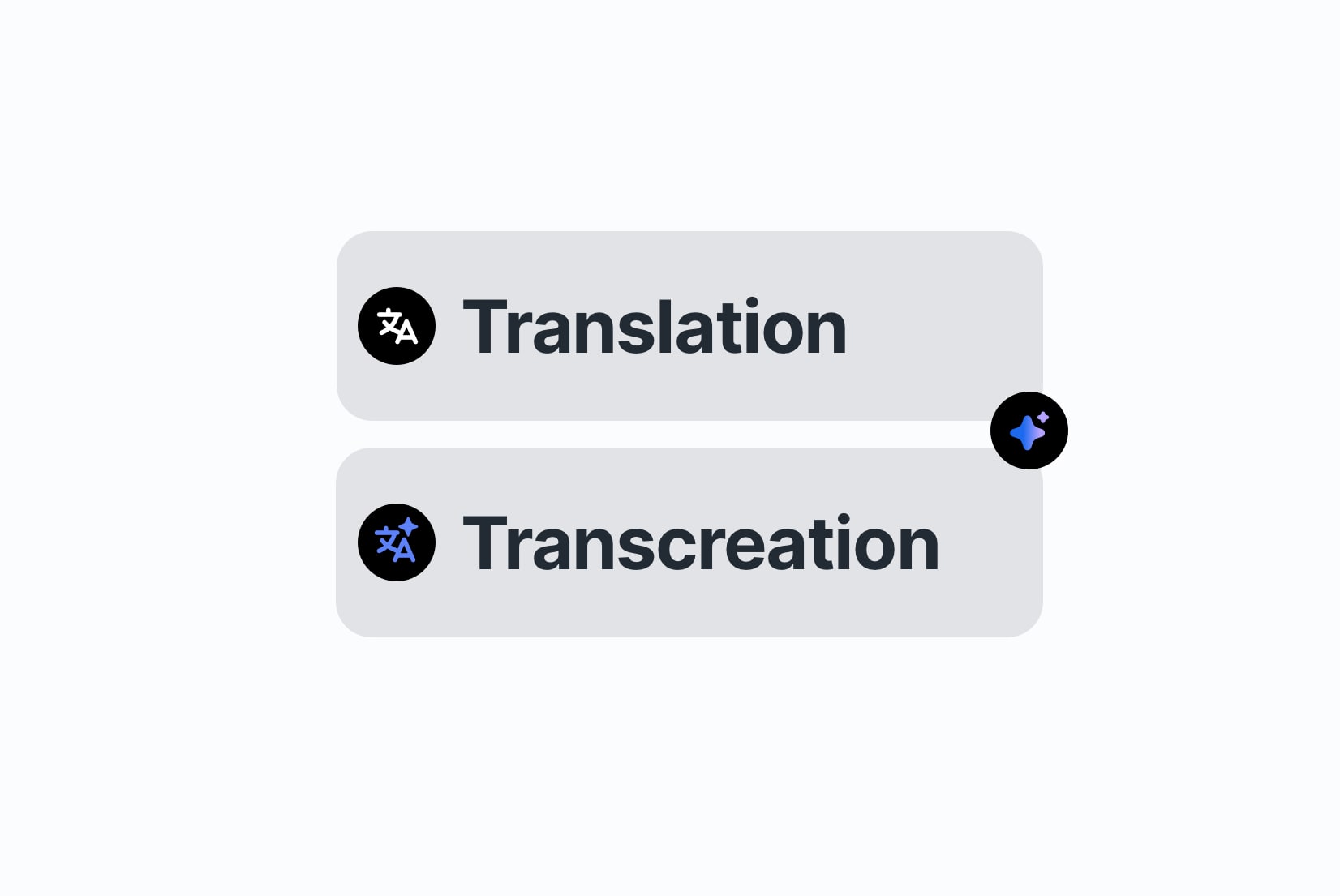
Translation and localization solve different problems.
Translation focuses on language accuracy.
Localization focuses on user experience.
Understanding the difference matters when expanding software, websites, or content to international markets. Using the wrong approach can lead to confusing interfaces, lower engagement, or products that technically work but don't feel right to users.
This article is part of our broader ultimate guide to localization strategy for software & SaaS teams, where we cover workflows, tooling decisions, and scaling localization over time.
This guide explains how translation and localization differ, shows practical examples, and helps you decide when to use each.
What is translation?
Translation is the process of converting text from one language into another while preserving its original meaning.
Example:
- English: “Welcome to our website!”
- Spanish: “¡Bienvenido a nuestro sitio web!”
Translation focuses on:
- Words and sentences
- Grammar and spelling
- Meaning and intent
It does not adapt:
- Date or number formats
- Currency or units
- Images or icons
- Cultural references
- Layout or UX behavior
Translation is essential for making content understandable, but on its own, it doesn't guarantee that the experience feels natural or usable in a different region.
What is localization?
Localization (l10n) includes translation but goes further. It adapts content and products for the cultural, functional, and regional expectations of a specific locale.

Example:
- US English: “Our sale ends on 04/12/2026”
- German localization: “Unser Angebot endet am 12.04.2026”
Beyond text, localization may include:
- Displaying prices in local currency
- Adjusting date, time, and number formats
- Adapting imagery and icons
- Modifying tone, examples, or references
- Supporting local UX patterns and reading direction
Localization ensures that users feel a product was built for them, not simply translated. This is especially important for software, SaaS products, and customer-facing websites.
For a full overview, learn what is localization and check the differences between localization, internationalization (i18n), and translation.
Translation vs localization: side-by-side comparison

| Translation | Localization |
|---|---|
| Converts text between languages | Adapts the entire experience for a locale |
| Focuses on words and grammar | Includes language, UX, formats, visuals, and culture |
| Often a one-time task | Ongoing process as products evolve |
| Suitable for basic communication or internal content | Essential for software, websites, and global products |
| Ensures linguistic accuracy | Ensures usability, trust, and relevance |
In short, translation answers what the text says, while localization ensures how the product works and feels matches local expectations.
Practical examples
Website content
A translated website may be readable, but a localized website:
- Uses local currency
- Displays dates in familiar formats
- Adjusts calls to action for cultural tone

Software and SaaS products
In software, translation alone often isn't enough. Localization may include:
- Pluralization rules
- Error message tone
- Onboarding flows
- Form validation messages
- Layout adjustments for longer text or right-to-left languages
A UI translated into Japanese but still using US date formats can feel confusing, even if every word is correct. These issues often appear only after launch, making localization harder and more expensive if not planned early.

Marketing and messaging
Marketing content usually requires localization, not just translation. Humor, idioms, and tone of voice rarely work the same way across cultures.
Why the difference matters
Not understanding the difference between translation and localization often leads to common problems:
-
Over-relying on translation
Results in awkward phrasing or experiences that feel foreign.
-
Skipping localization for digital products
Leads to usability issues, reduced trust, and lower engagement.
In fact, "localization is just translation" is one of the most persistent myths that hurt product growth. Research consistently shows that users prefer products and content that feel familiar and designed for their region, not merely understandable.
When should you use translation vs localization?
Use translation when:
- Content is informational or internal
- Cultural context doesn't affect understanding
- UX and formatting are not involved
Examples: internal documentation, support tickets, basic communication.
Use localization when:
- Building software or SaaS products
- Launching websites or landing pages
- Running international marketing campaigns
- Targeting users in different regions
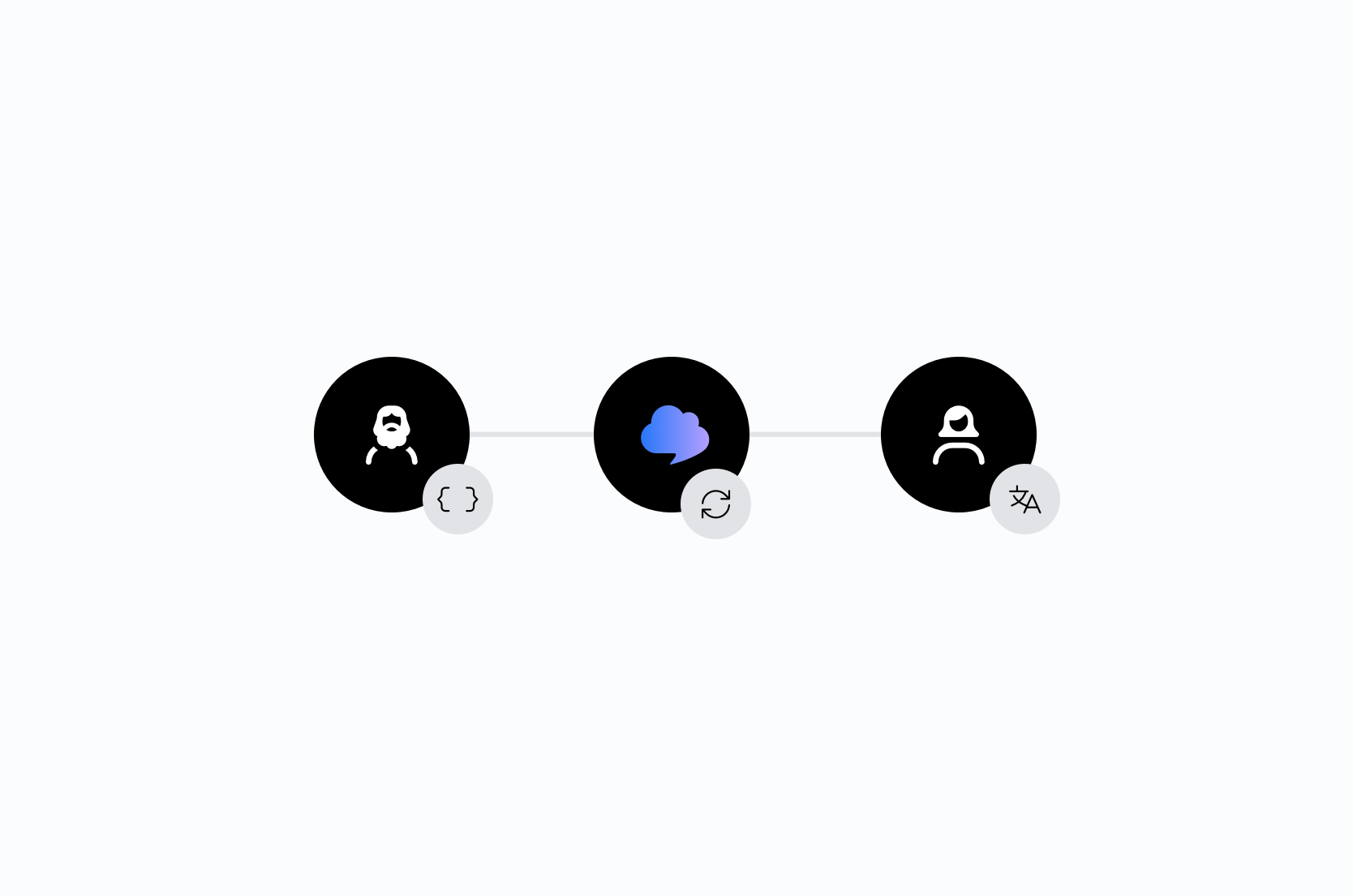
In practice, most global teams combine both approaches: translating content first, then localizing it for each target locale.
Tools and workflow
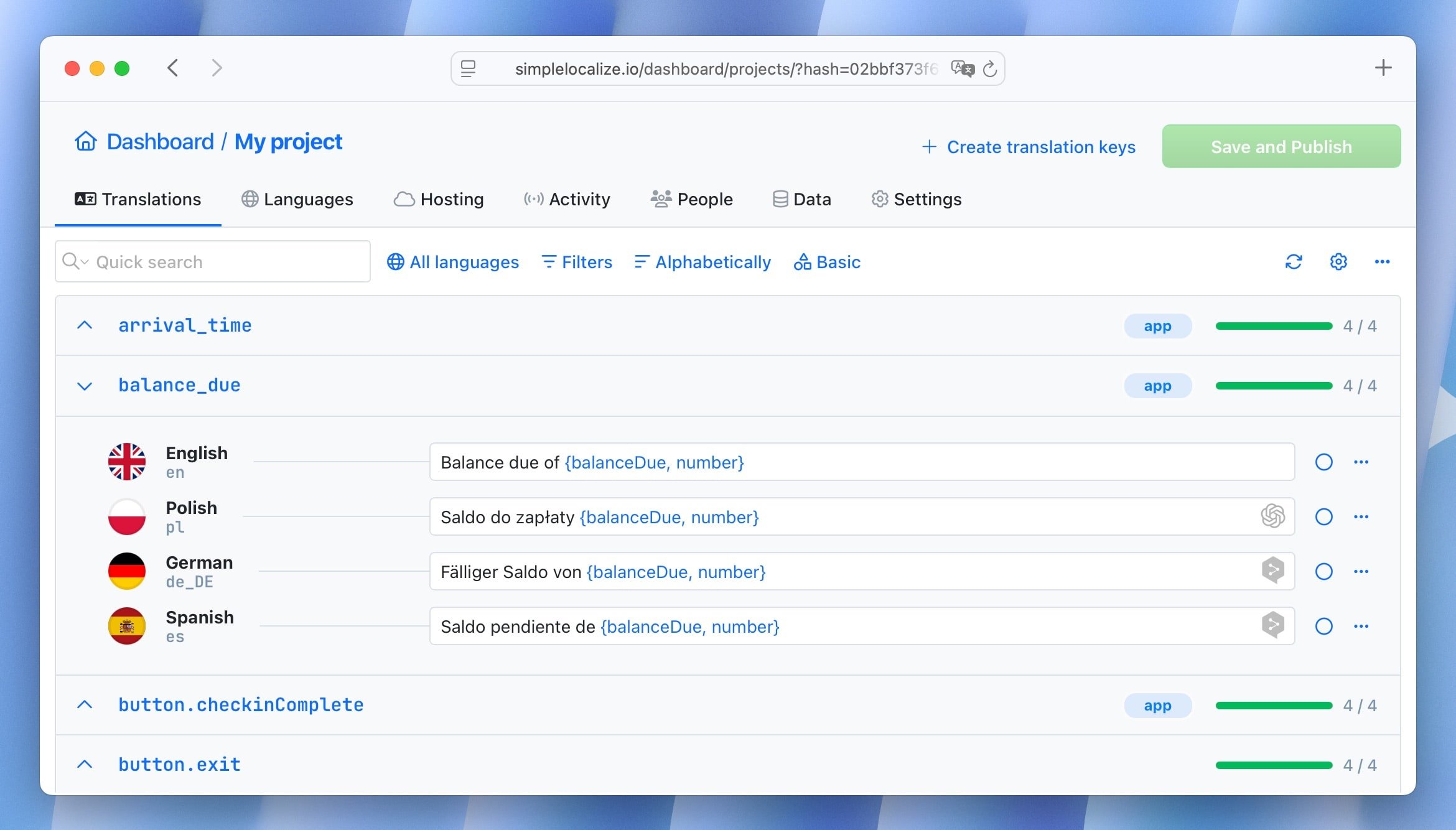
As products scale, managing translation and localization manually becomes difficult. Many teams rely on a Translation Management System (TMS) to handle both efficiently.
A TMS typically provides:
- Centralized translation storage
- Context for translators
- Automation for content updates
- Support for multiple languages and locales
SimpleLocalize helps teams manage translation and localization workflows in one place, making it easier to keep software and websites consistent across markets.
Learn more about software localization and how to get started with a TMS.
Conclusion
Translation and localization are closely related, but they serve different purposes. Translation ensures content is understandable. Localization ensures it feels natural, usable, and trustworthy for users in each market.
For global products, websites, and SaaS applications, localization isn't optional; it's what turns translated content into a truly global experience.