Unicode traps in localization: Characters that break your app silently

Most localization bugs are obvious: a button label is missing, a date format is wrong, a string is still in English. Unicode bugs are different. They are invisible in your editor, they pass code review, and they surface as mysterious failures in production that can take hours to trace back to a single invisible character.
Worse, they don't just look bad, they break functionality. A zero-width space in a translation key can mean a localized string fails to load entirely, leaving users staring at raw key names like auth.login_button instead of "Log in". Unicode normalization issues can even create security vulnerabilities: attackers have exploited "confusable" characters (homoglyphs) to bypass authorization checks or perform account takeovers.
This post covers the Unicode issues that show up most often in multilingual applications, from invisible characters that silently corrupt strings to security traps that most developers never consider. If you are building on the broader technical guide to internationalization and software localization, this is the low-level layer that everything else depends on.
Why character encoding still causes problems in 2026
UTF-8 is the correct encoding for nearly every web and API context. The problem is not usually the encoding you choose, it is the encoding assumed by one layer of your stack that you forgot to check.
A database configured with latin1 collation, a legacy CSV export that assumes ASCII, a file processing pipeline with no explicit encoding declaration, a third-party API that returns headers without a charset. Any one of these can corrupt multilingual text in transit.
The classic symptom is called mojibake (文字化け), a Japanese term for garbled text: é appearing where é should be. This is UTF-8 bytes being interpreted as Latin-1. The fix is always to find the layer making the wrong assumption and enforce UTF-8 consistently.
The practical rule: verify encoding at every boundary. Database connection string, file I/O, HTTP headers, and API request/response handling all need to declare UTF-8 explicitly. Silent defaults are where bugs hide.
Invisible characters that break search, comparison, and rendering
Unicode contains a number of characters that are zero-width or otherwise invisible in text editors and translation tools. They are easy to introduce accidentally (particularly via copy-paste from documents or web pages) and extremely difficult to spot.
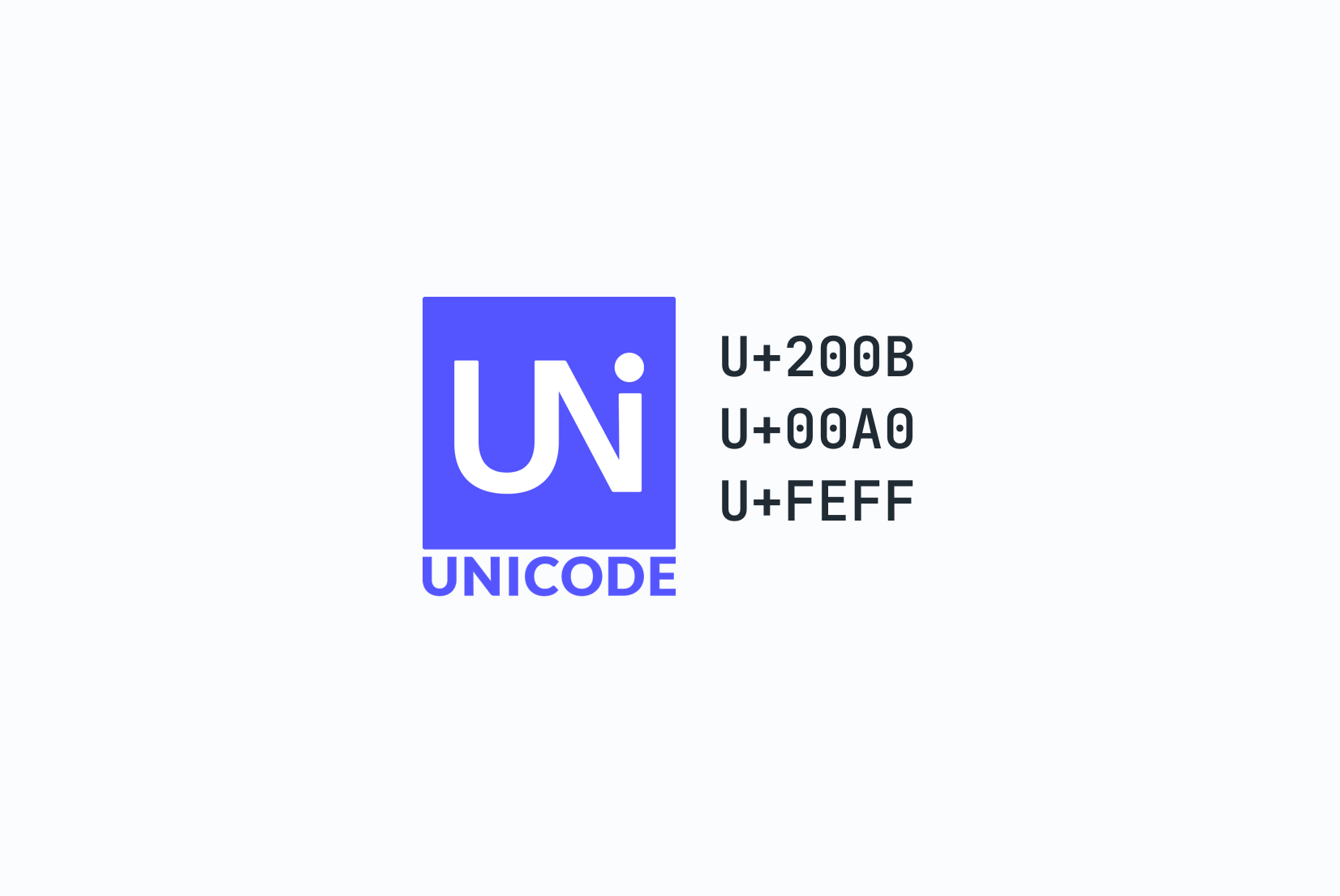
Zero-width space (U+200B)
A zero-width space is invisible but breaks string matching. If a translator copies a string from a Word document and it contains a U+200B, your === comparison will fail silently. Search will miss the string. Deduplication logic will treat it as a different key.
const a = "Settings";
const b = "Settings\u200B"; // Looks identical in most editors

a === b; // false
a.length; // 8
b.length; // 9
This character appears frequently in translated content because many word processors and rich text editors insert it for line-break hints.
Non-breaking space (U+00A0)
Visually indistinguishable from a regular space, but not matched by \s in many regex implementations and not treated as whitespace by some parsers. A translation that uses U+00A0 instead of a regular space may appear to pass formatting validation while breaking downstream processing.
const value = "New York"; // U+00A0 between "New" and "York"
value.split(" ").length; // 1, not 2
/\s+/.test(value);       // false in some environments
In modern JavaScript (ES2018+), use the Unicode flag with the \p{White_Space} category to handle all Unicode whitespace correctly:
// Matches regular spaces, NBSP, and all other Unicode whitespace
/\p{White_Space}/u.test("\u00A0"); // true
const cleaned = value.replace(/\p{White_Space}/gu, " "); // Normalize to regular space
Byte order mark (U+FEFF)
The BOM is sometimes prepended to UTF-8 files by Windows tools. Most parsers handle it correctly, but some do not, leading to mysterious whitespace at the start of imported translation files or a key named \uFEFFtitle instead of title.
If you are importing translation files from external contributors or translation agencies, add BOM stripping to your import pipeline:
const content = fs.readFileSync(file, "utf-8").replace(/^\uFEFF/, "");
Bidirectional control characters
RTL languages like Arabic and Hebrew rely on the Unicode Bidirectional Algorithm to determine text direction. When the algorithm needs help, developers and tools insert explicit directional marks. These characters are invisible and easy to carry along unintentionally.
Left-to-right mark (U+200E) and right-to-left mark (U+200F)
These marks nudge the bidi algorithm in a specific direction. They are sometimes added by translation tools when switching between RTL and LTR strings and can end up in strings where they do not belong. A U+200F in an English string that gets embedded in an Arabic paragraph can cause the surrounding punctuation to render in unexpected positions.
Left-to-right embedding (U+202A) and right-to-left embedding (U+202B)
Stronger directional control characters that wrap text in a directional context. If they are opened but not closed with U+202C (pop directional formatting), the directional override leaks into surrounding text.
The fix for most cases is to use the HTML dir attribute instead of Unicode control characters. CSS logical properties and explicit dir="auto" on text containers handle mixed-direction content without requiring invisible characters in the string content. For a full walkthrough of RTL layout see our RTL design guide for developers.
Unicode normalization and the same-character problem
Unicode allows the same visible character to be encoded in multiple ways. The letter é can be stored as:
- U+00E9 (precomposed: a single code point for e-with-acute)
- U+0065 U+0301 (decomposed: the letter
efollowed by a combining acute accent)
Both render identically. Both are valid Unicode. They are byte-for-byte different.
const a = "\u00E9";       // é (precomposed, NFC)
const b = "\u0065\u0301"; // é (decomposed, NFD)

a === b;       // false
a.length;      // 1
b.length;      // 2
Here's how the two forms compare:
| Character | Composition | Unicode Points | Notes |
|---|---|---|---|
| é (NFC) | Single unit | U+00E9 | Precomposed; preferred for web |
| é (NFD) | Decomposed | U+0065 + U+0301 | E + combining acute; sometimes from external editors |
This matters in localization when you are doing string comparison, deduplication of translation keys, search, or generating string IDs from content. Two strings that look identical can fail equality checks because one came from a translation agency using NFC and another from a developer's editor using NFD.
The fix: normalize all incoming text at your API boundary. NFC is the right form for most web applications.
function normalize(str) {
  return str.normalize("NFC");
}
Add normalization to your translation import pipeline, not just to user-facing input handling. Translation files from external sources often have inconsistent normalization.
Homoglyphs: Confusable characters that look identical
Some of the most dangerous Unicode bugs are characters that look visually identical but are actually different code points. These "homoglyphs" or "confusables" can slip through code review and create subtle, hard-to-detect issues.
Cyrillic "а" vs Latin "a"
The most notorious example: the Cyrillic lowercase letter а (U+0430) looks identical to the Latin letter a (U+0061). If a translator working in a Russian TMS accidentally types a Cyrillic character in a variable name or translation key, the code looks fine in the editor but will fail:
// This looks fine visually:
const authа = "Login"; // Cyrillic а

// But this will throw ReferenceError
console.log(autha); // "a" is Latin

// The actual Unicode reveals the difference:
"authа".charCodeAt(4); // 1072 (Cyrillic а, U+0430)
"autha".charCodeAt(4); // 97 (Latin a, U+0061)
This is especially dangerous in translation workflows where copy-pasted content from communication tools or external editors can introduce confusables. A translator might paste a variable name from Slack (which could contain RTL-reordered characters or mixed scripts) without realizing it's been corrupted.
Detection and prevention
Homoglyph detection tools exist, but the best defense is validation at the translation import layer. Flag any translation keys that contain non-ASCII characters outside your supported character sets, and require manual review before import.
For more on RTL reordering and mixed-script issues, see our RTL design guide for developers.
The tofu problem: Missing glyphs
When a font does not contain a glyph for a character, most browsers render a small empty rectangle. This is called "tofu" in typography.
Tofu is not an encoding bug but a font coverage bug. It tends to appear when a team adds a language without verifying that their chosen typeface supports that script. A sans-serif font that works perfectly for Latin, Cyrillic, and Greek may have no coverage for Thai, Devanagari, or CJK characters.
The standard approach is to use a font stack that falls back to system fonts with broad Unicode coverage:
font-family:
  "YourBrandFont",
  system-ui,
  -apple-system,
  "Segoe UI",
  "Noto Sans",
  sans-serif;
Google Noto is specifically designed to eliminate tofu by providing coverage for every Unicode script. For applications targeting scripts with low commercial font coverage, including a Noto font as an explicit fallback is a reliable safety net. See our notes on the tofu symbol for more background.
Locale-sensitive string operations
JavaScript's native string operations are not locale-aware. This causes subtle bugs in multilingual applications that are easy to miss during testing because the default locale on most developer machines is English.
String comparison
Array.sort() uses Unicode code point order by default. This is incorrect for almost every natural language. In Swedish, ä sorts after z. In German, ä is treated as a variant of a. If your application displays sorted lists of names, cities, or other user-facing content, native string sort will produce wrong results for non-English locales.
// Wrong for most languages
["Ångström", "Apple", "Banana"].sort();

// Correct
["Ångström", "Apple", "Banana"].sort(
  new Intl.Collator("sv").compare
);
Case conversion
toUpperCase() and toLowerCase() have locale-sensitive edge cases. The most well-known is Turkish: the lowercase i in Turkish uppercases to İ (with dot), not I. This matters if you are using case conversion for display purposes in localized strings.
"title".toUpperCase();          // TITLE (default)
"title".toLocaleUpperCase("tr") // TİTLE (Turkish)
For a detailed look at number and currency formatting, see our guide on number formatting in JavaScript.
What to add to your import pipeline
A few normalization steps applied consistently at import time prevent most of the issues described above:
function sanitizeTranslationString(str) {
  return str
    .replace(/^\uFEFF/, "")           // Strip BOM
    .replace(/\u200B/g, "")           // Strip zero-width spaces
    .replace(/^\s+|\s+$/g, "")       // Trim leading/trailing whitespace (including NBSP)
    .normalize("NFC");                // Normalize to precomposed form
}
Pro-tip: In modern environments, str.trim() actually handles most Unicode whitespace (including NBSP U+00A0) automatically. However, keeping the explicit regex is safer for legacy support and provides more explicit control over what constitutes whitespace in your pipeline.
Note the trim step: translators often accidentally leave trailing spaces when editing in web-based translation platforms, which can mess up UI alignment or button sizing. This catches that common mistake.
This is not a complete solution for every case, but it catches the most common sources of invisible-character bugs. Add it to your translation file import logic and apply it to any content coming from external translators or agencies.
For API-driven architectures, apply the same normalization when storing translations rather than only at read time. Storing normalized strings means you only normalize once.
At SimpleLocalize, we built our CLI tool and translation hosting to handle the heavy lifting of character encoding, but understanding these low-level traps helps you build more resilient localizations from the first line of code.
Where these bugs actually come from
Most Unicode issues do not originate in your codebase. They come in through translation files: content written in Word, exported from spreadsheets, copy-pasted from PDFs, or produced by translation agencies using tools with different Unicode defaults.
This is why the normalization logic above belongs in your import pipeline, not just in your user input handling. By the time a corrupted string reaches your application, it may already be stored in your database, committed to your repository, or cached on a CDN.
The most reliable strategy is to treat all incoming translation content as untrusted text, the same way you would treat user input, and normalize it at the point of ingestion rather than hoping the source is clean.
If you are building out your localization infrastructure from scratch, the complete technical guide to internationalization covers the full stack: translation key architecture, file formats, framework integration, locale detection, and CI/CD workflows.
Unicode correctness is a small part of that picture, but it is the part that causes the most baffling bugs when it goes wrong.