
MCP server
for localization
Let Claude, Cursor, GitHub Copilot or any MCP-compatible agent manage your translations. Add keys from your code, auto-translate missing strings, export files and publish translations with natural language prompts. Official, open-source and built on the SimpleLocalize API.
How it works
From prompt to translated app in four steps
The MCP server runs locally with npx and talks to the SimpleLocalize API on behalf of your AI agent. Nothing to deploy, nothing to host.
Create a project API key
Sign up for free, create a project and generate a Project API Key in Settings > Credentials.
Add the server to your client
Paste one JSON snippet into the MCP config of Claude, Cursor, VS Code or Windsurf. Claude Code needs a single command.
Ask the agent
Tell it to localize a component, fill missing translations or export files. The agent picks the right tools by itself.
Review in the editor
Every change lands in the SimpleLocalize translation editor with full history, so your team and translators can review it.
For a step-by-step walkthrough, see the getting started guide.
Add to Claude Desktop, Cursor, VS Code or Windsurf
Add the snippet to your client's MCP configuration and replace SIMPLELOCALIZE_API_KEY with your Project API Key. The package is downloaded on first run.
{
  "mcpServers": {
    "simplelocalize": {
      "type": "stdio",
      "command": "npx",
      "args": ["-y", "@simplelocalize/simplelocalize-mcp", "--api-key=SIMPLELOCALIZE_API_KEY"]
    }
  }
}
Add to Claude Code
One command registers the server for the current project. Run it in your terminal and start prompting.
claude mcp add simplelocalize -- npx -y @simplelocalize/simplelocalize-mcp --api-key=SIMPLELOCALIZE_API_KEY
Prefer environment variables? The server also reads SIMPLELOCALIZE_API_KEY from the env section of your MCP config. See the full setup guide for screenshots.
48 tools that cover the whole localization workflow
The server exposes the full SimpleLocalize API as MCP tools with typed parameters,
so the agent knows exactly what it can do and what each call changes.
Translation keys
Create, update, rename and delete keys one by one or in bulk. Read key details, metadata and paginated lists, and attach screenshots from a file or base64 for context.
Translations
Read translations for any language and namespace, update a single translation or push hundreds at once straight from the code the agent just wrote.
Auto-translation
Translate a string on the fly without saving it, or start auto-translation jobs with DeepL, Google Translate or OpenAI and check their progress.
Import & export
Import a local translation file or export translations to any of the supported formats: JSON, YAML, XLIFF, PO, iOS strings, Android XML and more.
Hosting & publishing
List and create hosting environments, inspect their details and publish translations to translation hosting from a single prompt.
Glossary, tags, languages & customers
Manage glossary entries, tags, project languages and customer-specific translations. Read project details and the activity log to see what changed.
Prompts that work out of the box
You do not need to learn tool names. Describe the outcome and the agent chains the right calls.
Prompt
Localize this React component and push the new translation keys to SimpleLocalize
Prompt
Find translation keys without a German translation and auto-translate them with DeepL
Prompt
Rename the key checkout.cta to checkout.button and update all usages in the code
Prompt
Export the pl-PL translations as a single-language JSON file into src/locales
Prompt
Add a glossary entry so that 'SimpleLocalize' is never translated
Prompt
Publish the latest translations to the production hosting environment
Works with every MCP client
The server uses the standard stdio transport, so it runs in any client that supports the Model Context Protocol.
Open source, on npm
The MCP server is published as @simplelocalize/simplelocalize-mcp and developed in the open on GitHub. Read the source, run it with the MCP Inspector, report issues or add tools with a pull request.
View on GitHub
Frequently asked questions
What is an MCP server for localization?
Model Context Protocol (MCP) is an open standard that lets AI agents call external tools. The SimpleLocalize MCP server exposes translation keys, translations, auto-translation, import, export and hosting as tools, so an agent like Claude or Cursor can manage localization in your project from a natural language prompt.
Is the MCP server free?
Yes. The server is open source and free to use. It requires a SimpleLocalize project, and the free plan is enough to try it. Auto-translation usage counts against the characters included in your plan, exactly as it does in the web editor.
Which API key do I need?
A Project API Key from Settings > Credentials in your SimpleLocalize project. Pass it with the --api-key argument or the SIMPLELOCALIZE_API_KEY environment variable. The key is scoped to one project, so the agent cannot touch other projects.
Does the server send my translations to an LLM provider?
The server itself only talks to the SimpleLocalize API. Whatever the agent reads through a tool becomes part of the conversation with your chosen AI client, the same as any file the agent opens. Auto-translation runs on the provider you configured in SimpleLocalize, for example DeepL, Google Translate or OpenAI.
Does it run locally or in the cloud?
Locally. The client starts the server with npx over stdio on your machine. There is no remote endpoint to expose and nothing to host.
How is this different from the CLI and the VS Code extension?
The CLI is for scripted, repeatable synchronization in your build or CI. The VS Code and IntelliJ extensions are for editing translations by hand inside the IDE. The MCP server is for delegating localization tasks to an AI agent. Many teams use all three: the agent adds keys, the extension reviews them, the CLI ships them.
Can the agent delete translations by accident?
Delete tools are annotated as destructive, so clients such as Claude ask for confirmation before running them. Every change is recorded in the project activity log and can be reviewed in the translation editor.

Get started with SimpleLocalize
- All-in-one localization platform
- Web-based translation editor for your team
- Auto-translation, QA-checks, AI and more
- See how easily you can start localizing your product.
- Powerful API, hosting, integrations and developer tools
- Unmatched customer support
"The product
and support
are fantastic."
"The support is
blazing fast,
thank you Jakub!"
"Interface that
makes any dev
feel at home!"
"Excellent app,
saves my time
and money"
Resources
See the latest news from our blog, including product updates, tutorials, and more.
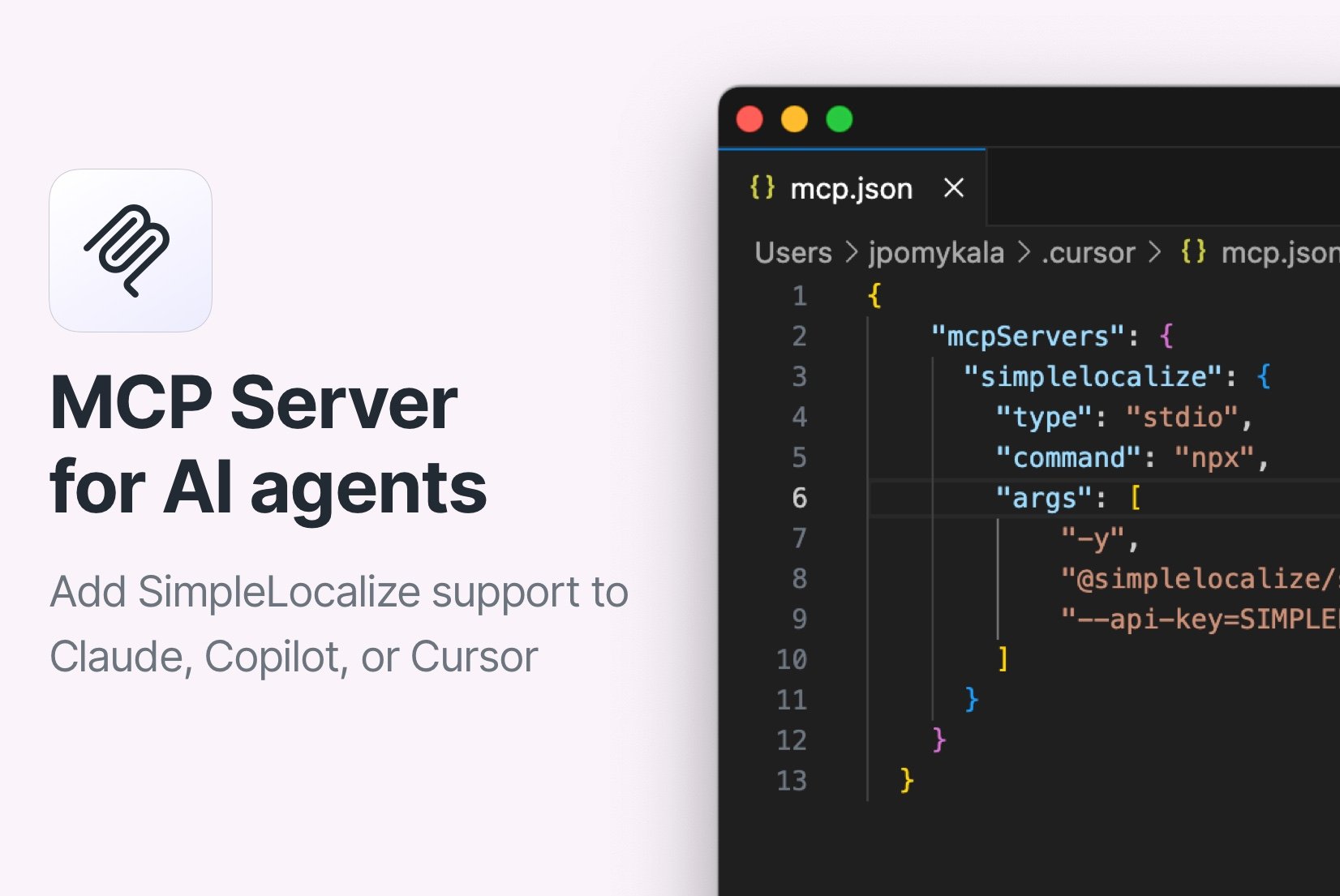
Introducing: MCP Server
The official SimpleLocalize MCP Server allows you to integrate AI agents like Cursor AI, Claude, or GitHub Copilot with SimpleLocalize for managing translations in your projects.
Introducing: OpenRouter for auto-translation
Learn how to integrate OpenRouter with SimpleLocalize for enhanced auto-translation capabilities. Ai-powered localization made easy!
Enterprise translation management for large SaaS: Speed, scale & cost efficiency
Discover how SimpleLocalize helps enterprise SaaS teams scale localization across dozens of locales without the complexity of legacy TMS platforms.
AI-Powered localization workflows for software translation
Use AI-powered workflows to speed up software localization, integrate with CI/CD pipelines, and ensure translations are accurate, consistent, and release-ready.
Introducing: MCP Server
The official SimpleLocalize MCP Server allows you to integrate AI agents like Cursor AI, Claude, or GitHub Copilot with SimpleLocalize for managing translations in your projects.
AI agents for translation management
The SimpleLocalize MCP server connects AI coding agents with a translation management system. Instead of copying strings between your code editor and a localization tool, you ask the agent to extract texts, create translation keys, fill missing translations and export files in the format your framework expects. The server implements the Model Context Protocol, the same standard used by Claude, Cursor, GitHub Copilot, Windsurf and a growing list of clients, and calls the SimpleLocalize REST API under the hood.
Localization workflow with Claude, Cursor and Copilot
A typical workflow starts in the code: the agent localizes a component with your i18n library, creates the keys in SimpleLocalize and adds source translations. Next it runs auto-translation for the missing languages, optionally guided by your glossary. Translators and reviewers work in the translation editor, and the agent or the SimpleLocalize CLI pulls the finished translations back into the repository or publishes them to translation hosting.
Open-source MCP server for SimpleLocalize
The server is written in TypeScript, published on npm as @simplelocalize/simplelocalize-mcp and maintained on GitHub. It ships with 48 tools covering translation keys, translations, screenshots, auto-translation jobs, tags, languages, customers, glossary, hosting environments, import, export and project activity. Missing a tool? Open an issue or send a pull request.