API-Driven localization: Designing scalable translation infrastructure

Most teams start localization the simple way: translation files get bundled with the app at build time. That works fine until it doesn't. A new tenant needs custom terminology. A backend service needs to generate a translated email at 2 AM without a deploy. A mobile app needs to update copy without going through app store review.
At that point, translations stop being static files and start being data your systems query at runtime. This is API-driven localization, and designing it well is an architecture decision, not just a library choice.
This post covers the technical side. If you haven't nailed down the strategic case for localization yet, our localization strategy guide is the better starting point.
What is API-driven localization
In a static setup, translations live in JSON or YAML files that ship with your build. Add a language, rebuild, redeploy.
In an API-driven setup, translations live in a system your application queries: a REST API, a CDN endpoint, or both. The application asks for translations (all of them, or just the ones it needs) instead of having them baked in ahead of time.
The practical difference shows up in three places:
- Update speed: A translation fix can go live in seconds, without a rebuild.
- Ownership: Translators publish changes directly. Engineering doesn't sit in the loop for every string edit.
- Flexibility: The same infrastructure can serve a web app, a mobile client, and a backend service, each pulling only what it needs.
Two delivery models: CDN vs API
This is where a lot of teams get the design wrong: they treat "the translation API" as one thing, when in practice you need two different delivery patterns depending on who's asking.
Translation Hosting (CDN)
Pre-built translation files served from an edge-cached CDN. Built for frontend apps: static sites, single-page apps, mobile clients. No API key is exposed to the browser, and the response is just the finished JSON file for a given language and environment.
GET https://cdn.simplelocalize.io/{project}/_latest/en
This is the model to use for anything an end user's browser or app fetches directly. It's fast, cacheable, and doesn't expose your account credentials to the public internet.
Localization API (REST)
Full read and write access to your translation data: create keys, update values, query by namespace or tag, trigger a translation job, publish an environment. This is built for backend services, CI/CD pipelines, and internal tooling, not for serving translations to every visitor on every page load.
GET https://api.simplelocalize.io/api/v2/translations?language=en&namespace=billing
Header: X-SimpleLocalize-Token: <API_KEY>
The distinction matters because the two have different rate and auth profiles. The API is rate-limited, which is appropriate for automation but wrong for a page that ten thousand users load per minute. Use hosting for that. Use the API to manage the content that ends up on the CDN.
Designing the request flow
A reasonable API-driven architecture usually looks like this:
- Source of truth: the TMS holds every key, translation, and piece of context.
- Write path: developers or CI/CD push new keys via the API or CLI as part of the build.
- Translation path: a job (human review, or an auto-translate call to DeepL, Google Translate or AI) fills in the values.
- Publish path: reviewed content gets pushed to a CDN environment, for example
latestfor staging andproductionfor live traffic. - Read path: the application fetches from the CDN at runtime (frontend) or caches API responses locally (backend).
The key design choice is step 5. Never wire your production frontend to call the management API directly on every page load. Fetch once, cache it (in memory, in Redis, at the edge, wherever fits your stack), and refresh on a schedule or via a webhook when content changes.

Caching
An API-driven system without a caching layer is a system waiting to hit a rate limit at the worst possible time; a traffic spike, a deploy, a marketing push into a new region.
A workable pattern for backend services:
async function getTranslations(locale) {
  const cached = await cache.get(`translations:${locale}`);
  if (cached) return JSON.parse(cached);

  const response = await fetch(
    `https://cdn.simplelocalize.io/_/production/${locale}.json`
  );
  const data = await response.json();
  await cache.set(`translations:${locale}`, JSON.stringify(data), { ttl: 300 });
  return data;
}
Five minutes of cache is usually enough to absorb traffic without making translation updates feel slow. If your workflow publishes rarely (a few times a day), you can cache far longer and just invalidate on publish.
Environments: staging your translations
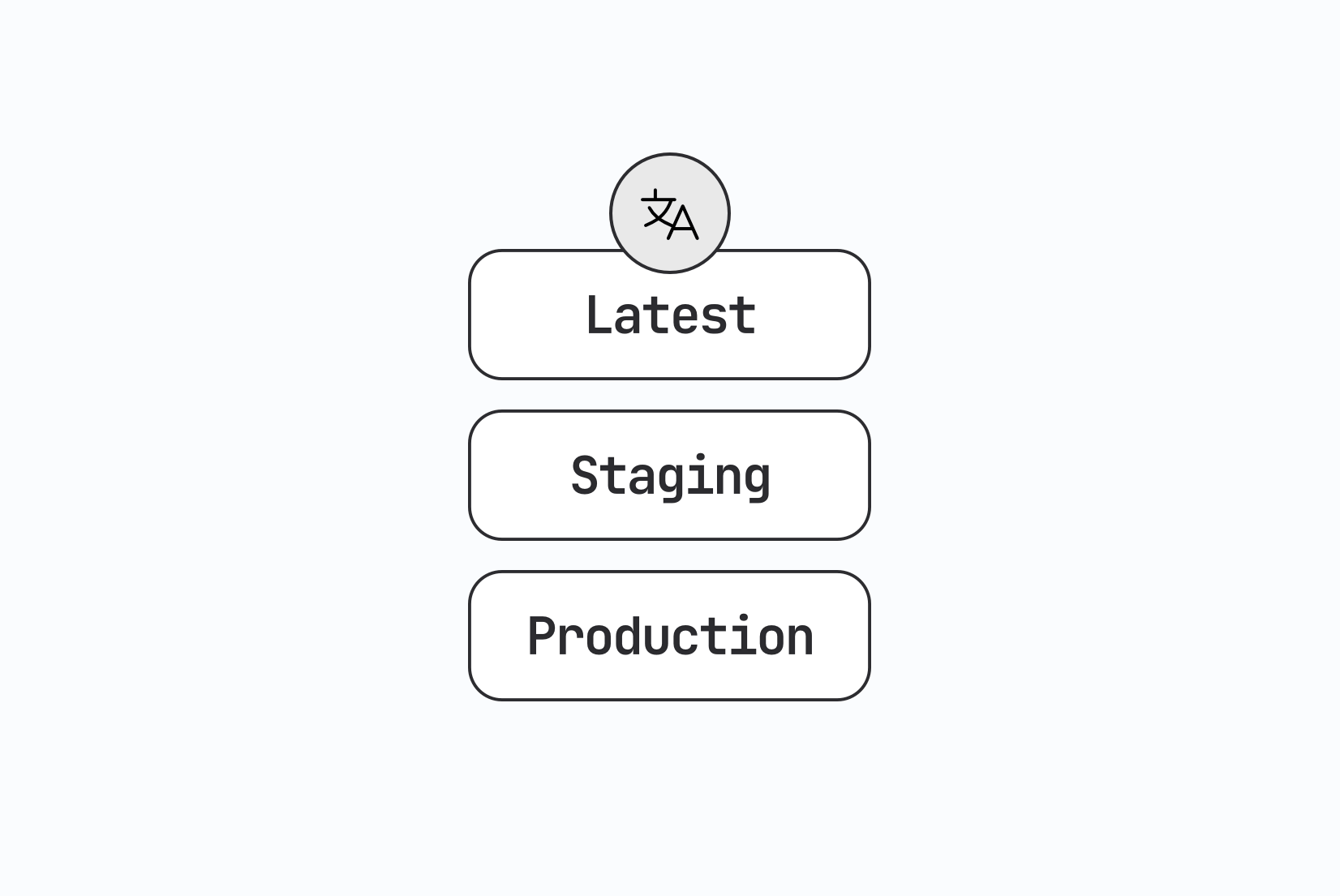
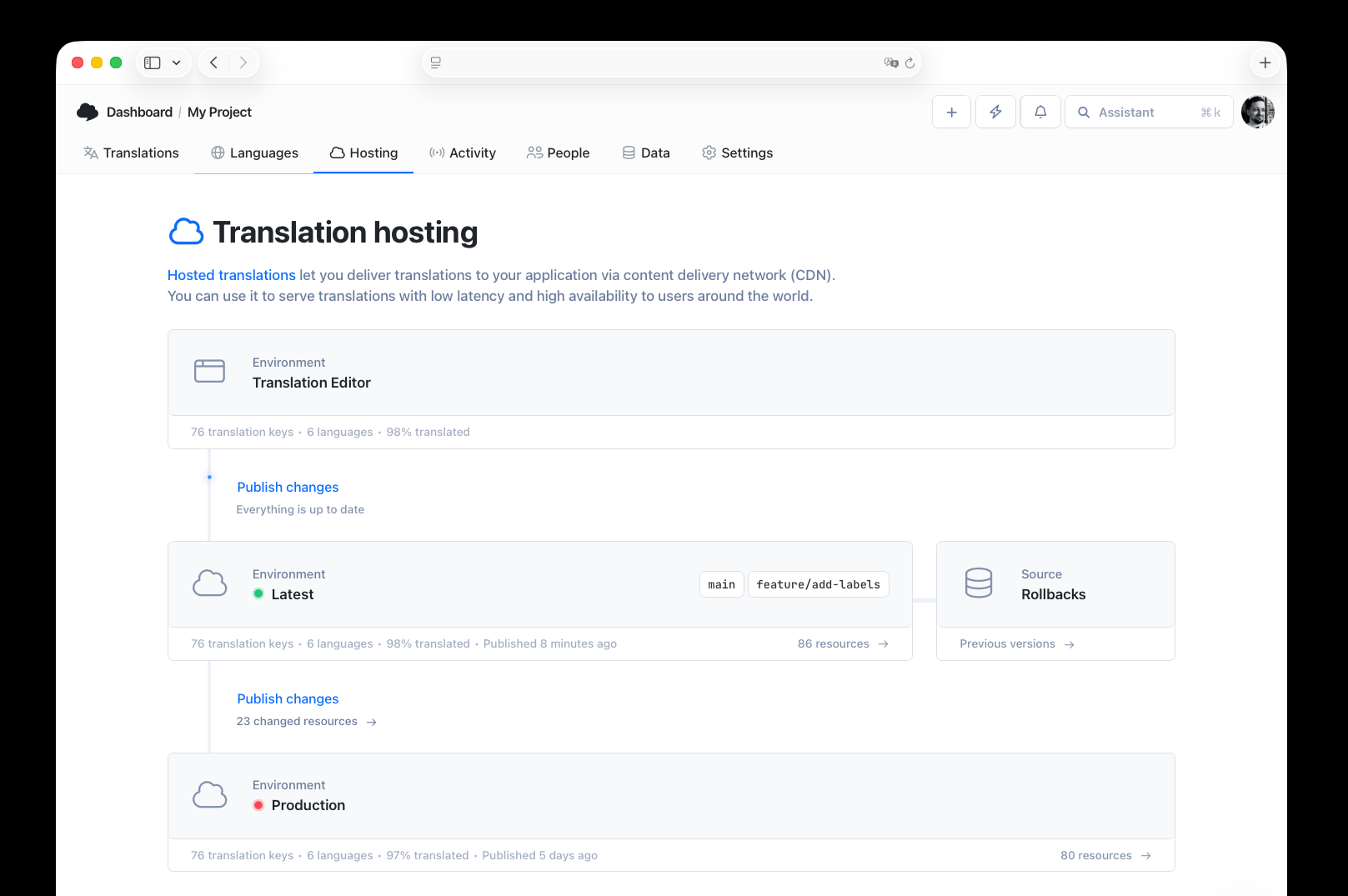
Publishing straight to production is how a half-reviewed translation ends up in front of paying customers. Most API-driven setups mirror their deployment environments: a latest environment for in-progress work, and a production environment (or custom named ones) that only gets updated deliberately.
POST /api/v2/environments/_latest/publish
POST /api/v2/environments/production/publish
This gives you a real promotion step: translators and reviewers work against latest, QA checks it, and only then does it get pushed to production. It's the same instinct as staging and prod for code, applied to content.
Authentication
API-driven localization usually involves two kinds of credentials, and mixing them up is a common early mistake:
- Project API key: scoped to one project, used for day-to-day operations (reading, writing, importing, publishing translations). This is what your CI/CD pipeline and backend services should use.
- Personal token: tied to a user account, used for account-level operations like managing multiple projects. Not something you want sitting in a CI/CD secret store for routine translation syncing.
Keep the project API key server-side or in CI/CD secrets. Never ship it to a browser or mobile client; that's exactly what the CDN hosting model exists to avoid.
Handling failure gracefully
Networked translation infrastructure fails in ways bundled files never do: a timeout, a 429 from hitting a rate limit, a CDN cache miss during a cold start. Build for it:
- Fallback to a bundled locale.
Ship a minimal English (or base-locale) file with your app as a last resort, so a network failure degrades to readable text instead of blank UI or raw keys. - Retry with backoff on 429s.
If you're calling the management API directly (not the CDN), respect rate limits and back off on repeated failures rather than hammering the endpoint. - Log and monitor, don't just fail silently.
A translation fetch failing in production should show up in your error tracking, the same as any other dependency failure.
Multi-app and multi-tenant setups
API-driven infrastructure earns its complexity when one translation backend serves more than one consumer. A few patterns worth knowing:
- Namespaces let you split a large project by feature or app (
billing,onboarding,mobile-app) so each consumer only fetches what it needs instead of one enormous file. See our guide on namespaces in software localization for the details. - Per-customer overrides let a SaaS product serve different terminology to different tenants (one client calls them "projects", another calls them "campaigns") without duplicating the whole translation set. This is the same tenant-override pattern covered in the multi-tenant localization section of our i18n guide. For fallback order and caching rules per tenant, see how to design tenant-specific translation delivery.
- Shared keys across repos matter once you have a web app, a mobile app, and a marketing site pulling from the same brand voice. Query by tag or namespace rather than maintaining separate translation sets per codebase.
Where this fits in CI/CD
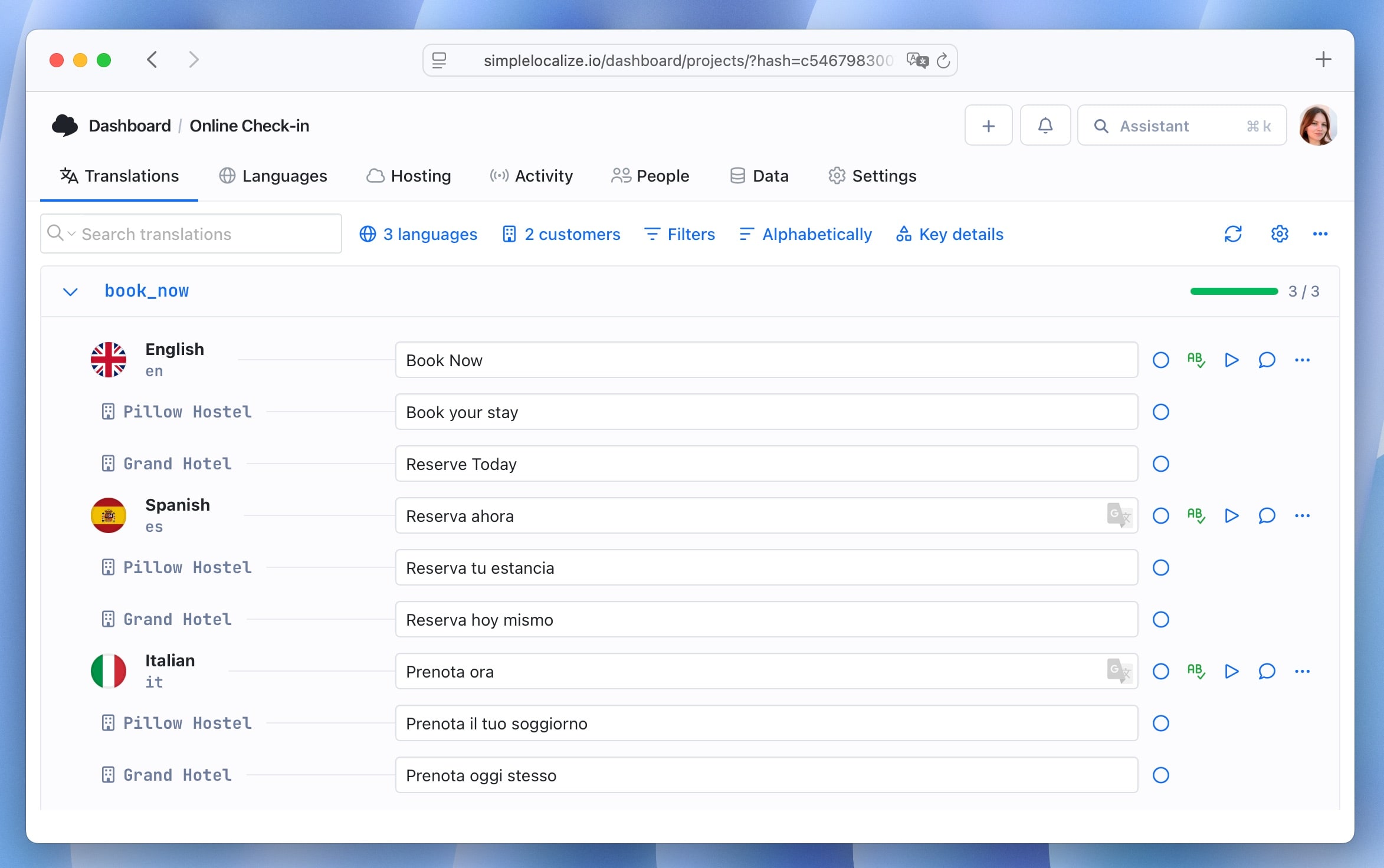
API-driven localization and continuous localization are close cousins, but they're not the same thing. Continuous localization is the practice of syncing translations on every code change. The API is the mechanism that makes it possible: your pipeline calls it to push new keys, trigger auto-translation, and publish once checks pass.
A typical pipeline step:
- name: Upload new translation keys
  run: simplelocalize upload --apiKey $API_KEY --uploadPath ./translations
- name: Auto-translate new keys
  run: simplelocalize auto-translate --apiKey $API_KEY
- name: Publish to CDN
  run: simplelocalize publish --apiKey $API_KEY --environment latest
For the full workflow, including review gates and rollback, see our continuous localization guide.
When you don't need this
Not every product needs an API-driven translation layer. If you ship in one or two languages, deploy weekly, and don't run backend-generated content in multiple locales, bundled translation files are simpler and have fewer moving parts to maintain. API-driven infrastructure earns its cost when you have multiple consumers of the same translation data, need updates faster than your release cycle, or serve content that's generated server-side (emails, PDFs, API error messages) where a rebuild-per-locale isn't practical.
Conclusion
The pattern that holds up over time: use the CDN for anything a browser or app fetches directly, keep the management API behind your own backend or CI/CD, cache aggressively, stage translations through environments before they hit production, and always have a fallback for when the network doesn't cooperate.
Get the architecture right once, and adding a language, a tenant, or a new client becomes a configuration change instead of a rebuild.
For the fundamentals this builds on, i18n architecture patterns and the difference between i18n and l10n ownership, see the rest of our technical guide to internationalization and software localization.