Localization strategy for SaaS: The complete guide for product & dev teams

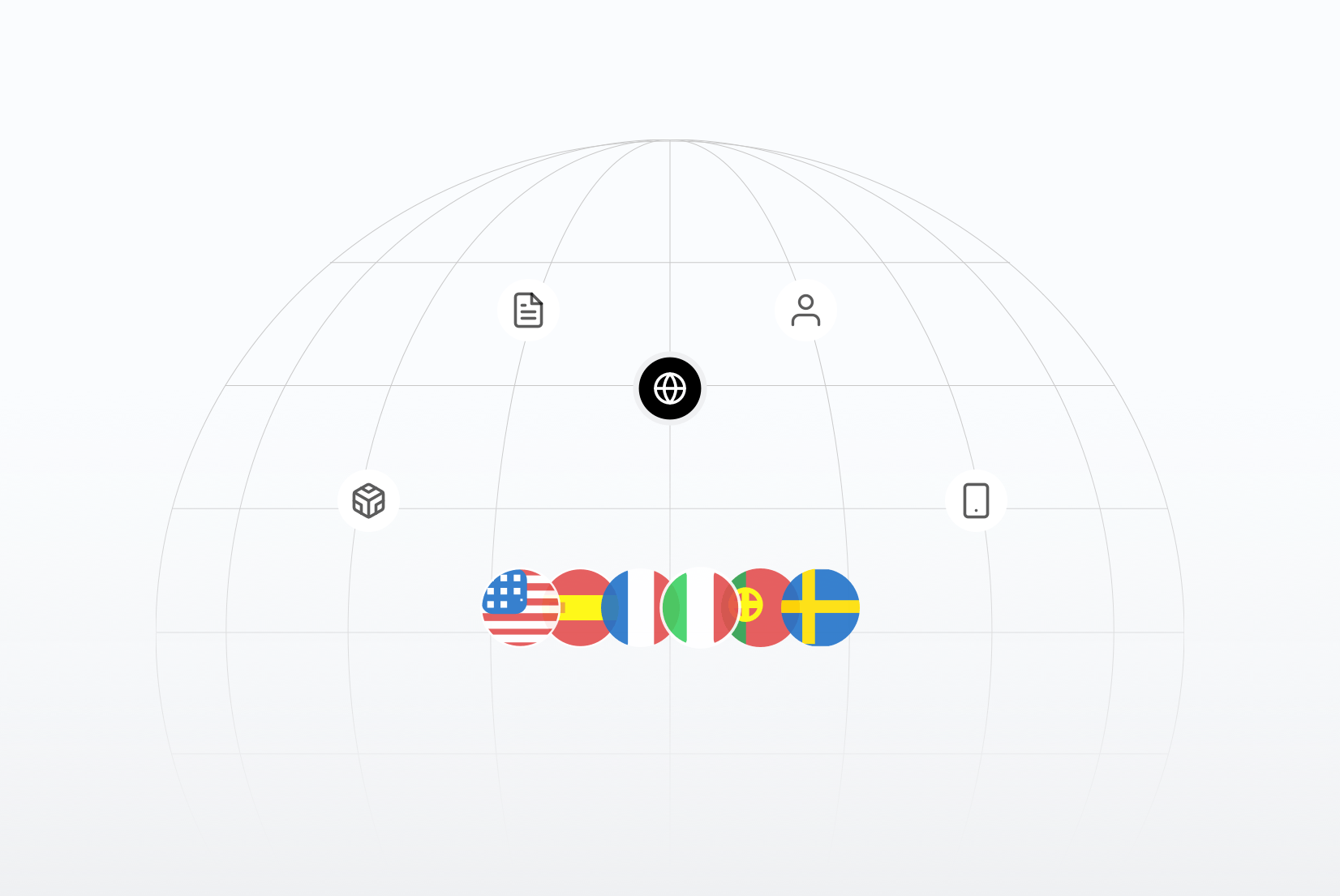
Localization can accelerate global growth, but only when it's approached strategically. For SaaS founders, product leaders, developers, and marketers, an effective localization strategy can accelerate growth, improve user experience, reduce churn, and minimize costly rework. However, many teams localize too late, or in the wrong way, leading to inefficiencies and frustration.
This guide gives you a clear, practical roadmap: from fundamentals to workflows, decision frameworks, pitfalls to avoid, and measures that matter, with real examples and insights from companies that have used localization to win globally.
Who this guide is for
- SaaS founders planning international expansion
- Product & engineering leaders responsible for localization workflows
- Developers preparing apps for multiple languages
- Marketing teams scaling content globally
What is localization strategy?
Localization strategy is a plan for delivering culturally-appropriate, market-ready versions of your software that aligns with product goals, business priorities, and technical capabilities.
It's more than translation and different from internationalization (i18n):
- Translation: converting text into another language
- Internationalization (i18n): building your product so it can be localized easily
- Localization (L10n): adapting the product for specific markets, including UI, UX, and cultural norms
If you're unsure how these concepts differ, we break it down in detail in our guide on Localization vs Internationalization vs Translation.
A good strategy answers:
- What to localize
- When to localize
- How to manage languages
- Who owns each step
- How to measure outcomes
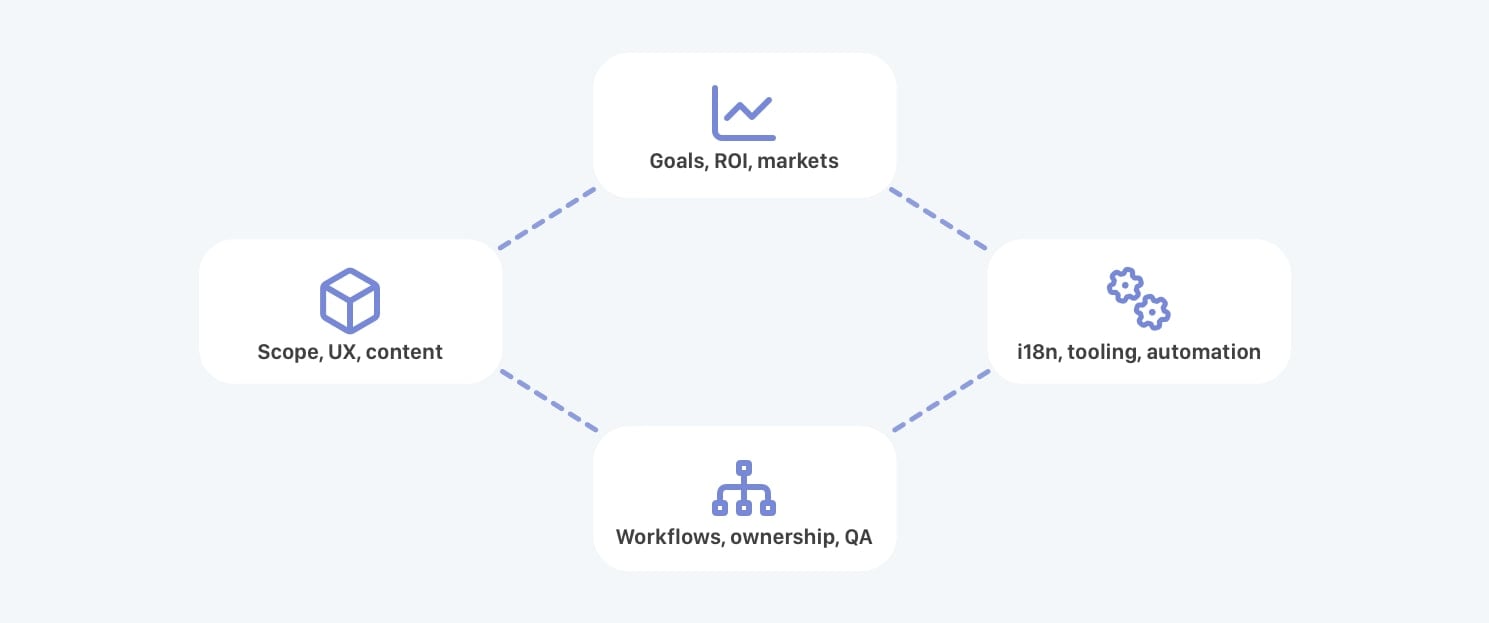
A localization strategy has four pillars that guide your approach:
- Business (markets, ROI, growth)
- Product (UX, features, release cadence)
- Technology (i18n, automation, CI/CD)
- Operations (ownership, QA, governance)
Related:
What is localization?
Software localization explained
Localization fundamentals & terminology
Before you build (or revise) your strategy, get the language right:
- Localization (L10n): Adapting your software for a specific locale, including language, design, UX, and legal considerations.
- Translation: Converting text to another language; part of localization but insufficient alone.
- Internationalization (i18n): Preparing your product technically for multiple languages and locales.
- Locale vs Language: “Language” is the text (e.g., Spanish), “locale” is the combination of language + region + formatting (e.g., es-MX).
- Transcreation: Creative adaptation of content to preserve meaning, emotion, and intent in another language.
These definitions ensure your whole team, from engineering to marketing, is talking about the same thing, which prevents miscommunication and rework.
In practice, “translation” itself is not a single process. Software teams often combine different translation approaches depending on content type, audience, and scale. For example, UI translation, marketing translation, transcreation, or machine-assisted translation.
If you want a deeper breakdown of these approaches and when to use each, see our guide on different types of translation in software and content localization.
Related:
12 localization acronyms
Translation vs localization
Translation vs transcreation
Language vs locale
What is internationalization (i18n)
Why localization matters for software products
For SaaS, localization is not just UX polish. It directly affects acquisition cost efficiency, conversion rates, and expansion revenue.
The impact can be measured across growth, UX, and competitive positioning:
-
Market growth & revenue expansion
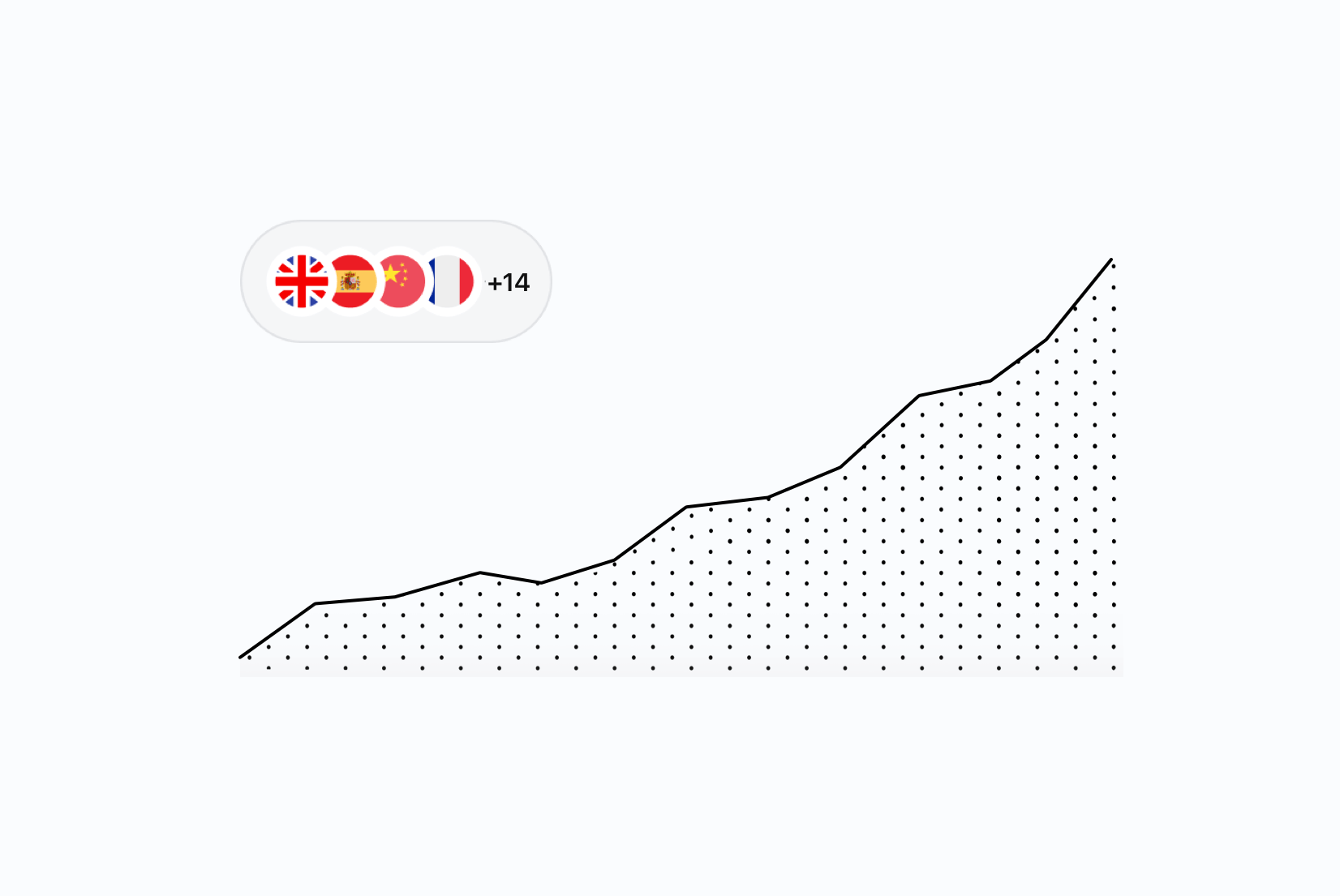
Localized products can reach customers in non-English regions where users expect native experiences. Even simple UI or content localization can materially grow engagement and conversions.
- For example, one European crowdfunding SaaS expanded from a single language to three (Spanish, Catalan, and English) and began attracting traffic from new countries shortly after launch. While the team did not conduct a formal quantitative study, the increase in international visits suggested a positive impact on user acquisition and market penetration.
-
Better UX & retention
Users stay longer with products that feel native: correct date and currency formats, appropriate tone, intuitive navigation, and cultural awareness all influence retention.
-
Competitive advantage
Many SaaS products remain English-only or poorly localized. A thoughtful strategy becomes a differentiator, especially in markets where competitors have not invested in localization.
Real SaaS examples
Localization strategy is not theoretical, it directly impacts product scalability.
- Automa.Net scaled its industrial SaaS across 18 languages, reducing engineering bottlenecks and enabling smoother multilingual releases.
- Tasa.app supports 12 languages, improving collaboration between developers and proofreaders and accelerating release cycles.
- Fundeen centralized translation management, reducing manual errors and improving consistency.
Related:
10 strategic benefits of localizing your app (beyond just more users)
Why translation matters in modern software projects
Does your app need multi-language support? 6 categories that almost always do
When you should (and shouldn't) localize
Localization is an investment. Knowing when it pays off is crucial:
Signals it's time to localize:
- You have paying users in new markets
- Language barriers cause churn or support load
- You have product-market fit in your core language
When localization doesn't make sense yet:
- You haven't validated product-market fit
- Your roadmap changes too frequently; localization will lag
- Costs outweigh expected demand
Anti-example: A pre-PMF startup translated its app into 6 languages before validating pricing and onboarding. Every UI change required retranslation, slowing product iteration and wasting budget.
Checklist you can use:
- Existing user base outside core language
- Analytics show international dropouts
- Support tickets spike in other languages
- Paid acquisition campaigns aimed at new regions
Decision aid (Planned visual: Localization decision tree based on product-market fit, user geography, and team size.)
Localization workflows by team size & maturity
How teams handle localization workflow depends heavily on size and product maturity:
- Solo developer / small team: Manual workflows using spreadsheets or lightweight TMS solutions. Focus on critical content first.
- Growing SaaS: Assign ownership, automate string extraction, introduce review cycles, and use a TMS for centralized management.
- Mature product with CI/CD: Continuous localization pipelines, automated QA, and integration with development workflows.
Patterns matter more than tools at this stage. A repeatable workflow ensures scalability.
| Team Size | Workflow | Risks |
|---|---|---|
| Solo Developer | Manual, spreadsheets | Hard to scale, context loss |
| Growing SaaS | Centralized TMS, automation | Needs review cycles |
| Mature Product | CI/CD sync, automated QA | Requires governance |

Example pattern:
- Start by pulling strings into a central TMS
- Introduce review cycles and automation
- Build CI/CD integration to keep translations in sync across environments
Related:
Step-by-step localization workflow for developers
Continuous localization: What it is, why it matters
How to pick a translation workflow for small teams and solo devs
Localization strategy maturity levels
Localization maturity determines whether translation slows you down, or accelerates global growth.
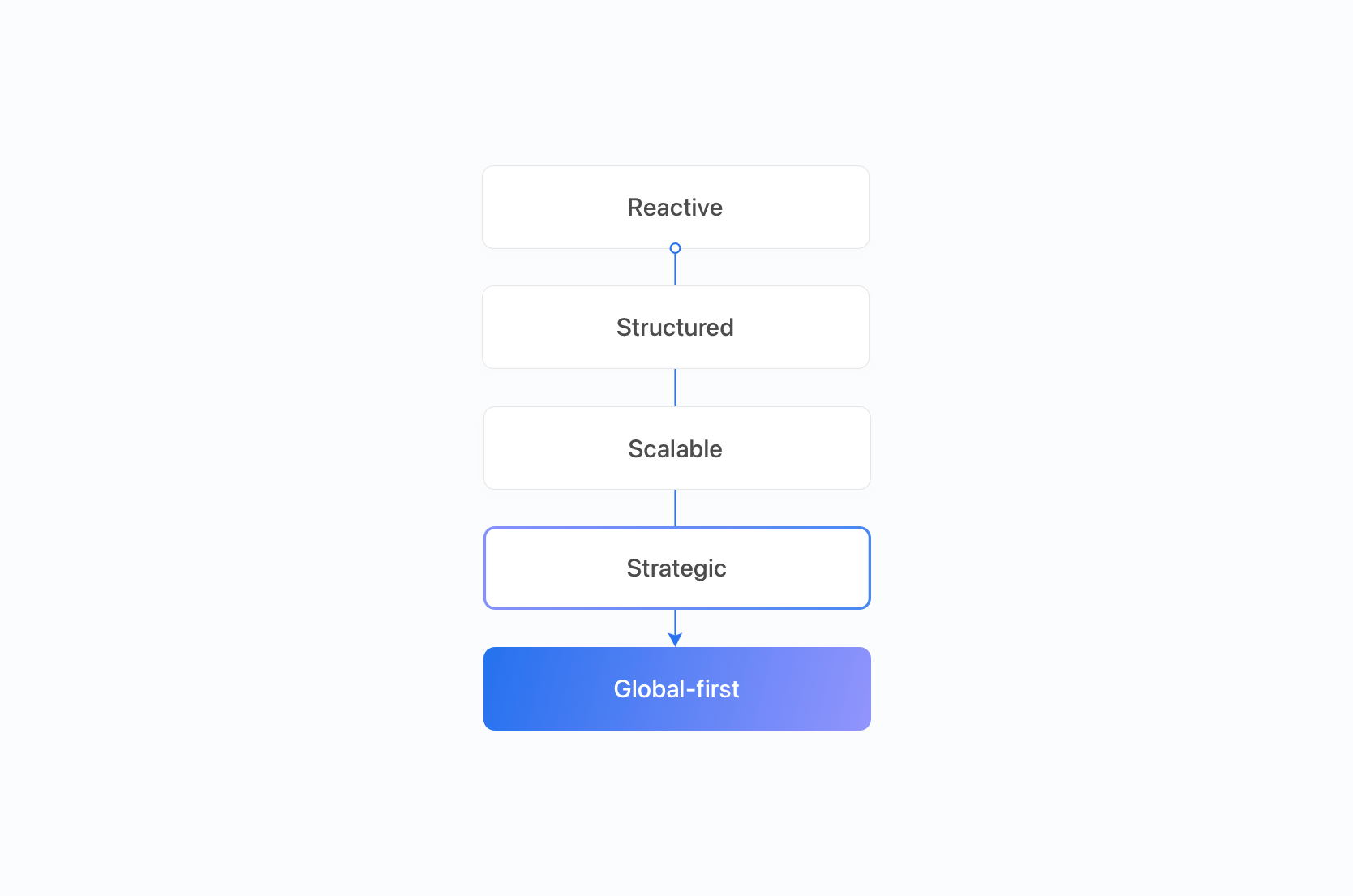
Here's a simplified overview of the 5-stage model:
| Stage | Focus | Typical symptoms |
|---|---|---|
| Reactive | Ad-hoc translation | Missed strings, release delays |
| Structured | Basic structure & TMS | Manual QA, operational bottlenecks |
| Scalable | CI/CD & automation | Scaling faster but needs governance |
| Strategic | Revenue-aligned expansion | Performance tracked by locale |
| Global-first | Built for international scale | Fast multi-language launches |

If you want a detailed breakdown of workflows, budgets, tooling, and QA differences at each stage, read our full guide on the localization maturity model for SaaS.
Higher maturity levels correlate strongly with predictable localization ROI.
Real-world maturity example
Many SaaS teams begin at the Structured level by introducing centralized translation management and automation.
For instance, some companies rely primarily on integrated automatic translation to move quickly and reduce operational overhead. This approach allows them to validate international demand without adding complex review processes early on.
However, as traffic and revenue from localized markets grow, introducing structured QA workflows, terminology governance, and review cycles becomes critical for long-term brand consistency and trust.
DIY vs scaled localization management
Early on, teams often start by managing translations in Excel or using CSV-based localization workflows. This works for a bit, but breaks down quickly as languages and contributors increase.
- DIY (Excel / CSV): Low cost, flexible, easy to start but error-prone and hard to track with no automation.
- When it breaks: File duplication, inconsistent strings, lost context, or missed updates.
- Structured approach: Introduce a TMS or workflow system to maintain consistency and support scale.
At scale, introducing a TMS or hybrid automation saves time and reduces errors. Centralized translation management is essential once >2-3 languages exist.
Localization strategy for scaling globally
For mature SaaS aiming at multiple markets, the focus shifts to strategic scale:
- Adding new languages: Prioritize by market demand and revenuepotential, strategic goals and support capacity.
- Consistency vs speed: Balance rapid translation with maintaining tone, UX, and terminology standards.
- Organization alignment: Coordinate product, dev, and marketing teams to avoid duplicated work.
Not sure which languages to prioritize? Read our detailed guide on how to choose your first five languages for SaaS localization.
Plan for:
- Glossaries & style guides
- Structured QA workflows
- Governance across teams
Related:
Localization strategy for global SaaS growth
Best practices in software localization
Common localization mistakes to avoid
15 tips to make your localization workflow more productive
Scaling localization from 1 to 100 languages
UX, culture & user expectations
Localization extends beyond language: it touches UX, design, and cultural nuances.
- Locale formats (dates, currencies): Users expect familiar formats for dates, numbers, and currencies.
- UI constraints: Text expansion, RTL layouts, and placeholder lengths.
- Language selector UX: Easy to find, remember, and switch.
- Cultural expectations: Icons, symbols, imagery, and metaphors vary by region.
- Tone & formality: Even within a language, tone matters (e.g., German formal vs informal).
Good UX can improve engagement metrics and reduce support tickets in new regions.

Related:
Design that speaks every language: UI tips for localization
Top language selector UX examples
10 tips for creating a language selector
Country flags icons resources
Internationalization (i18n) as strategy
i18n is not just a developer task, it's a strategic investment. Poor i18n decisions often result in expensive retrofits later.
Strategic i18n considerations:
- Where to store text strings
- Placeholder handling
- Fallback language logic
- Versioning and rollback support
Plan ownership early: engineering, product, or a localization specialist.
Related: What is internationalization (i18n)
Measuring impact: ROI, engagement & metrics
Localization should be evaluated like any other growth investment, not as a translation expense.
To justify expansion, measure both financial impact and operational efficiency.
1. Revenue metrics (primary KPIs)
- Incremental revenue by locale
- Conversion rate by language
- Revenue per visitor (RPV)
- Customer lifetime value (LTV) by region
- Break-even period per language
Localization ROI is calculated as:
(Incremental Revenue – Localization Cost) / Localization Cost
The critical word is incremental.
You are measuring revenue that would not exist without localization.
For a detailed framework with formulas and real SaaS examples, read our full guide on Localization ROI: How to measure revenue impact.
2. Growth & engagement signals (early indicators)
In early stages, impact may appear before direct revenue lift:
- Increased international traffic
- Higher onboarding completion rates
- Improved engagement in localized regions
- Reduced support friction
These directional signals often precede measurable conversion lift.
3. Operational efficiency metrics
ROI is not only about revenue; cost control matters.
Track:
- Translation turnaround time
- Cost per locale
- Release synchronization across languages
- QA error rates
- Automation coverage
As localization maturity increases, operational costs decrease while revenue impact compounds.
(If you're unsure where you stand, see the Localization maturity model.)
4. Think long-term: 3-year ROI
Short-term ROI may underestimate impact.
Retention improvements, regional trust, and enterprise deal velocity often compound over 12-36 months.
Localization is infrastructure.
Infrastructure ROI compounds.
Ownership, governance & risk
Clear governance prevents chaos:
- Who owns localization decisions?
- How are priorities set?
- What's the review/approval process?
- How do you avoid duplicate work across teams?
Without clear ownership, localization becomes a background task, and background tasks rarely scale well.
Document ownership and workflows early.
Skipping structured QA early may speed up rollout, but over time it increases the risk of inconsistent terminology, tone drift, or compliance issues, especially in regulated industries like fintech or health.
Budgeting & tool selection
Localization strategy is not only about which markets to enter.
It's also about whether your tooling supports sustainable growth.
Many teams plan their first languages carefully, then choose a translation management system based on a low starting price. That decision often becomes expensive later.
When evaluating tooling, look beyond:
- Monthly subscription price
- Entry-tier marketing claims
- "Unlimited" labels without details
Instead, ask:
- Does pricing scale with word volume or with product size?
- What happens if we double the number of supported languages?
- Are API calls, downloads, or edits metered?
- Can we automate freely without increasing cost?
- Is forecasting predictable for finance?
A pricing model that grows faster than your product revenue will eventually slow expansion decisions. That turns localization into a budgeting constraint instead of a growth lever.
If you want to understand how pricing structures affect international scaling, read our guide on why many SaaS teams overpay for their TMS.
Smart localization strategy combines:
- Market prioritization
- Operational readiness
- Cost predictability
Without all three, global expansion becomes harder than it needs to be.
Tooling decisions directly influence how confidently you can expand into new markets. We explore this broader expansion framework in our guide on localization strategy for global SaaS growth.
Common localization anti-patterns
Avoid these mistakes early:
- Translating without proper i18n: Ensure your application is internationalization-ready before translating.
- Lack of or fragmented ownership or accountability: Assign clear roles and responsibilities.
- No quality assurance or review process: Implement a robust QA process for translations.
- Manual, untracked workflows: Use a TMS or structured workflow to manage translations effectively.
These early mistakes slow growth and cost money later.
For a deep dive into 10 structural anti-patterns that derail localization programs, and how to recover from each, read our guide on localization anti-patterns: what not to do early.
Fundeen mentions in case study that before implementing a TMS, they had a "chaotic" localization process with manual file management and translation.
Translations were often forgotten, the files had issues, and managing everything manually was cumbersome. It was time-consuming and error-prone.
Next steps: How to build your localization strategy
5 steps to start today:
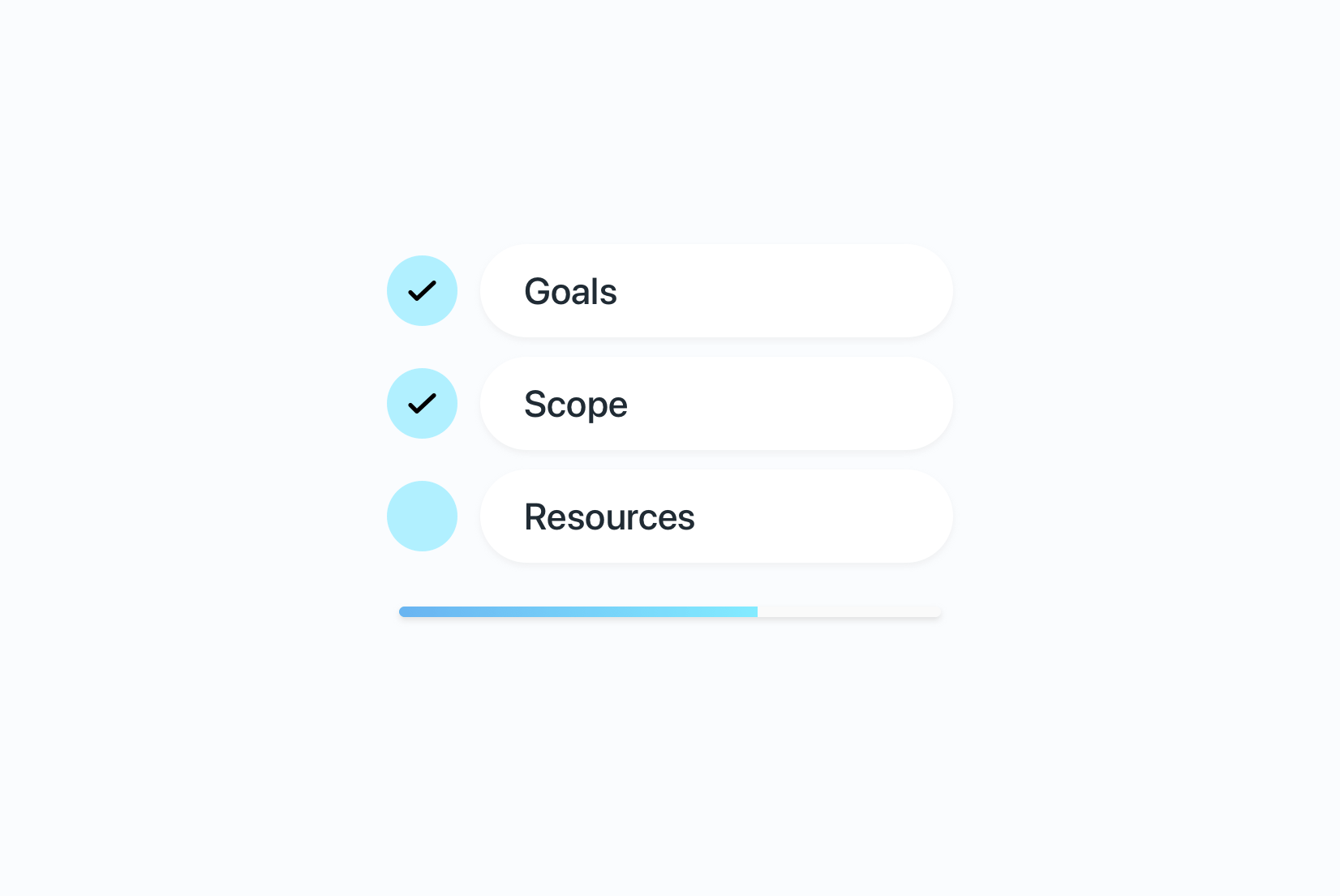
- Assess readiness: Market demand, i18n support, resources.
- Define ownership: Product, dev, marketing responsibilities.
- Choose initial workflow: Manual, TMS, or continuous localization.
- Plan scaling: Language prioritization, QA, and integration.
- Define measures of success: Define KPIs, track results, adjust strategy.
Check out our Localization Readiness Checklist to evaluate your team's preparedness across business, product, technology, and operations before you start translating.
Related:
How to start localizing your software: A practical first guide
Pre-translation checklist: What to prepare before every translation cycle
Conclusion
Localization must be intentional. It's not just translating text; it's aligning your product with markets, teams, and business goals. Start small, plan for scale, and measure impact to win global users, and revenue.