What is internationalization (i18n)? Complete guide for teams & devs

Every software product eventually faces the question: should we support more languages and regions? The answer leads straight to internationalization, often abbreviated as i18n.
Internationalization is the foundation of making software truly global: it ensures your product can support multiple languages, cultural formats, and region-specific behavior without reworking your code later. It is a critical pillar of any scalable localization strategy for software products, because it determines how easily teams can expand into new markets.
This guide explains:
- what internationalization really is
- why teams of different roles must care
- how it works in practice
- how it supports localization tools like SimpleLocalize
What does “i18n” stand for?
The term i18n is a shorthand for internationalization:
- The first letter is "i"
- The last letter is "n"
- There are 18 letters in between, hence "i18n".

This abbreviation is common in software development to save time and space when discussing internationalization.
You'll also see related acronyms like l10n (localization) and a11y (accessibility). Check out our list of common localization acronyms for more!
Internationalization vs localization
These two terms are related but distinct:
- Internationalization (i18n) is about preparing software to work in many languages and regions.
- Localization (l10n) is about adapting the product for a specific language or market.
In short: i18n builds the system, l10n fills it with localized content.
Without good i18n, localization becomes costly and error-prone.
Learn more about localization in our What is localization? article and the differences between localization, internationalization, and translation in our Localization vs Internationalization vs Translation guide.
Why internationalization matters for different roles
Internationalization is not just a developer concern. It impacts multiple roles in a product team:
For developers
Developers are responsible for making code flexible and language-agnostic. This usually means:
- separating user text from code
- supporting locale-aware formatting
- handling plurals and grammar
- designing UI that adapts to text length and direction

Good i18n prevents major refactoring later and reduces bugs in translation integration.
See our list of localization tips for practical advice!
For product managers
Product managers should view internationalization as part of product strategy: a way to expand to new markets faster with fewer technical blockers and more predictable localization costs.
Planning early avoids costly redesigns once the product scales. A common issue many teams face is realizing too late that code must be restructured to support languages, slowing down product growth.

For designers & UX teams
Text length, placement, and flow vary wildly across languages. UI that looks good in one language can break in another unless i18n is considered from the start.
Refer to our UI design localization tips and best practices for more insights!
Core components of internationalization
Here's what good i18n covers in real code and product workflows:
1. Text extraction & key management
User-facing strings should be stored separately from source code. For example, a UI message becomes:
console.log(t("welcome_back"))
instead of:
console.log("Welcome back!")
Translation keys like "welcome_back" are then mapped to localized strings in resource files.
By externalizing text, translations can live in files instead of inside code.
Check out our guide on automatic message extraction using AI!
2. Language & locale support
Your software should:
- allow switching languages dynamically
- support variants like
en-USanden-GB - respect user locale preferences

Locale isn't only language — it affects formatting and behavior too.
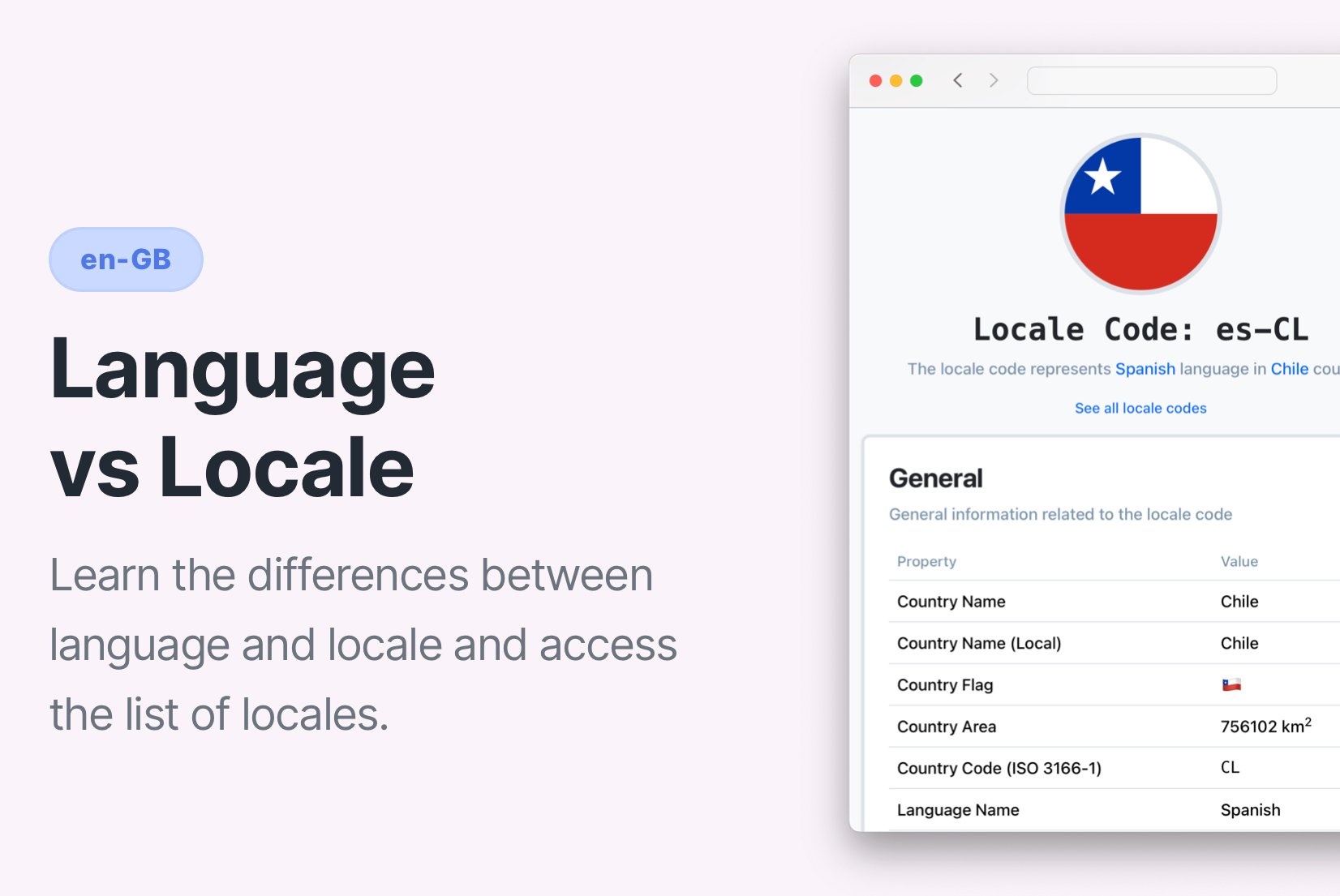
Learn more about locale vs language.
3. Formatting of dates, numbers & currencies
Numeric formats differ by locale:
1,000.50(US)1.000,50(Germany)
The same goes for dates (MM/DD/YYYY vs DD/MM/YYYY) and time systems (12h vs 24h). Handling this correctly is a key i18n responsibility.
Read more about ICU standards for formatting.
4. Grammar, plurals & gender rules
Languages have different plural rules.
For instance, Polish has several plural forms depending on number. i18n frameworks handle these rules centrally, so translators don't need hacks to work around grammar.
{
  "item_count": {
    "one": "You have one item",
    "few": "You have {{count}} items",
    "many": "You have {{count}} items"
  }
}
Check our guide on handling plurals in localization.
5. Layout & text direction
Languages like Arabic or Hebrew read right-to-left (RTL).
Internationalized UIs must support RTL text and flexible UI layouts that adapt automatically.
6. UI space for text
Translations often take more space than original text. German or Finnish words, for example, can be much longer than English ones. Good i18n anticipates text expansion.

Common i18n mistakes to avoid
Even experienced teams can stumble. Typical mistakes include:
- concatenating text fragments instead of full strings
- embedding HTML inside translations
- ignoring locale-specific formatting
- storing translatable strings in code
Fixing these later often requires substantial refactoring.
How SimpleLocalize helps
Once your software is internationalized, SimpleLocalize helps you manage localization at scale:
- centralized translation workflow
- team collaboration features
- automatic updates
- translation progress tracking
- in-context editor for translators
- automated QA checks
- CI/CD integration for seamless deployment

Together, i18n and a TMS like SimpleLocalize make global launches predictable and repeatable.
Conclusion
Internationalization isn't an optional feature, it's a strategic investment in your product's future. By preparing software for multilingual and multicultural use early, teams reduce technical debt, avoid localization issues, and launch confidently into new markets.
Internationalization sets the stage and SimpleLocalize helps bring translations to life.