Localized websites
that rank & convert
Translate your website, optimize for international SEO, and deliver content via CDN, no duplicate-content penalties, Lighthouse-ready performance. Works with Next.js, Gatsby, Nuxt, Shopify, Webflow, and any headless CMS.
We power your product localization
From first commit to global launch














Don't just translate text,
translate your discoverability
Your website can rank on Google, Baidu, Naver, and Yandex, but only if each locale has its own URL, properly configured hreflang tags, and localized metadata. Without international SEO, you're invisible outside your home market.
SimpleLocalize helps you manage localized page titles, meta descriptions, and Open Graph tags alongside your UI strings. Combined with framework-level routing (/en/, /de/, /ja/), your site gets unique, indexable URLs for every language, no duplicate-content penalties, just more organic traffic. Read our localization strategy guide to plan your international SEO rollout.

Optimized for the web
Website localization requires more than translated copy. From SEO metadata to edge-fast delivery, SimpleLocalize covers the full stack.
SEO metadata management
Localize page titles, meta descriptions, and Open Graph tags for every locale. Help search engines and social platforms surface the right version of your content to every audience.
Edge-fast delivery
Zero runtime overhead. Pre-bundle translations at build time for Next.js or Astro to hit 100/100 Lighthouse scores, or serve them from our global CDN in under 100 ms. Your Core Web Vitals stay green across every market.
Language routing infrastructure
Build seamless sub-directory (/es/), sub-domain (es.), or domain-based routing for each locale. SimpleLocalize manages the strings, your framework handles the URLs.
Form & CTA localization
Ensure your "Sign Up", "Buy Now", and lead-gen forms are culturally and linguistically optimized. Localized CTAs convert at significantly higher rates than English-only defaults.
Built for marketing teams
Update your website copy
without touching code
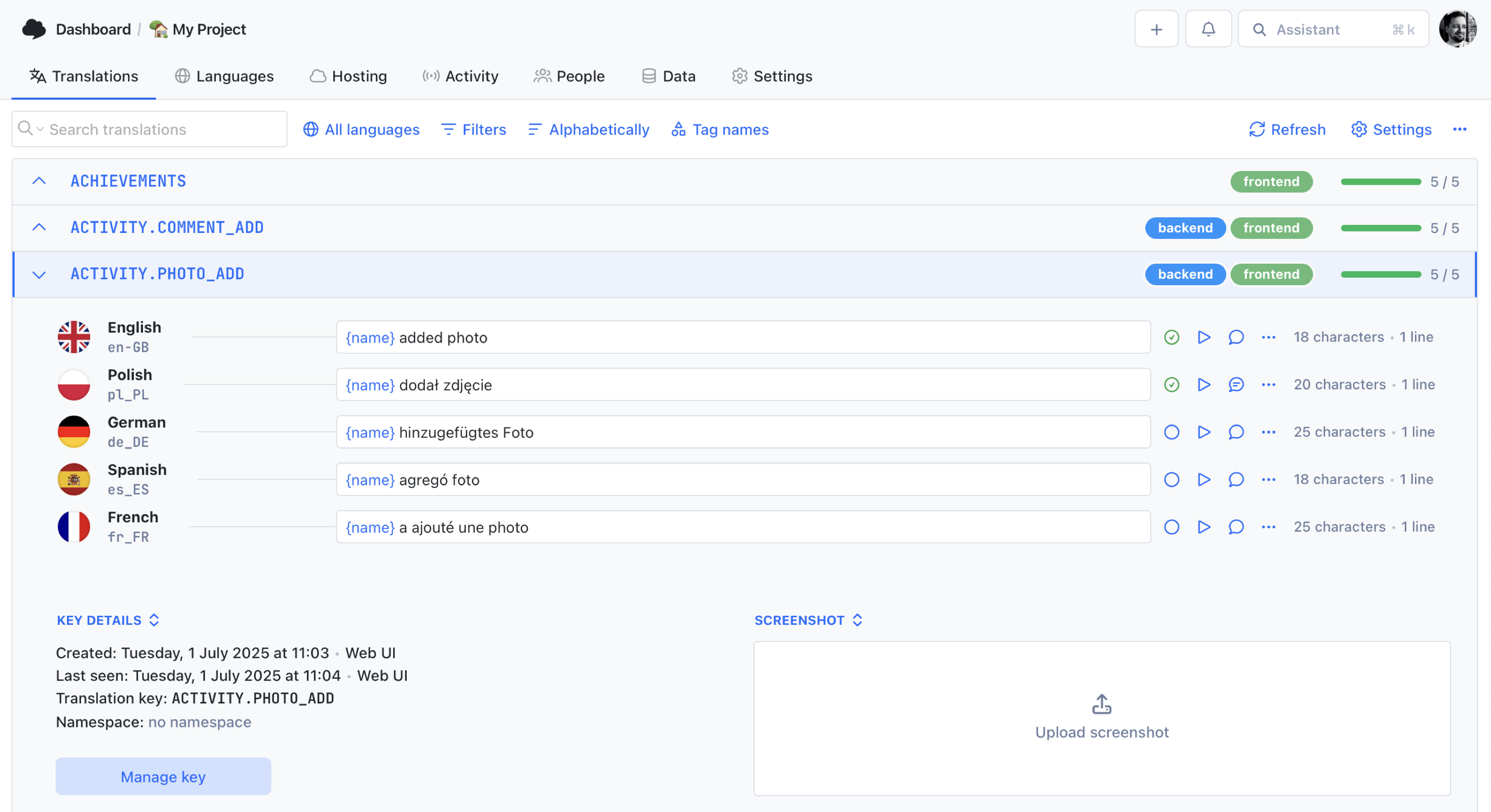
Unlike apps, websites change daily: new landing pages, updated pricing copy, seasonal campaigns. Developers shouldn't be a bottleneck for every text change. With SimpleLocalize, developers set up the sync once, and marketing teams update copy directly in the online editor, no pull requests, no deployments, no waiting.
No-code editor for marketers
Non-technical team members can search, edit, and approve translations in a clean interface, no GitHub access required.
Instant CDN publishing
Publish translation changes to the CDN and see them live on your site immediately, no rebuild or redeploy needed.
AI-assisted translation
Auto-translate new copy with DeepL, Google Translate, or OpenAI. Marketers review and refine, no spreadsheet wrangling.
How it works
From single-language site to 50+ locales
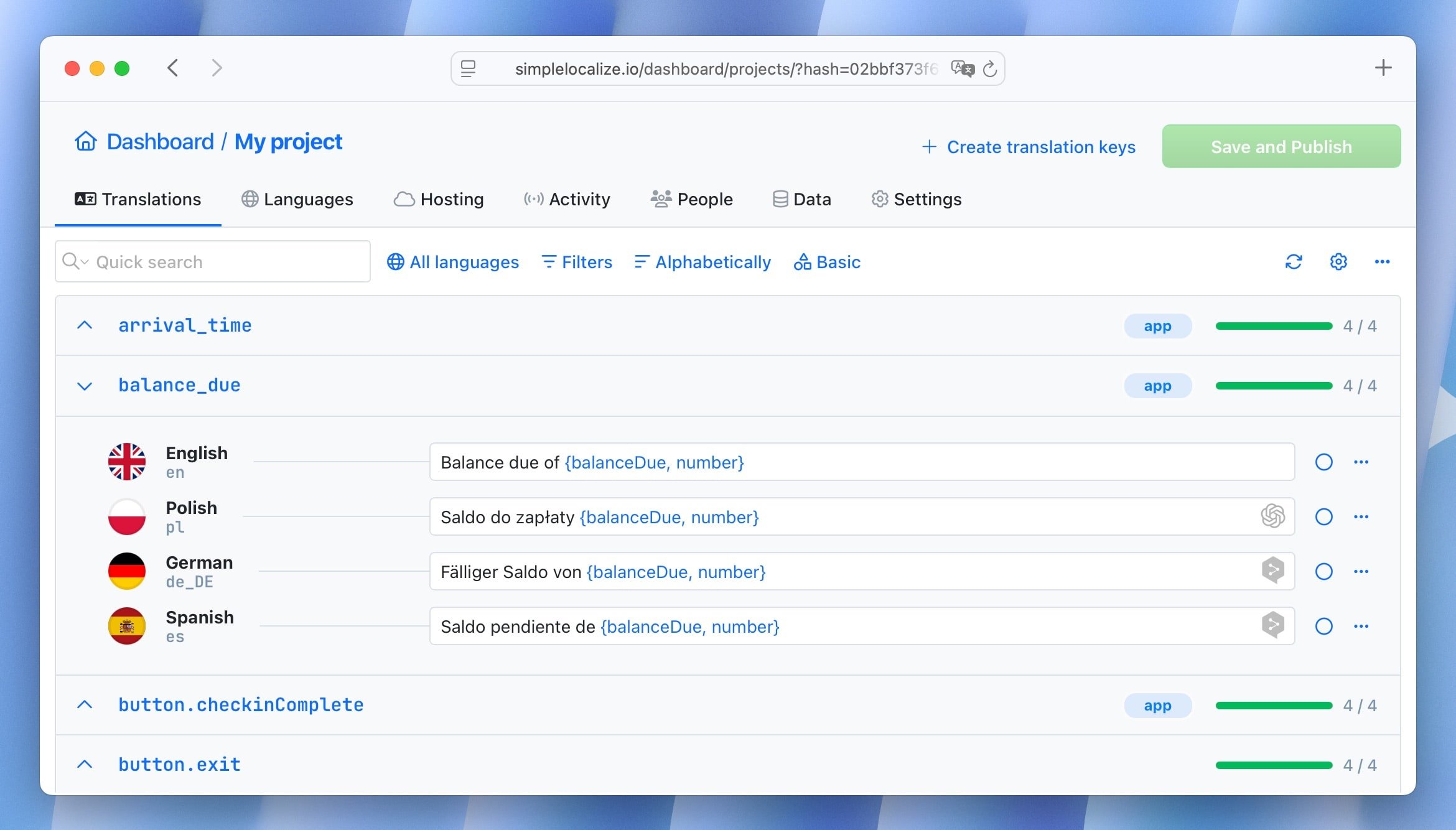
Follow this proven workflow to take your website from a single language to global availability across search engines.
Internationalize your codebase
Externalize all user-facing strings using your framework's i18n library: next-i18next for Next.js, nuxt-i18n for Nuxt, or any JSON-based i18n setup.
Import strings to SimpleLocalize
Upload your translation files via CLI, CI/CD, or the web dashboard. SimpleLocalize auto-detects your file format and organizes keys by namespace.
Translate & review
Auto-translate with DeepL, Google Translate, or OpenAI. Collaborate with translators in the online editor to refine context, tone, and SEO metadata.
Publish via CDN or build export
Serve translations from the CDN for instant updates, or download files and bundle them at build time for SSR and static site generation.
For a step-by-step walkthrough, see the getting started guide.
Ready to localize your website for global markets?
Start a free project and translate your first pages in minutes.
Start for free
Works with your favorite framework
& platform
Plug SimpleLocalize into your existing web stack.
Native file formats, no conversion steps.
Next.js & React
Static Site Generators
Headless CMS
E-commerce & No-Code

And many more integrations
Whether you use Next.js or a platform like Shopify, SimpleLocalize helps you manage hreflang tags and localized URLs to ensure your site ranks globally.
See the full integration list.
































Technical Comparison
Your code, your control.
No proxy, no bloat.
Proxy-based tools inject heavy scripts into every page load, hurting performance and inflating costs. SimpleLocalize integrates into your build process; translations live in your repo as standard i18n files.
Why SimpleLocalize
Built for the way you ship websites
Developer-first tooling meets marketing-team simplicity, designed for fast-moving web teams.

Start localizing your website today
- Next.js, Gatsby, Nuxt & more
- Full international SEO support
- CDN delivery for instant updates
- AI-powered translations built in
- Transparent, flat pricing
"The product
and support
are fantastic."
"The support is
blazing fast,
thank you Jakub!"
"Interface that
makes any dev
feel at home!"
"Excellent app,
saves my time
and money"
Learn more about website localization
Guides, tutorials, and best practices for localizing websites and web applications.
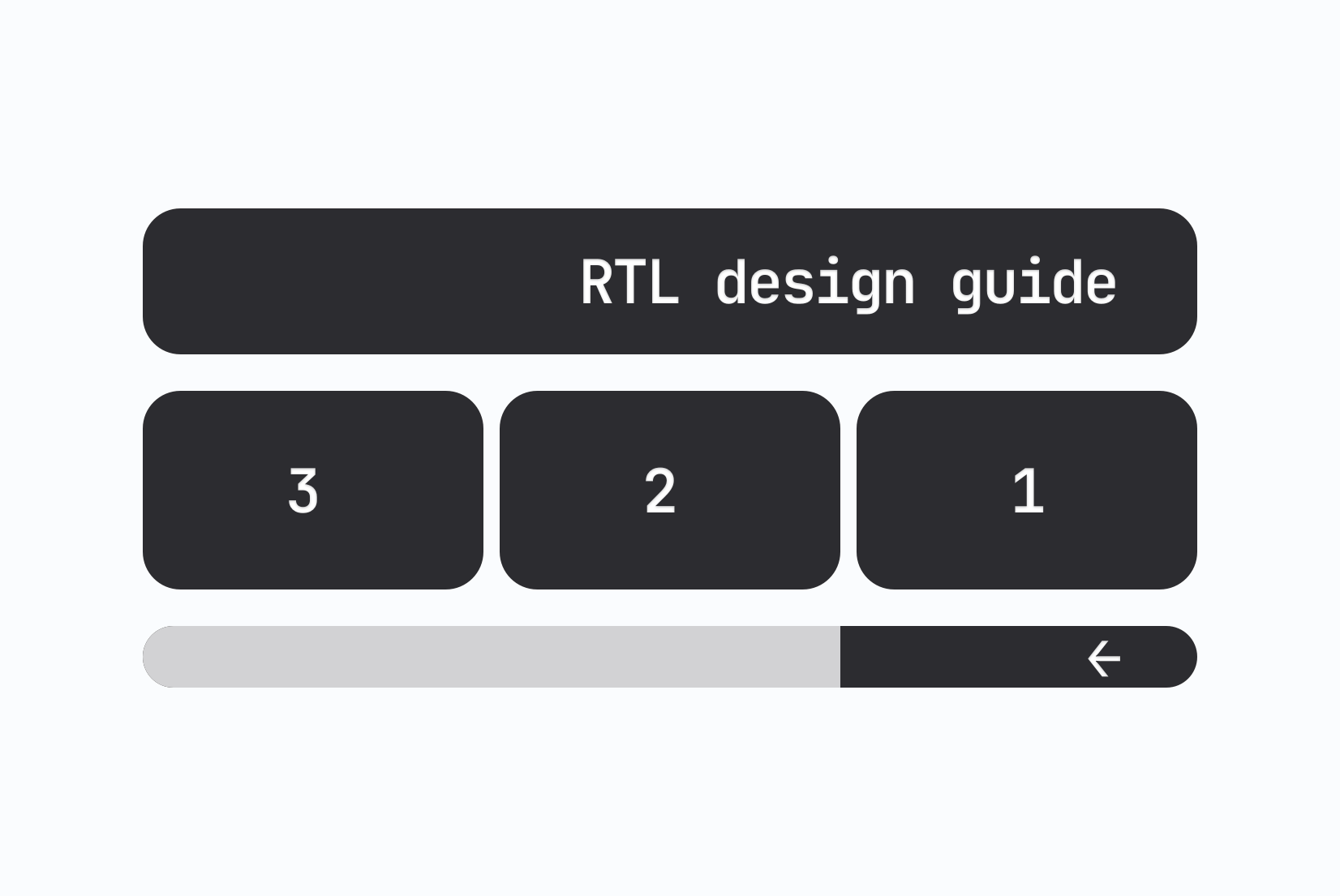
RTL design guide for developers: Bidirectional layout done right
A practical RTL design guide for developers. Learn how to implement right-to-left layouts for Arabic, Hebrew, and Persian, with real CSS examples, common mistakes, and a hotel booking UI walkthrough.
Xcode String Catalog (.xcstrings): The complete guide for iOS localization
Everything developers need to know about .xcstrings string catalogs. Covers JSON schema, extractionState and translationState flags, pluralization, device variants, universal placeholders, Git merge conflict strategies, Xcode 26 AI comments, and SimpleLocalize integration.
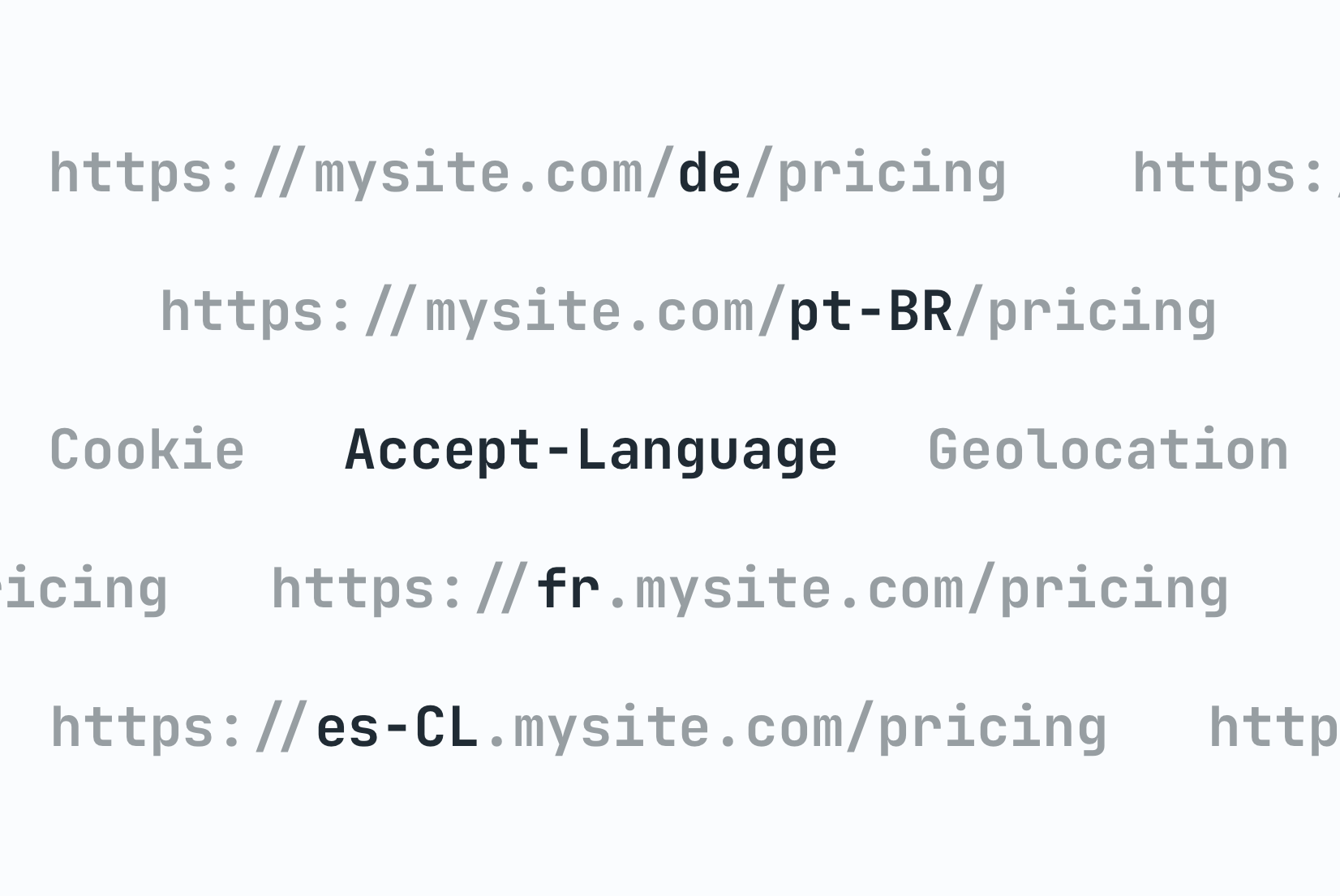
Locale detection strategies: URL, Cookie, or Header?
Compare locale detection strategies with code examples. Learn the trade-offs of URL paths, cookies, and headers with an architectural decision framework.

Vue.js i18n: The complete guide to localizing Vue and Nuxt apps
Learn how to internationalize and localize Vue 3 and Nuxt apps with vue-i18n. Covers setup, translation files, pluralization, locale detection, lazy loading, CI/CD integration, and SimpleLocalize workflows.
Android String resources: Complete guide to localizing Android apps
Learn how to manage Android string resources, plurals, and arrays. A technical guide to localizing Android XML files with SimpleLocalize for seamless translation workflows.

How to make a website multilingual: A developer's implementation guide
A practical guide for developers: how to internationalize a web app, set up translation files, implement locale detection, handle formatting, and manage translations across releases.
What is website localization?
Website localization is the process of adapting a website for users in different languages and regions. It goes beyond translating page copy: it includes localizing SEO metadata (page titles, meta descriptions, Open Graph tags), adapting date and currency formats, configuring hreflang tags for search engines, and ensuring the user experience feels native in every target market.
A well-localized website ranks in regional search results, converts international visitors at higher rates, and builds trust with audiences who expect content in their own language. Tools like SimpleLocalize bridge the gap between development and marketing teams — you upload your i18n resource files, translate them in the online editor, and deliver updates via CDN or file export. For a deeper dive, see our localization SEO best practices guide.
Website localization vs. app localization
While both processes adapt a digital product for international users, website localization and app localization differ in several key areas.
Websites change frequently: new landing pages, blog posts, pricing updates, seasonal campaigns, and rely heavily on SEO. Localization must cover metadata, structured data, and URL strategies (/en/, /de/, sub-domains) alongside UI strings. Delivery is typically via SSR, SSG, or CDN. See our guide on URL structures for multilingual websites for more on routing strategies.
Mobile apps update less often and face app store review cycles. Localization focuses on in-app strings, push notifications, and app store metadata (ASO). Over-the-air delivery via CDN helps bypass release friction. See our app localization page for mobile-specific guidance.
SimpleLocalize supports both workflows from a single platform: manage web and mobile translations in one project, share glossaries, and deliver content through the same pipeline.
How does localization affect SEO?
Properly implemented localization improves SEO by giving search engines unique, indexable URLs for each language. Each locale gets its own page with localized content, a hreflang tag that tells Google which language the page targets, and metadata optimized for regional search terms.
Without localization, multilingual content often triggers duplicate content penalties because search engines see multiple versions of the same page without clear language signals. Using hreflang annotations, unique URLs (sub-directories like /es/ or sub-domains like es.example.com), and localized sitemaps prevents this and ensures each language version ranks independently. Read our localization SEO guide for a full checklist.
SimpleLocalize helps you manage the localized strings that populate these pages: page titles, meta descriptions, heading copy, and CTAs, while your framework handles the URL structure and hreflang implementation.
How to manage hreflang tags for international SEO
hreflang tags tell search engines which language and region each page targets. They are essential for any multilingual website that wants to rank in multiple markets. Each page should include a <link rel="alternate" hreflang="xx" /> tag for every language version, plus a fallback x-default for the canonical language.
Most modern frameworks handle hreflang generation automatically when you follow their i18n routing conventions. Next.js generates hreflang tags via its built-in i18n routing. Nuxt's i18n module adds them automatically. For static generators like Astro or Hugo, you configure hreflang in your layout templates. See our complete hreflang guide for implementation details and best practices.
SimpleLocalize complements this by ensuring every locale has complete, high-quality translations for all page content, preventing half-translated pages that hurt both UX and SEO rankings.
Frequently asked questions
How does localization affect my SEO?
Localization improves SEO by creating unique, indexable URLs for each language. Each locale gets its own page with localized content and a hreflang tag that tells search engines which audience the page targets. This prevents duplicate content penalties and helps your site rank in regional search results across Google, Baidu, Naver, and other search engines.
Does SimpleLocalize work with SSR (Server-Side Rendering)?
Yes. You can bundle translations at build time for SSR and SSG frameworks like Next.js, Nuxt, and Gatsby by downloading JSON or YAML files via the CLI. Alternatively, fetch translations at runtime from our REST API or CDN. Both approaches produce fully-rendered HTML with translated content for search engine crawlers.
Can my marketing team edit text without a developer?
Yes. Developers set up the translation sync via CLI or CI/CD once. After that, marketing and content teams can search, edit, and approve translations in the online editor, no code or GitHub access needed. Changes published to the CDN appear on your site instantly.
What is the best URL strategy for multilingual websites?
The most common and SEO-friendly approaches are sub-directories (/en/, /es/, /ja/) and sub-domains (en.example.com, es.example.com). Sub-directories are generally recommended because they consolidate domain authority under a single domain. Whichever approach you choose, ensure each locale has its own URL with proper hreflang annotations so search engines can index each version independently.
Which web frameworks are supported?
SimpleLocalize works with all major web frameworks including Next.js (next-i18next, FormatJS), Nuxt (nuxt-i18n), Gatsby, Astro, Hugo, Jekyll, Angular, Vue, and plain React. It also integrates with e-commerce and no-code platforms like Shopify and Webflow. Any framework that uses JSON, YAML, XLIFF, or Properties translation files is supported.
How do I localize my Shopify or Webflow site?
SimpleLocalize provides integrations for Shopify and Webflow. You can manage product descriptions, page content, and marketing copy in the online editor, then sync translations back to your store. For Shopify, use our dedicated app or API to push localized content. For Webflow, manage CMS collections and static pages in one place.
How do I get started with website localization?
Start by internationalizing your codebase: externalize all user-facing strings into translation files (JSON, YAML, etc.) using your framework's i18n library. Then create a free SimpleLocalize project, upload your base-language file, auto-translate into your target languages, and publish via CDN or file download. See our getting started guide for a step-by-step walkthrough.