The backbone
of scalable
software localization
Don’t just automate tasks, but design a complete workflow. Orchestrate how content moves from your code to your global users with structured stages for translation, review, and deployment.

We power your product localization
From first commit to global launch














The 4 stages of a translation workflow
From source code to global users
Every string in your app moves through four stages. Design each stage once, then let the system execute it automatically on every release.
Extraction & Ingestion
Translation keys enter the system from your codebase via the CLI, from your repository via the GitHub App, or programmatically through the REST API. New keys are detected on every commit or build.
Transformation (AI & MT)
Automations provide an instant first pass. Use DeepL, Google Translate, or OpenAI to fill all target languages in seconds. Glossaries and AI context keep terminology consistent.
Human Verification
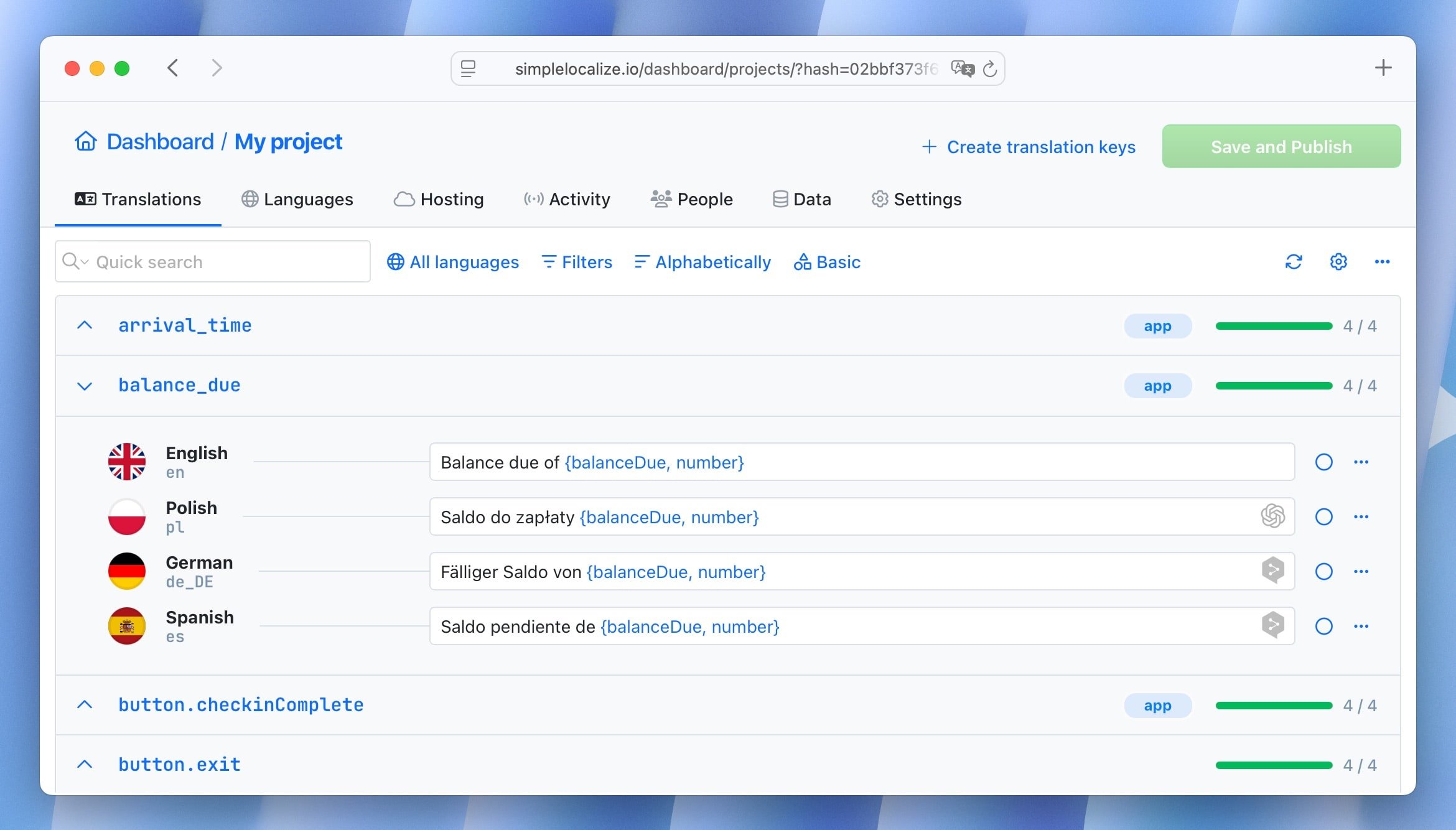
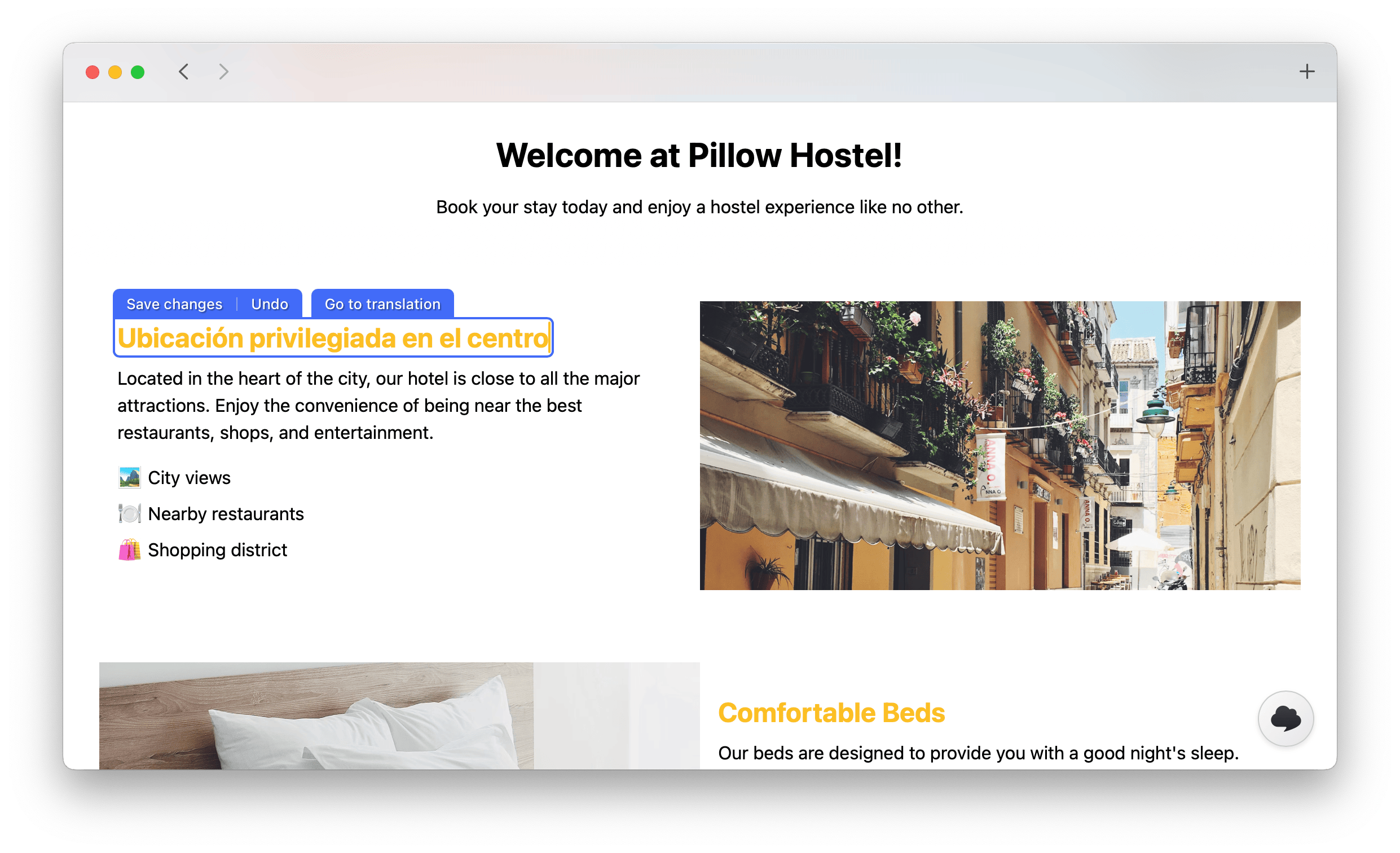
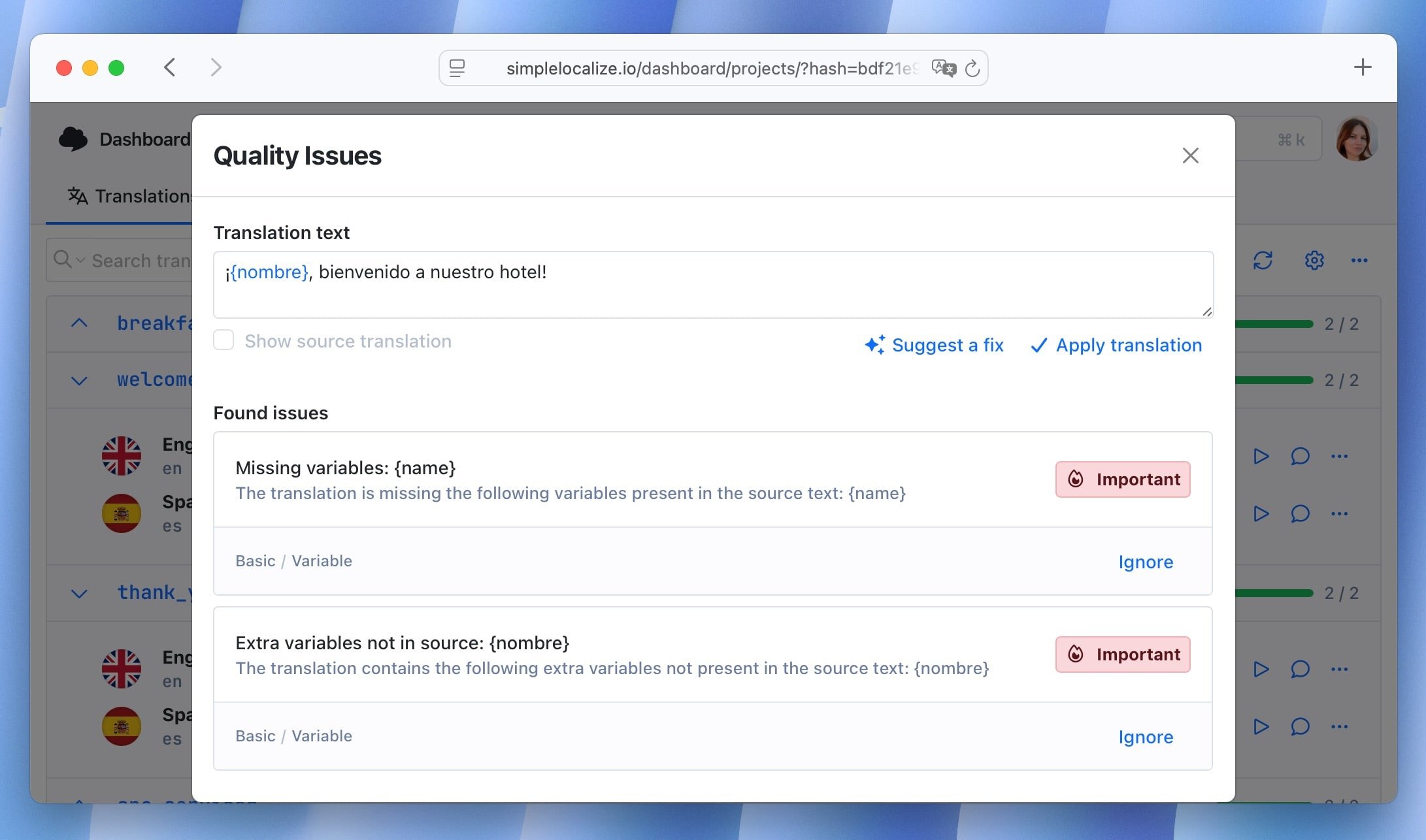
Translators refine machine output in the Translation Editor or In-Context Editor. QA checks catch missing placeholders, broken tags, and length issues before approval.
Instant Distribution
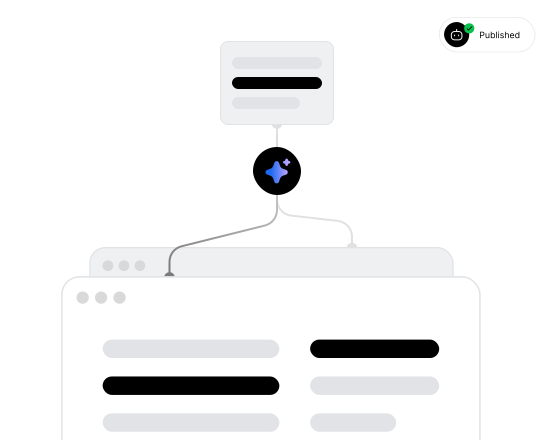
Approved translations are published to the global CDN with one click or automatically via an automation. Your app fetches the latest content without a redeploy.
For a step-by-step walkthrough, see the getting started guide.
Workflow recipes
Pick the workflow that fits your team
There’s no single “right” way to localize. Choose a recipe based on your priorities: speed, quality, or community involvement, and customize from there.
Developer-led workflow
Optimized for speed. Code push → auto-translate with AI → publish to staging CDN. Ship localized features as fast as you ship code.
Review-first workflow
Optimized for quality. Code push → notify translators → QA checks → human approval → production publish. Every string is verified before release.
Community workflow
Leverage your user base. Open a public suggestions portal, let the community vote on translations, and merge the best contributions.

Quality gates
at every stage
Automation handles the heavy lifting.
Humans make the final call.
Translation Editor as a review gate
In-Context Editor for visual accuracy
QA checks before publishing
Automated CDN deployment
Navigating the TMS
Workflow, automation, or CI/CD?
Each concept serves a different purpose in your translation management system. Combine them to build a complete localization lifecycle.
| Context | Purpose | Key Page |
|---|---|---|
| Strategy | Designing the end-to-end lifecycle with stages, roles, and quality gates | Translation Workflows (this page) |
| Execution | Setting up no-code triggers and actions that run automatically | Translation Automations |
| Synchronization | Keeping translation keys in sync with your CI/CD pipeline | Continuous Localization |
Tools that power your workflow
Every stage backed by real tools
A workflow is only as good as the tools behind it. SimpleLocalize gives you everything you need to build, run, and refine your localization lifecycle.
Why SimpleLocalize?
Most tools are overkill.
SimpleLocalize is fast, simple, and works out of the box.
Fast and customizable
SimpleLocalize is easy to get started with and focuses on the features that you and your team need the most. You can customize the editor to your needs choosing from a variety of options.
Flat pricing
No hidden costs! SimpleLocalize offers a simple and affordable plans for you and your projects. Within easy integration options and intuitive translation editor, it creates a wonderful selection.
Team members included
Every paid plan comes with a number of users you can add to your project. You don't need to worry about number of users as the price does not increase with every user.
Auto-translation included
Every paid plan comes with auto-translation characters that you receive every month. You can also use bring your own API keys and use them with SimpleLocalize in any plan (even free!).
Tools for Developers
SimpleLocalize gives developers the tools they need to automate and integrate localization into any workflow, such as CLI tool, VS Code extension, IntelliJ plugin, Figma integration, and more.
Personal support
From “how do I get started” to “I need XYZ” requests, when you need that extra helping hand, we’re here for you. We are here to make sure you get the most out of SimpleLocalize.

Design your localization workflow today
- Structured stages: extract, translate, review, and deploy
- AI-powered first pass with DeepL, Google, and OpenAI
- Human verification with Translation Editor and In-Context Editor
- Automated CDN publishing after approval
- Works with CLI, REST API, and GitHub integration
- Seamless handoffs between developers and translators
"The product
and support
are fantastic."
"The support is
blazing fast,
thank you Jakub!"
"Interface that
makes any dev
feel at home!"
"Excellent app,
saves my time
and money"
Localization workflow guides
Best practices for building and managing translation workflows at scale.
Automate translation updates with review statuses
Automate translation updates with review statuses in SimpleLocalize. Keep translations consistent across languages and versions with less manual effort.
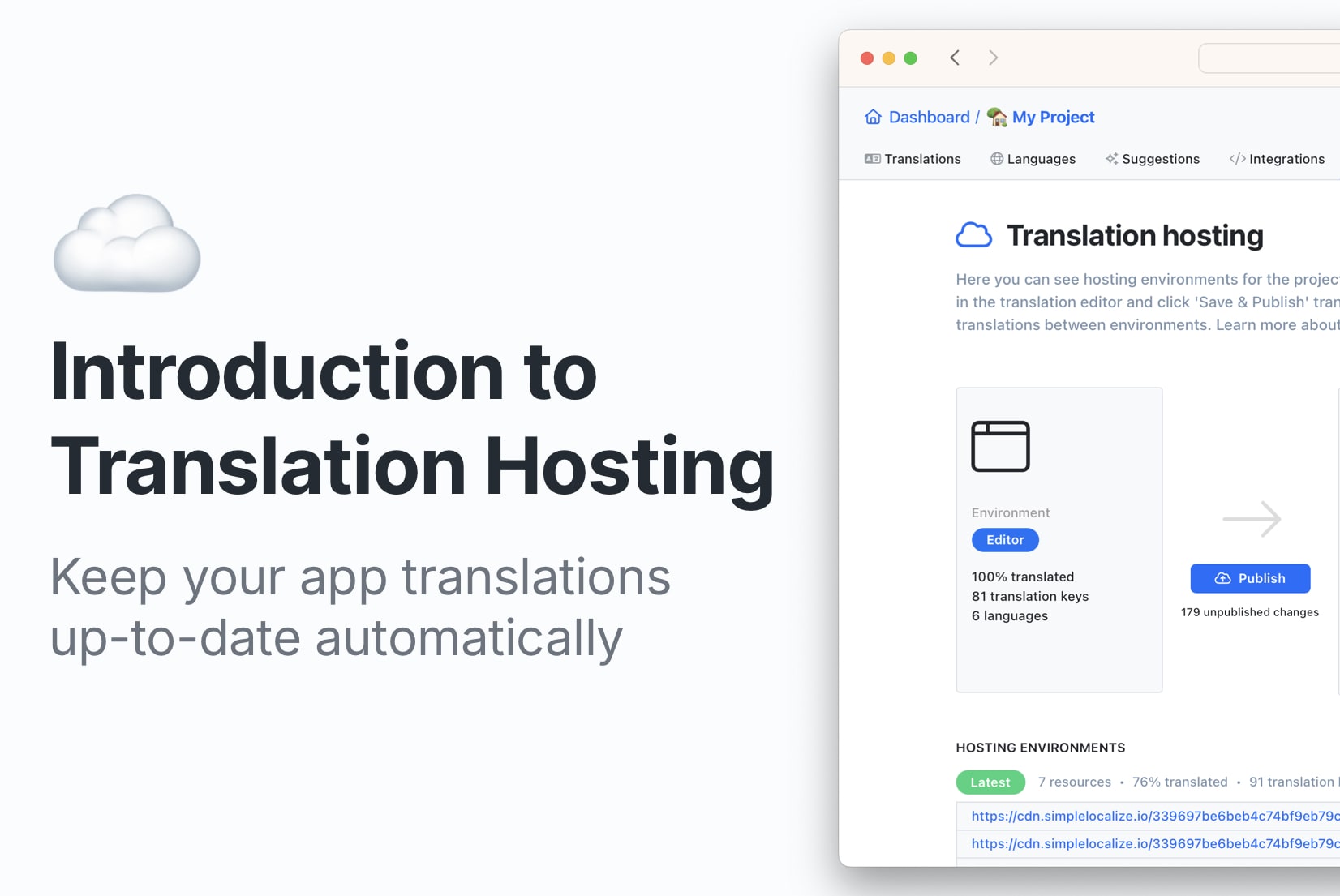
Translation Hosting: How to update translations automatically?
Save time with automatic translation updates. Try SimpleLocalize Translation Hosting to keep your app's translations up to date effortlessly in any environment.
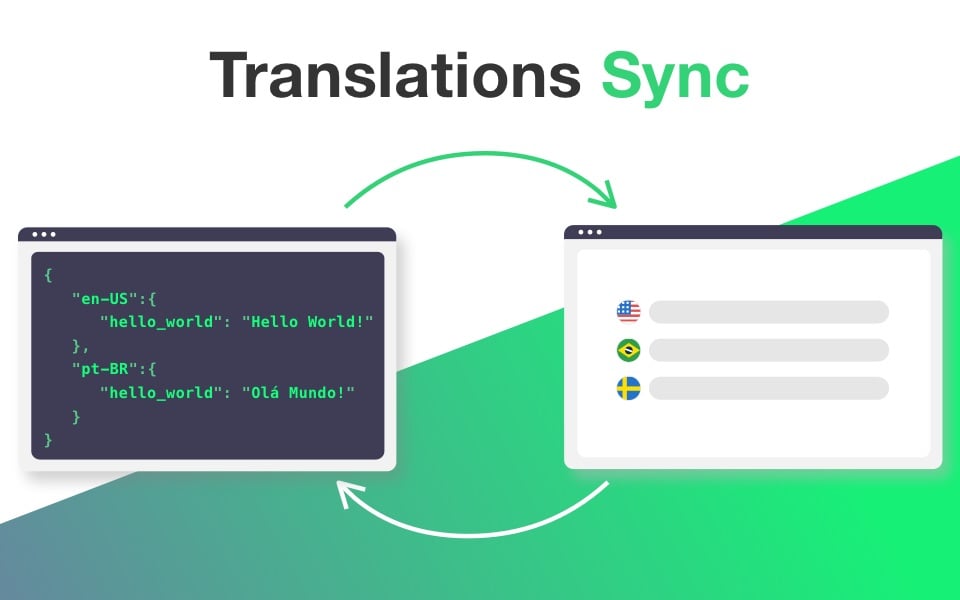
How to keep translations up to date with every release?
Keep software translations in sync with each release. Learn to manage, update, and clean up translation keys for a smooth and scalable localization process.

15 tips to make your localization workflow more productive
Practical tips for faster, cleaner software localization. Covers translation key design, workflow automation, CI/CD integration, QA, and reducing translation debt, with real examples and code.
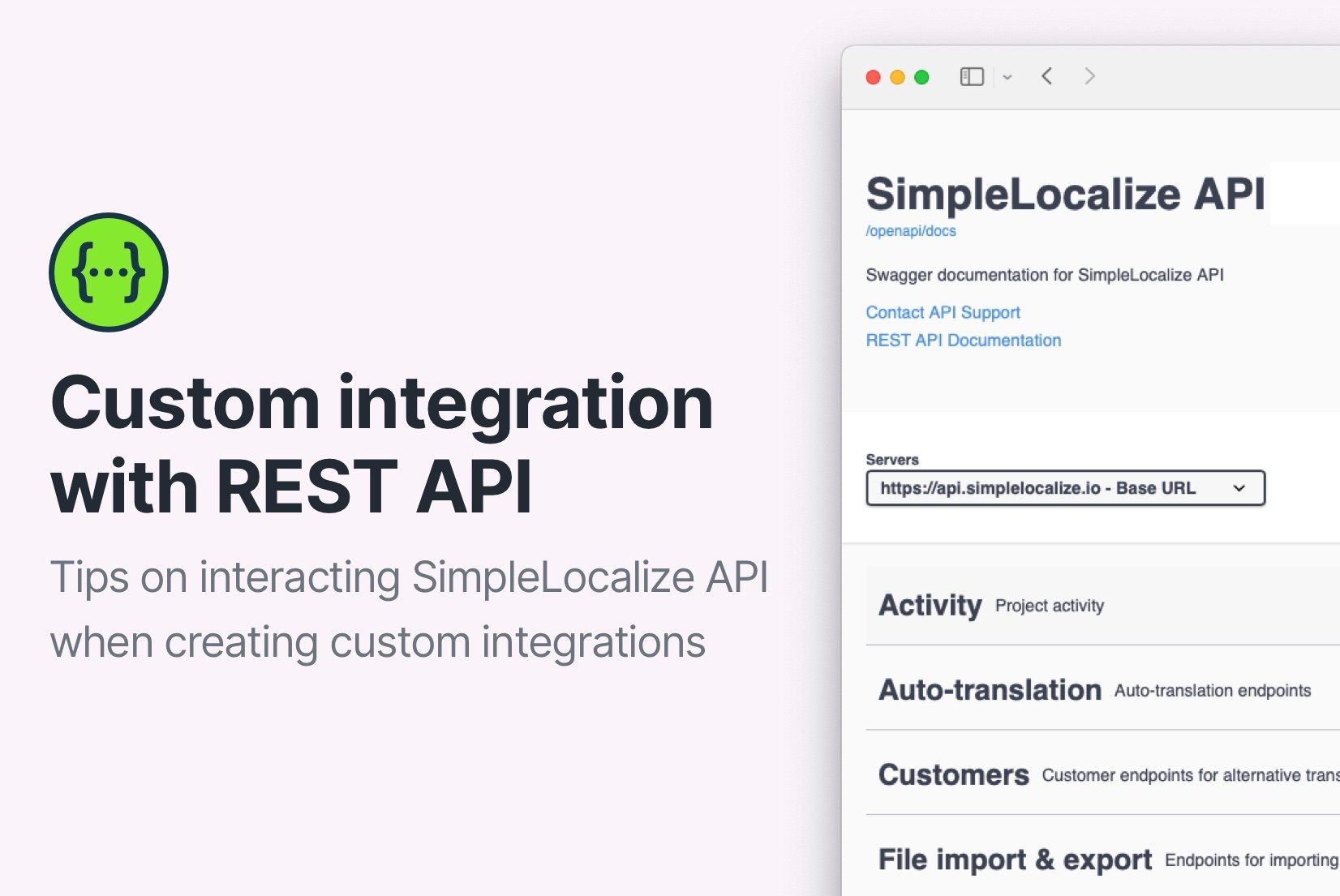
Custom integrations for SimpleLocalize
Create a SimpleLocalize integration for your custom translation tool. Learn the best practices and tips for building a custom integration that works seamlessly with SimpleLocalize.
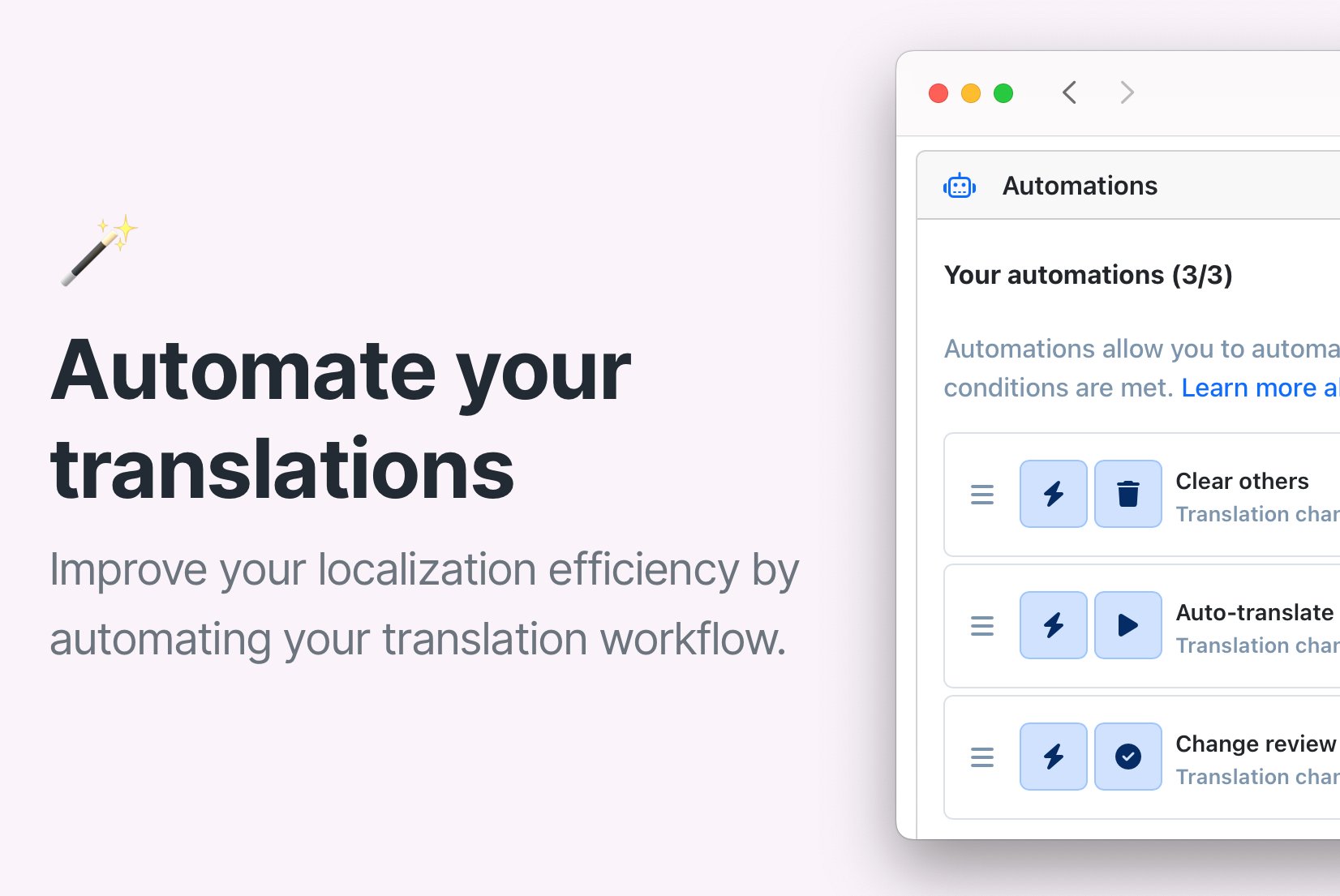
Save time with SimpleLocalize Automations: Auto-translate, review & more
Speed up your translation workflow with automations in SimpleLocalize. Automatically translate, clear, or update review status when translations change. Watch the setup video.
What is a translation workflow?
A translation workflow is the structured process of moving content through different stages of localization: from key extraction in the codebase, through machine or human translation, quality assurance, review, and finally deployment to production. Unlike ad-hoc translation, a workflow defines who does what at each stage and how content progresses from one stage to the next.
In SimpleLocalize, a workflow is built from composable pieces: the CLI handles extraction, AI translation provides the first pass, the Translation Editor supports human review, and automations connect the stages. The result is a repeatable, scalable pipeline inside your translation management system.
Localization maturity: from manual to fully automated
Most teams start with manual workflows: developers export JSON files, email them to translators, and manually import the results. This works for a handful of keys, but breaks down quickly as the app grows. The next step is continuous localization: syncing keys automatically via CI/CD, so developers never touch translation files directly.
A mature workflow adds AI-powered translation as the default first pass, QA checks as automated quality gates, review status tracking for human oversight, and CDN-based delivery that decouples translation deployment from code releases. SimpleLocalize supports teams at every stage of this maturity curve, letting you start simple and evolve as your needs grow.
Centralizing team collaboration around the workflow
A well-designed workflow gives every team member a clear role. Developers own extraction and CI/CD integration. Translators work in the editor with full context. Reviewers approve strings using status filters and QA checks. Project managers track progress and assign tasks.
By centralizing this in a single TMS, you eliminate the coordination overhead of spreadsheets, Slack threads, and email chains. Everyone works in the same system, with the same data, following the same process.
What is a translation workflow?
A translation workflow is the structured process of moving content through different stages of translation and review. It defines how keys are extracted, translated, verified, and deployed — and who is responsible at each stage.
How do I enforce a review step in my workflow?
Use review status filters and QA checks before publishing to the CDN. Set up an automation that marks auto-translated strings for review. Only publish translations that have been marked as approved by a human reviewer.
Can workflows be customized per language?
Yes. You can route critical languages to human reviewers while using AI for others. Automations support language-level filtering, so you can build different pipelines for different target languages within the same project.
What is the difference between a workflow and an automation?
A workflow is the overall strategy — the end-to-end lifecycle that defines stages, roles, and quality gates. An automation is a specific no-code rule that executes one step within that workflow (e.g., “when a new key is pushed, auto-translate it”). Workflows are the blueprint; automations are the building blocks.
How does this fit into continuous localization?
Continuous localization focuses on keeping translation keys in sync with your CI/CD pipeline. A workflow goes further: it orchestrates what happens after keys are synced — AI translation, human review, QA checks, and CDN deployment. Together, they form the complete localization lifecycle.
Do I need all four stages in my workflow?
No. The stages are modular. Developer-led teams might skip human verification for non-critical languages and go straight from AI translation to CDN. Review-first teams might add multiple verification layers. Design the workflow that matches your quality requirements.