Integrating AI translation into your CI/CD pipeline

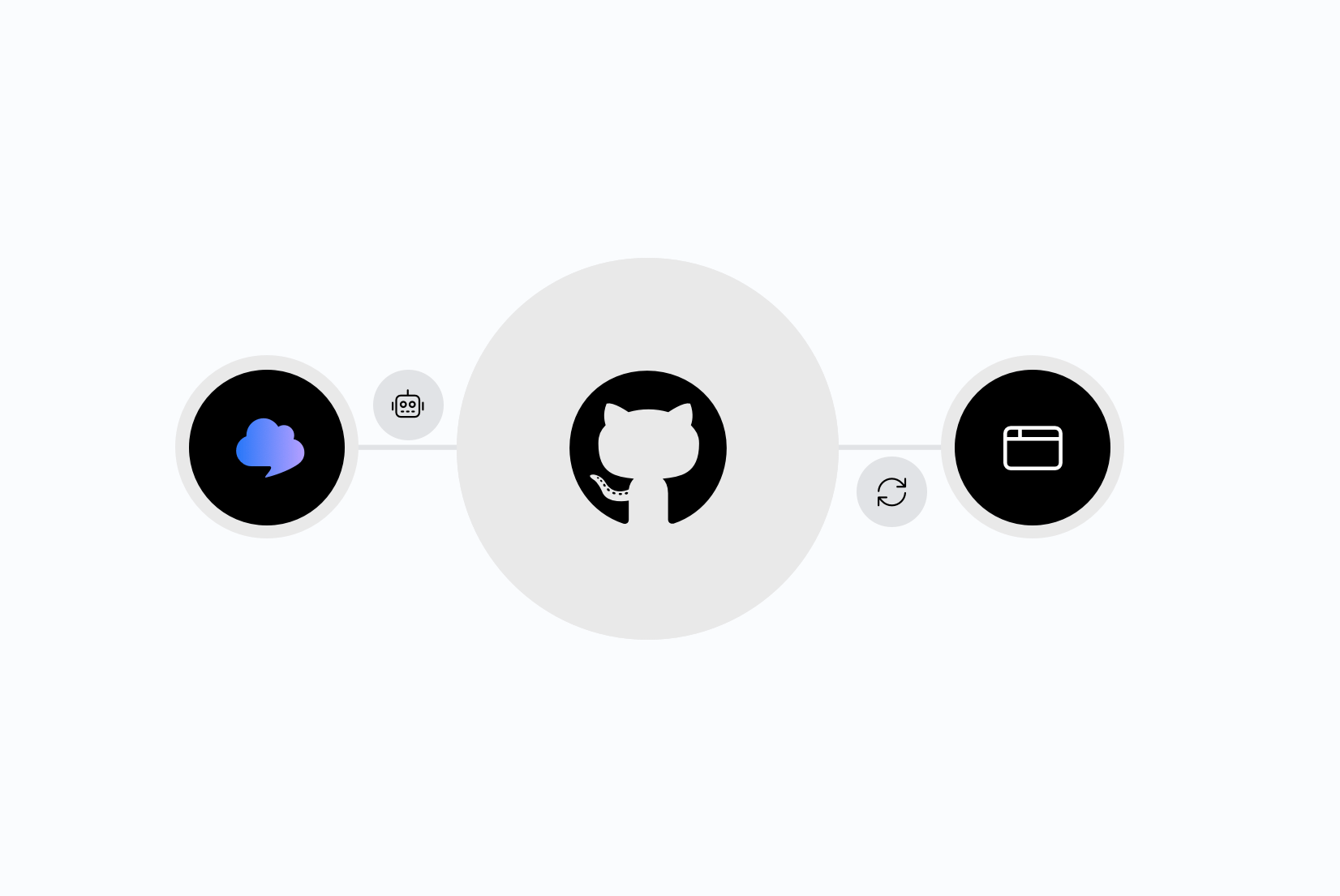
Most teams treat translation like a manual chore that happens right before a release: someone exports strings, pastes them somewhere, waits for a translator or an AI tool to return results, then copies them back in. This works until it doesn't. New keys get added faster than anyone remembers to translate them, and "we'll translate before launch" becomes "we forgot, launch is tomorrow".
The fix is to treat translation the same way you treat tests or linting: as a step in your pipeline, not a task on someone's calendar. This guide covers how to connect SimpleLocalize's AI translation to GitHub so new strings get translated automatically on every push, with no manual export or copy-paste.
For the bigger picture on how AI translation fits into a modern localization workflow, see our AI-powered localization guide.
AI translation in CI/CD
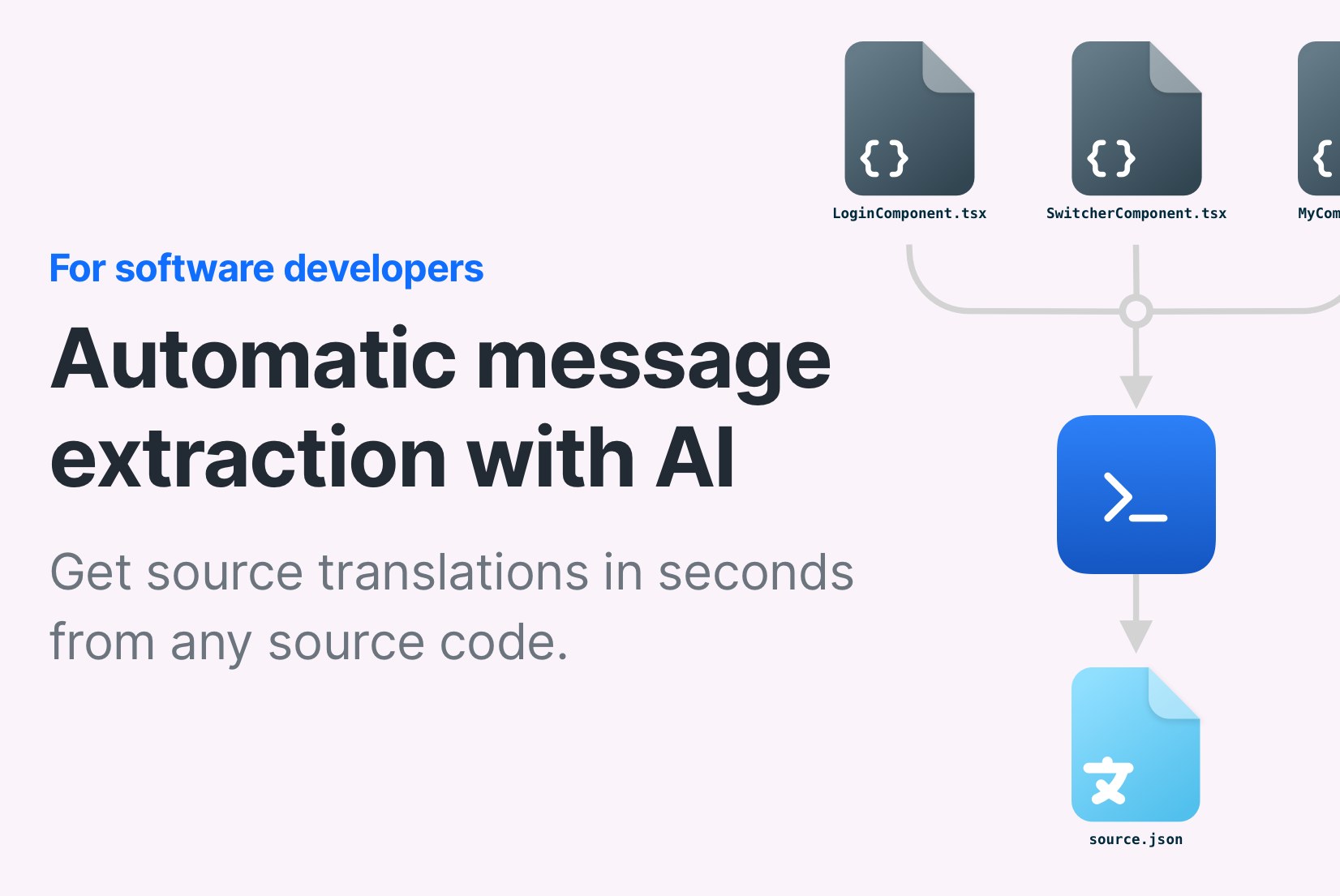
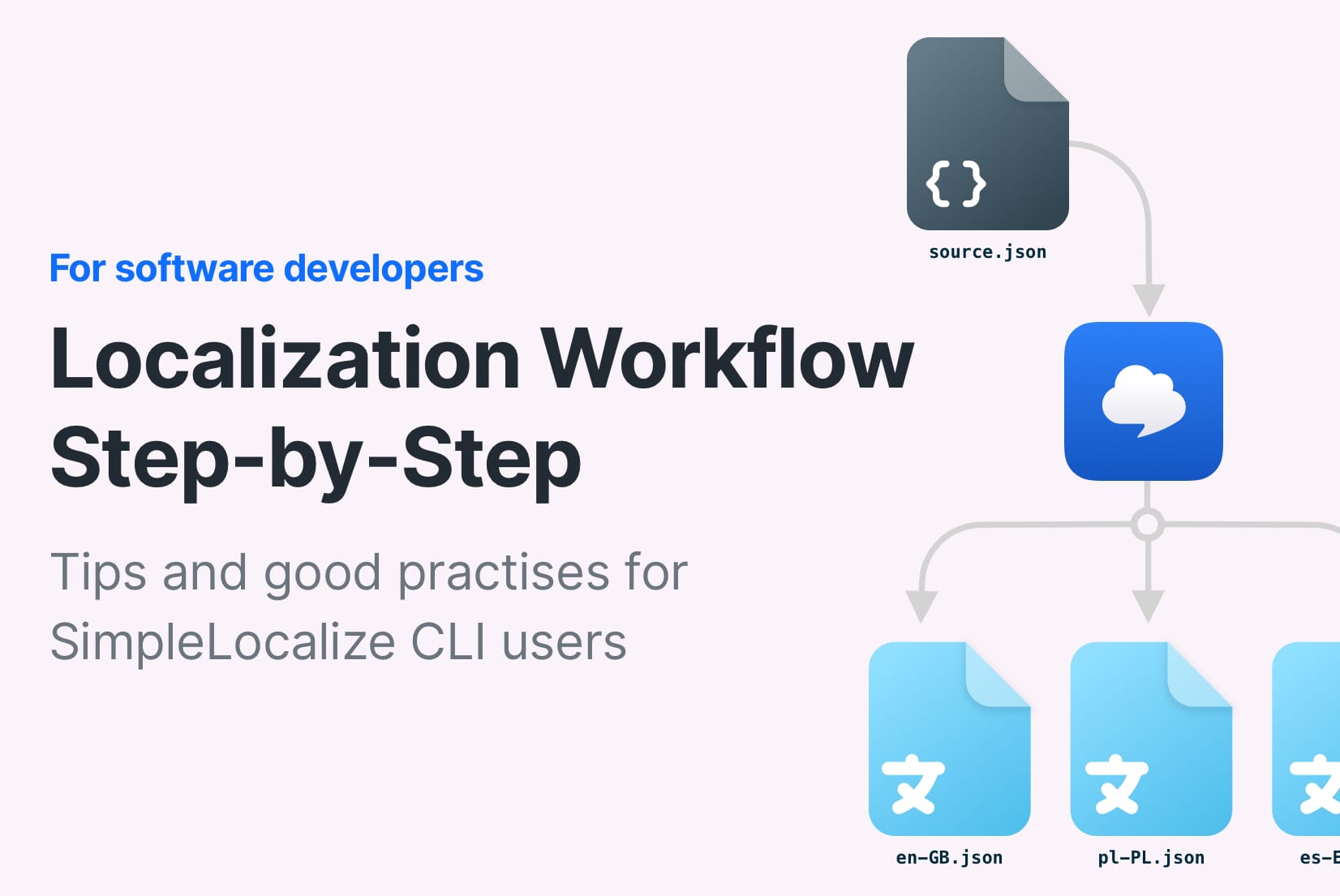
At a basic level, the pipeline has three parts:
- Upload: when a developer pushes new or changed source strings (usually English), the pipeline sends them to SimpleLocalize.
- Auto-translate: SimpleLocalize checks which keys are new or changed and sends only those to an AI model (OpenAI, Claude, Gemini, or another provider via OpenRouter).
- Download or publish: the translated strings go back into your repository as a pull request, or get published directly to Translation Hosting so your app picks them up without a redeploy.
None of this requires a human to open a translation tool during a sprint. A translator can still review and adjust the AI output later in the translation editor, but the app is never left with untranslated strings sitting in a queue.
There are two ways to build this: the SimpleLocalize CLI running inside a GitHub Actions workflow, or the SimpleLocalize GitHub App, which needs only a config file and no workflow YAML of your own. Which one fits depends on how much control you want over the pipeline.
Option 1: SimpleLocalize CLI in GitHub Actions
The CLI gives you full control over each step and works in any CI system, not just GitHub. Inside GitHub Actions, you call it through the simplelocalize/github-action-cli action, which wraps the CLI so you don't have to install a binary manually.
Here's a workflow that uploads English source strings on every push to main, auto-translates them, downloads the results, and publishes them:
# .github/workflows/translations.yml
name: 'Sync and translate strings'
on:
  push:
    branches: [main]

env:
  cli-version: '2.11.0'

jobs:
  translate:
    runs-on: ubuntu-latest
    steps:
      - uses: actions/checkout@v3

      - name: Upload source translations
        uses: simplelocalize/github-action-cli@v4
        with:
          api-key: ${{ secrets.SIMPLELOCALIZE_API_KEY }}
          command: 'upload'
          cli-version: ${{ env.cli-version }}
          args: '--uploadPath ./src/locales/en.json --uploadFormat single-language-json --languageKey en'

      - name: Auto-translate new keys
        uses: simplelocalize/github-action-cli@v4
        with:
          api-key: ${{ secrets.SIMPLELOCALIZE_API_KEY }}
          command: 'auto-translate'
          cli-version: ${{ env.cli-version }}

      - name: Download translations
        uses: simplelocalize/github-action-cli@v4
        with:
          api-key: ${{ secrets.SIMPLELOCALIZE_API_KEY }}
          command: 'download'
          cli-version: ${{ env.cli-version }}
          args: '--downloadPath ./src/locales/{lang}.json --downloadFormat single-language-json'

      - name: Open pull request with updated translations
        uses: peter-evans/create-pull-request@v6
        with:
          commit-message: 'Update translations'
          title: 'Update translations'
          branch: 'simplelocalize-translations'
Three things worth pointing out about this setup:
uploadruns first, so SimpleLocalize always knows about your latest source strings before it tries to translate anything.auto-translateonly translates what changed. SimpleLocalize compares incoming keys against what's already stored and skips anything already translated, so you're not re-translating your entire file on every push.- The pull request step is separate from the CLI. SimpleLocalize doesn't open PRs on its own when you use the raw CLI; you commit the downloaded files and open the PR with a normal GitHub Action like
create-pull-request. If you also use Translation Hosting to serve translations via CDN instead of bundling them in your app, you can skip the download step entirely and just publish after auto-translate. Your app then pulls the latest translations at runtime without needing a new deploy.
Option 2: SimpleLocalize GitHub App
The GitHub App does the same job with less YAML. Instead of writing workflow steps yourself, you install the app on your repository and add a single simplelocalize-github.yml config file. SimpleLocalize handles the triggers, the upload, the auto-translation, and opening the pull request.
# simplelocalize-github.yml
upload:
  when:
    push:
      branches:
        - "main"
  files:
    - path: "src/locales/en.json"
      format: "single-language-json"
      language-key: "en"
      options:
        - "UPDATE_TRANSLATIONS"

auto-translate:
  when:
    push:
      branches:
        - "main"
  language-keys:
    - "es"
    - "fr"
    - "de"

download:
  files:
    - path: "src/locales/{lang}.json"
      format: "single-language-json"

pull-request:
  title: "Update translations"
  labels:
    - "translations"
On every push to main, this uploads en.json, sends the Spanish, French, and German keys to your configured AI model, and opens a pull request with the translated files. No workflow file to maintain, no secrets to wire into GitHub Actions beyond connecting your repository once during setup.
The trade with the GitHub App is that you get less flexibility for anything outside upload, auto-translate, and download. If you need custom steps in between, like running a script against the translated files before committing them, the CLI in GitHub Actions is the better fit. For most teams shipping a standard web or mobile app, the GitHub App is simpler to set up and maintain.
Choosing which strings get AI translation on push
Not every push needs to hit the AI model. If your team merges to main several times a day but only wants translation runs when a release is being prepared, scope the trigger to a release branch or a tag instead of every push:
auto-translate:
  when:
    push:
      branches:
        - "release/*"
  language-keys:
    - "es"
    - "fr"
    - "de"
    - "ja"
SimpleLocalize also lets you set the auto-translation provider per language, not just per project. If Spanish and French get enough traffic that tone and nuance matter, you can point those languages at a model with stronger reasoning, and leave a faster, cheaper model on languages where bulk UI strings are the main content.
For a breakdown of what each provider is actually good at, see our comparison of DeepL, Google Translate, and OpenAI, and for how project and key-level context improves the output quality, context in AI translation.
Gating merges with translation checks
Auto-translating on push is only half the picture. You also want to catch problems before a pull request merges: missing translations, unreviewed strings, or QA issues like a broken placeholder. The GitHub App supports this through checks that run directly on the pull request:
checks:
  coverage:
    filter:
      language-keys:
        - "en"
        - "es"
        - "fr"
  acceptance:
    filter:
      language-keys:
        - "en"
  quality:
    filter:
      language-keys:
        - "en"
        - "es"
        - "fr"
      min-severity: "HIGH"
coveragefails the check if any configured language is missing translations for keys that exist in the source.acceptancefails if translations exist but haven't been reviewed and marked accepted.qualityfails if the QA checks in the translation editor flag an issue, like a mismatched placeholder or an HTML tag that doesn't round-trip, at or above the severity you set.
This is the safety net for AI translation: the model translates fast, and the checks stop anything that came out wrong from reaching production silently.
Publishing translations without a new deploy
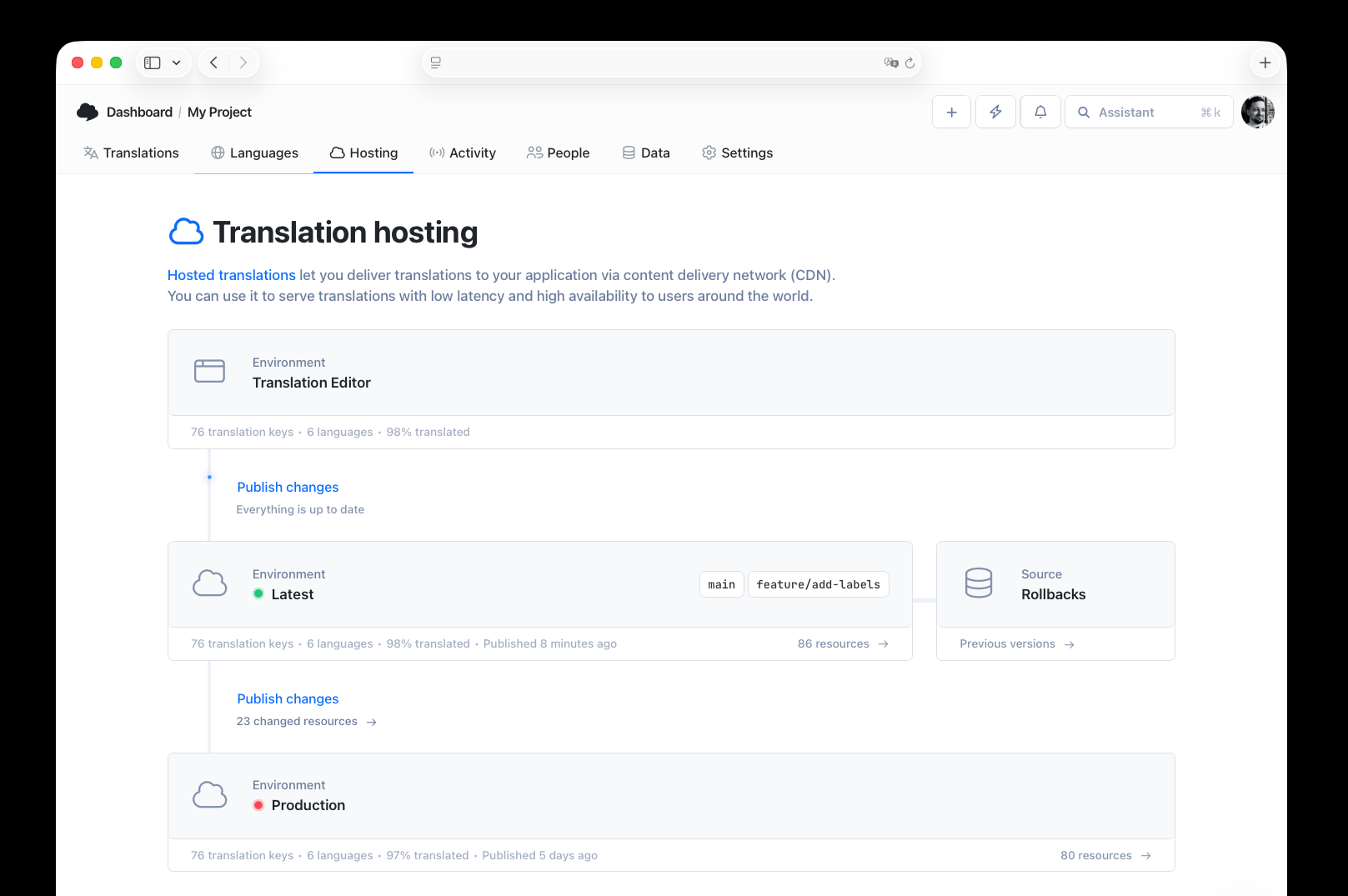
If your app reads translations from Translation Hosting instead of bundling JSON files at build time, you don't need a pull request for every translation update. Instead, set up an automation inside SimpleLocalize that publishes translations right after auto-translation finishes:
- In SimpleLocalize, create a new automation with the trigger "Auto-translation finished", scoped to the source that runs your CI job (CLI, API, or the GitHub App).
- Add the action "Publish translations".
- Save it.
From that point on, a push to main triggers upload, then auto-translate, then publish, all without a pull request or a redeploy. Your app fetches the updated translations from the CDN on its next request. This is the closest you can get to translation happening invisibly in the background: developers write English strings, and translated versions show up in production within minutes.
An example
Say a developer adds a new onboarding screen with three new strings in en.json and opens a pull request. Here's what happens if the pipeline above is wired up:
- The PR triggers the
uploadstep, which sends the three new keys (and only those, since the rest are unchanged) to SimpleLocalize. auto-translateruns, sending the three keys to the configured AI model for Spanish, French, and German. Existing translated keys aren't touched, so nothing already reviewed gets overwritten or re-translated.downloadpulls the translated files back, and a second pull request opens with the updatedes.json,fr.json, andde.json.- The coverage check confirms every configured language has a value for the three new keys. The quality check confirms no placeholder was dropped or malformed during translation.
- A translator glances at the AI output in the editor, approves it, and merges.
The developer never leaves their normal PR workflow. The translator reviews three new strings instead of chasing down what changed across the whole file.
Common problems
Here are some common issues you might encounter:
-
Auto-translate runs but nothing gets translated.
Auto-translate only fires when the upload step actually imported a file. If your upload path is wrong or the file format doesn't match what you configured, the upload silently does nothing and auto-translate has no new keys to work with. Check that yourpathandformatvalues match your actual file structure. -
Pull requests pile up unmerged.
If auto-translate runs on every single push instead of only on release branches or merges tomain, you can end up with a translation PR for every commit. Scope the trigger branches deliberately, and consider debouncing by only running onmainrather than every feature branch. -
AI output looks technically correct but tonally off.
This usually means the AI model isn't getting enough context. Add a project-level description of your product and audience, and add key-level descriptions for strings that are ambiguous out of context (a string calledhomethat means a navigation button, not a house, being the classic example).
Conclusion
Automatic AI translation on push covers the repetitive part of localization: getting new strings translated fast so nothing ships in English by accident. It doesn't replace review for anything customer-facing where tone matters, and it doesn't replace the QA checks that catch broken placeholders or missing context. Treat it as the first pass, with your team's judgment as the last one.
For the workflow-level view of how continuous localization fits into release cycles beyond just the AI step, read our continuous localization guide. And if you're still deciding between AI models for different content types, our AI and machine translation guide covers the full picture of what each provider does well.