Vue localization
for vue-i18n projects
Manage locale JSON and YAML files, auto-translate with AI, and sync with your Vue app via CLI.
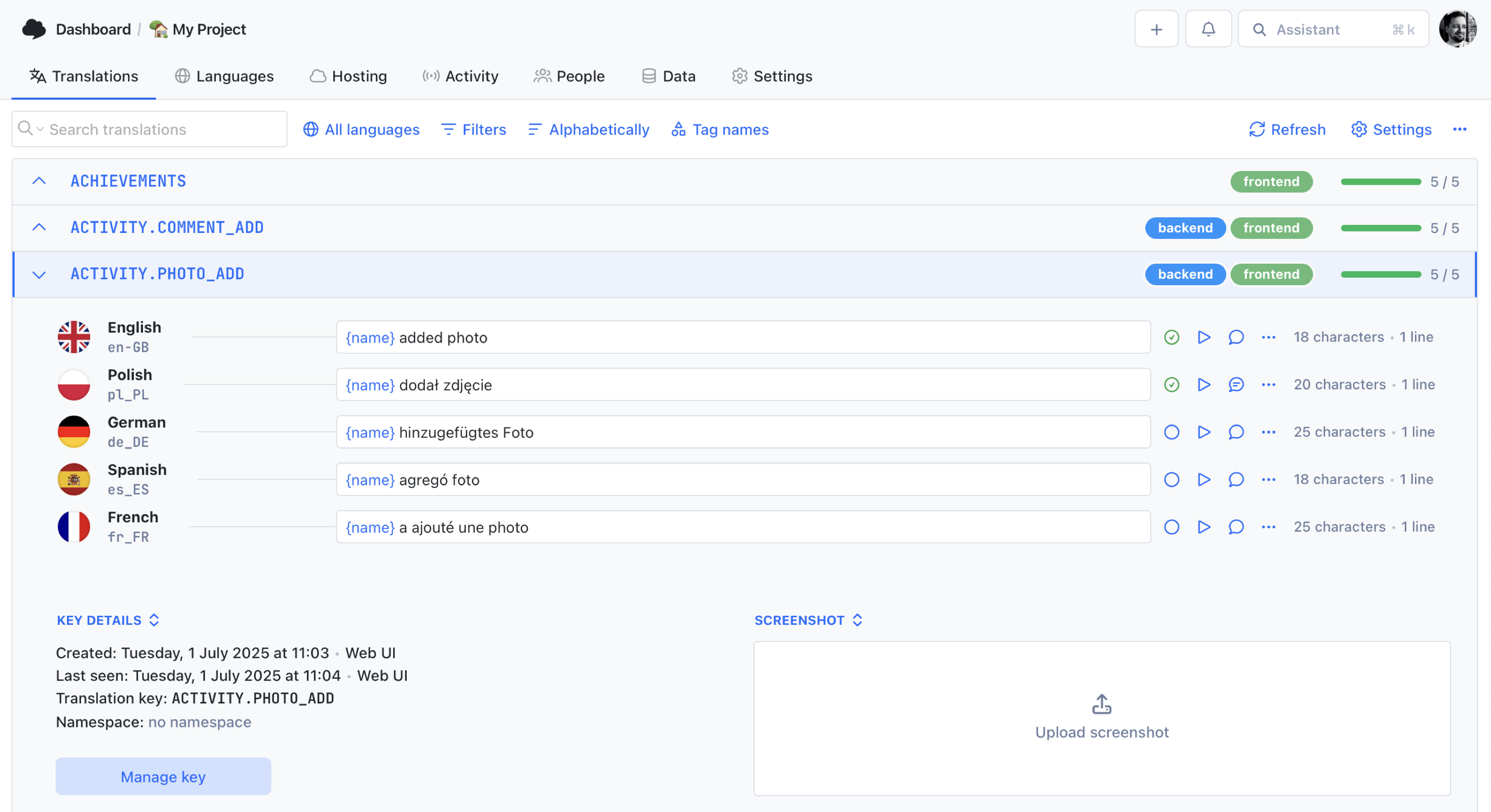
We power your product localization
From first commit to global launch














Why Vue teams
use SimpleLocalize
Vue apps often begin with a simple locales folder and a working vue-i18n setup. Later, the work shifts from wiring translations to maintaining consistent keys, reviewing copy changes, and keeping every language file aligned across features and releases.
SimpleLocalize helps you manage Vue copy in one place while keeping your existing project structure intact. Push locale files with the CLI, review updates in the online editor, and pull finished translations back into your app when you are ready to ship.

Built for the Vue localization workflow
From source locale files to production builds, SimpleLocalize fits each step of your Vue i18n setup.
How it works
From locale files to production in 3 steps
A CLI-first workflow that keeps Vue translations updated with every release.
Upload source locale files
Run simplelocalize upload to push your source locale files. Keys and nested structure stay intact.
Translate and review
Auto-translate with DeepL or OpenAI, then review in the online editor with your team.
Download and deploy
Run simplelocalize download to pull translated files. Build your Vue app with up-to-date translations.
For a step-by-step walkthrough, see the getting started guide.
Ready to simplify Vue localization?
Start a free project and upload your first locale file in minutes.
Start for freeCLI pipeline
From locale files to production
in two commands
Upload source locales, translate in the cloud, and pull clean files back into your Vue project.
Add these commands to CI/CD for automated localization in each build. Read more about the i18n online editor and visit all developer tools.
One project
for Vue, Angular, and React
Building multiple frontends? Manage all translations in one SimpleLocalize project and export each framework format separately.
Vue (JSON/YAML)
Manage locale files for vue-i18n and keep keys consistent across Vue 2 and Vue 3 apps.
Angular (XLIFF/JSON)
Manage Angular i18n and ngx-translate resources in one place.
React (JSON)
Export JSON files for react-i18next, FormatJS, and other React i18n libraries.
Why SimpleLocalize
Built for Vue developers
Practical tooling that matches Vue localization workflows.

Start localizing your Vue app today
- All-in-one localization platform
- Web-based translation editor for your team
- Auto-translation, QA-checks, AI and more
- See how easily you can start localizing your product.
- Powerful API, hosting, integrations and developer tools
- Unmatched customer support
"The product
and support
are fantastic."
"The support is
blazing fast,
thank you Jakub!"
"Interface that
makes any dev
feel at home!"
"Excellent app,
saves my time
and money"
Vue localization resources
Guides and tutorials for Vue localization with SimpleLocalize.
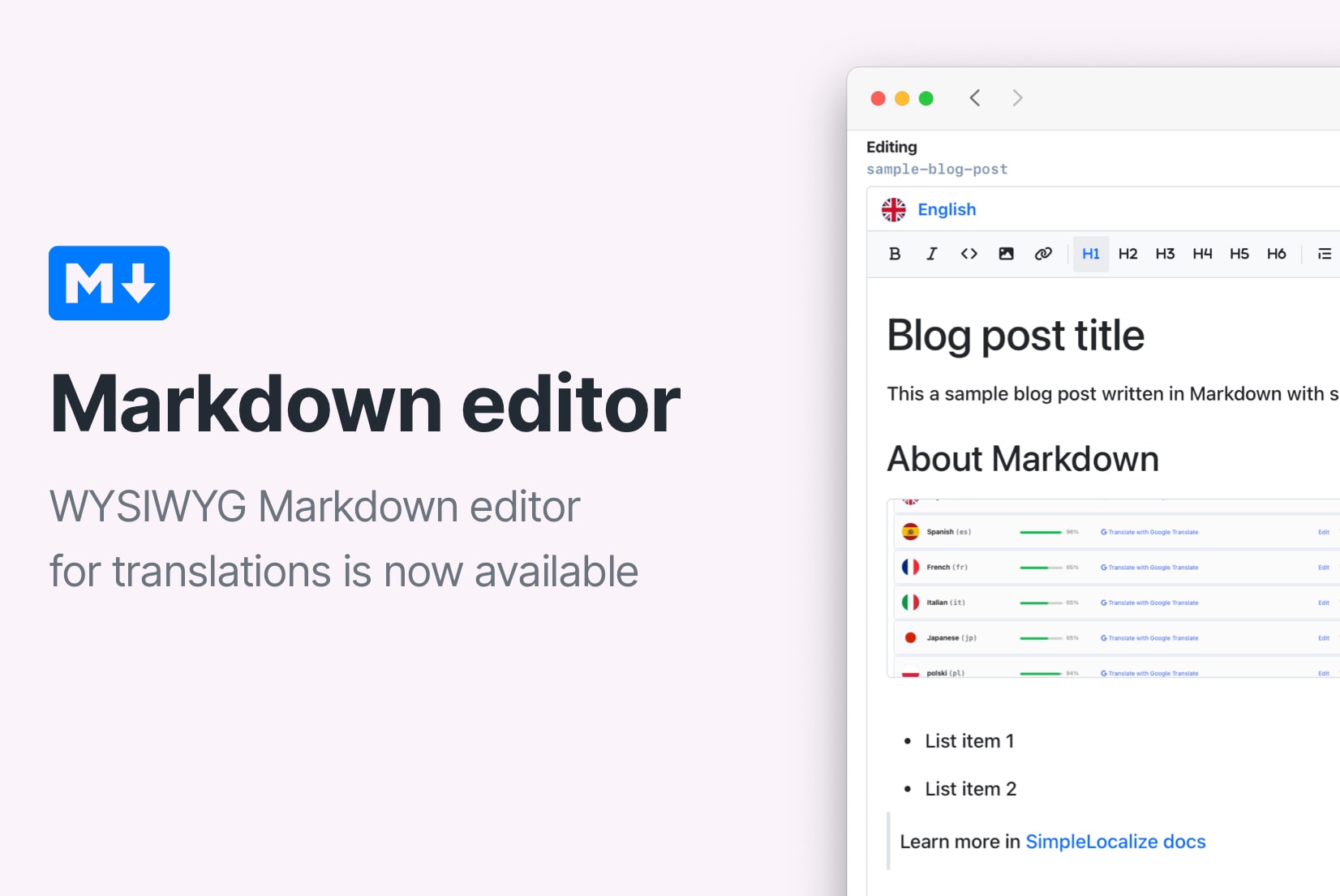
How to use Markdown in Android and iOS translations
Learn how to show bold, italic, and other Markdown styling from translations in Android and iOS apps. iOS supports Markdown natively, and on Android you can convert it to HTML or use a library.
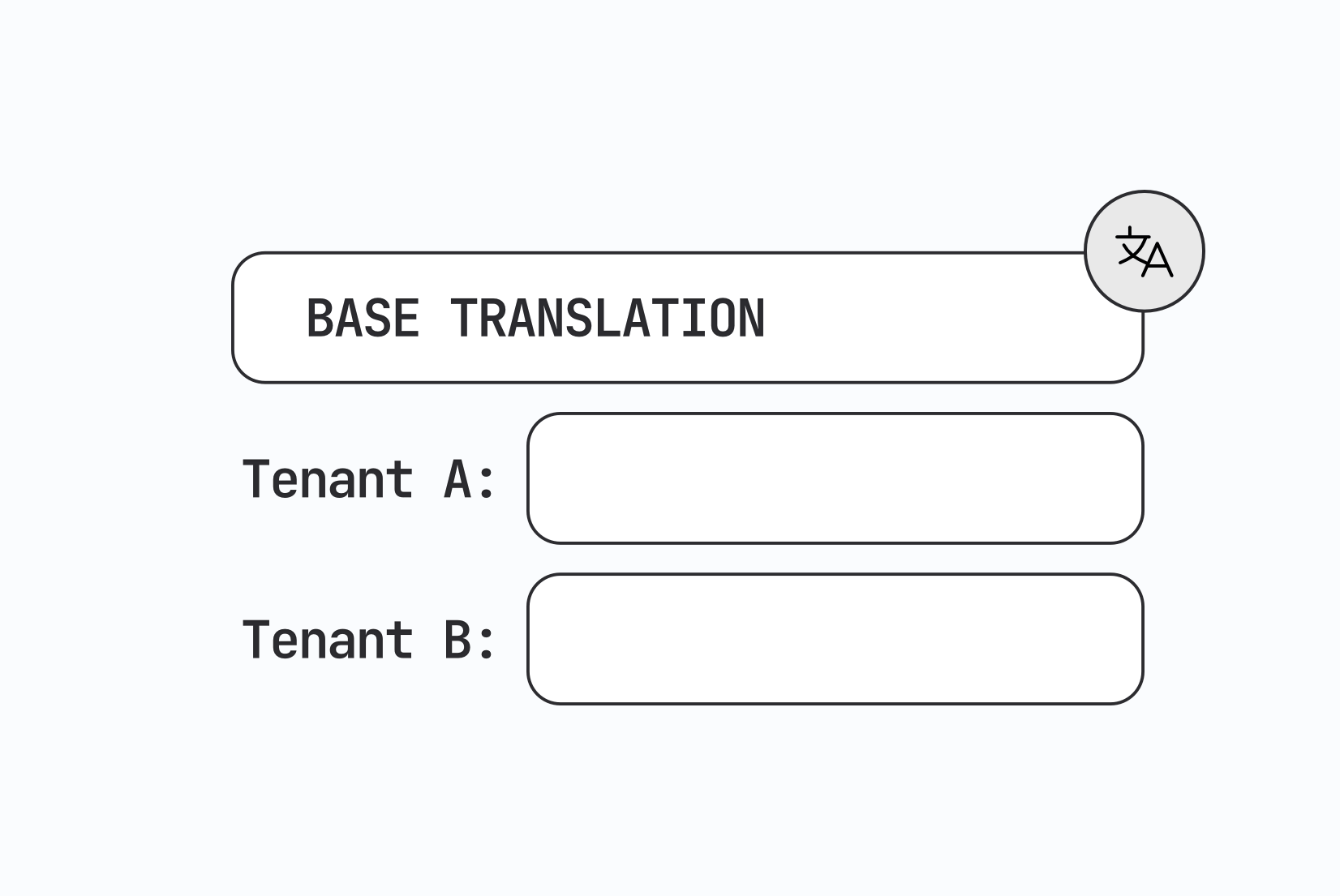
Designing multi-tenant localization systems
How to design multi-tenant localization: data models for tenant-specific translations, fallback order, CDN delivery, caching, permissions, and a working setup with customer contexts in SimpleLocalize.
Vue.js i18n: The complete guide to localizing Vue and Nuxt apps
Learn how to internationalize and localize Vue 3 and Nuxt apps with vue-i18n. Covers setup, translation files, pluralization, locale detection, lazy loading, CI/CD integration, and SimpleLocalize workflows.
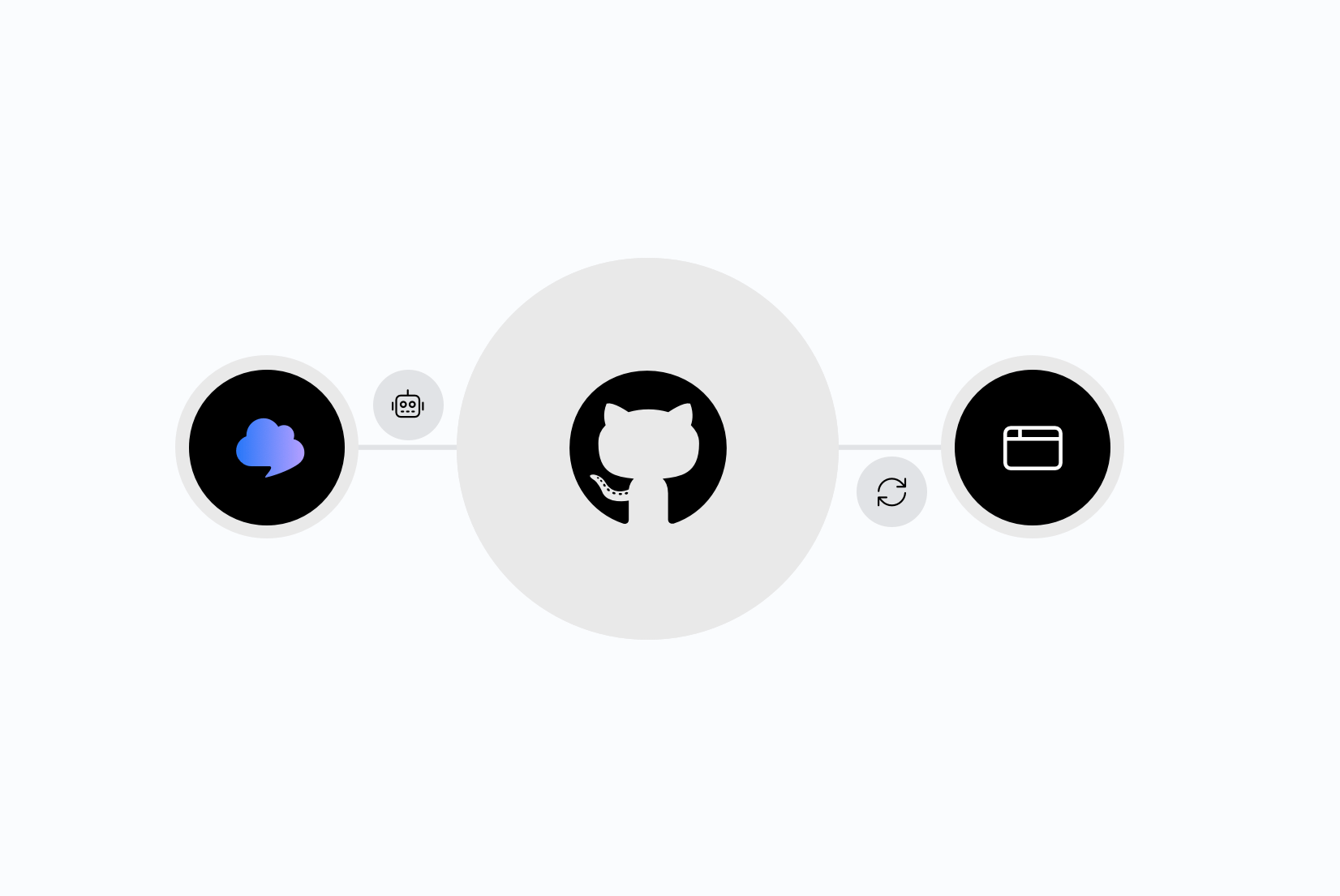
Integrating AI translation into your CI/CD pipeline
Stop treating translation as a manual step before release. Learn how to trigger AI translations automatically on every GitHub push, using SimpleLocalize CLI or the GitHub App.
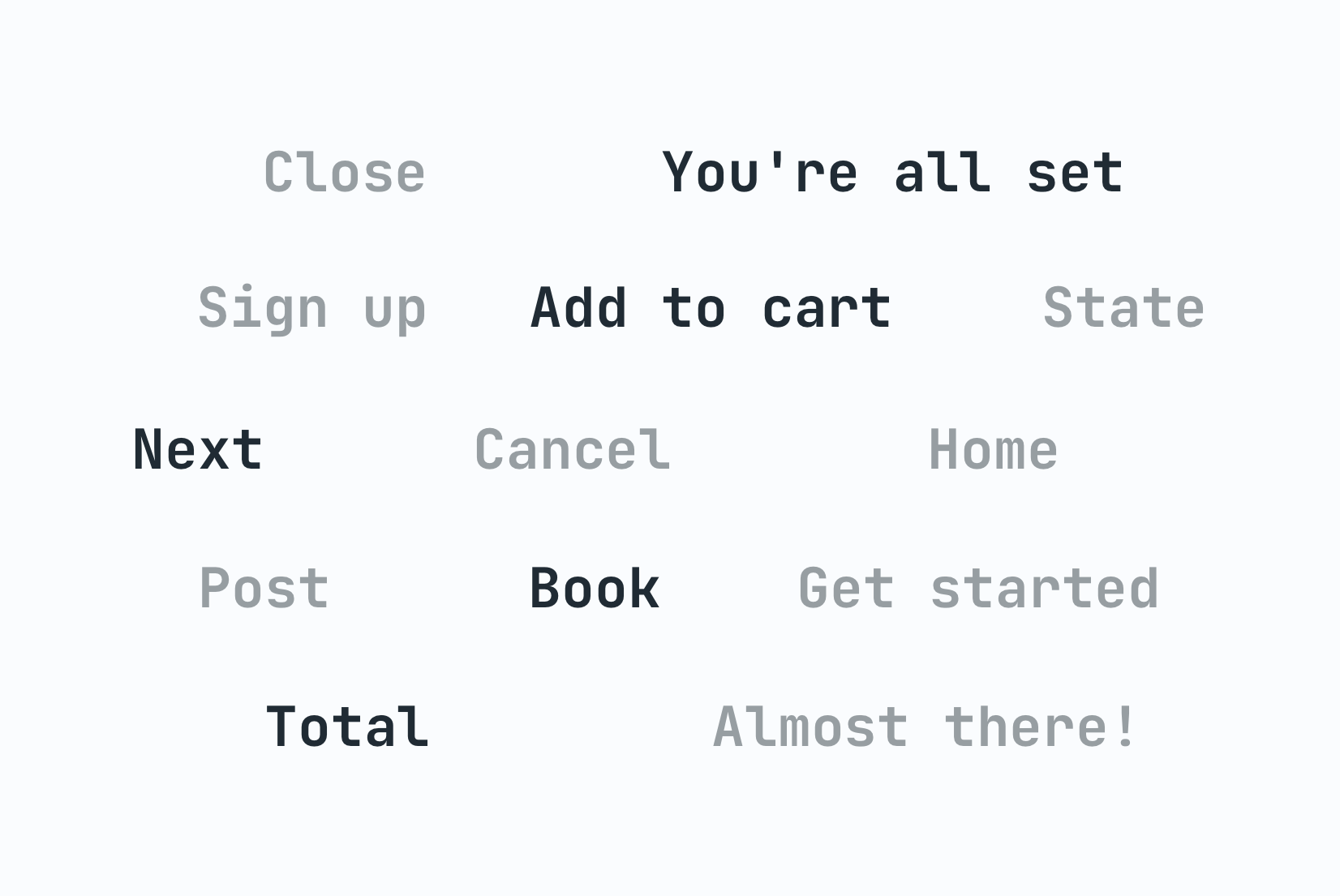
Why machine translation breaks UI strings (and how to fix it)
Machine translation often breaks UI strings through missing context, character limits, and grammar rules other languages don't follow. Here's why, and how to fix it.
The role of context in AI translation: Why it matters and how to use it
Why context is the single biggest factor in AI translation quality, and how to structure project context, key descriptions, and glossaries for accurate results.
Frequently asked questions
How does SimpleLocalize handle Vue locale files?
SimpleLocalize supports JSON and YAML locale files used in Vue projects. Upload source files through CLI or API, manage translations in the online editor, and download files in the same format. Nested keys and message structure are preserved.
Does this work with Vue 2 and Vue 3?
Yes. The workflow works with both Vue 2 and Vue 3 projects, including Nuxt-based apps. If your app reads JSON or YAML locale files, you can integrate SimpleLocalize without changing your core i18n setup.
Can I use vue-i18n with this setup?
Yes. SimpleLocalize works with vue-i18n by managing the locale files your app already uses. Upload source keys, translate them, and download ready files for your build or runtime delivery.
How does this fit into CI/CD?
Add simplelocalize upload and simplelocalize download to your pipeline. New keys are pushed and translated files are pulled on each build. You can also use automations for translation and publishing actions.
Can I connect Vue localization with other apps in one project?
Yes. One SimpleLocalize project can include translations for Vue, Angular, React, mobile, and backend systems. You keep one key set and export different file formats for each app.