Lazy loading translations in React with code-splitting (2026 guide)

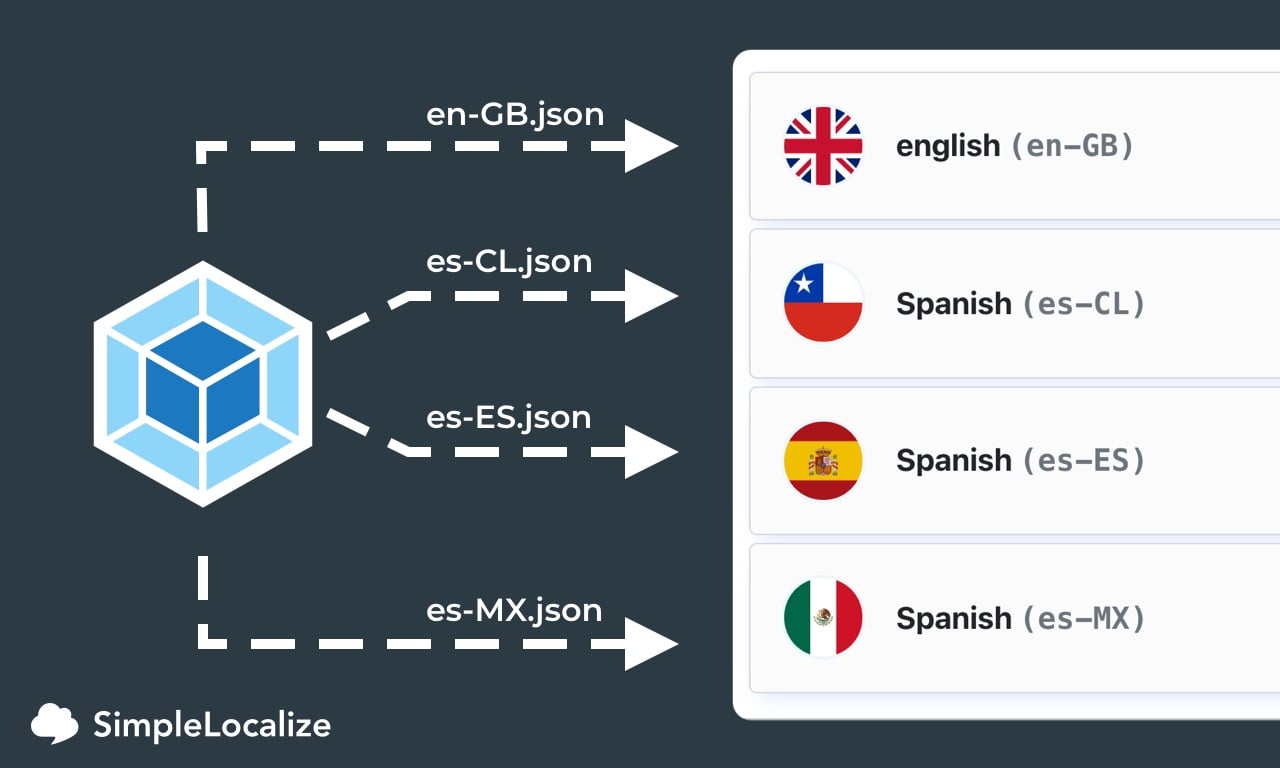
Shipping a 1MB translation bundle for 10 languages when a user only needs one is a straightforward performance regression. Dynamic imports let you fetch only the active locale at runtime, reducing your initial bundle to a fraction of the full size. This technique is one of the practical performance topics covered in our complete technical guide to internationalization and software localization.
Why lazy loading translation files matters
A medium-sized app with around 1,000 unique translation keys produces roughly 50KB of translated messages per language. Supporting 10 languages with a static import strategy puts nearly 1MB of translation data in the initial bundle, regardless of which language the user actually needs.
| Strategy | Initial bundle (10 languages) | Impact |
|---|---|---|
| Static imports | ~1,000 KB | Slower LCP, TTI |
| Lazy loading | ~100 KB | Faster initial load |
| Namespace splitting | ~20-50 KB per namespace | Best for large apps |
Dynamic imports, supported natively in both Webpack and Vite, solve this cleanly. The bundler creates separate chunks per locale and fetches only the one that matches the current user.
Dynamic import: the core pattern
The underlying mechanism is a standard ES dynamic import wrapped in a function that accepts a locale string.
const loadTranslations = async (locale: string): Promise<Record<string, string>> => {
  try {
    const data = await import(`./locales/${locale}.json`);
    return data.default;
  } catch (error) {
    console.error(`Failed to load translations for locale: ${locale}`, error);
    return {};
  }
};
This works identically in Webpack and Vite projects. The bundler statically analyzes the template literal, finds all JSON files under ./locales/, and splits them into separate chunks automatically.
Using dynamic imports with React state
For apps not using an i18n library, here is a minimal React implementation using useEffect:
import { useState, useEffect } from "react";

const [locale, setLocale] = useState('en');
const [messages, setMessages] = useState<Record<string, string>>({});

// Detect browser locale on mount
useEffect(() => {
  const browserLocale = window.navigator.language.split('-')[0];
  setLocale(browserLocale);
}, []);

// Load translations when locale changes
useEffect(() => {
  const load = async () => {
    const data = await loadTranslations(locale);
    setMessages(data);
  };
  load();
}, [locale]);
Note: useEffect does not support async callbacks directly, so an inner async function or IIFE is required. The window.navigator.language object returns the browser's preferred language, see navigator.language on MDN for details.
Integration with i18next (recommended)
For most React projects, using i18next with i18next-resources-to-backend is the cleaner approach. It handles lazy loading, fallback chains, and namespace splitting without manual state management.
Install the required packages:
npm install i18next react-i18next i18next-resources-to-backend
Configure i18next to use dynamic imports as the translation backend:
import i18n from 'i18next';
import { initReactI18next } from 'react-i18next';
import resourcesToBackend from 'i18next-resources-to-backend';

i18n
  .use(resourcesToBackend((language: string, namespace: string) =>
    import(`./locales/${language}/${namespace}.json`)
  ))
  .use(initReactI18next)
  .init({
    fallbackLng: 'en',
    defaultNS: 'common',
  });

export default i18n;
With this setup, i18next fetches ./locales/de/common.json when a German-speaking user hits your app. Other namespaces (e.g., settings, billing) are fetched only when the corresponding part of the UI is rendered. This is namespace-based splitting: each namespace loads independently.
For more on structuring translation namespaces, see our guide on namespaces in software localization.
Passing loaded messages to FormatJS / IntlProvider
If you are using FormatJS (react-intl) rather than i18next, pass the loaded messages object directly to IntlProvider:
<IntlProvider locale={locale} messages={messages}>
  <App />
</IntlProvider>
For a working example that loads translations from a remote endpoint using the fetch API, see the react-intl SimpleLocalize example on GitHub.
Namespace splitting for large apps
As your translation files grow, splitting by namespace reduces individual chunk sizes further. A common structure:
locales/
  en/
    common.json
    settings.json
    billing.json
  de/
    common.json
    settings.json
    billing.json
With i18next, namespaces are loaded on demand. A user who never visits the billing page never downloads billing.json. This mirrors route-based code splitting for JavaScript, the same principle applied to translation resources.
Working with SimpleLocalize CLI
If your translation files live in SimpleLocalize, the SimpleLocalize CLI can download them into the structure your dynamic imports expect. A typical download command in your CI or local workflow:
simplelocalize download --downloadPath ./src/{lang}/{ns}/messages.json
This outputs per-locale, per-namespace JSON files that match the import path used in the i18next configuration above. See the SimpleLocalize CLI docs for full configuration options.