All-in-One Translation
Management System
Simplify your entire localization workflow. From developer handoffs to professional reviews and automated deployments, manage everything in one central platform.
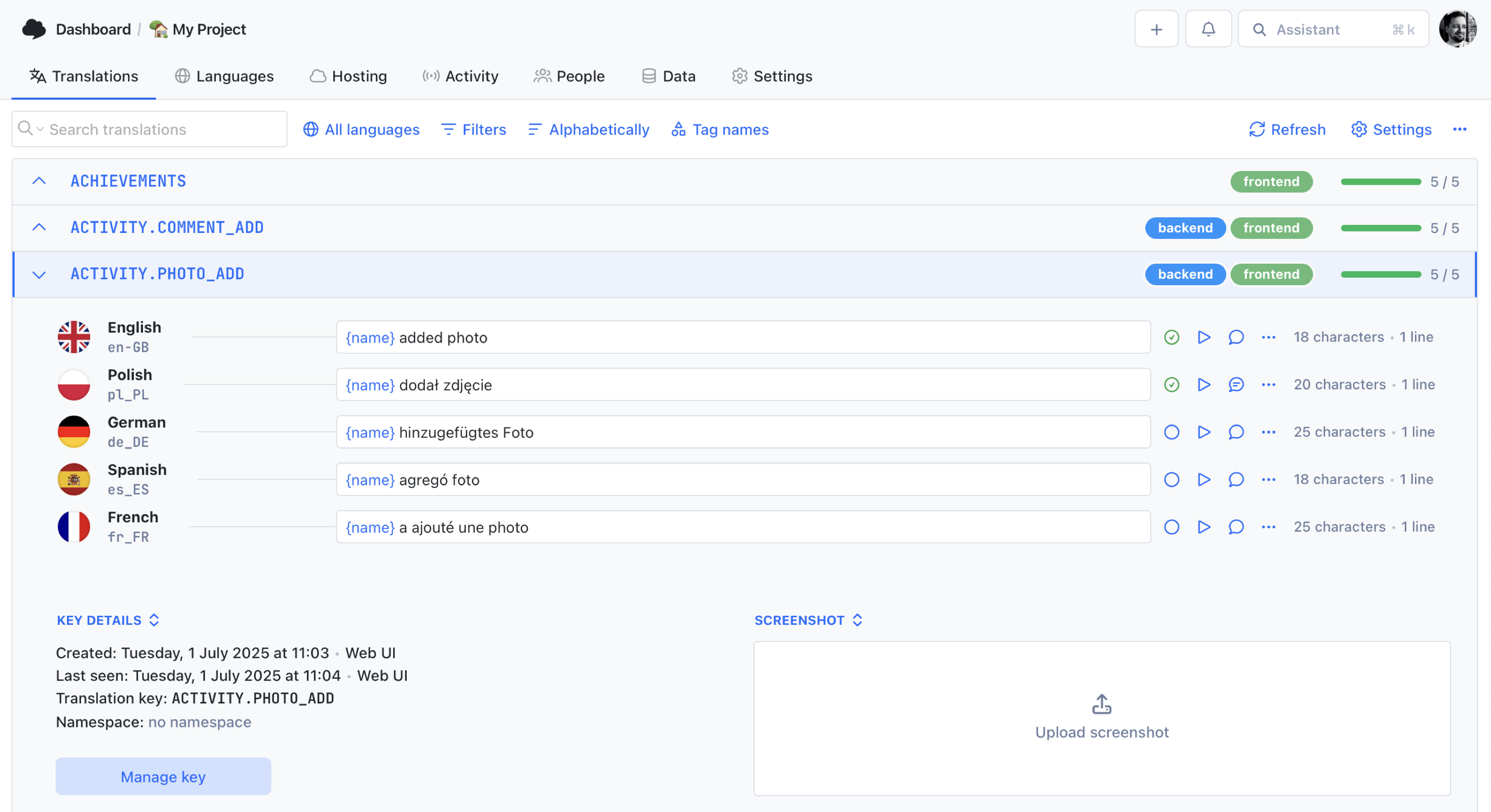
We power your product localization
From first commit to global launch














The 360° translation workflow
From codebase to production in four steps
SimpleLocalize handles the full lifecycle of a translation: from extracting keys in your repository to delivering polished copy to your users.
Collect
Sync translation keys directly from your codebase via the CLI or REST API. New keys are detected automatically on every commit or build.
Translate
Get a head start with AI-powered auto-translation from OpenAI, DeepL, or Google Translate. Fill entire languages in one click, then fine-tune.
Collaborate
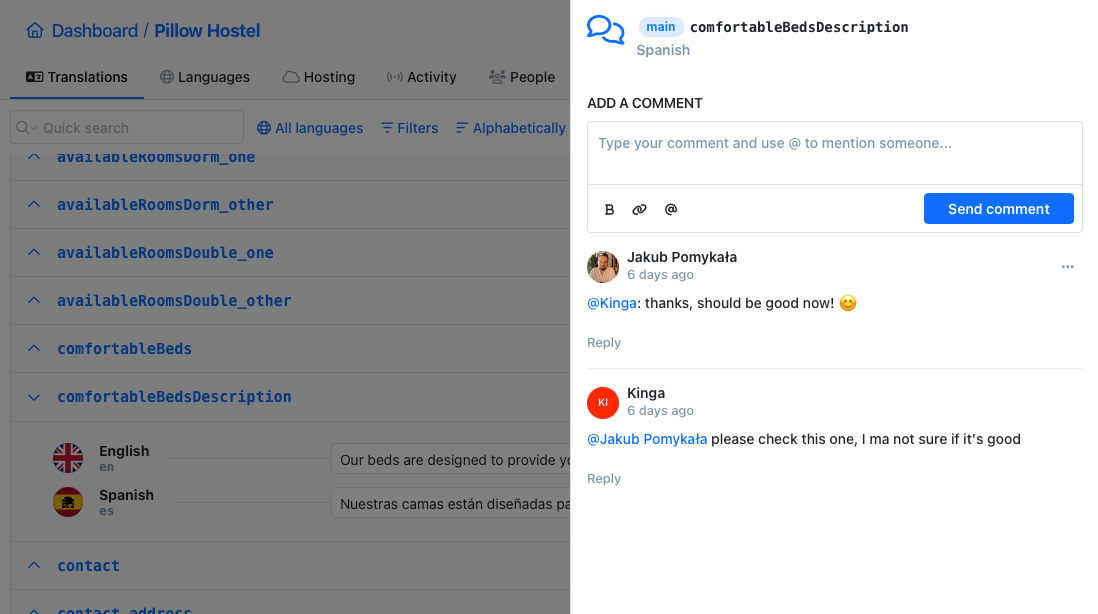
Invite translators, reviewers, and project managers. Discuss strings with contextual comments, track review status, and control access by role.
Deploy
Publish translations instantly to your app via global CDN. No code release needed. Or export files and commit them back through your CI/CD pipeline.
For a step-by-step walkthrough, see the getting started guide.
Why teams need a translation management system
Spreadsheets broken by merge conflicts, JSON files emailed between translators, and months-long delays for a single language update, sound familiar? A TMS replaces these issues with a single source of truth for every translation across every language.
SimpleLocalize gives project managers, localization leads, and development teams a centralized platform to speed up time-to-market, reduce translation errors, and keep everyone aligned, from the first key extraction to the final deployment.
Everything you need to manage translations
From a web-based editor to AI translation and automated deployments, SimpleLocalize covers the full localization workflow.
Advanced management
Move beyond basic editing
to workflow-level translation management.
Tasks
Assign translation tasks to team members, track progress, and coordinate work between developers, translators, and managers in one place.Learn more →
Multi-tenant translations
Create unique translation versions for specific clients or tenants. Override only what differs, the rest inherits from base translations.Learn more →
QA & quality control
Automated checks for missing placeholders, variable and lengthissues, broken HTML tags, and more. Catch issues before they break your UI.Learn more →
Namespaces & tags
Manage thousands of keys across modules using namespaces that map to your codebase structure. Filter, search, and export per namespace or tag.Learn more →
Team collaboration
Built for teams, not just translators
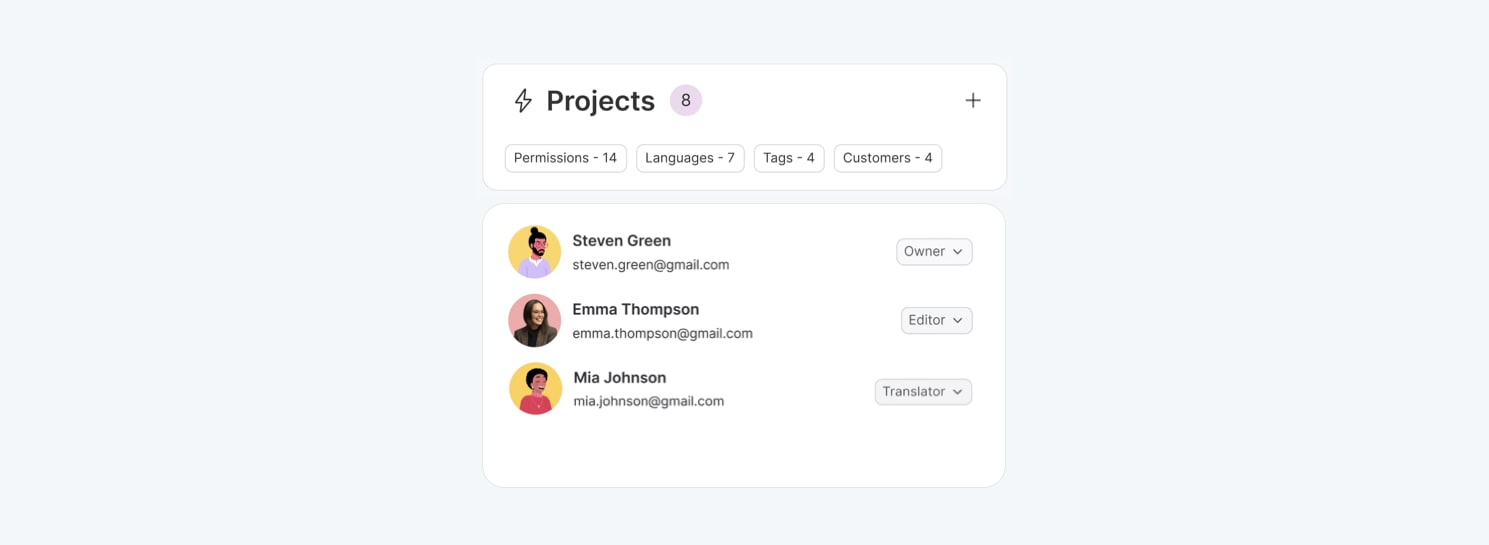
Developers, translators, reviewers, and project managers all work in one place. Control access, leave feedback, and keep the whole team aligned.
Start collaborating →Role-based access control
Contextual comments & discussion
Crowdsourced localization portal
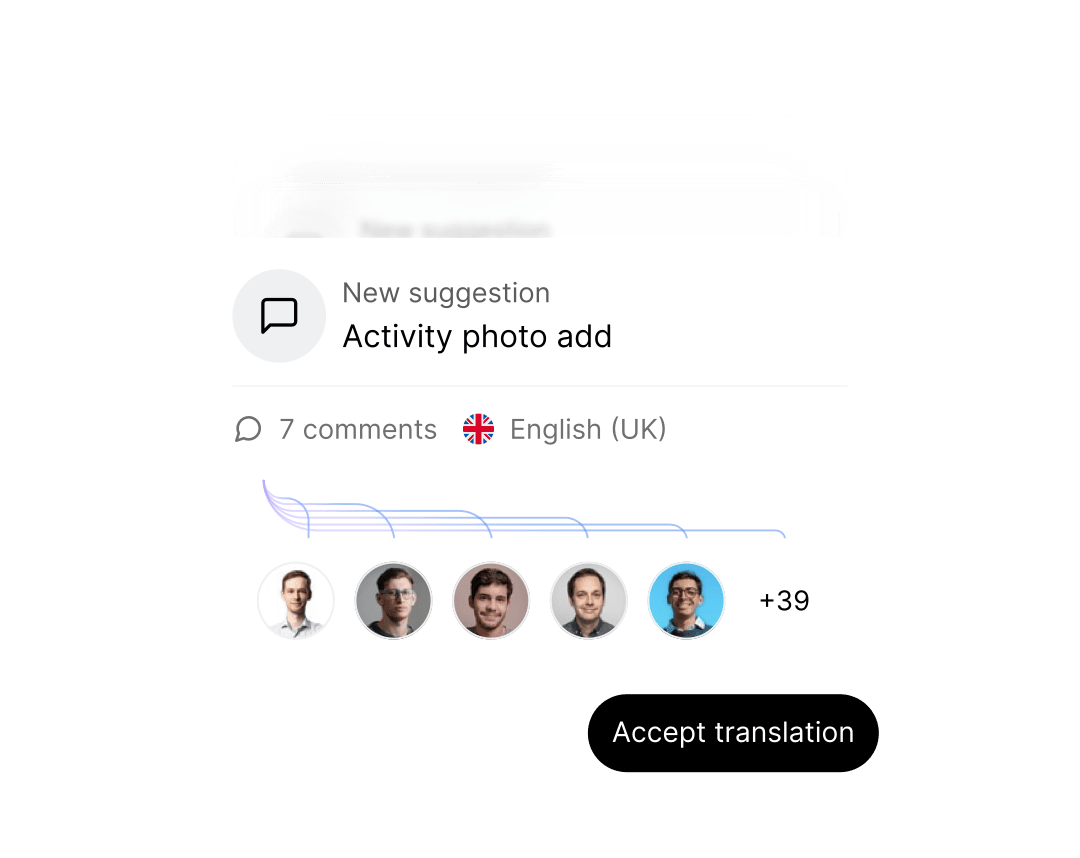
Translation review process
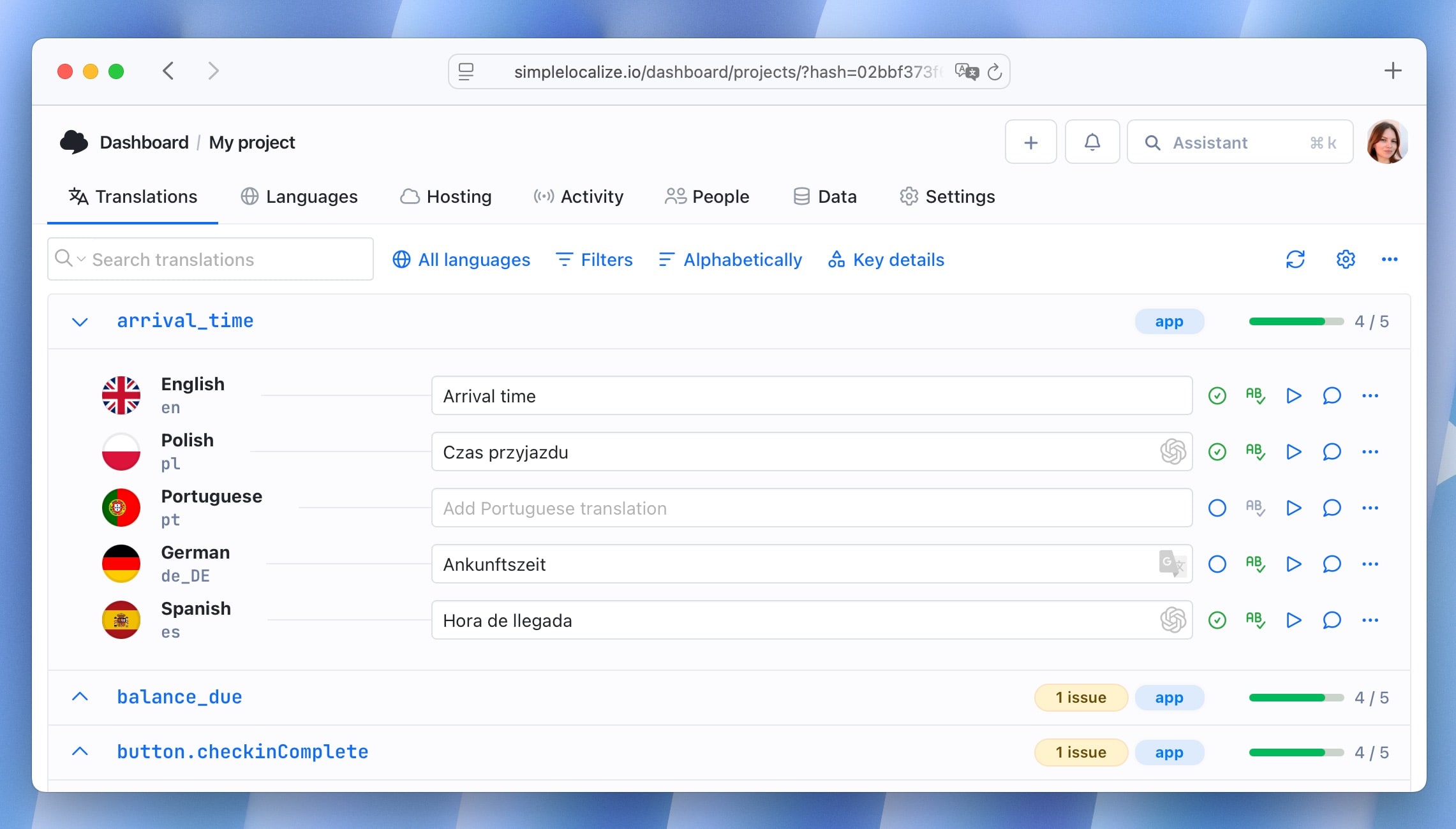
Developer-friendly foundation
A management tool that doesn't sacrifice developer speed
While it's built for project managers and teams, SimpleLocalize is engineered with developers in mind.
Explore the platform
Dive deeper into the tools and features that make SimpleLocalize a complete translation management system.
Collaboration software
Role-based access, comments, tasks, review tracking, and team management for localization at scale.

Start managing translations in one place
- Centralized translation management for your entire team
- AI-powered auto-translation with DeepL, Google, and OpenAI
- Role-based access for developers, translators, and managers
- Automated workflows from key extraction to CDN deployment
- 20+ file formats and framework integrations
"The product
and support
are fantastic."
"The support is
blazing fast,
thank you Jakub!"
"Interface that
makes any dev
feel at home!"
"Excellent app,
saves my time
and money"
Translation management guides
Learn about translation workflows, localization strategy, and managing translations at scale.
Localization budget planning: A practical guide for SaaS teams
How to build a realistic localization budget: translation costs, tooling, engineering time, QA, and maintenance, with a per-language cost model.
Signals it's time to localize your SaaS product
Not sure if you're ready to localize? Here are the concrete signals, from traffic to support tickets to deal stage, that tell you it's time.
Tone of voice and formality across cultures
A translated string can be accurate and still sound wrong. Learn how tone and formality shift across languages and cultures, with real examples.
i18n vs localization: Who owns what on your team?
Learn how to define ownership across engineering, product, and localization teams for scalable translation workflows.
AI and machine translation for software localization: The complete guide
Everything teams need to know about AI and machine translation for software localization. How LLMs compare to MT engines, how context works, when to use each, and how to build a production-grade automated translation pipeline.
Legal & compliance in localization: What SaaS teams must know before going global
Translating your UI is the visible part of going global. Privacy notices, cookie consent, terms of service, and accessibility requirements all vary by jurisdiction and all need localization treatment that goes beyond translation.
What is a translation management system (TMS)?
A translation management system (TMS) is a platform that centralizes every aspect of the localization process — from extracting translation keys in your codebase to delivering translated content to your users. Instead of juggling spreadsheets, email threads, and manual file handoffs, a TMS provides a single source of truth where developers, translators, reviewers, and project managers collaborate in real time.
SimpleLocalize is a TMS built for modern software teams. It combines an online translation editor, an open-source CLI, AI-powered auto-translation, workflow automations, and CDN-backed translation delivery into one integrated platform. Whether you manage 100 keys or 100,000 across dozens of languages, the platform scales with your team.
How does a TMS improve the localization workflow?
Without a TMS, translation typically involves exporting files from the codebase, sending them to translators via email or shared drives, waiting for completed files, manually importing them back, and resolving merge conflicts. Every step is error-prone and time-consuming.
A TMS like SimpleLocalize automates this entire pipeline. Developers push keys via CLI or REST API. Translators work in the web editor or in-context editor. AI fills gaps with auto-translation. QA checks catch errors before they reach production. And automations handle the publish step. Learn how to design the full lifecycle in our translation workflows guide. The result: faster time-to-market, fewer errors, and less coordination overhead for the project manager.
Who uses a translation management system?
A TMS serves the entire localization team. Developers use the CLI and CI/CD integrations to sync keys and download translations automatically. Translators use the web editor or in-context editor to translate strings with full visual context. Reviewers use review status tracking and comments to approve translations before publishing. And project managers and localization leads use dashboards, progress metrics, and role-based access to oversee the entire process and keep timelines on track.
SimpleLocalize is used by solo developers, startups, and enterprise teams across SaaS, e-commerce, mobile apps, and more. Features like customer-specific translations and crowdsourced localization make it particularly useful for white-label platforms and community-driven products.
What file formats does SimpleLocalize support?
SimpleLocalize supports over 30 translation file formats: JSON (single and multi-language), YAML, XLIFF, PO/POT, ARB (Flutter), Android XML, iOS Strings, Java Properties, PHP arrays, CSV, Excel, and more. Import in one format and export in another — the platform normalizes everything internally so you can manage translations regardless of the source format.
This flexibility means you can manage translations for a React frontend (JSON), an Android app (XML), and an iOS app (Strings) all in the same project, using namespaces to keep them organized. Browse the full integrations and file formats to find your stack.
Can I use SimpleLocalize with my existing CI/CD pipeline?
Yes. The SimpleLocalize CLI integrates with GitHub Actions, GitLab CI, Bitbucket Pipelines, and any runner that can execute shell commands. You can automatically upload new keys on every build and download translations before deployment.
How does auto-translation work?
SimpleLocalize supports auto-translation with DeepL, Google Translate, and OpenAI. You can translate entire languages in one click, or set up automations to auto-translate new keys as they arrive. Context, glossaries, and AI Actions help improve translation quality.
Is SimpleLocalize suitable for large teams?
Yes. SimpleLocalize supports role-based access control, per-language permissions, contextual comments, review workflows, and customer-specific translation contexts. It scales from solo developers to enterprise localization teams.
Can I host translations on SimpleLocalize CDN?
Yes. Translation Hosting lets you publish translations to a global CDN with one click or API call. Your app fetches the latest translations directly from the CDN — no redeployment needed. This is especially useful for mobile apps and SPAs.