DeepL Glossary in auto-translation: A guide with examples

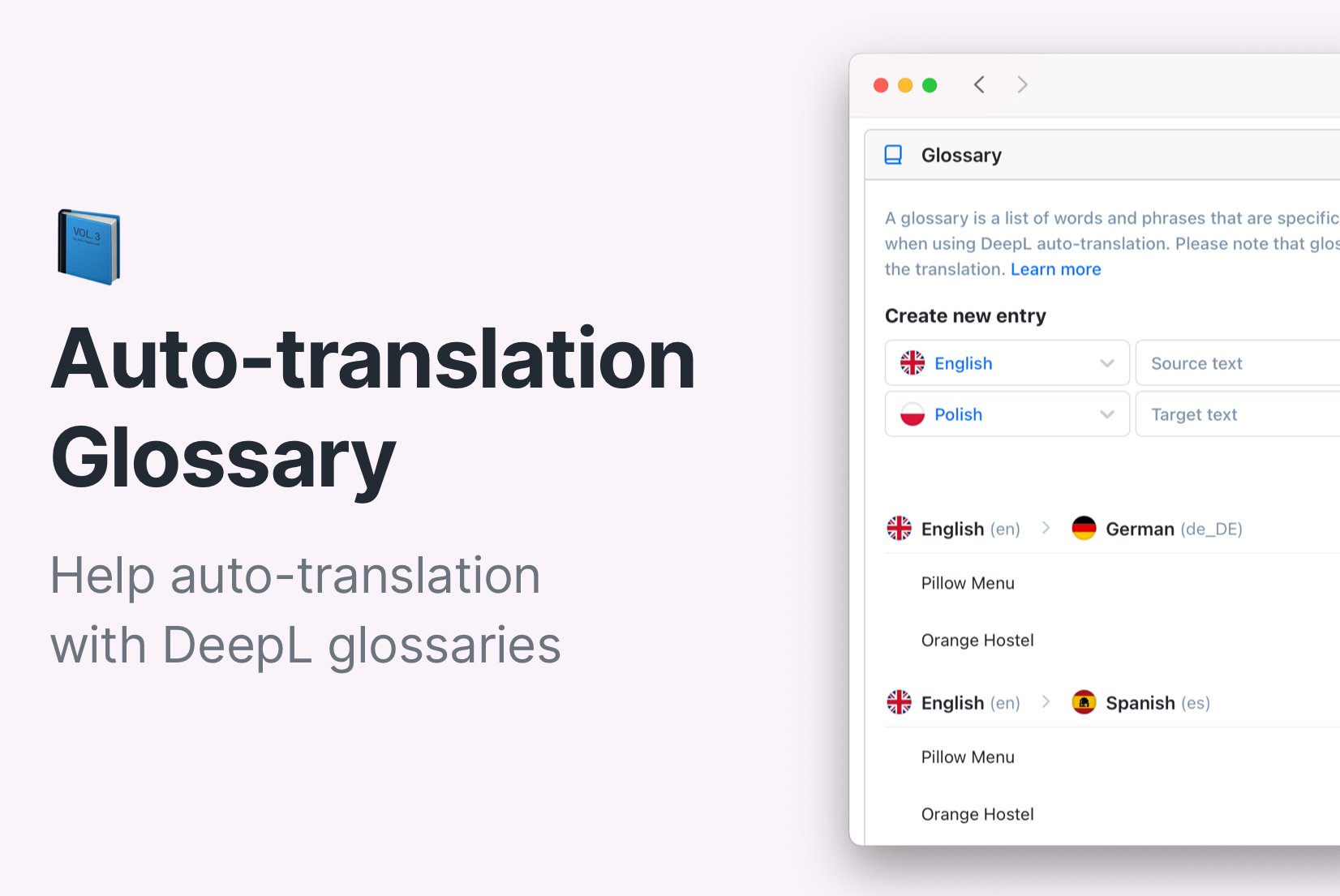
Auto-translation is becoming more common, delivering excellent results, especially in software translation. It's also a big help for translators, speeding up their workflow. Translation engines like DeepL offer extra translation features, like glossaries, which further enhance the accuracy and quality of auto-translation.
In this blog post, we will explore DeepL glossaries, learn how to set them up with SimpleLocalize, and see some examples and use cases.
What is a DeepL glossary?
DeepL, a popular translation engine, offers a translation glossary that can help during the auto-translation process. DeepL's translation glossary is a feature designed to improve translation quality by allowing users to specify preferred translations for specific terms.
A glossary consists of predefined translations between a pair of languages: the source language and the target language. It can be just a word or a phrase. DeepL utilizes the glossary during auto-translation, ensuring that it integrates seamlessly into the context of the translated text.
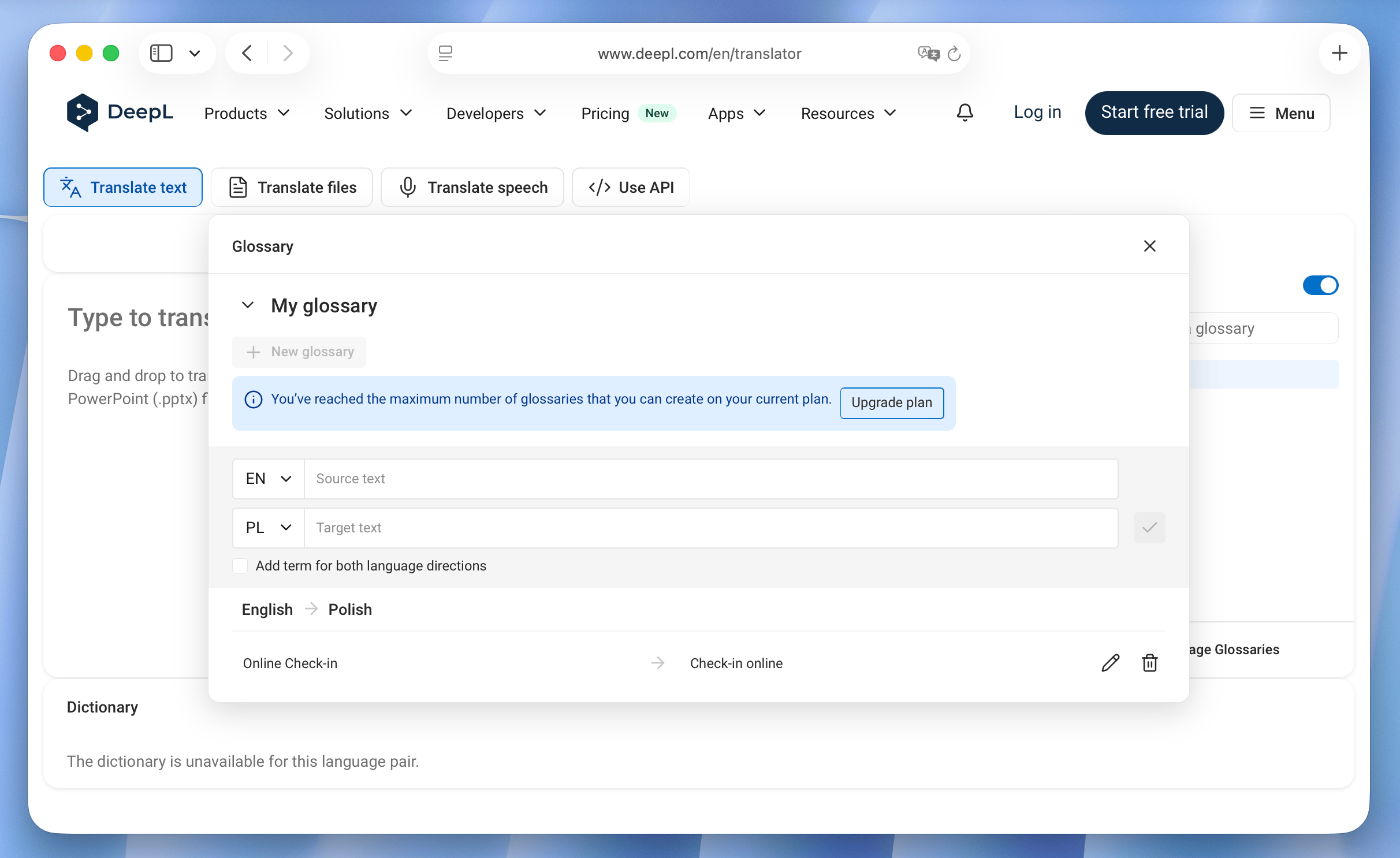
How does the DeepL glossary work?
First, you create a glossary by providing specific translations for terms or phrases you wish DeepL to prioritize during translation.
DeepL includes these preferred translations in its neural network model during training, giving it a better understanding of how to translate those terms in context. When translating text, DeepL considers these preferred translations from your glossary and uses them to choose the most appropriate translation for the given context. This results in more accurate and consistent translations for those terms.
How to create DeepL glossary in SimpleLocalize
To use DeepL glossary in SimpleLocalize auto-translation, first, you need to create preferred translations. Head to your project settings and then to the Glossary tab.
Add a new term to your glossary, insert the source term, and provide the preferred translation for the target language.
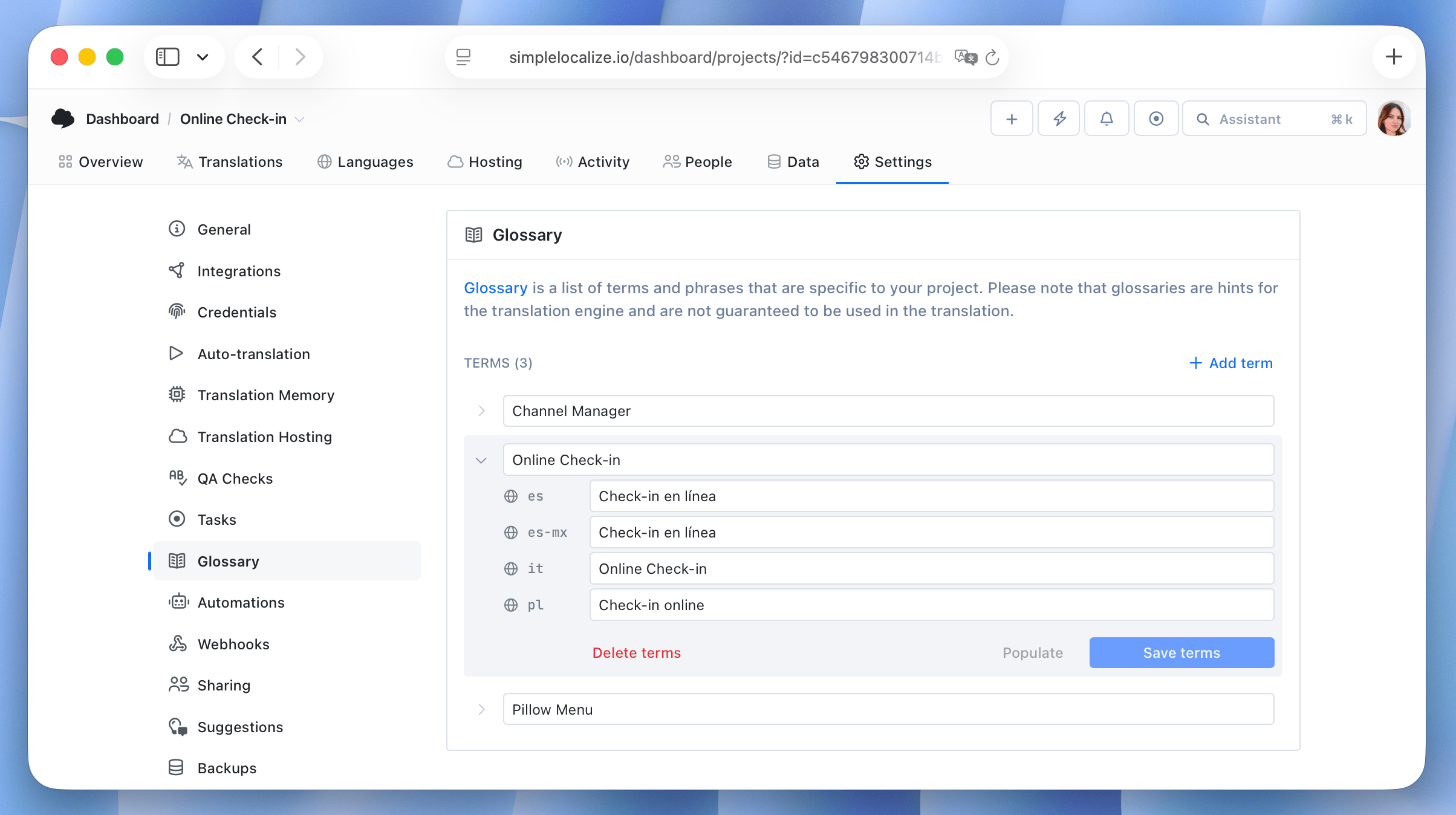
While DeepL operates with a single source and target language pair, SimpleLocalize allows you to create multiple translations for the same term in different languages. This way, you can manage your glossary more efficiently.
And that's it, you are ready to start auto-translations.
QA Checks in DeepL auto-translation
When using auto-translation, it's important to ensure that the translations are accurate and consistent.
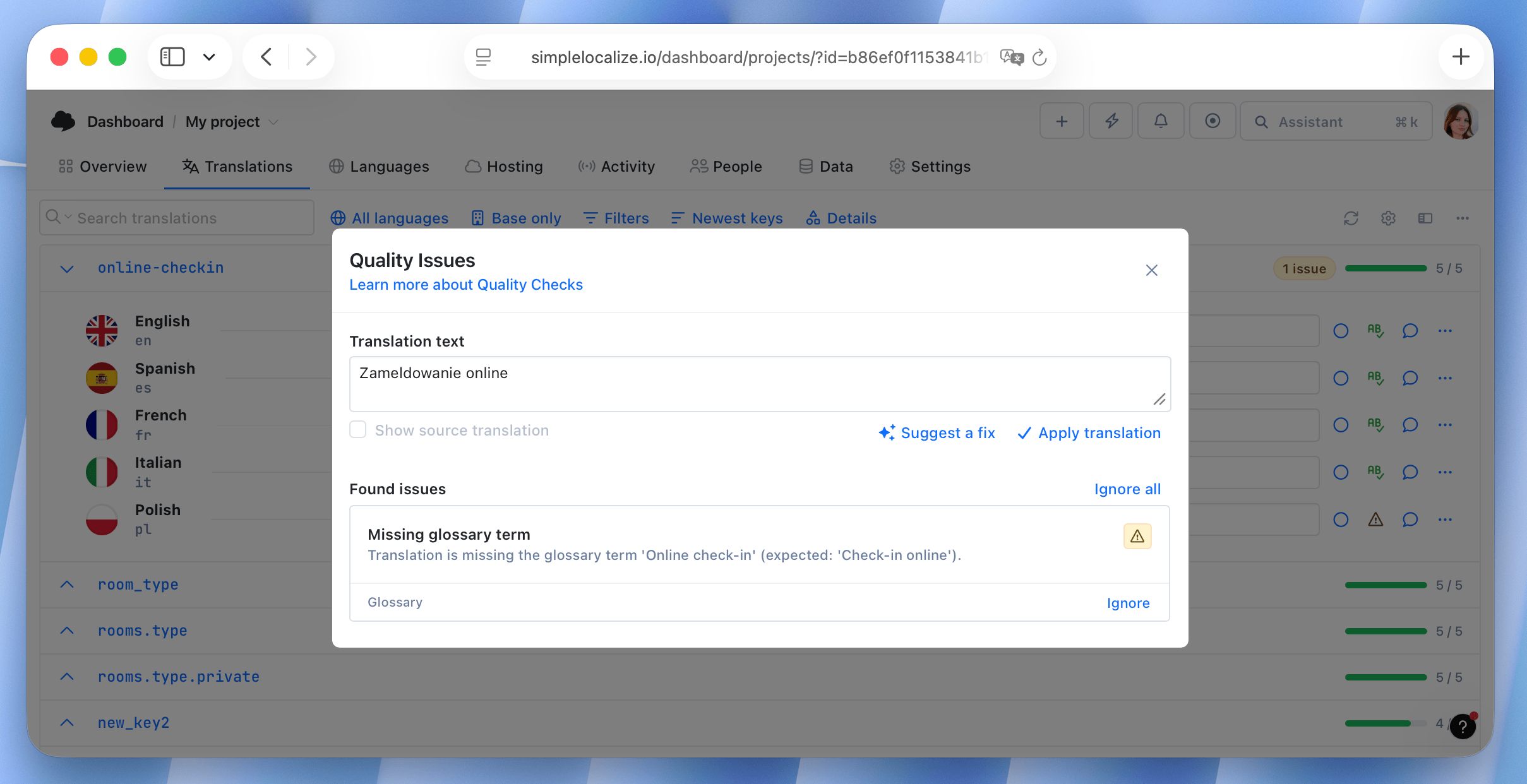
SimpleLocalize's QA checks can help you identify potential issues in your translations. When a term is not translated according to the glossary, it will be highlighted in the QA checks. This allows you to quickly identify and correct any inconsistencies in your translations.
DeepL glossary usage example
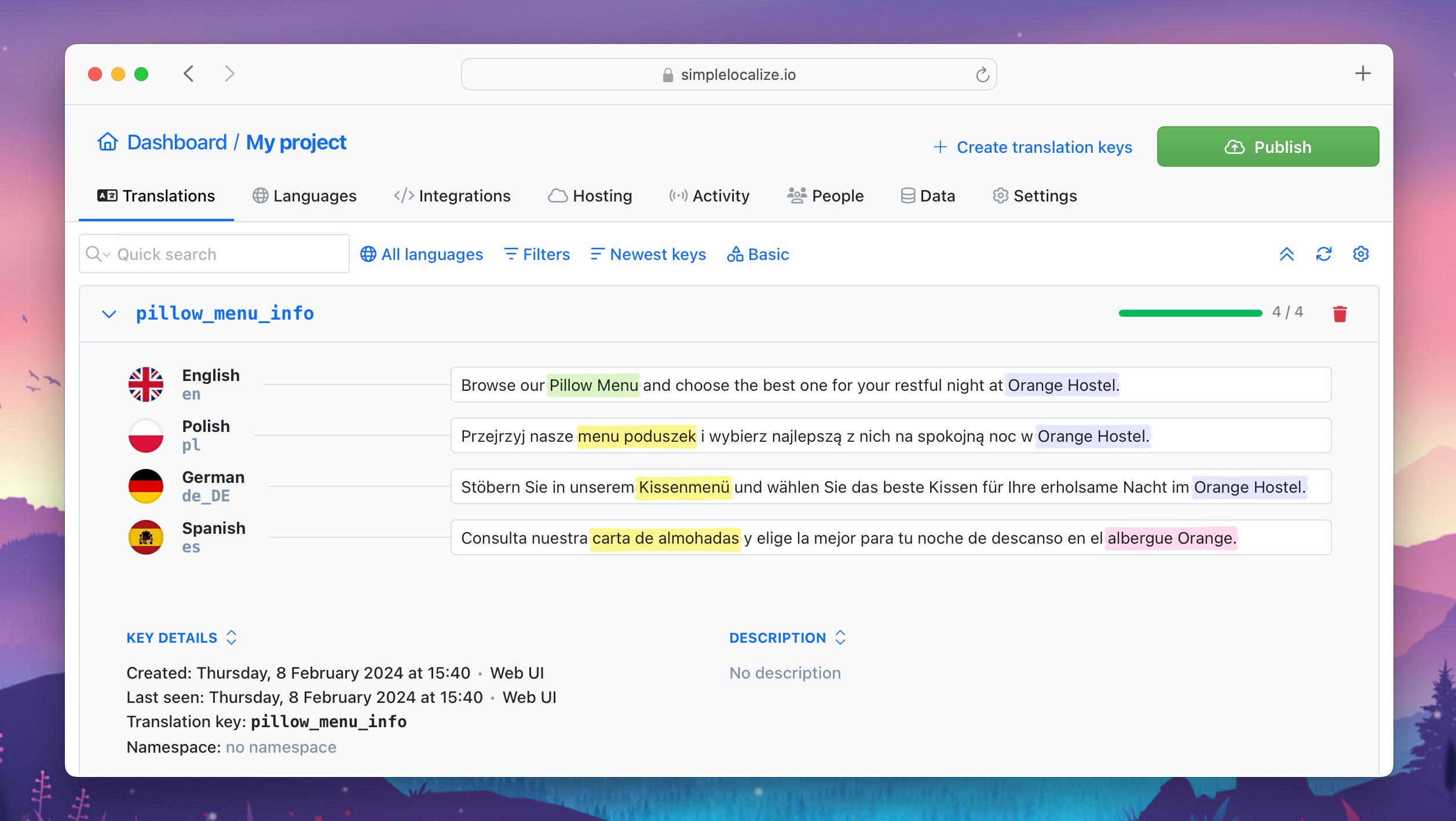
Let's test the DeepL glossary with an example. Suppose we have a website for a hostel named Orange Hostel. We offer a Pillow Menu where guests can select their preferred pillow type.
As you can see, both terms can easily be mistranslated into different languages, affecting the hostel's identity and services.
If we run auto-translation for the below sentence without any glossary, the results will not make sense for our case:
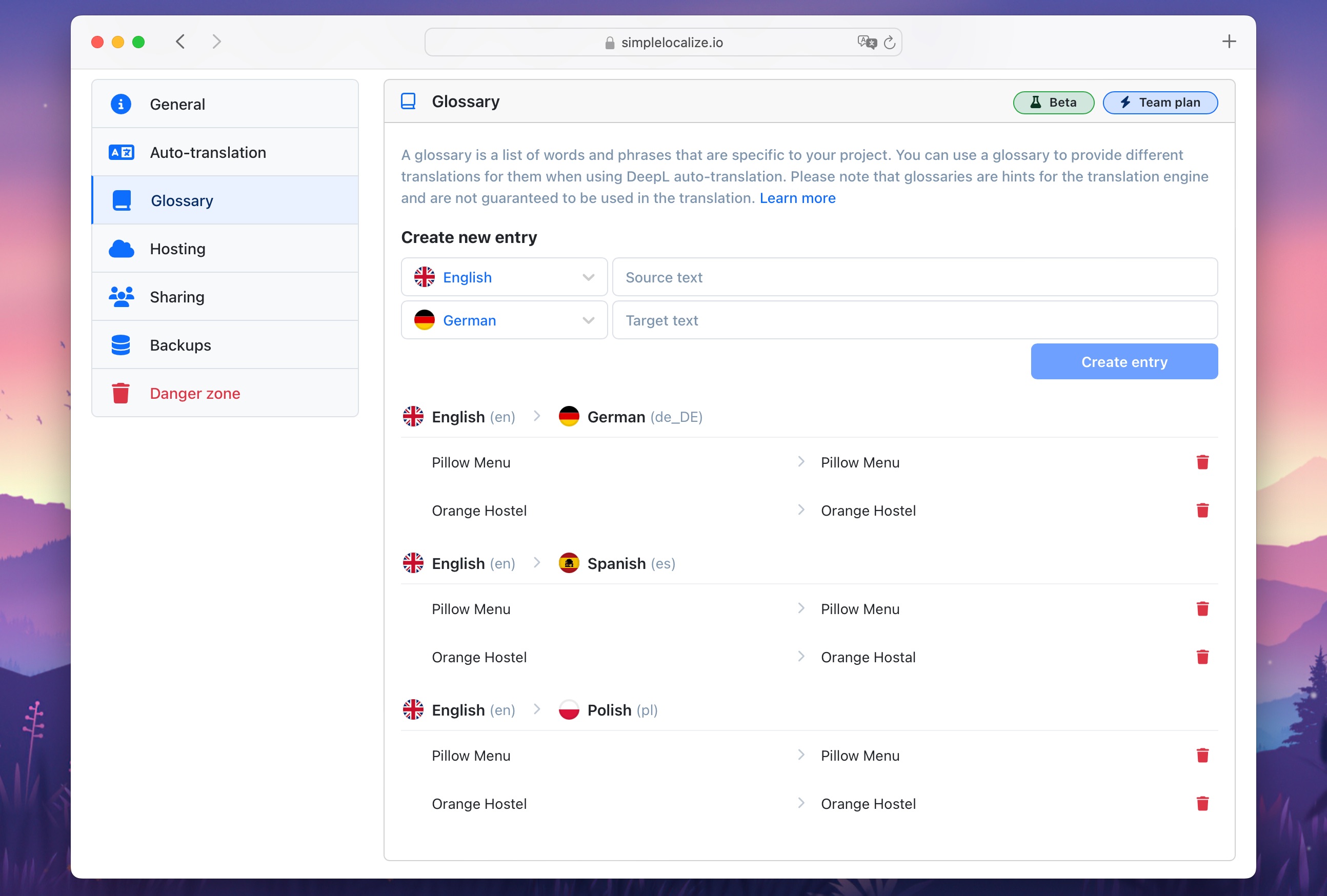
Now, let's add glossaries for these translations. We want to maintain Orange Hostel in Polish but use hostal in Spanish. Pillow Menu should be the same accross all languages.
Now, when we auto-translate the text again with created glossaries, we can see a huge difference:
- texts are comprehensible, retaining their original meaning,
- proper names remain untranslated.
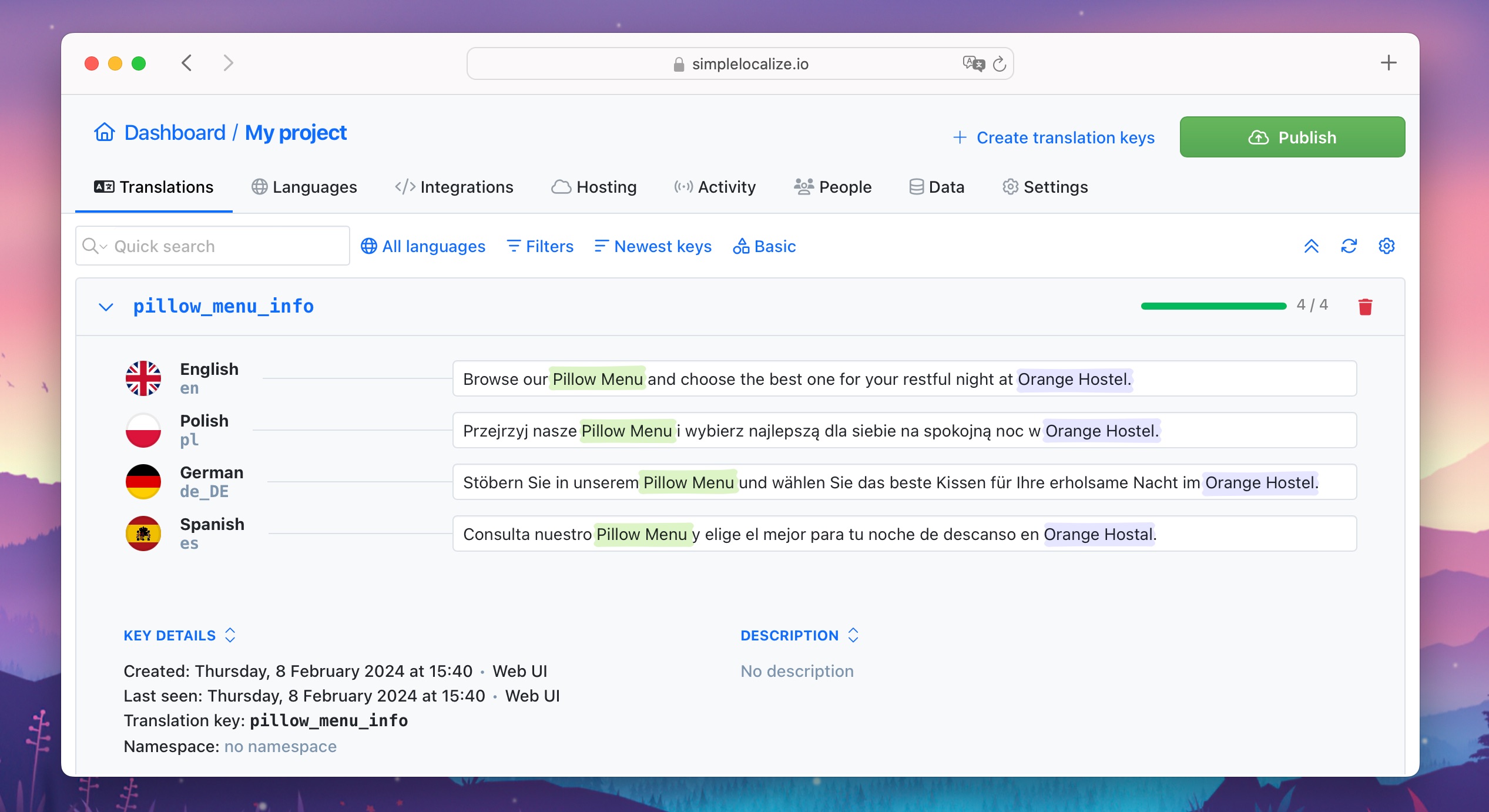
This way we can easily auto-translate many phrases, knowing that they will be translated precisely and accurately.
Tip: if you are not seeing a good result of auto-translation, verify whether the translation remains consistent when directly used in the DeepL translator.
Protecting brand terminology and company-specific terms
A recurring need for growing teams is making sure a brand name, product feature, or piece of internal terminology gets translated the same way everywhere it appears, across every language and every translator working on the project. This is exactly what a glossary is built for.
Instead of relying on each translator or auto-translation run to independently decide how "Pillow Menu" or a company name should read in French, German, or Japanese, the glossary entry locks that decision in once. Every future auto-translation, whether triggered by a new team member, a CI/CD pipeline, or a bulk re-translation of thousands of keys, applies the same preferred term automatically.
Team-wide terminology standards
For teams with more than one translator or contributor, glossaries double as a shared terminology standard. Rather than documenting preferred terms in a separate style guide that translators have to remember to check, the glossary enforces the standard directly inside the auto-translation step. Anyone on the team, including new hires or agency translators brought in for a specific language, gets consistent output without needing to be briefed manually.
Glossary use cases
The glossary feature helps maintain translation accuracy and consistency, especially for:
- technical jargon
- legal terminology and phrasing
- brand-specific terminology, slogans, and product names that should be translated consistently to maintain brand identity across different languages
- product, software or app-specific terms and user interface elements
- scientific terms and concepts
In summary, DeepL glossaries make auto-translation results better and keep the wording consistent. With DeepL and SimpleLocalize, you can easily set up preferred translations, making sure the translations are accurate.
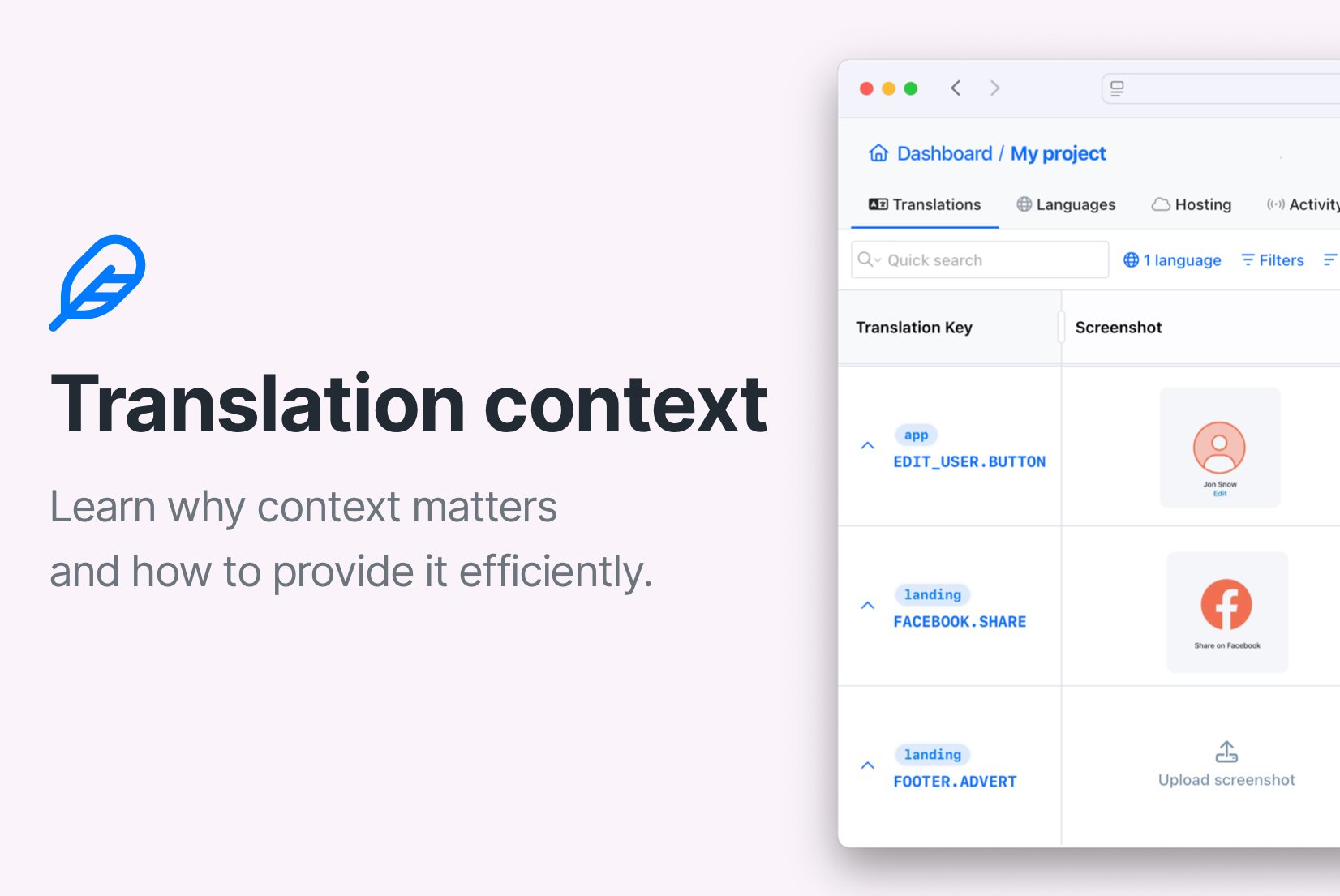
For the broader picture of how context and terminology work together in AI-powered translation, see our guide on the role of context in AI translation. If you also want the broader MT vs LLM strategy and workflow guidance, check our complete AI and machine translation guide.
Using platforms like SimpleLocalize makes managing translations and glossaries easier. Give it a try today to simplify translation management and auto-translation of your projects.