 VS Code Extension available! Install now
Online Translation Editor
A professional-grade editor designed for software localization. Edit translation files, automate with AI, and collaborate with your team in one intuitive interface.

- Auto-translation
- Screenshots with OCR
- AI-powered adjustments
- Built-in Automations
- Markdown support
- Variables highlighting
- Bulk Actions
- Context-aware translations
- Acceptance statuses
- Quality checks
- Comments & mentions
- Real-time collaboration
Editor features
Explore the tools built into the SimpleLocalize translation editor.
Context Actions
Custom built context menu actions for the translation editor allow you to perform actions quickly. Share links to translation keys, copy key names, auto-translate or run AI Actions.
Tasks
and comments
Assign translation tasks to team members to coordinate work between developers, translators, and managers. Leave comments directly on translation keys to provide context, ask questions, or flag issues.
Learn more about tasks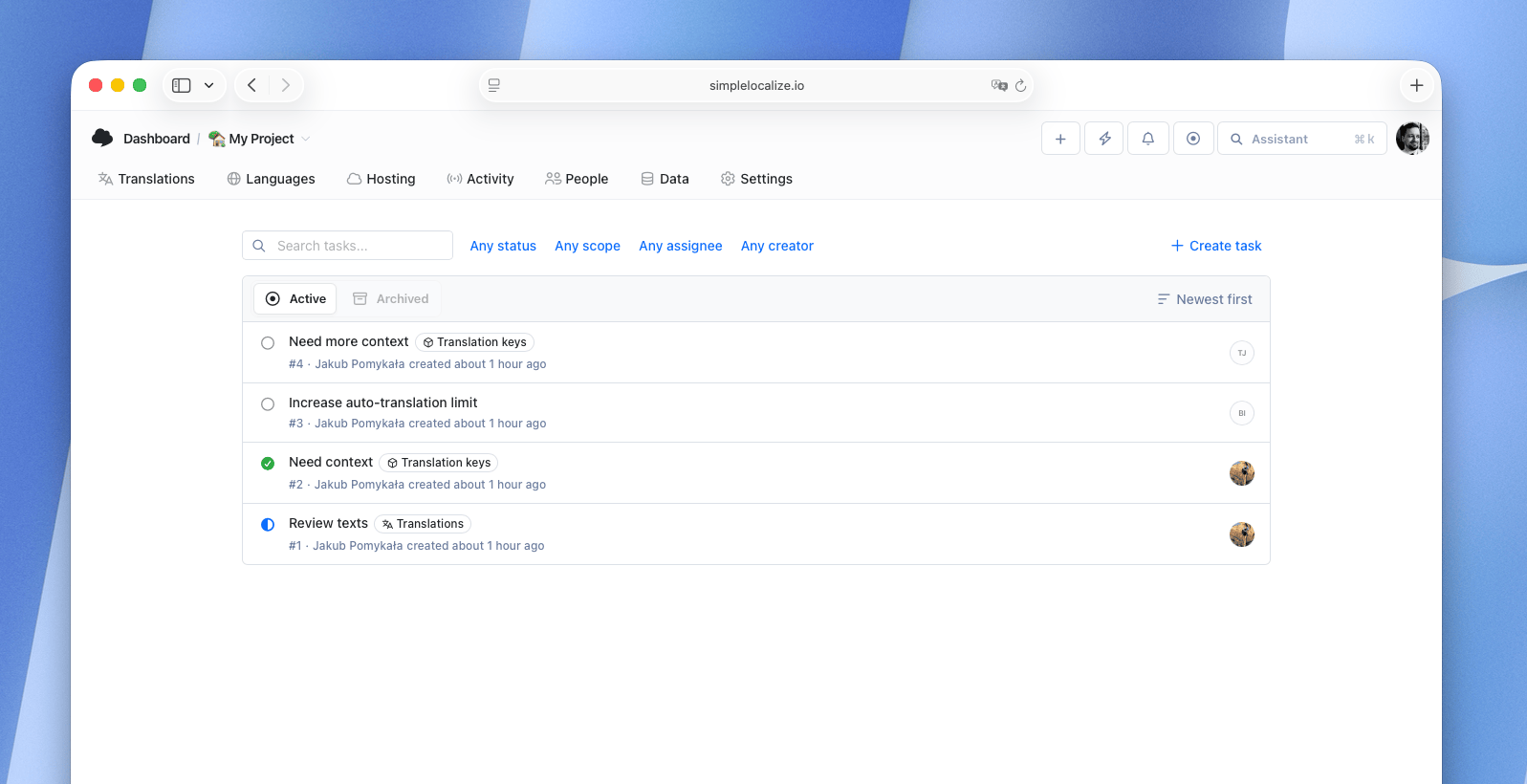
Quick Reviews
Simplified process of reviewing translations easier the process of providing a better translation. We provide simple true / false acceptance status for each translation to make it easier to review.
How to control quality with reviewsQA checks
for translations
Catch missing placeholders, broken HTML tags, trailing spaces, and ICU syntax errors automatically. QA checks run in real time as you edit, so issues are resolved before they reach production.
Learn more about QA checks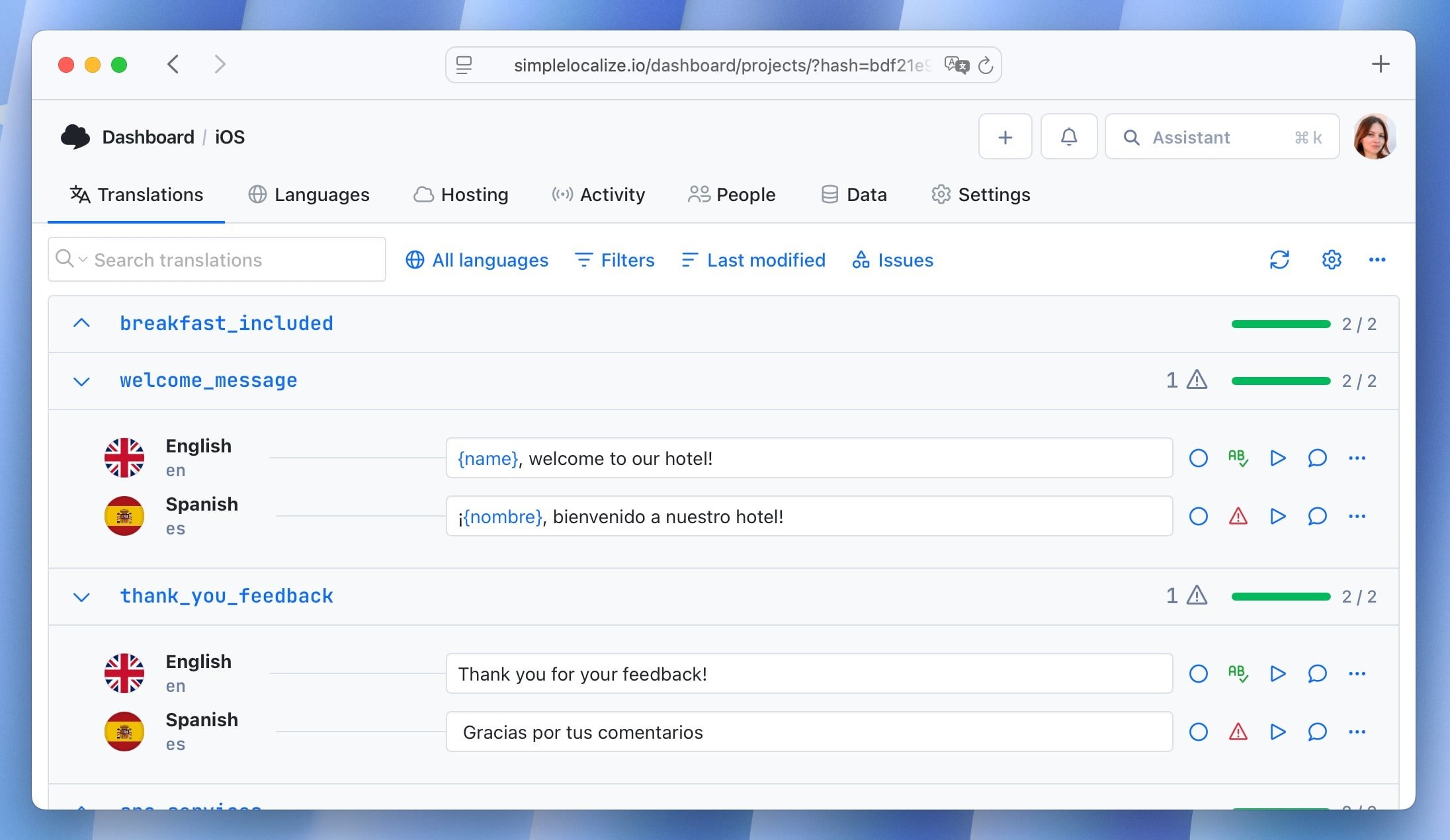
Project statistics
and activity tracking
Keep track of changes, monitor the activity of your team. Dive into detailed statistics about your translations. Monitor the number of changes and time spent on translations by your team.
Learn more about activity tracking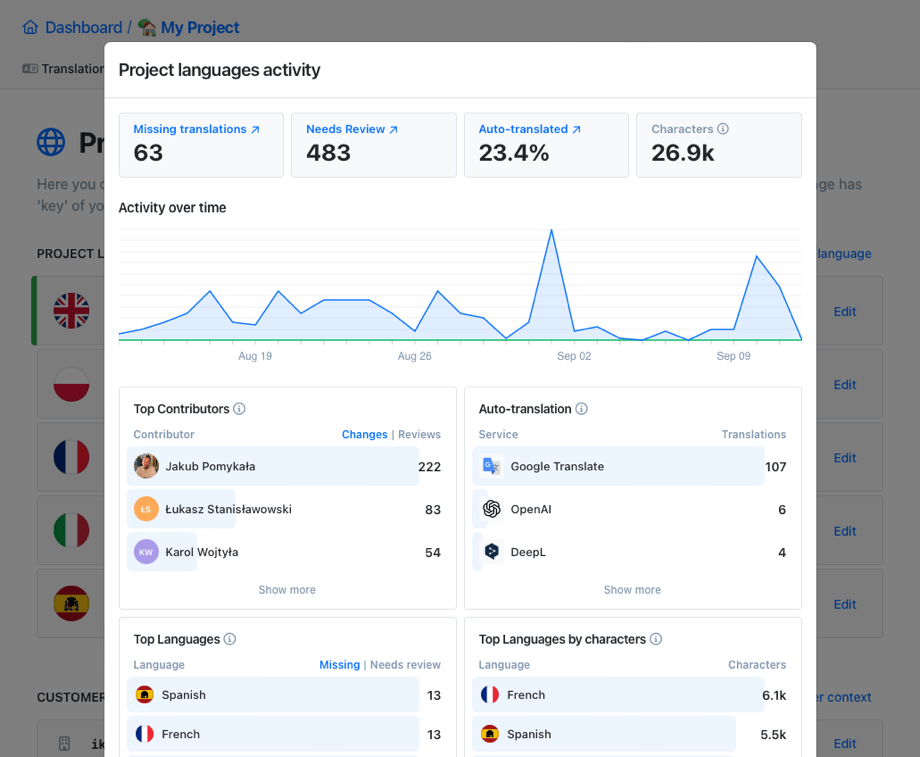
Tags
Use tags to categorize your keys and translations. Group keys or translations by a specific category or topic. Tags can be used for filtering keys and translations in the translation editor.
Learn how to tags translation keys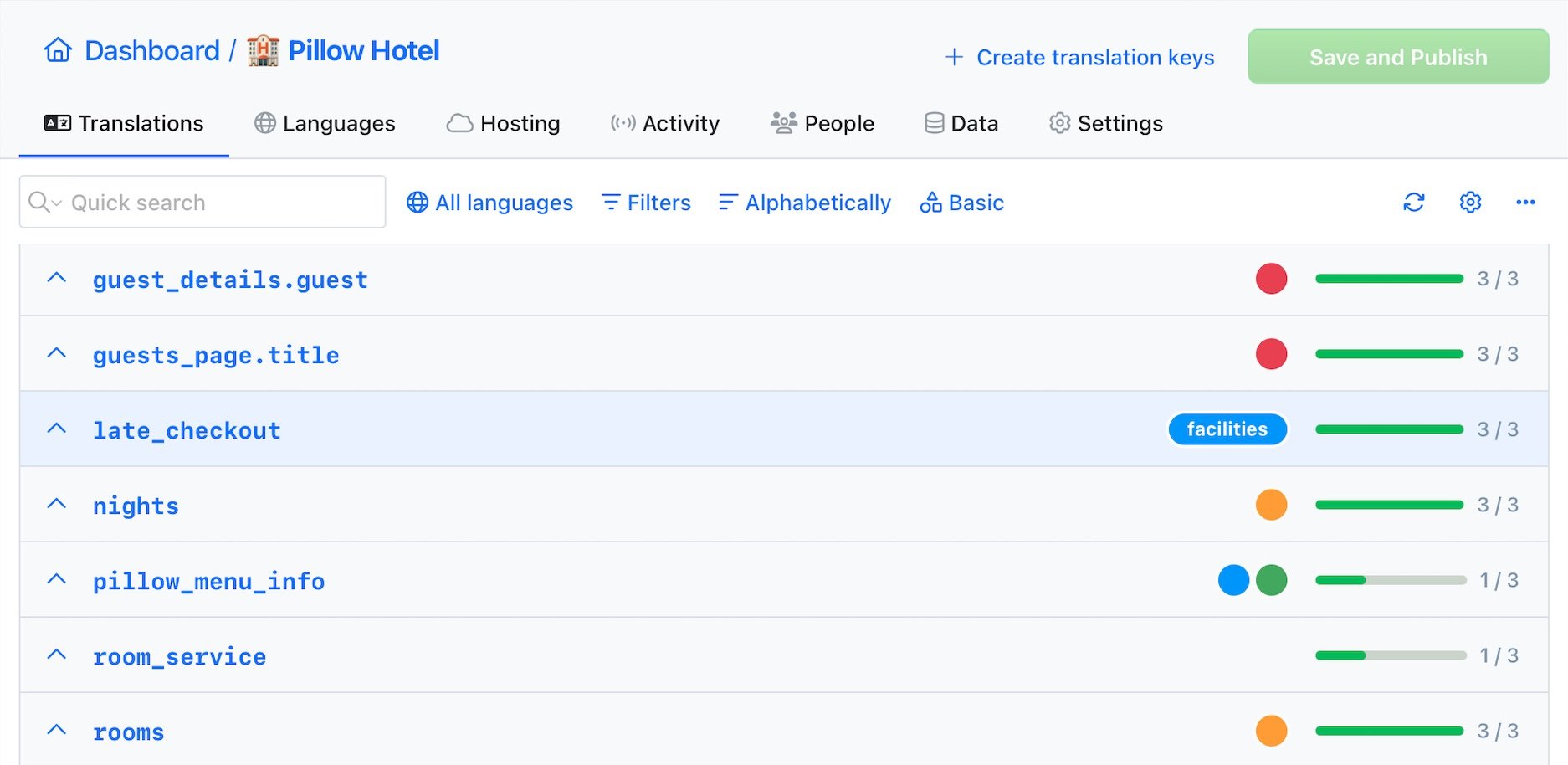
Screenshots upload
with OCR
Simply drag and drop multiple screenshots to the translation editor and let the OCR engine extract text from images and suggest translation keys for you. This feature is perfect for translating mobile applications or games.
Screenshots OCR documentationTranslation memory
Apply translations from the translation memory to save time and keep your translations consistent. Find similar translations from other projects and reuse them during the translation process.
Check out the documentation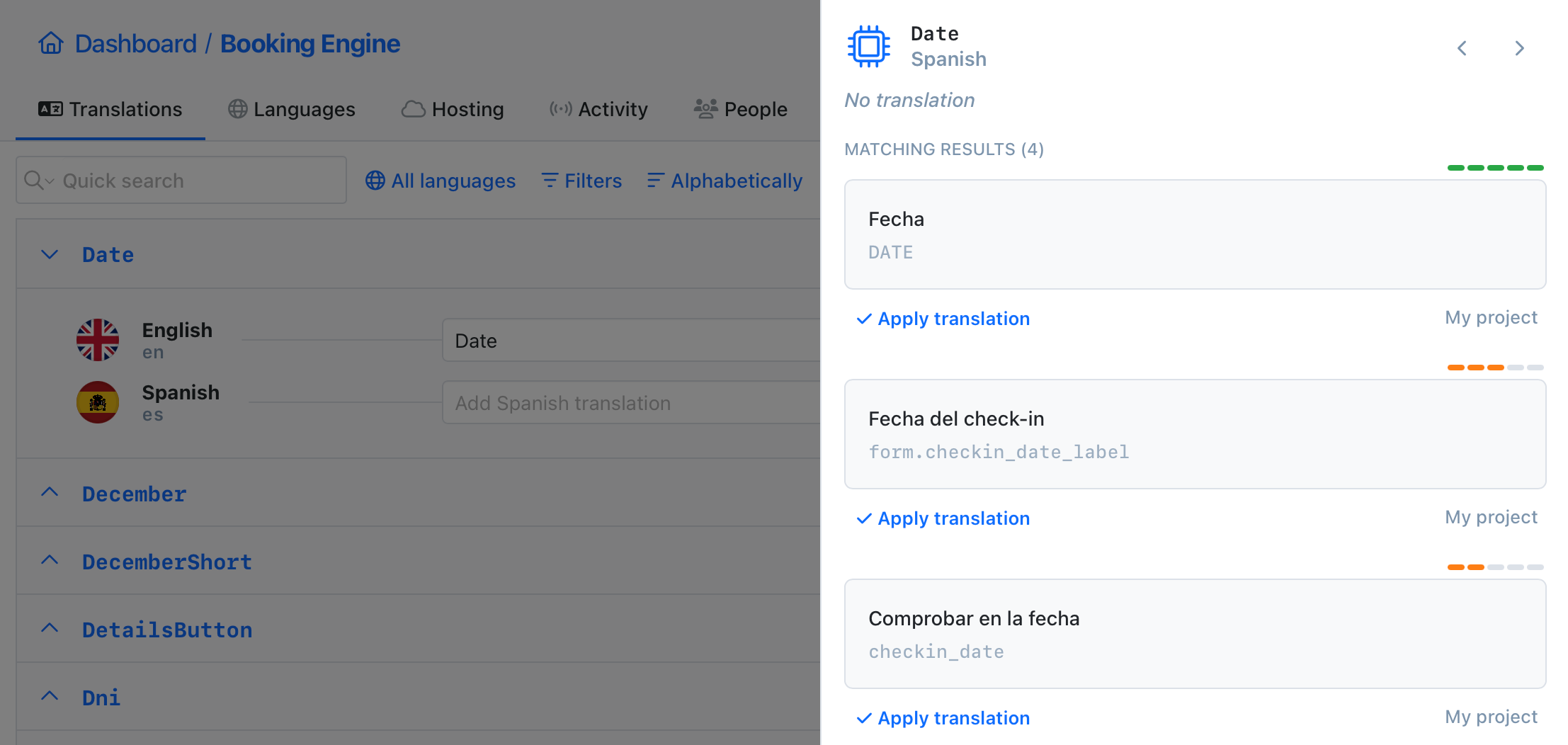
Automations
Automate your workflow with built-in automations. Execute predefined actions when a translations is changed to speed up your workflow and reduce manual work.
Learn more about automationsAuto-translate with AI
Quick translation allows you to AI translate all texts in a few seconds,
without any additional configuration and need to leave the editor.
Text editor
for long texts
Text editor is an excellent tool for managing longer texts, Markdown articles and posts. It offers a full screen mode, source translation for reference.
Learn about Markdown editorCommand-line tool
With SimpleLocalize CLI you can manage your translations from the terminal. It's a powerful tool that helps you to automate the translation process in your project. You can easily synchronize translation files between you local project and SimpleLocalize Translation Editor, start auto-translation or publish changes to the production environment.
CLI documentation# upload source translations
$ simplelocalize upload
# auto-translate strings
$ simplelocalize auto-translate
# download translated files
$ simplelocalize downloadHost translations
Make your translations available to your application with just a few clicks.
Get real-time translation updates in your application without any additional configuration.
Why use an online editor
Translation editor vs. manual file editing
Editing raw JSON or YAML files by hand leads to syntax errors, merge conflicts, and broken builds. A dedicated editor eliminates these risks.
File format support
Edit any translation format
Import and export JSON, YAML, XLIFF, PO/POT, ARB (Flutter), Android XML, iOS Strings, Java Properties, PHP, CSV, Excel, and 20+ more formats. The editor normalizes everything internally: import in one format, export in another.
Use namespaces to manage translations for a React frontend (JSON), an Android app (XML), and an iOS app (Strings) all in the same project.
Pro tip: Keyboard shortcuts for power users
Navigate and edit translations without touching the mouse. The editor supports keyboard shortcuts for the most common actions.
Better translations with context
Context for translators and AI
Accurate translations require context. The editor lets you attach descriptions, screenshots, tags, and namespaces to every key, so translators and AI engines always understand where and how a string is used.
Context is also passed to auto-translation providers. Set project-level context for DeepL, custom system prompts for OpenAI and other AI engines, and per-language instructions for tone and formality. The result? More accurate AI translations that fit your project perfectly.
Key descriptions
Add notes for translators explaining where and how a string appears in the UI.
Screenshots
Attach screenshots to keys so translators see the exact UI context. OCR auto-matches keys.
AI context
Project context, language-specific tone, and custom system prompts for AI auto-translation.
Tags & namespaces
Organize keys by feature, module, or category. Filter, assign permissions, and export by group.
Why SimpleLocalize?
Most tools are overkill.
SimpleLocalize is fast, simple, and works out of the box.
Fast and customizable
SimpleLocalize is easy to get started with and focuses on the features that you and your team need the most. You can customize the editor to your needs choosing from a variety of options.
Flat pricing
No hidden costs! SimpleLocalize offers a simple and affordable plans for you and your projects. Within easy integration options and intuitive translation editor, it creates a wonderful selection.
Team members included
Every paid plan comes with a number of users you can add to your project. You don't need to worry about number of users as the price does not increase with every user.
Auto-translation included
Every paid plan comes with auto-translation characters that you receive every month. You can also use bring your own API keys and use them with SimpleLocalize in any plan (even free!).
Tools for Developers
SimpleLocalize gives developers the tools they need to automate and integrate localization into any workflow, such as CLI tool, VS Code extension, IntelliJ plugin, Figma integration, and more.
Personal support
From “how do I get started” to “I need XYZ” requests, when you need that extra helping hand, we’re here for you. We are here to make sure you get the most out of SimpleLocalize.

Start editing translations online
- Import JSON, YAML, XLIFF, ARB, and 30+ formats
- AI auto-translate with DeepL, Google, and OpenAI
- Review, comment, and approve translations as a team
- Publish instantly to CDN or export to any format
- Part of the SimpleLocalize Translation Management System
"The product
and support
are fantastic."
"The support is
blazing fast,
thank you Jakub!"
"Interface that
makes any dev
feel at home!"
"Excellent app,
saves my time
and money"
Translation editor guides
Articles on using the translation editor, managing translations, and improving your workflow.

Localization in e-commerce: A practical guide for growing online stores
Learn what e-commerce localization really means, why it impacts conversions and SEO, and how to localize Shopify and Webflow stores effectively.
How to choose the right TMS for continuous localization
A practical guide to selecting the right translation management system (TMS) for continuous localization. Learn what to evaluate, real examples, and how SimpleLocalize fits in.
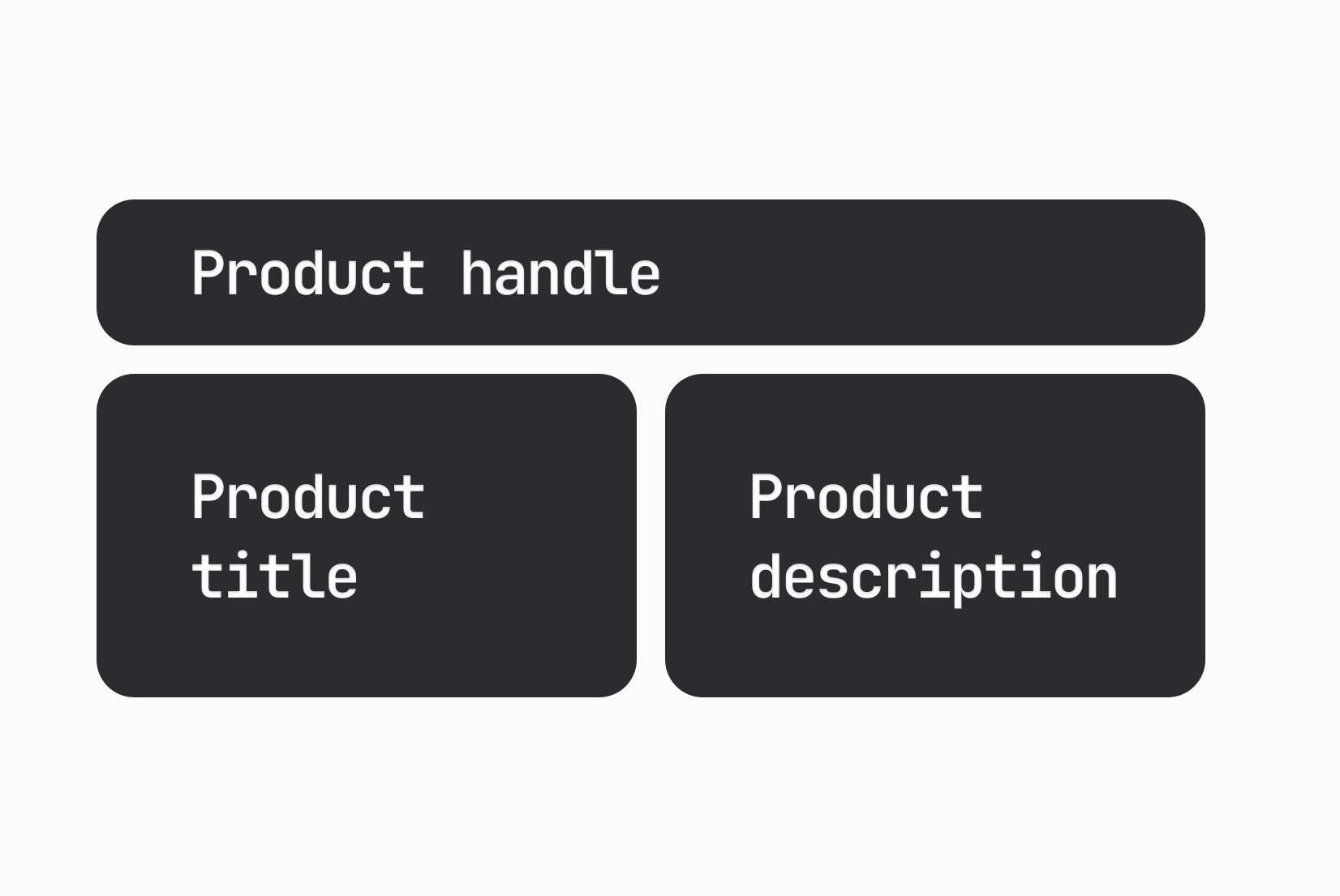
How to manage product translations on Shopify (Step-by-step guide)
Learn how to manage Shopify product translations using SimpleLocalize. Translate product titles, descriptions, and variants efficiently and keep content updated across languages.

Webflow localization made easy with SimpleLocalize
Learn how to localize your Webflow website using SimpleLocalize. Easily sync content, manage translations, and deliver multilingual Webflow sites without complex setups.
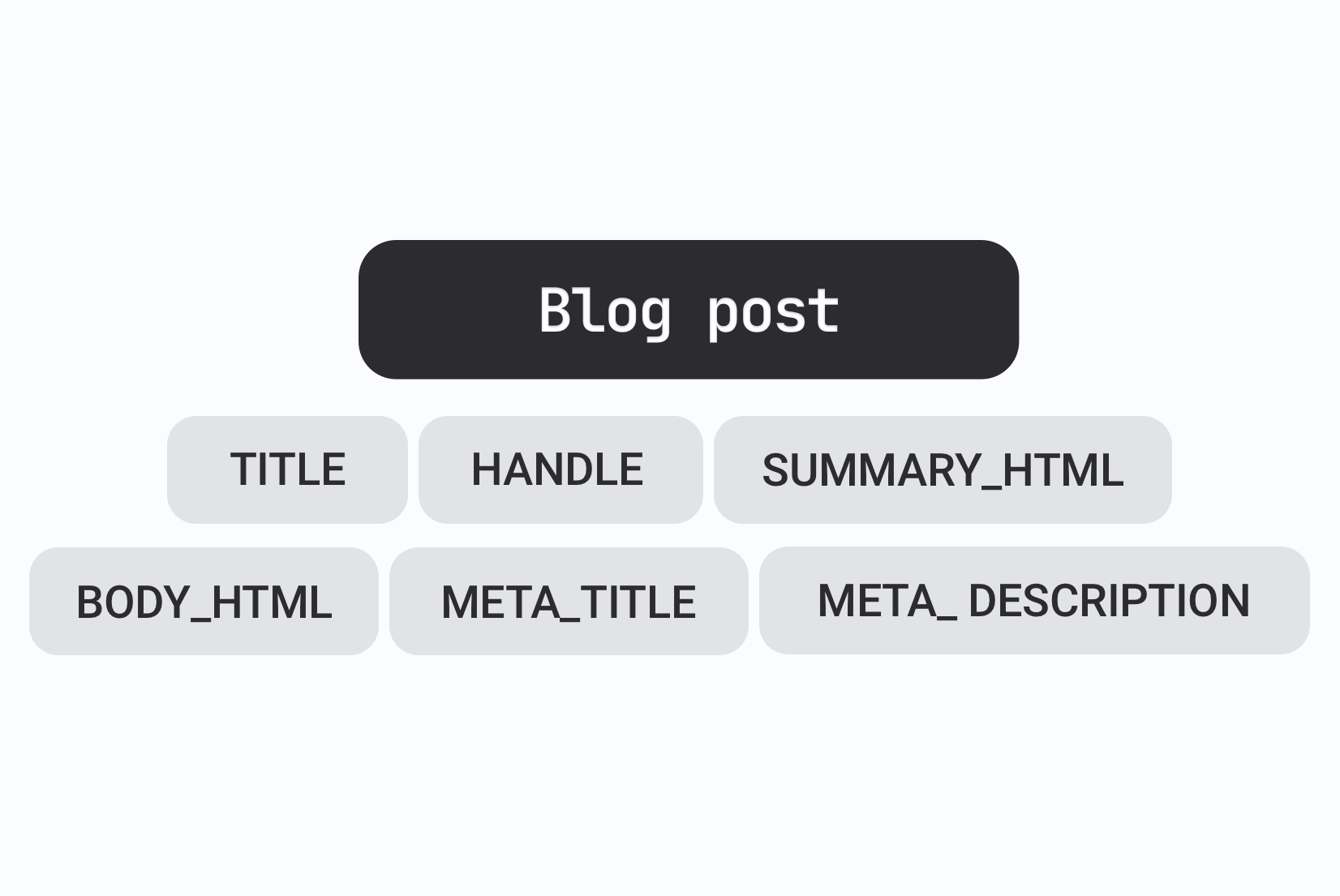
How to manage Shopify blog translations
Discover how to translate Shopify blog posts using SimpleLocalize. Keep your multilingual content consistent, maintain SEO, and reach global readers effectively.

Shopify + SimpleLocalize: Easy multilingual store management
Manage Shopify translations with the SimpleLocalize integration. Sync products, collections, and content translations across languages automatically, from one place.
What is an online translation editor?
An online translation editor is a web-based tool for editing translation files used in software projects. Instead of modifying raw JSON, YAML, or PO files in a code editor — risking syntax errors, merge conflicts, and broken builds — teams use a dedicated translation editor to manage all their localized strings in a structured, visual interface.
The SimpleLocalize translation editor is the core editing experience of the SimpleLocalize TMS. It supports 30+ file formats, built-in AI auto-translation, translation memory, a QA checks system, and a collaborative review process — all accessible from your browser.
Supported file formats: JSON, YAML, XLIFF, ARB, and more
The editor supports JSON (single and multi-language), YAML, XLIFF, PO/POT, ARB (Flutter), Android XML, iOS Strings, Java Properties, PHP arrays, CSV, Excel, and many more. Import in one format and export in another. Use namespaces to organize translations by module, feature, or platform.
How translation memory improves editing speed
Translation memory stores every translation you save. When a new source string is similar to a previously translated one, the editor suggests the existing translation — saving time and maintaining consistent terminology across your project. Memory spans all languages and namespaces, so work in one area benefits the entire codebase.
Review process and team collaboration
The editor includes a built-in review process. Translators submit their work, reviewers mark translations as approved or flag issues, and project managers track overall progress with status filters and statistics. Tasks help coordinate who works on what. Comments on individual keys reduce back-and-forth, and role-based access ensures everyone sees only what they need.