Posts related to software localization
We found 43 posts with 'software localization' tag
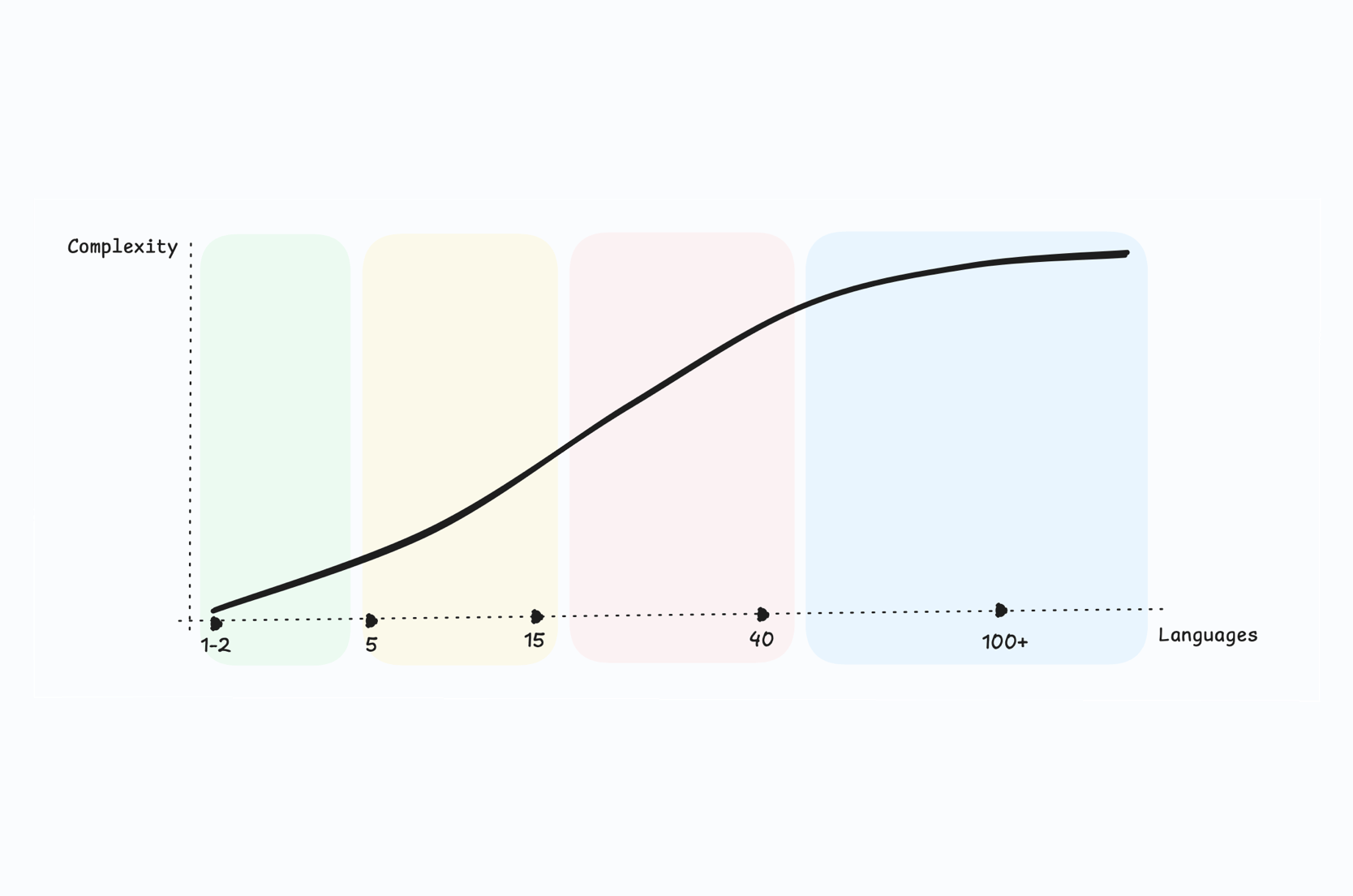
Scaling localization from 1 to 100 languages: A practical guide for SaaS teams
Learn how to scale your SaaS localization from a single language to 100+. Practical strategies for language prioritization, automation, governance, quality, and cost control at every stage of growth.
How to choose the right TMS for continuous localization
A practical guide to selecting the right translation management system (TMS) for continuous localization. Learn what to evaluate, real examples, and how SimpleLocalize fits in.
11 common localization mistakes (and how to avoid them)
Learn the most common localization mistakes teams make and how to avoid them with practical tips, real examples, and SimpleLocalize best practices.

How to choose a TMS for your SaaS startup
Expand your SaaS globally with ease. Learn how to choose the right translation management system (TMS) for startups, with checklists and real-world examples.

Never miss a translation update again: Notifications, Webhooks, and more
Learn how to track every translation update automatically in SimpleLocalize using notifications, webhooks, and the API to keep your localization team aligned.
Tips for effective auto-translation in software localization
Check out our tips for effective auto-translation in software localization using SimpleLocalize. Learn how to set up your project for best auto-translation results.
Introducing: Quality Assurance checks
QA checks are now available in SimpleLocalize! Quickly identify and fix common translation issues to ensure high-quality localization and improved localization workflow.
Introducing: OpenRouter for auto-translation
Learn how to integrate OpenRouter with SimpleLocalize for enhanced auto-translation capabilities. Ai-powered localization made easy!
Crowdsource translations with public suggestions
Learn how to crowdsource translations and collect user feedback with SimpleLocalize Public Suggestions. Engage your community in app localization.
Enterprise translation management for large SaaS: Speed, scale & cost efficiency
Discover how SimpleLocalize helps enterprise SaaS teams scale localization across dozens of locales without the complexity of legacy TMS platforms.
AI-Powered localization workflows for software translation
Use AI-powered workflows to speed up software localization, integrate with CI/CD pipelines, and ensure translations are accurate, consistent, and release-ready.
List of AI and machine translation providers
Compare leading AI and machine translation providers like DeepL, Google Translate, OpenAI, and others. See how to choose the best one for your localization needs.
Design that speaks every language: UI tips for localization
Discover UI localization tips: handle text expansion, adjust layouts, and design for cultures to create user-friendly, multilingual apps.
7 Best Translation Management Tools for SaaS in 2025
Discover the 7 best translation management systems (TMS) for SaaS companies in 2025. Compare features, pricing, integrations, and see which platform best fits your localization workflow.
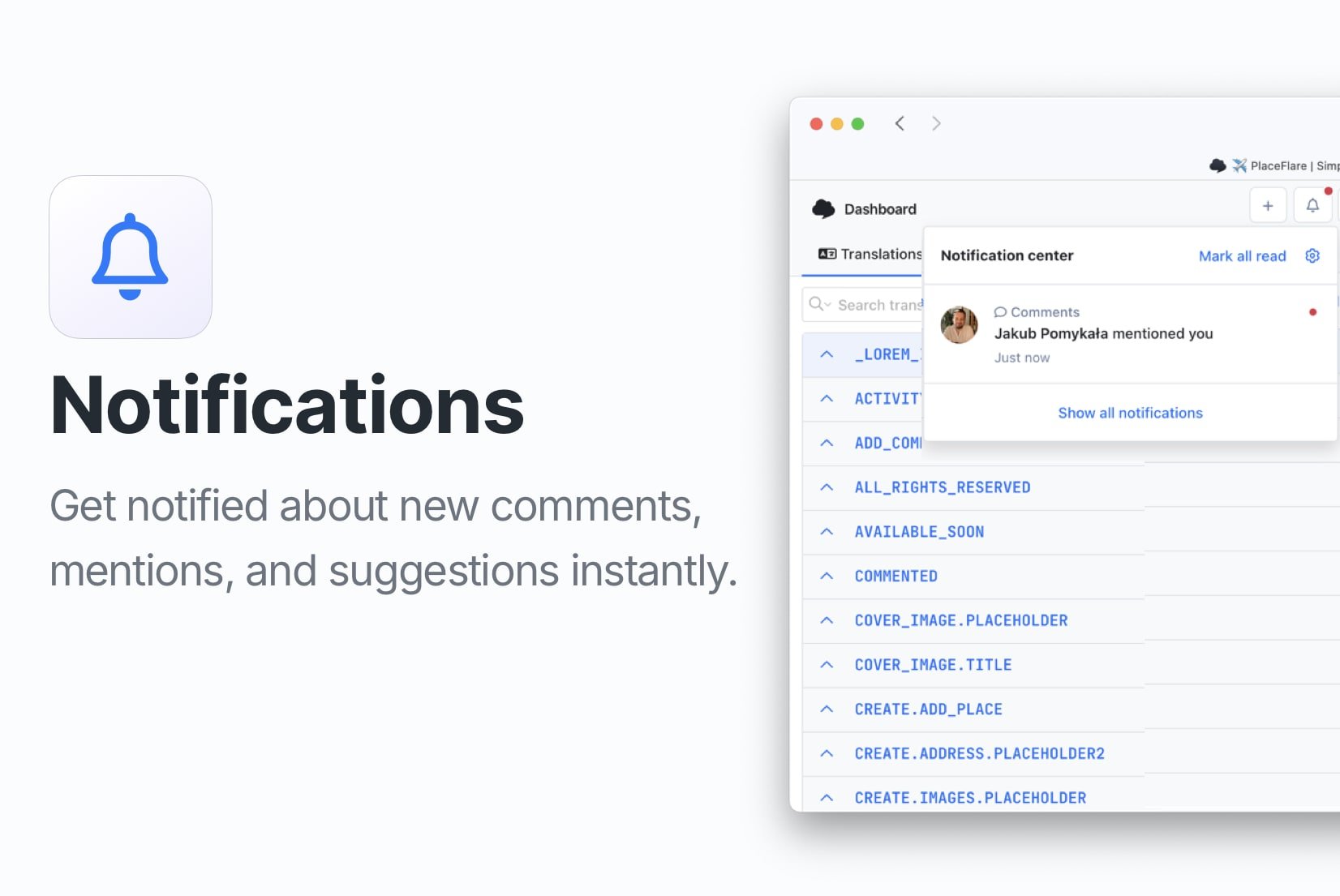
Introducing: Notifications
Stay updated with your localization projects using our new notifications feature. Get real-time alerts for comments, mentions, and translation suggestions.
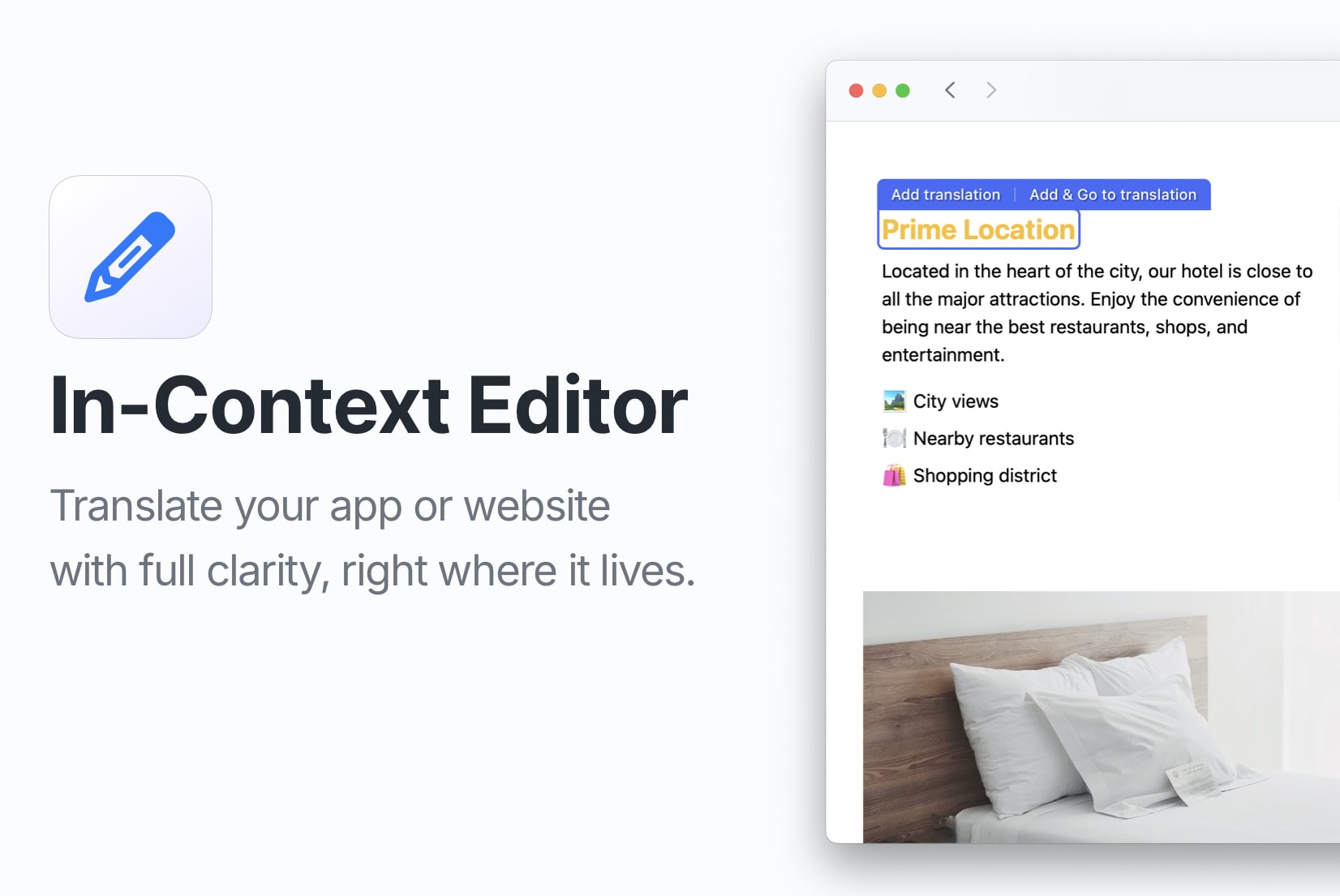
Introducing: In-Context Editor
Edit your website or app translations directly within the context with our new In-Context Editor feature. Learn how to set it up and use it effectively.
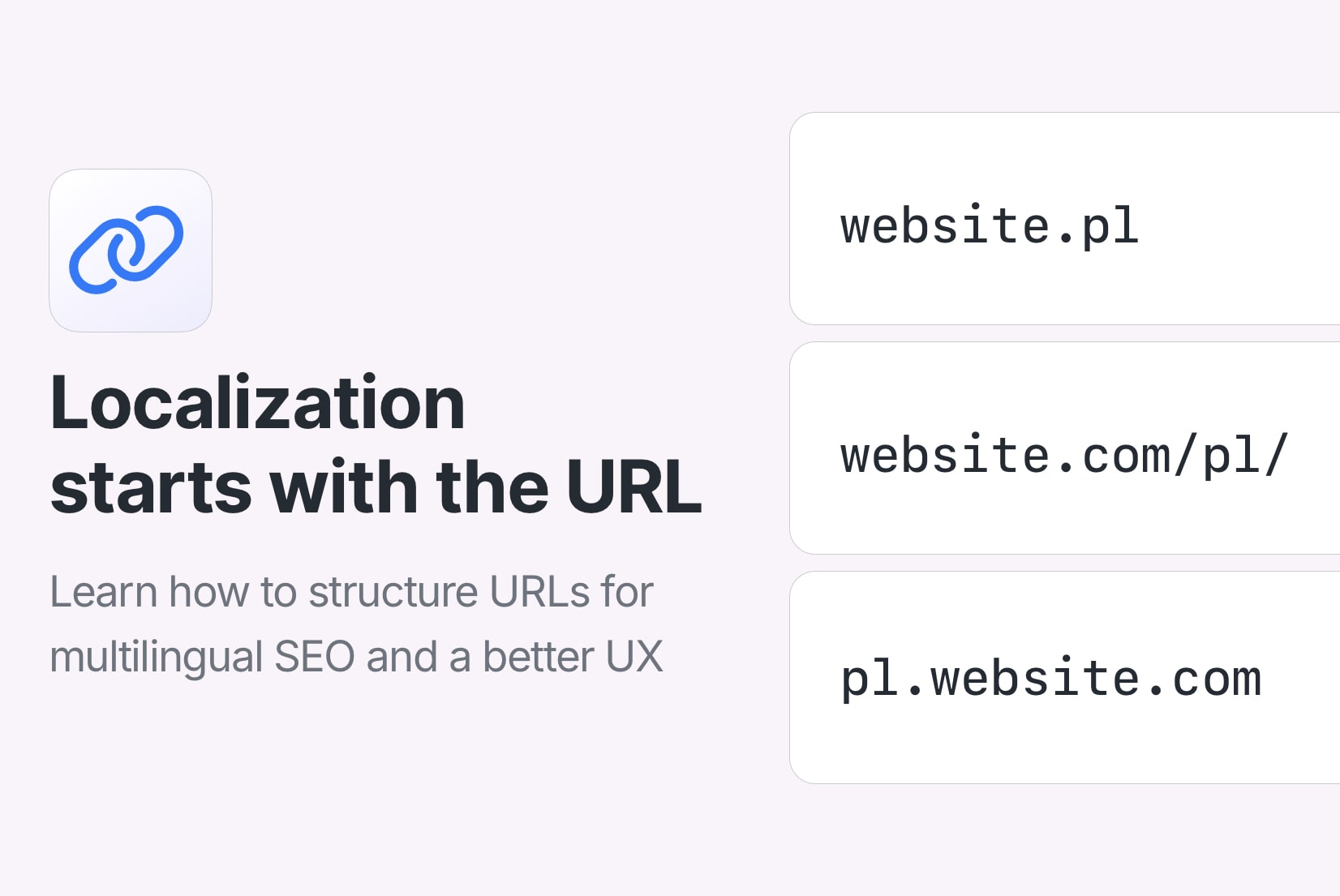
URLs in Localization: How to structure and optimize for multilingual websites
Learn how to structure URLs for multilingual websites, optimize for SEO, and improve user experience with practical tips and best practices.
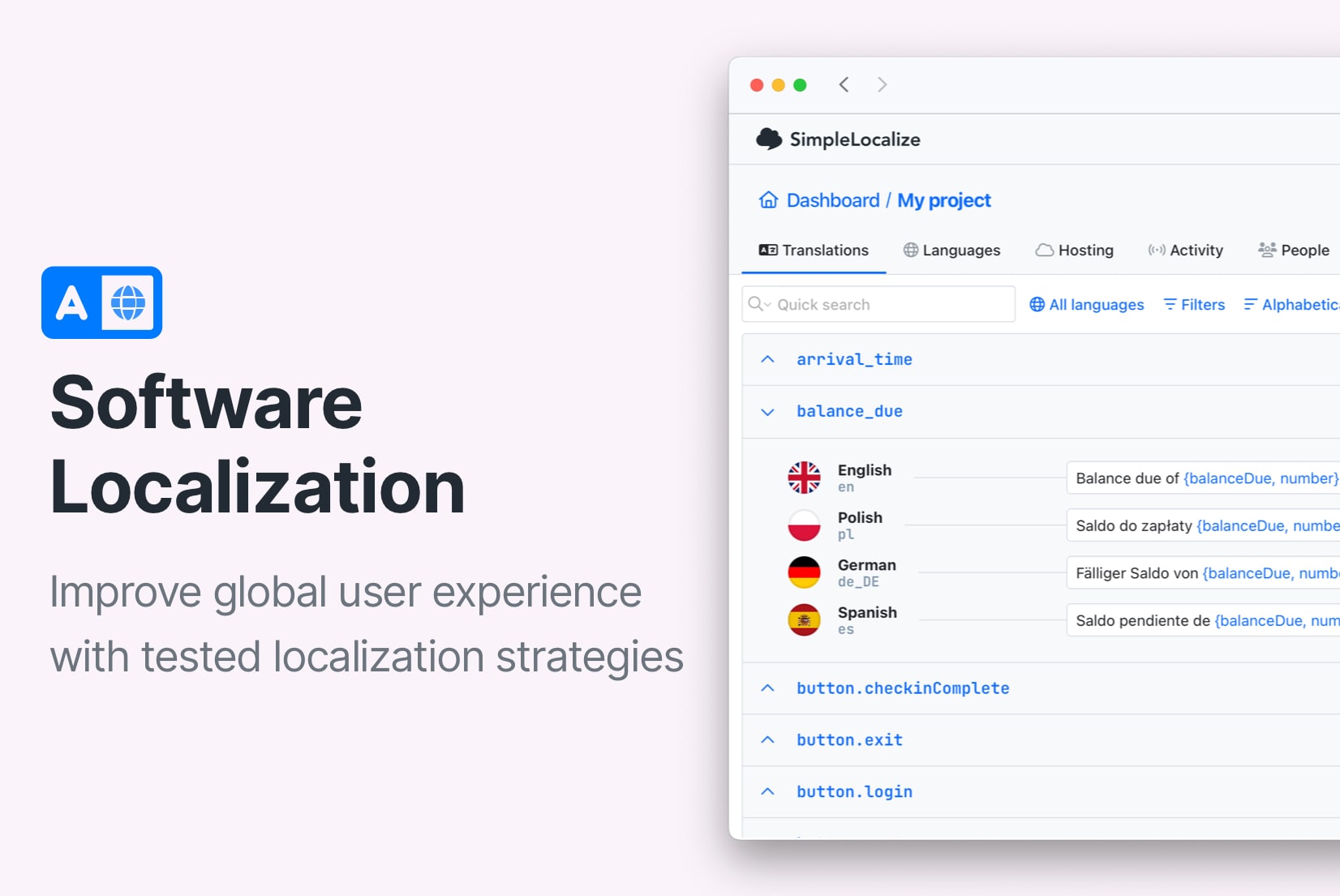
Best practices in software localization: A practical guide for 2026
The real best practices for software localization: from i18n architecture and translation key design to QA, RTL, CI/CD, and scaling across dozens of languages. Practical, specific, and built for teams who ship.
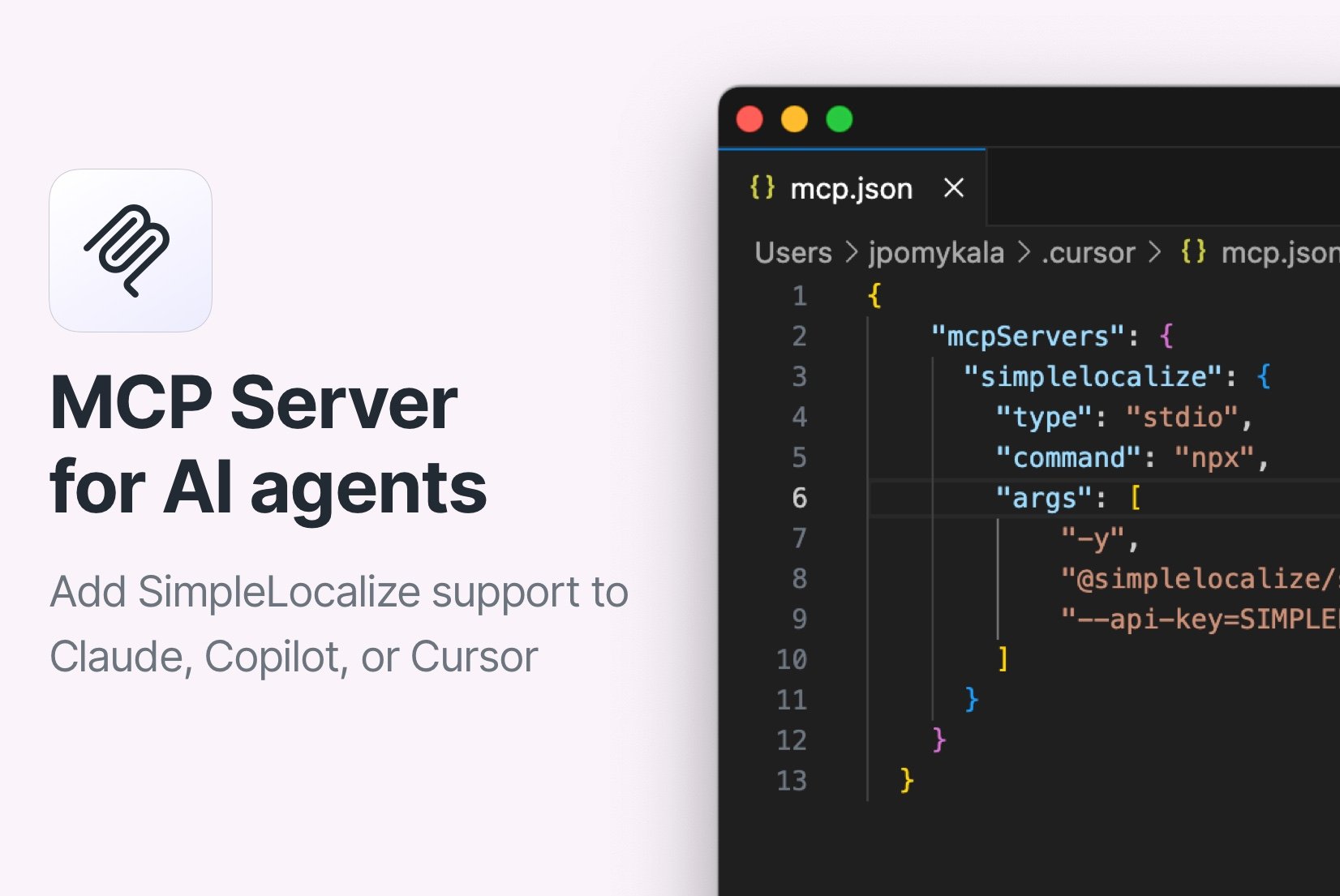
Introducing: MCP Server
The official SimpleLocalize MCP Server allows you to integrate AI agents like Cursor AI, Claude, or GitHub Copilot with SimpleLocalize for managing translations in your projects.
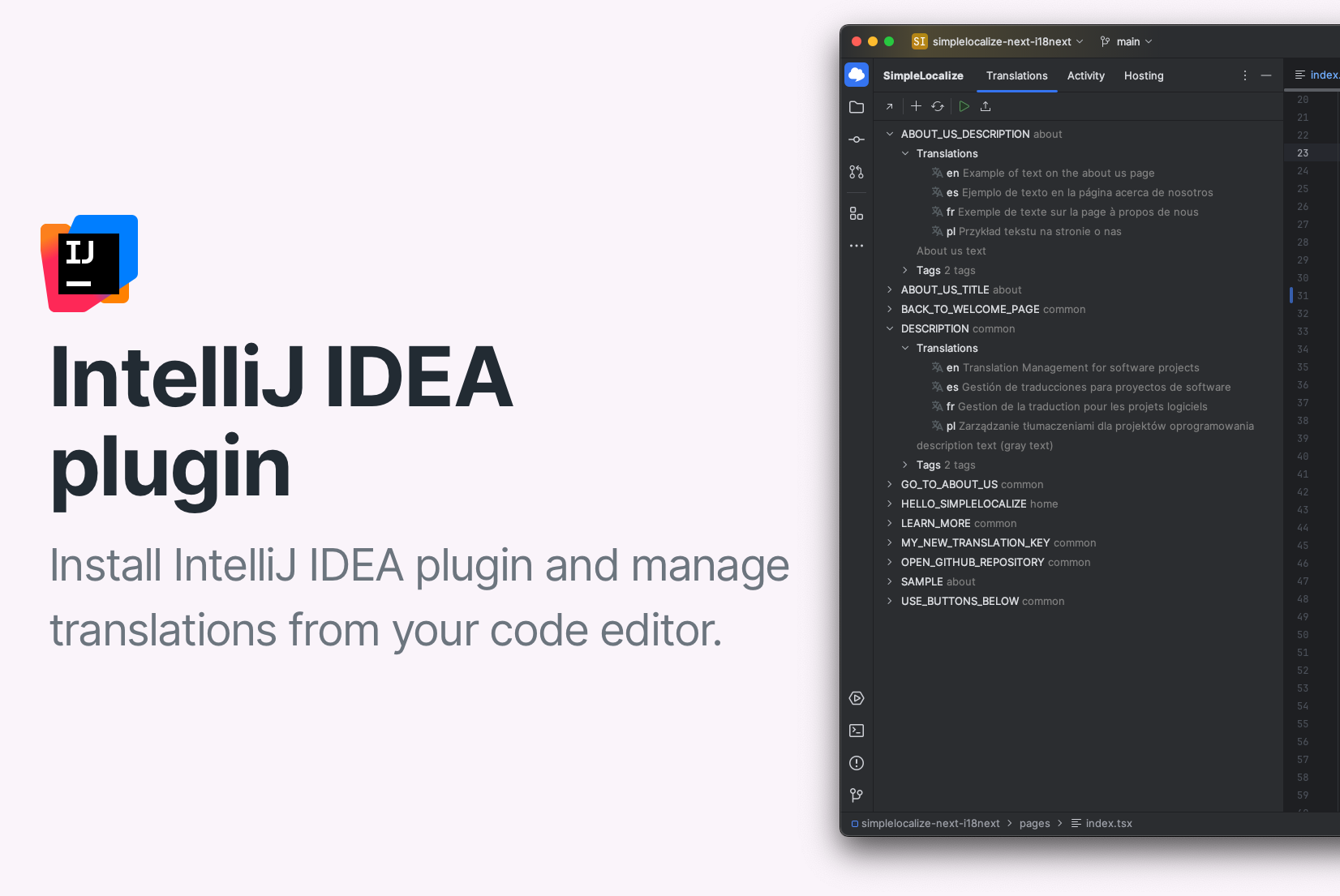
Introducing: IntelliJ IDEA plugin
The new SimpleLocalize IntelliJ IDEA lets you manage translations directly in the editor. Explore key features and installation instructions.
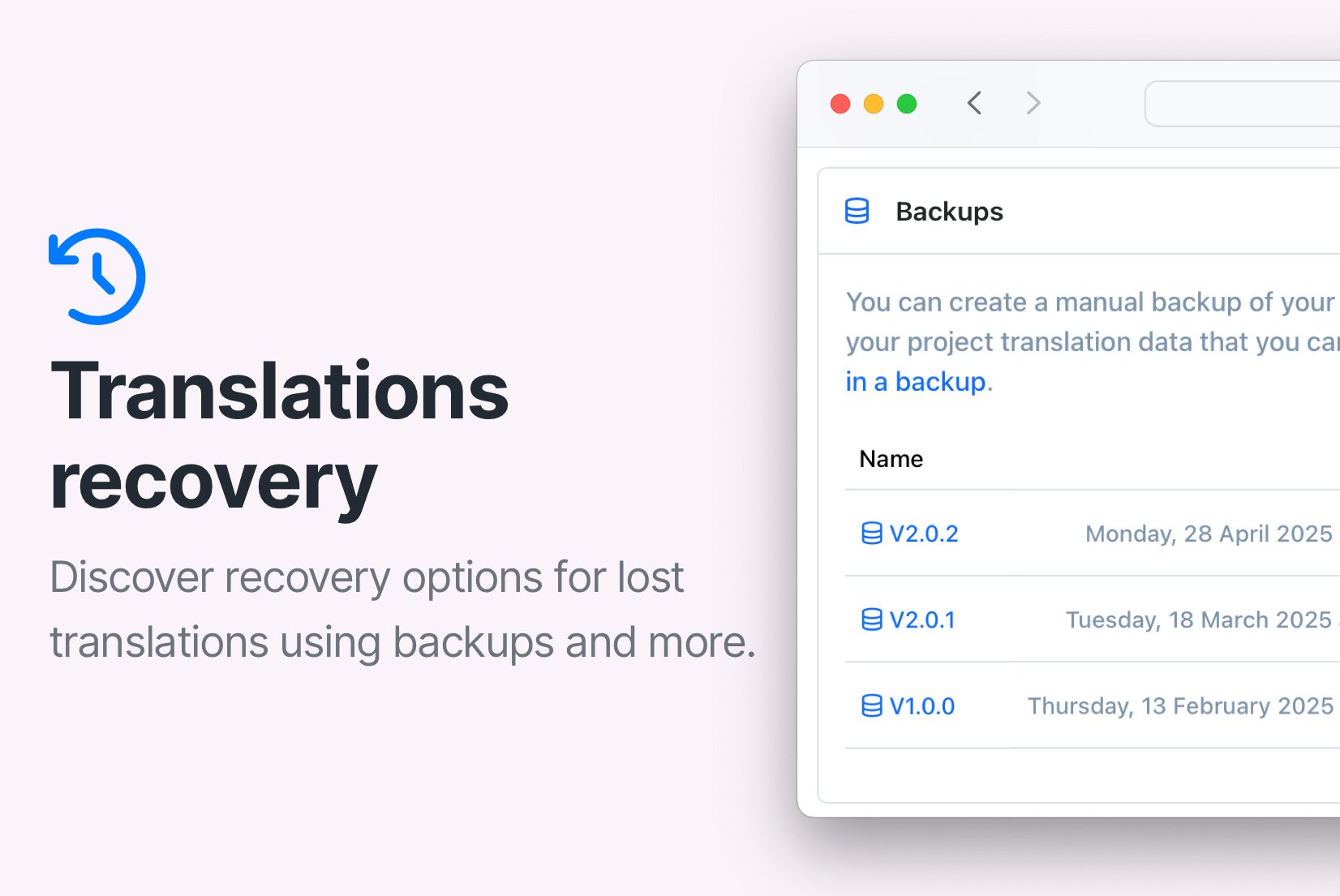
How to recover lost translations in SimpleLocalize
Recover lost translations in SimpleLocalize with manual backups, automatic snapshots, uploaded files, or by using Translation Hosting files.
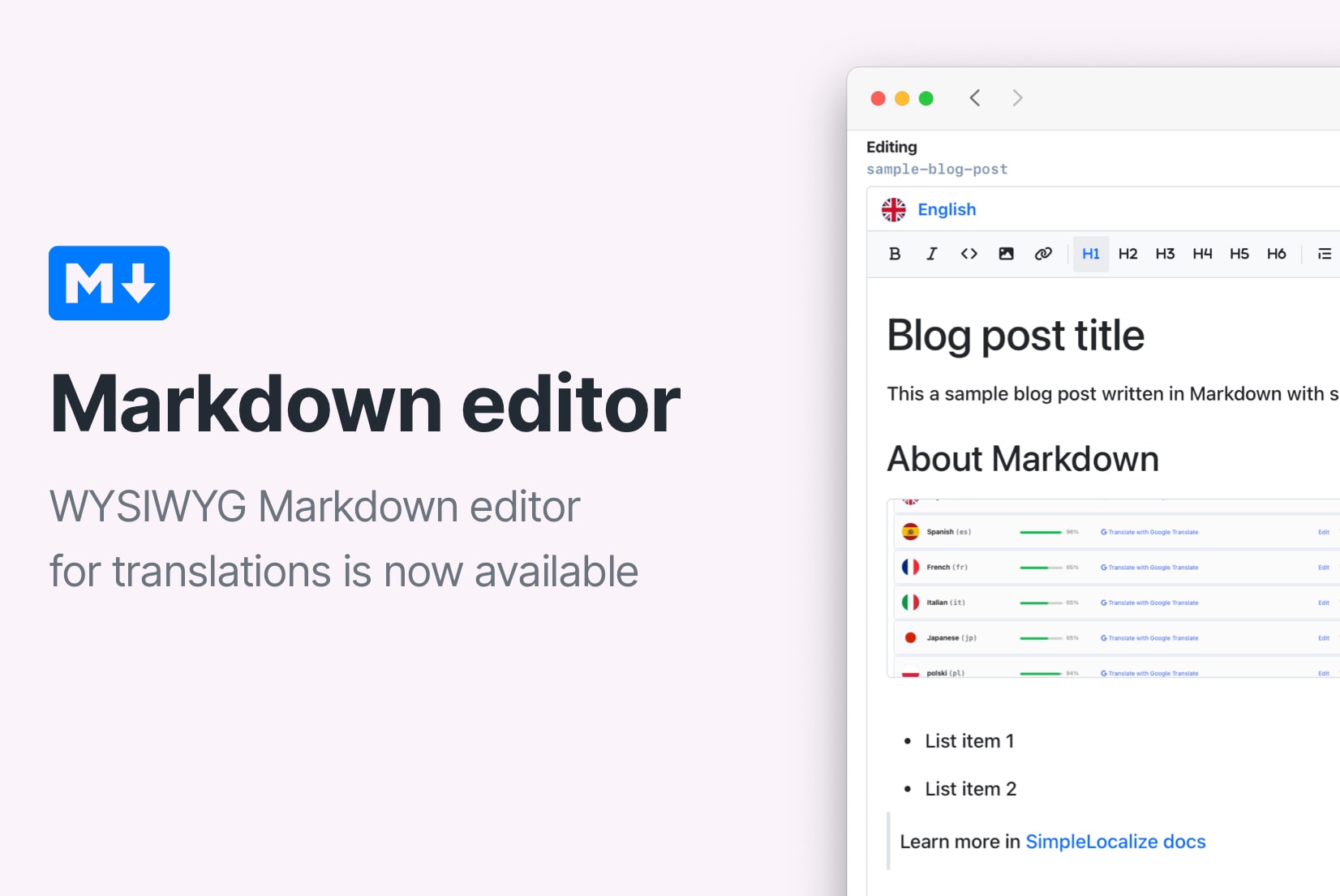
Introducing: Markdown visual editor
Markdown visual editor is a new feature in SimpleLocalize that allows you to edit Markdown files in a user-friendly way, without needing to know the syntax.
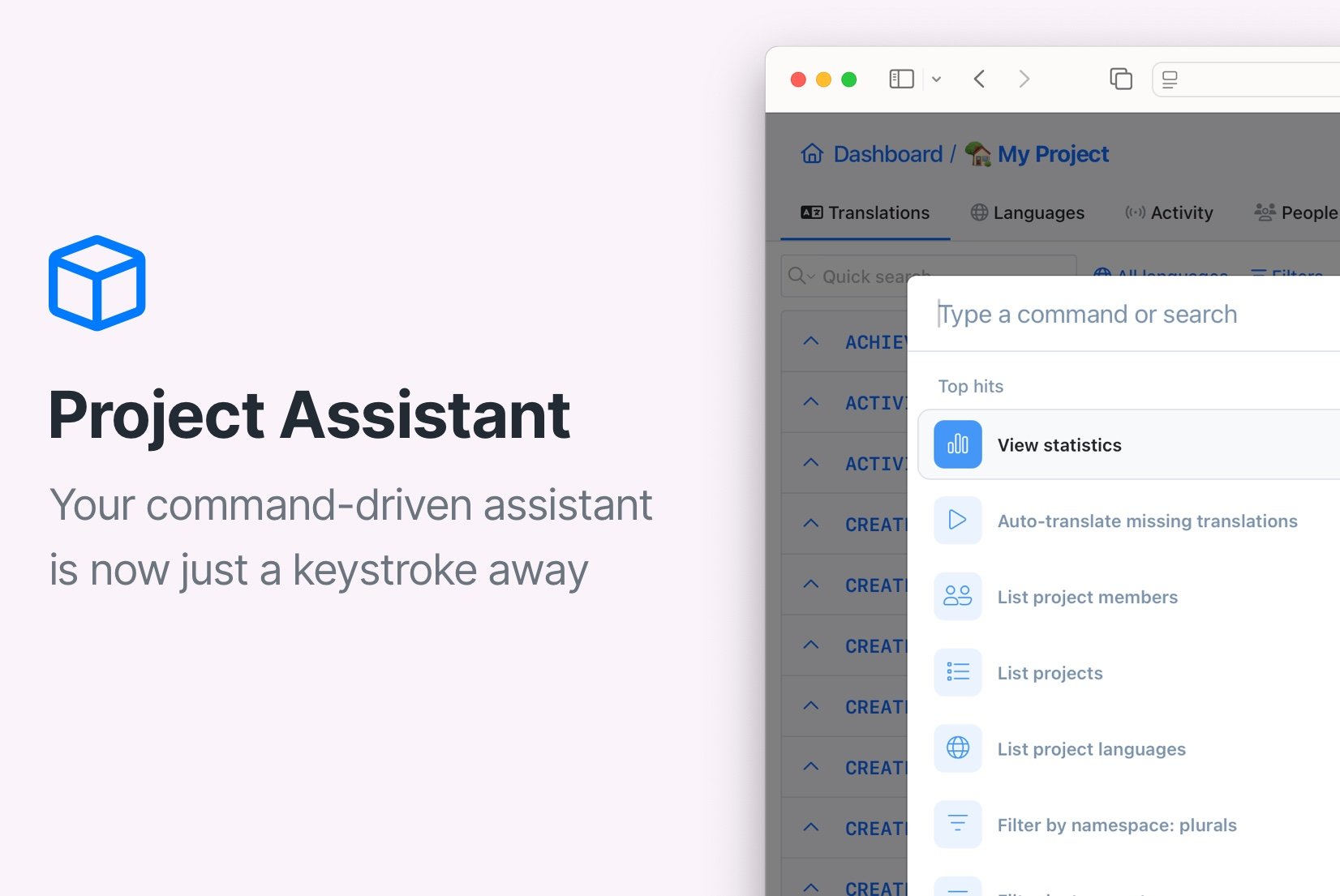
Introducing: Command Assistant
Command Assistant is a powerful tool that enables you to navigate through your projects, manage translation keys, and access statistics with ease.
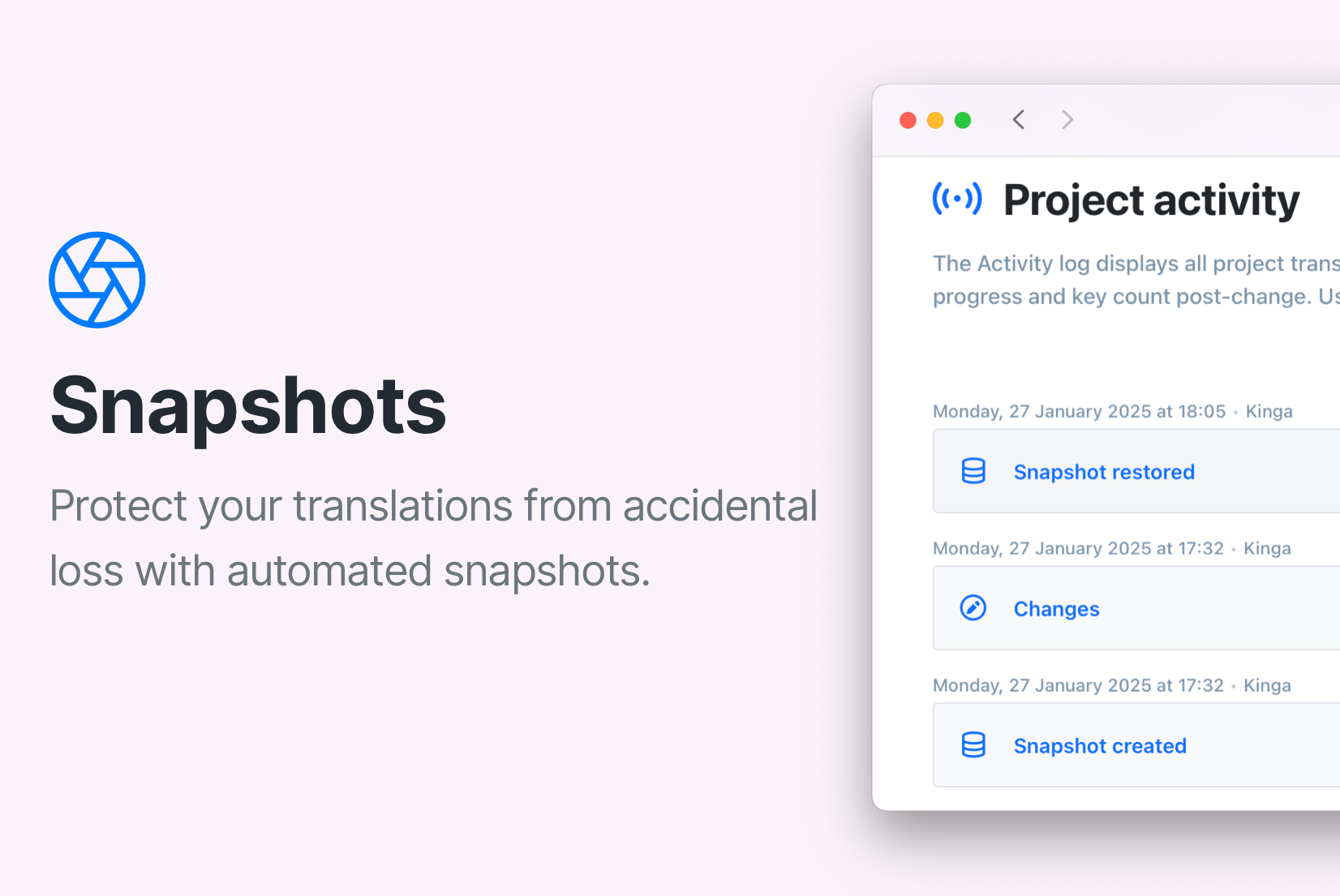
Introducing: Automated snapshots
Protect your translations with automatic snapshots! SimpleLocalize saves your project before big changes, so you can easily restore it if needed.
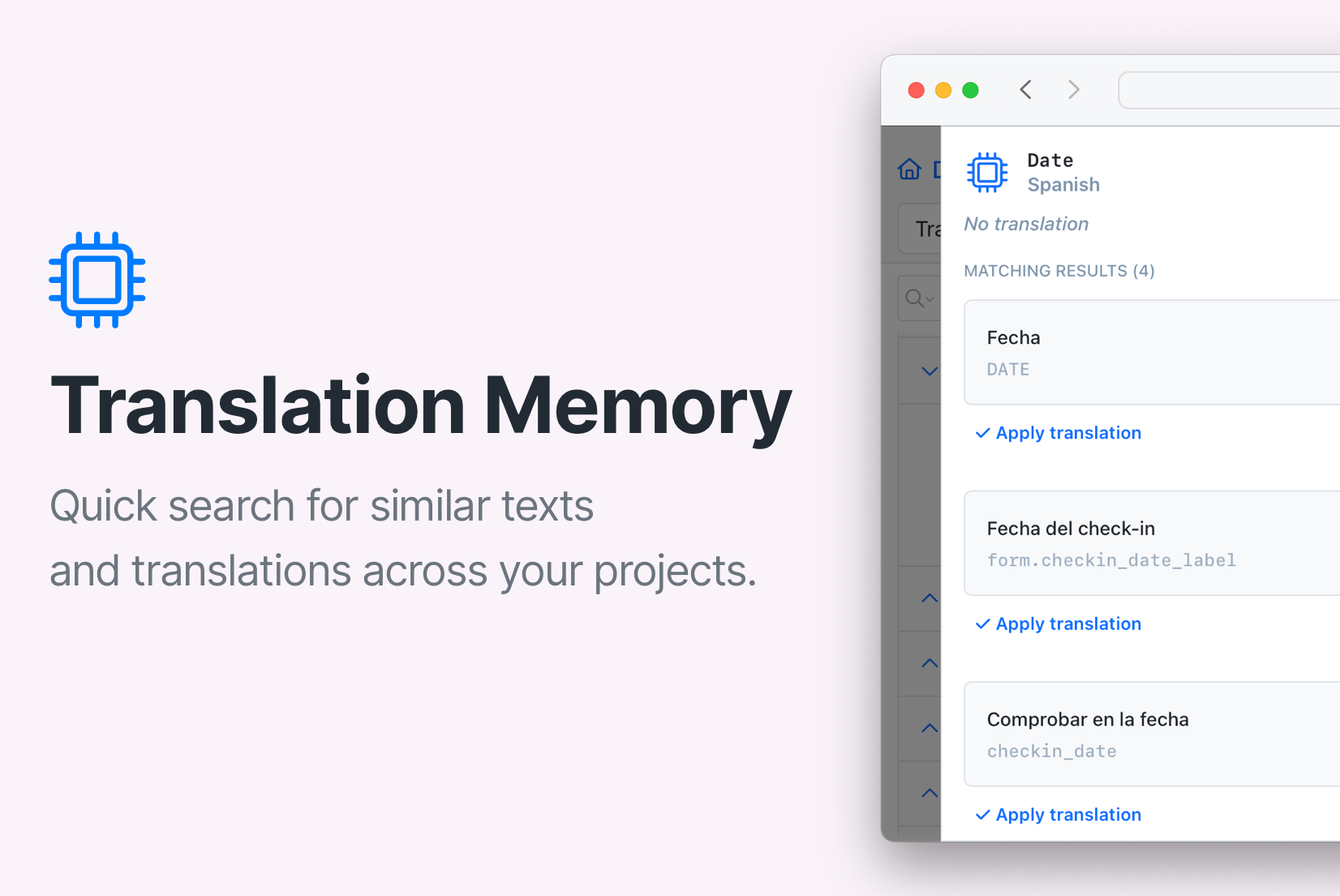
How Translation Memory works in SimpleLocalize
Learn how translation memory works in SimpleLocalize and how you can use it to speed up your workflow and keep translations consistent across projects.
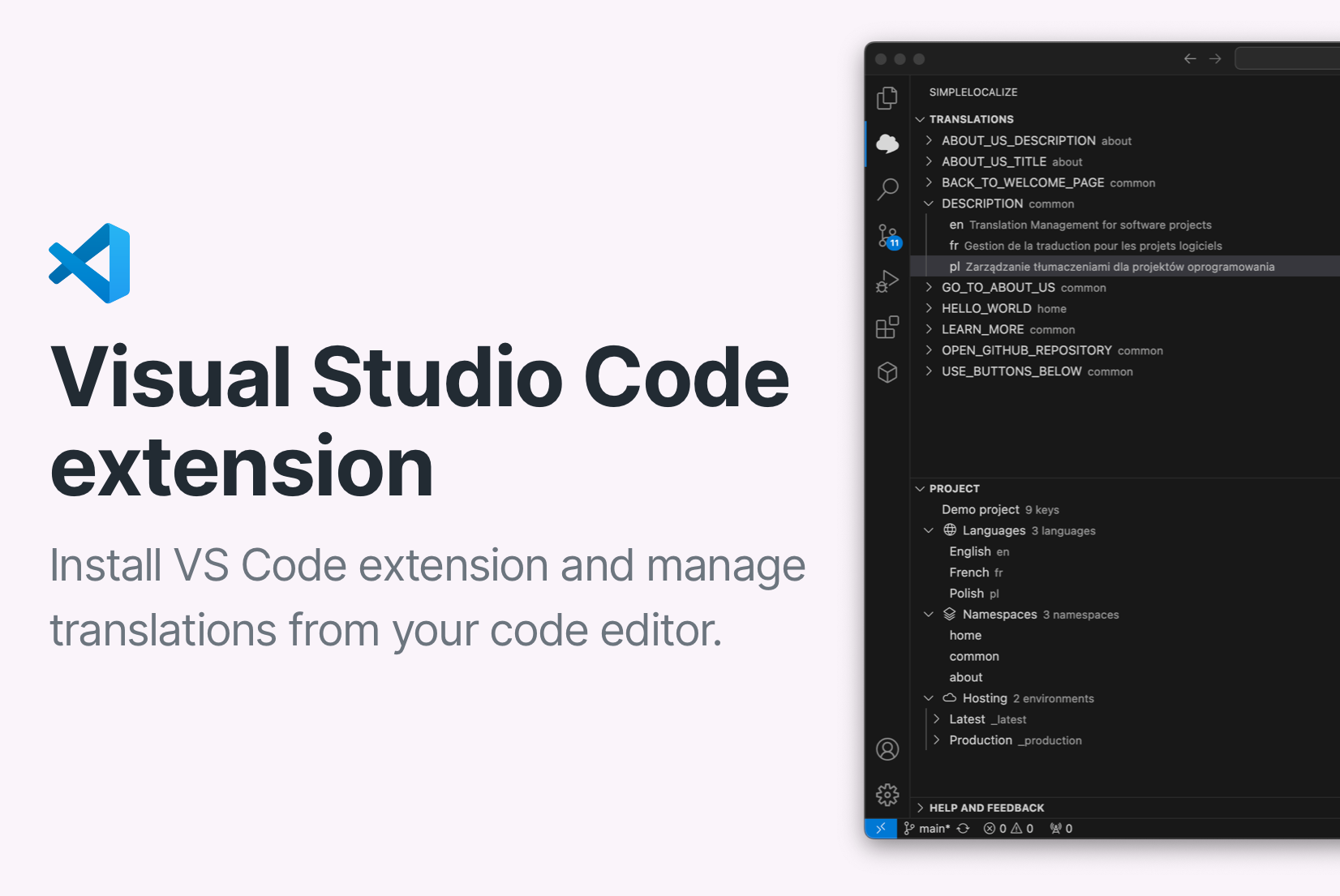
Introducing: Visual Studio Code extension
The new SimpleLocalize VS Code extension lets you manage translations directly in the editor. Explore key features and installation instructions.
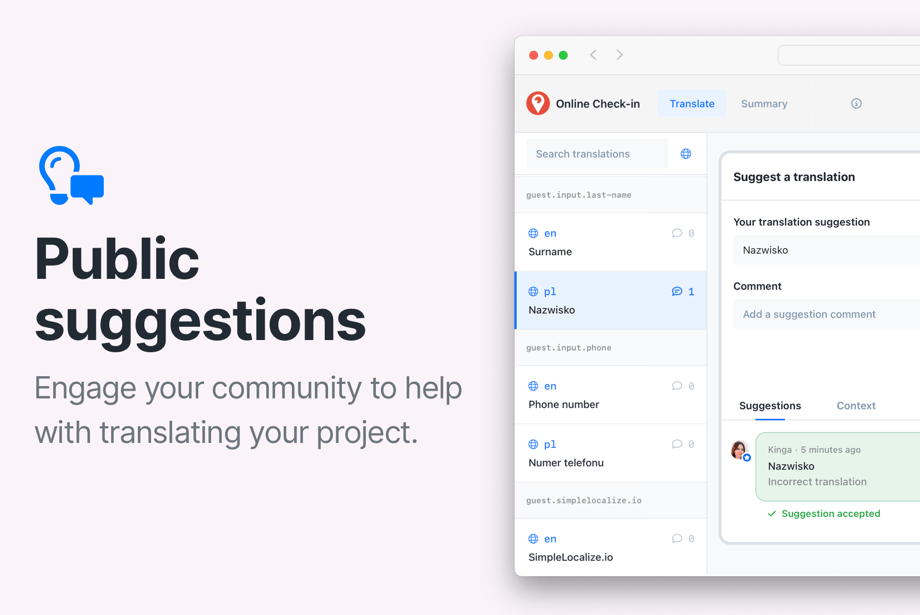
Introducing: Public suggestions
Try out the new public suggestions feature and get feedback from your users. Enable public translations and share your project with the community.
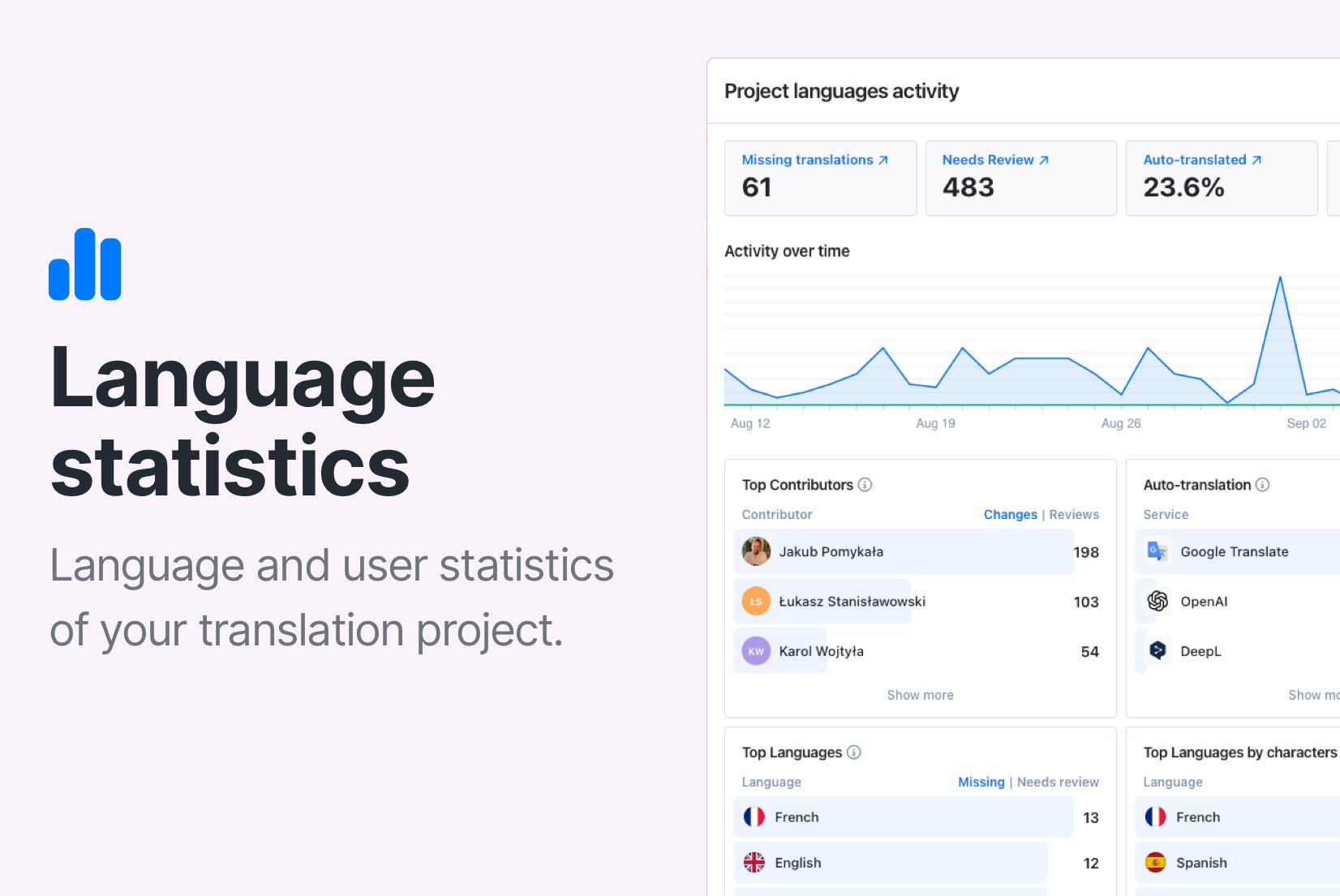
Introducing: Statistics
Check your project's translation progress with the new statistics feature in SimpleLocalize. Monitor progress, untranslated keys, review status, and team performance.
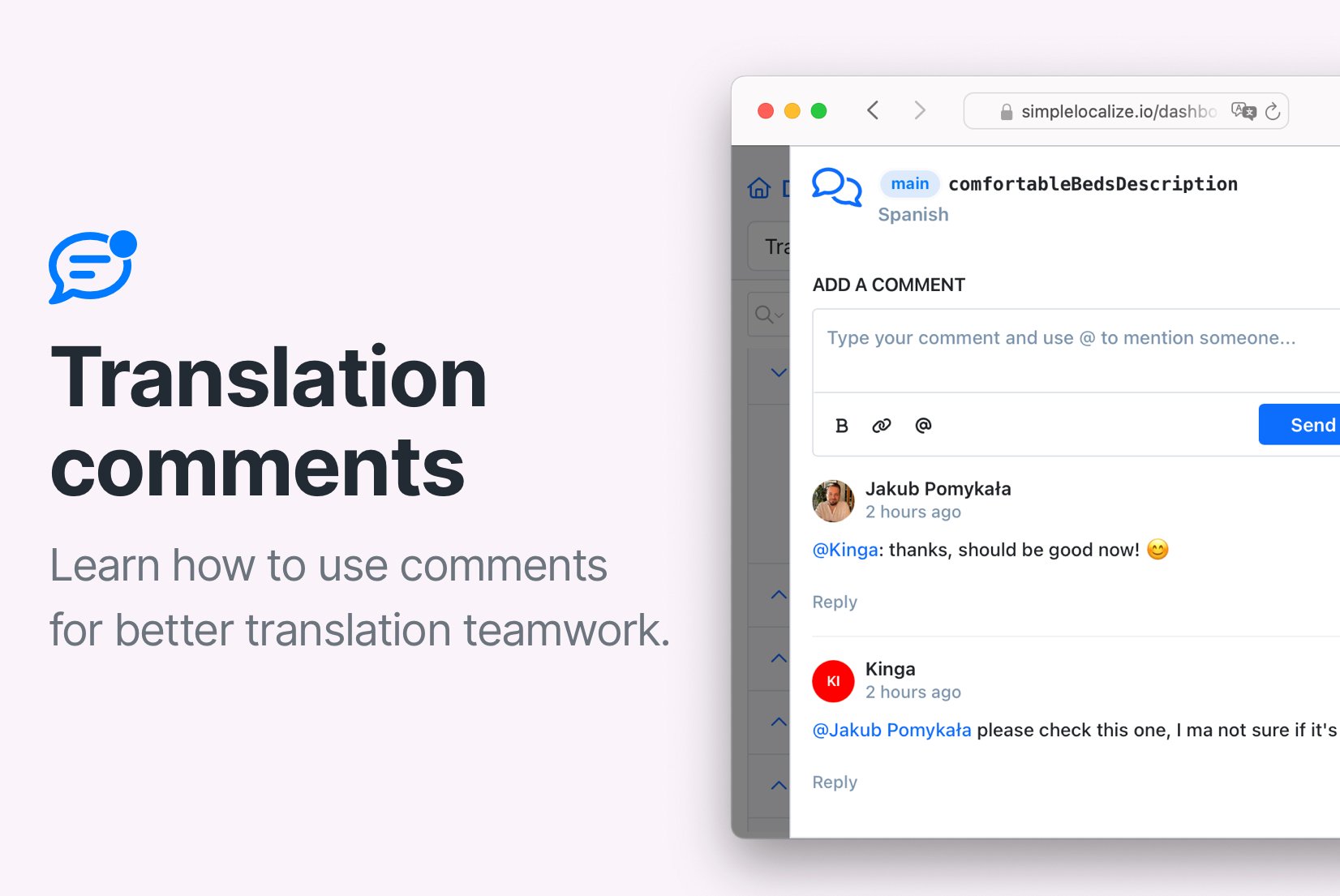
Introducing: Translation comments
Communicate with your team members and translators using comments. Learn how to use comments feature in the translation management system.
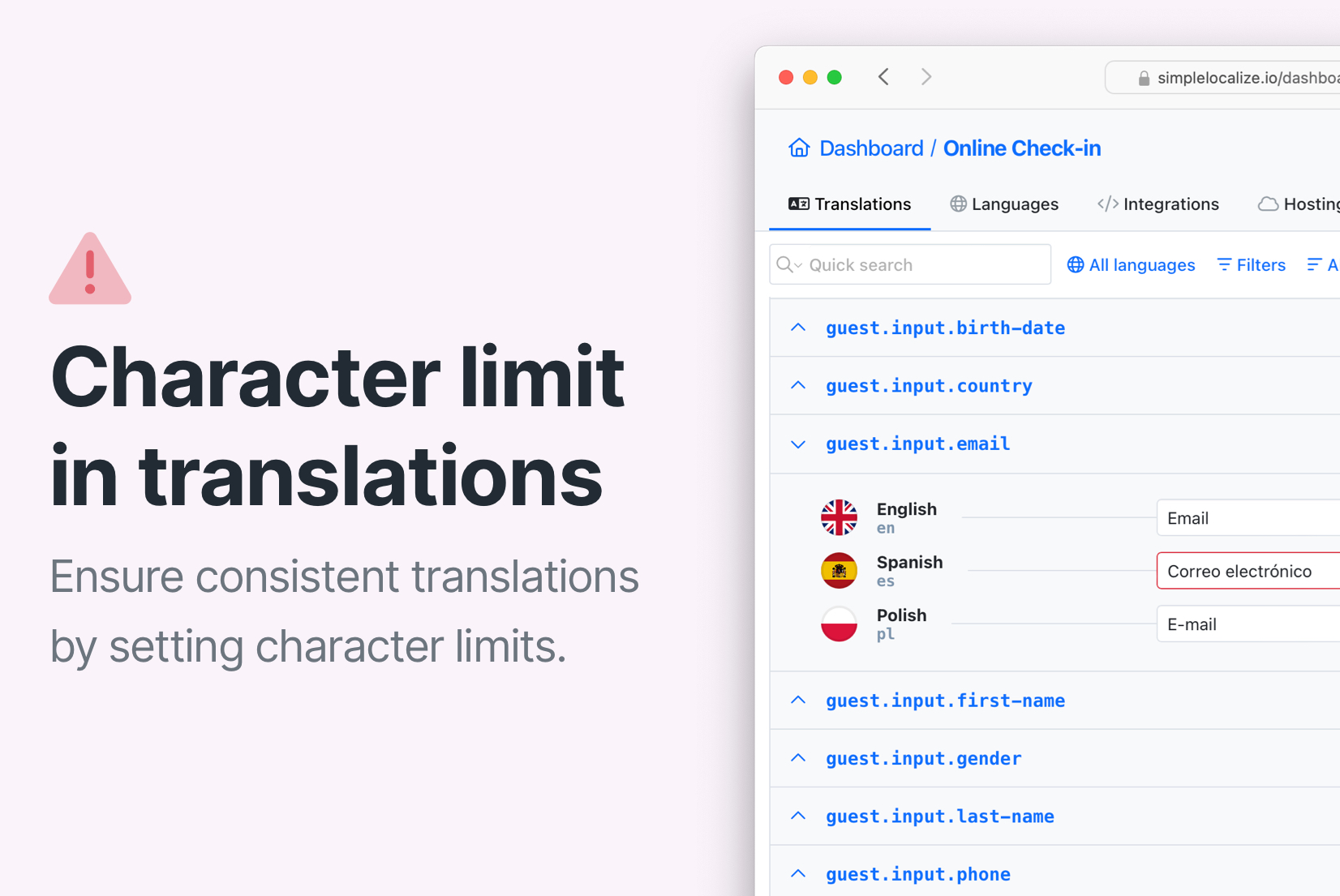
Introducing: Character limit in translations
Set character limits for your translations and optionally enforce a strict limit to block overly long translations in the editor.
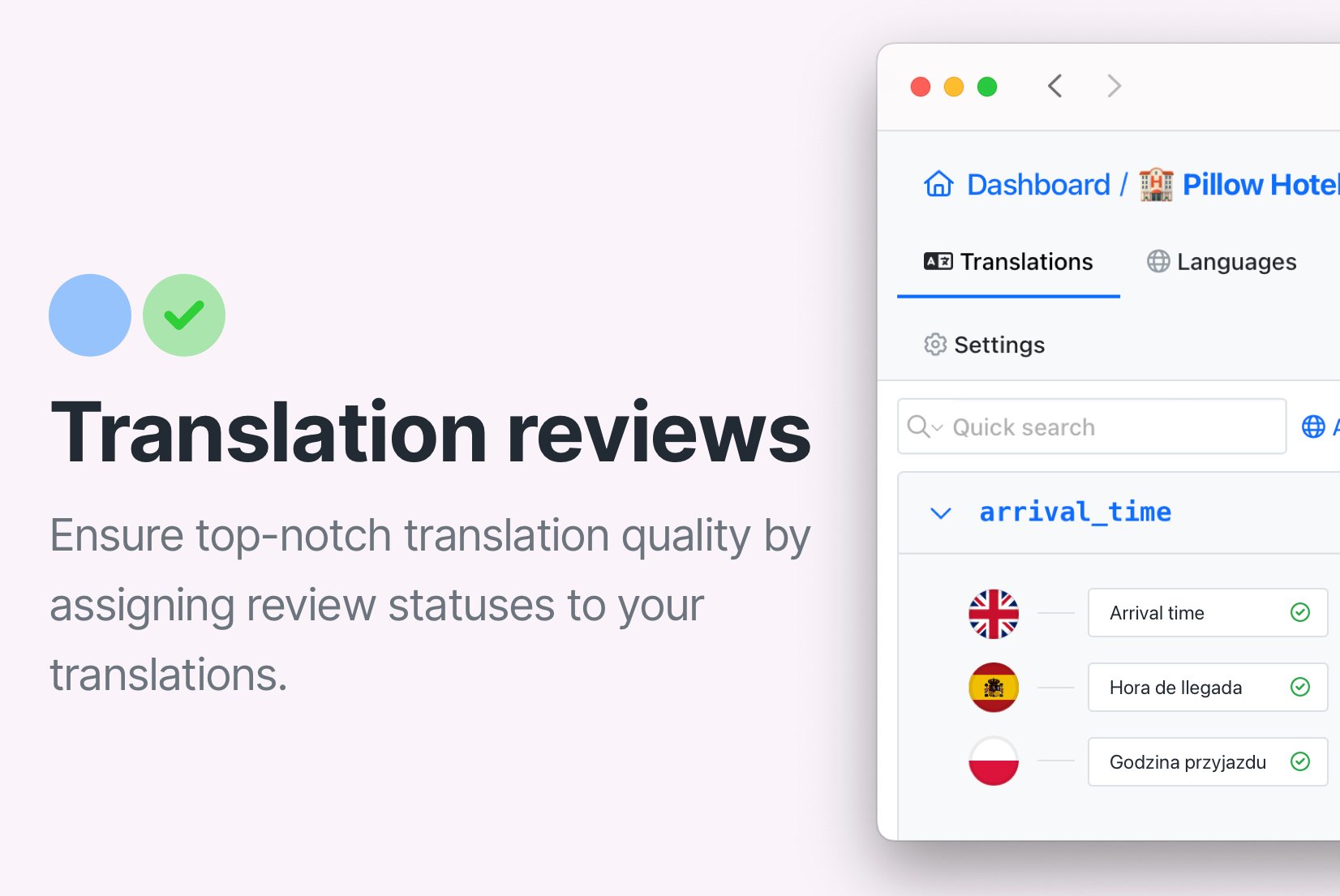
How to control translation quality with QA checks and review statuses
Improve translation quality with automatic QA checks and review statuses. Learn how to detect issues early, improve review processes, and ensure high-quality translations.
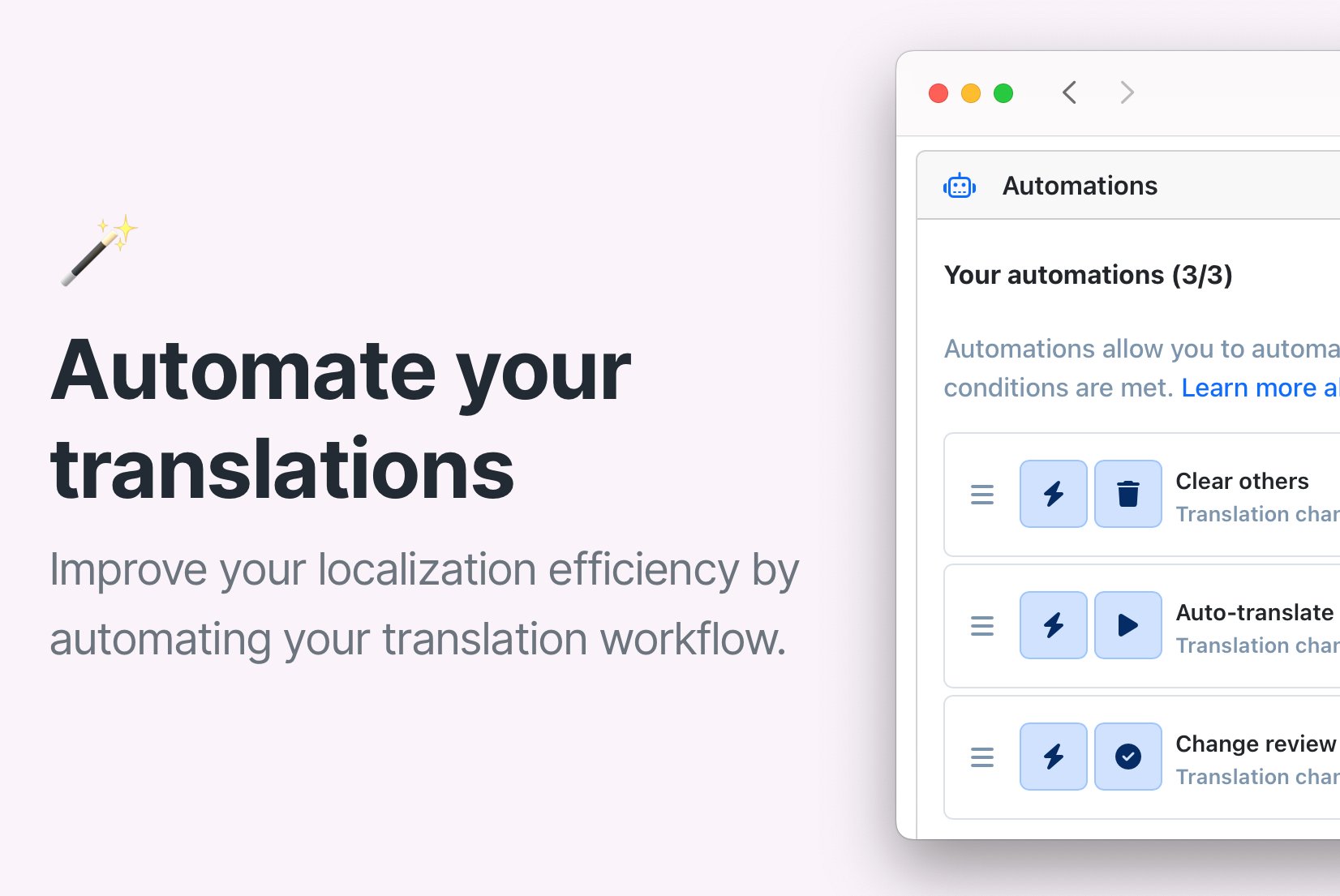
Save time with SimpleLocalize Automations: Auto-translate, review & more
Speed up your translation workflow with automations in SimpleLocalize. Automatically translate, clear, or update review status when translations change. Watch the setup video.
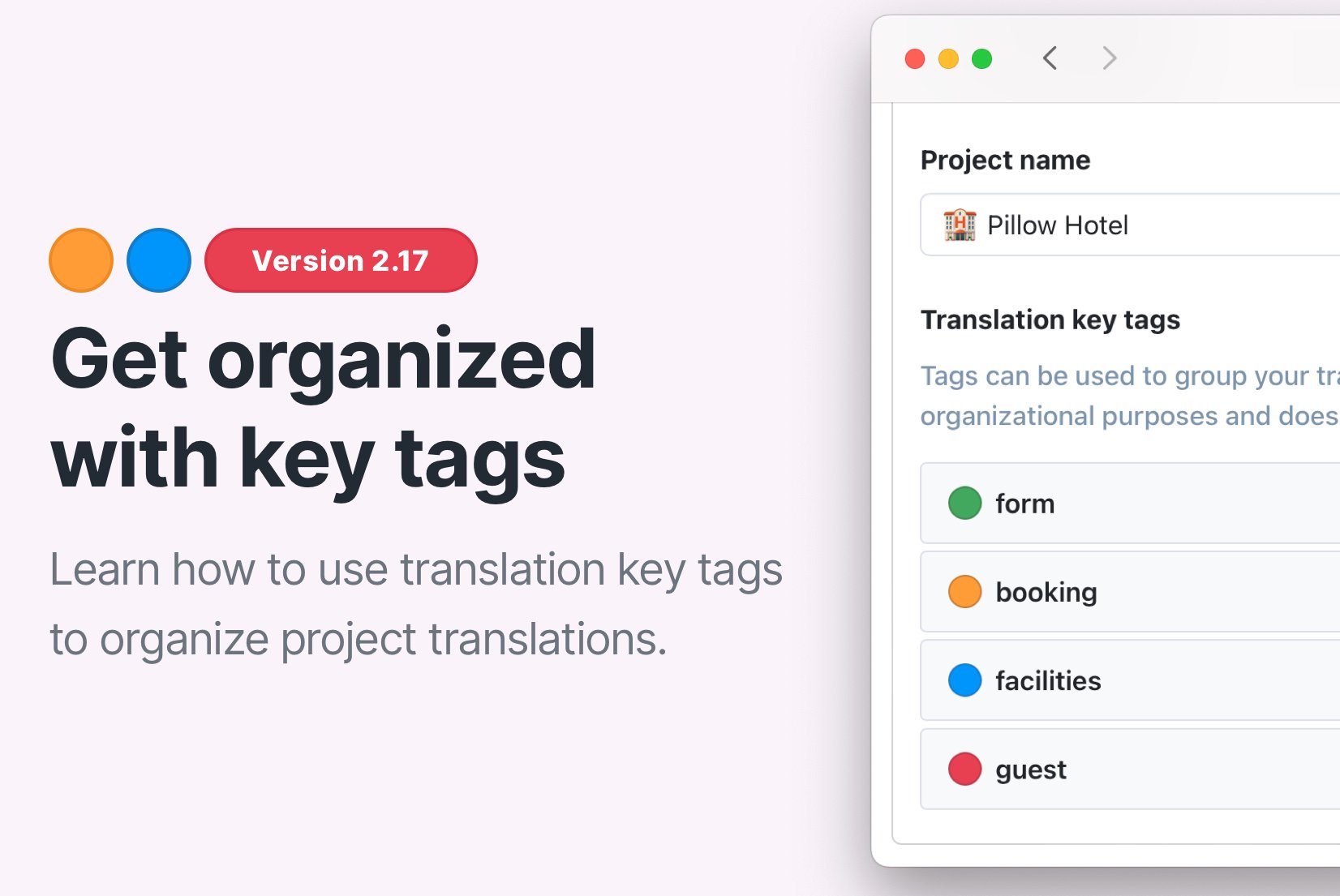
Organize translation keys with Tags
Organize translation keys with tags in SimpleLocalize. Learn how to create, assign, and filter tags to streamline your localization workflow and team collaboration.
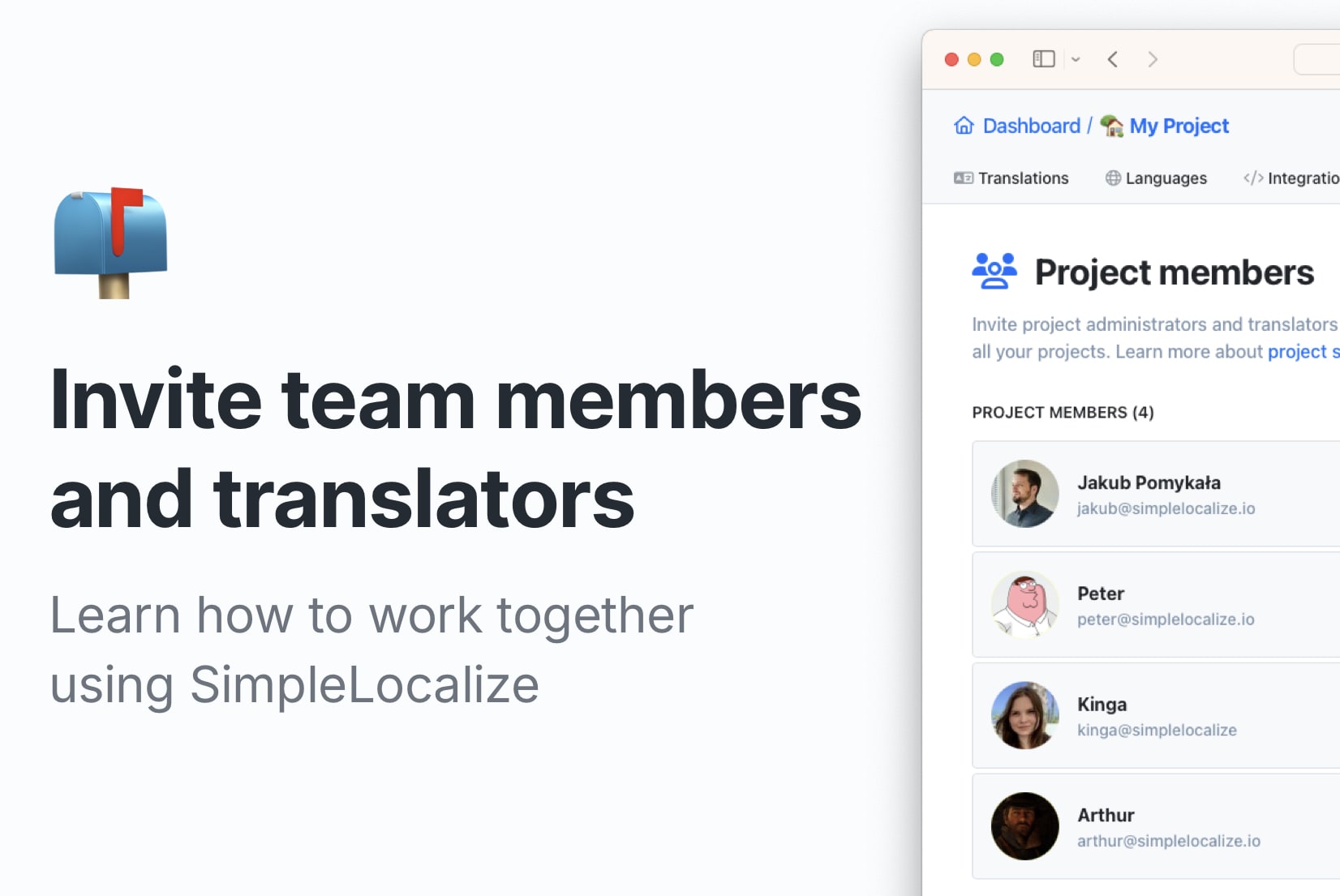
Getting started: Invite team members and translators
Learn how to work together using SimpleLocalize! Invite team members, share access, and make localization easy.
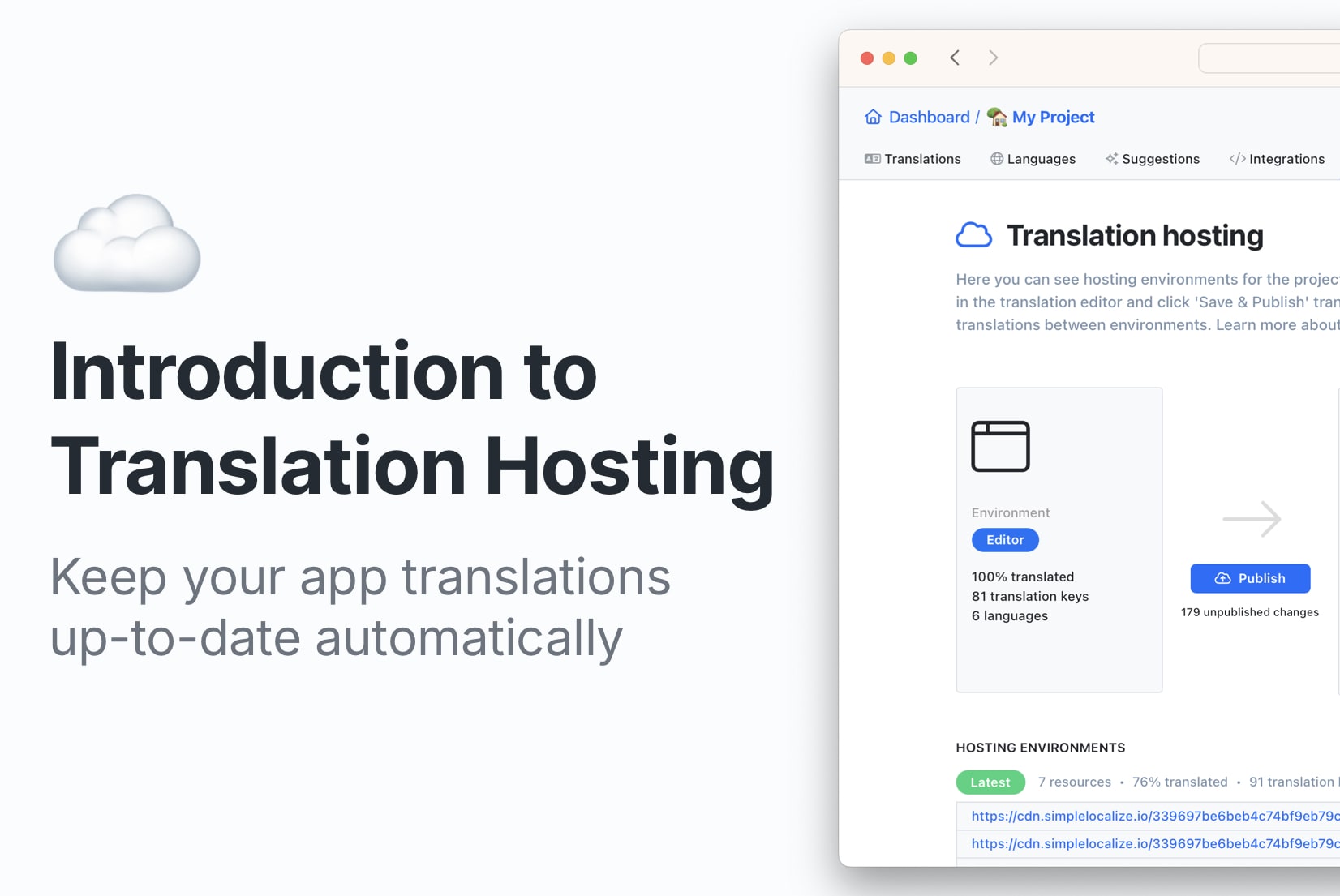
Translation Hosting: How to update translations automatically?
Save time with automatic translation updates. Try SimpleLocalize Translation Hosting to keep your app's translations up to date effortlessly in any environment.
How to get started with a Translation Management System (TMS)
Learn how to get started with a Translation Management System (TMS) and set up an efficient localization workflow using SimpleLocalize as an example.
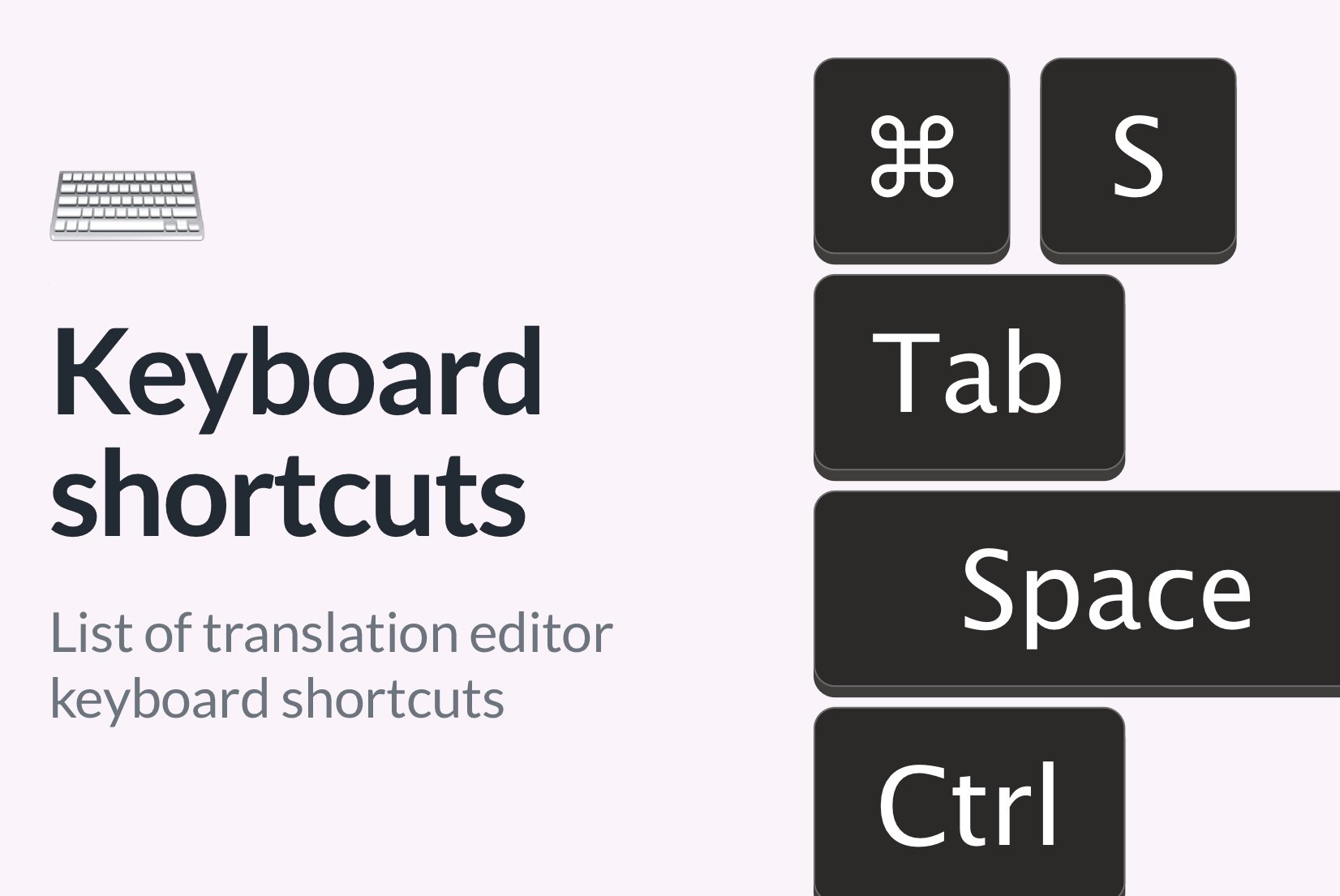
Keyboard shortcuts for Translation Editor
Learn how to use the Translation Editor keyboard shortcuts to speed up your translation workflow with SimpleLocalize.

10 strategic benefits of localizing your app (beyond just more users)
Discover the real strategic benefits of app localization: from cleaner architecture and faster releases to higher retention and scalable international growth.
What is SimpleLocalize? Localization and Translation Management for your project
SimpleLocalize is a simple and user-friendly solution for translation management which helps in localization process and translation files management.
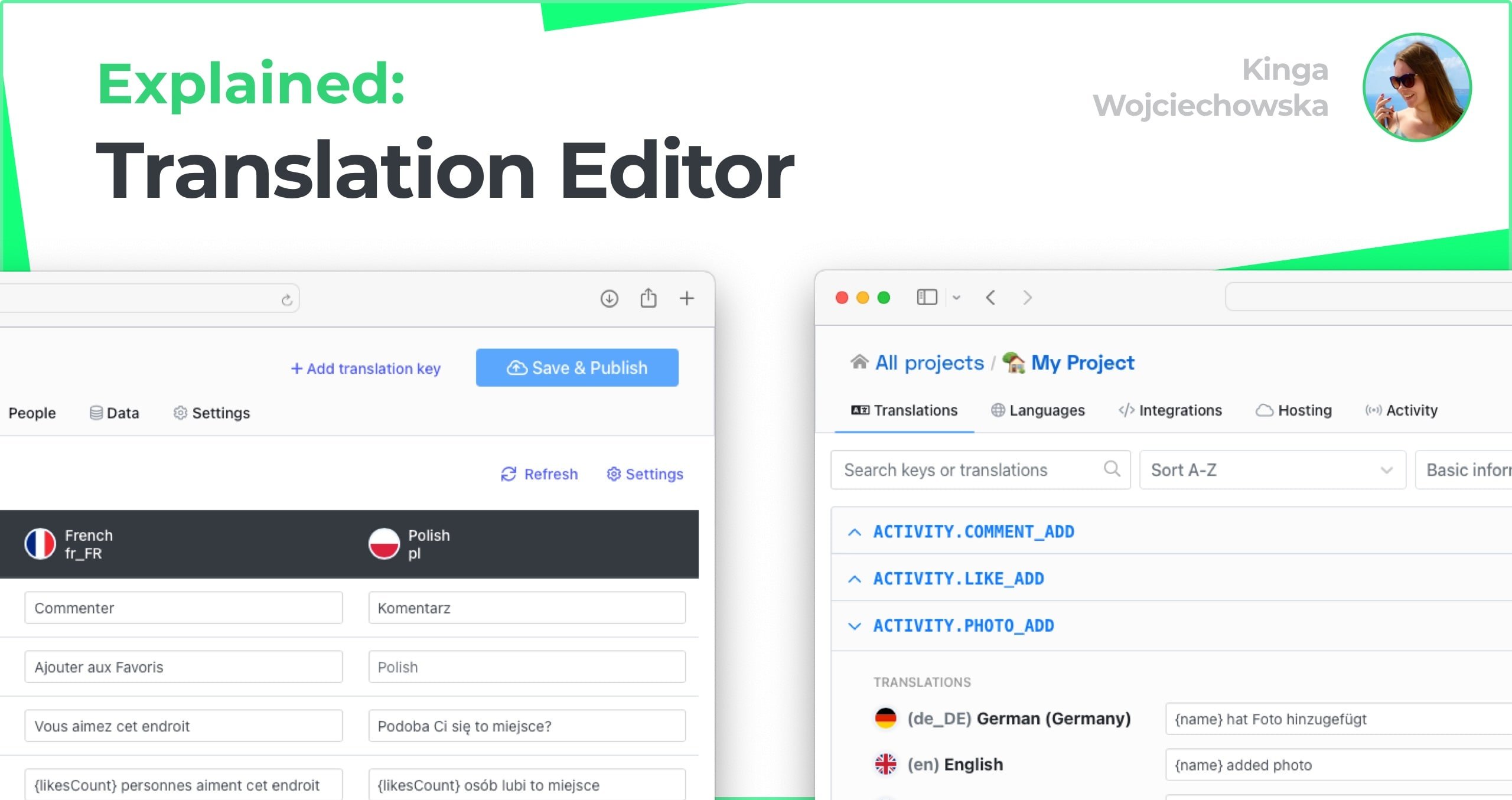
Translation Editor Explained
Explore features and functionalities of SimpleLocalize translation editor, learn how to use them and get started with translation management for your project.
Translation management explained: What it is and why you need it
Translation management is the process of managing texts in multiple languages. Learn how it works, why it matters, and how a TMS like SimpleLocalize helps your team scale localization efficiently.

Customer-specific translations management made easy
Deliver personalized translations for each customer with SimpleLocalize. Manage per-customer translation variants and easily export or host customized translations.
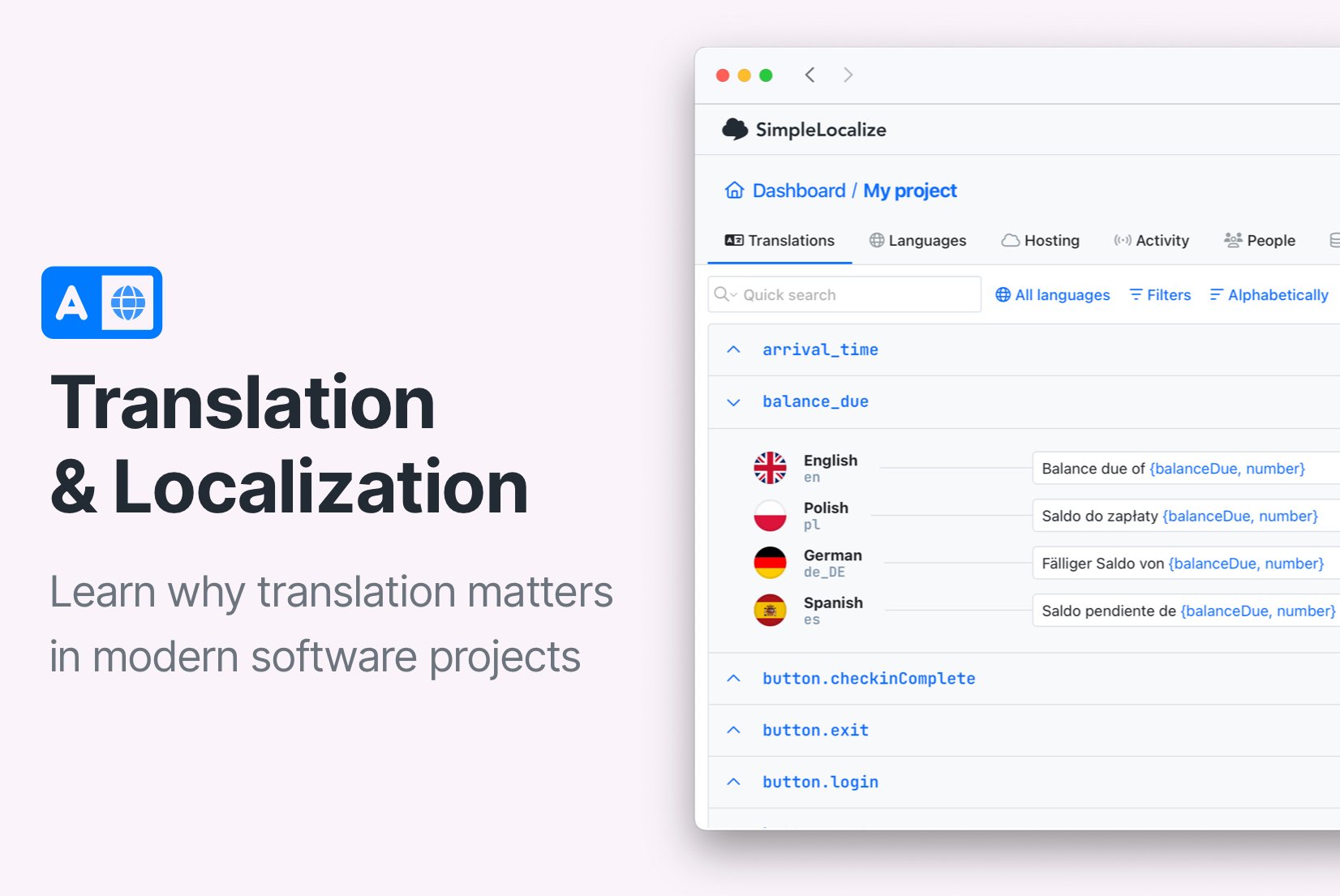
Why translation matters in modern software projects (UX, growth, and scale)
Translation is a critical part of software user experience. Learn why high-quality translation matters in modern software projects, how it impacts usability and growth, and how to do it right.